Hello,
1. Please follow this guide:
https://docs.myeventon.com/documentations/auto-complete-ticket-order/
Also check
https://wordpress.org/plugins/autocomplete-woocommerce-orders/
2. Go to EventON > Tickets > Checkout > enable Make additional guest names required in checkout.
Hello,
Could you apply this patch:
https://helpdeskx.s3.amazonaws.com/wp-content/uploads/2023/04/21121551/Screen-Shot-2023-04-21-at-12.15.26-PM.png
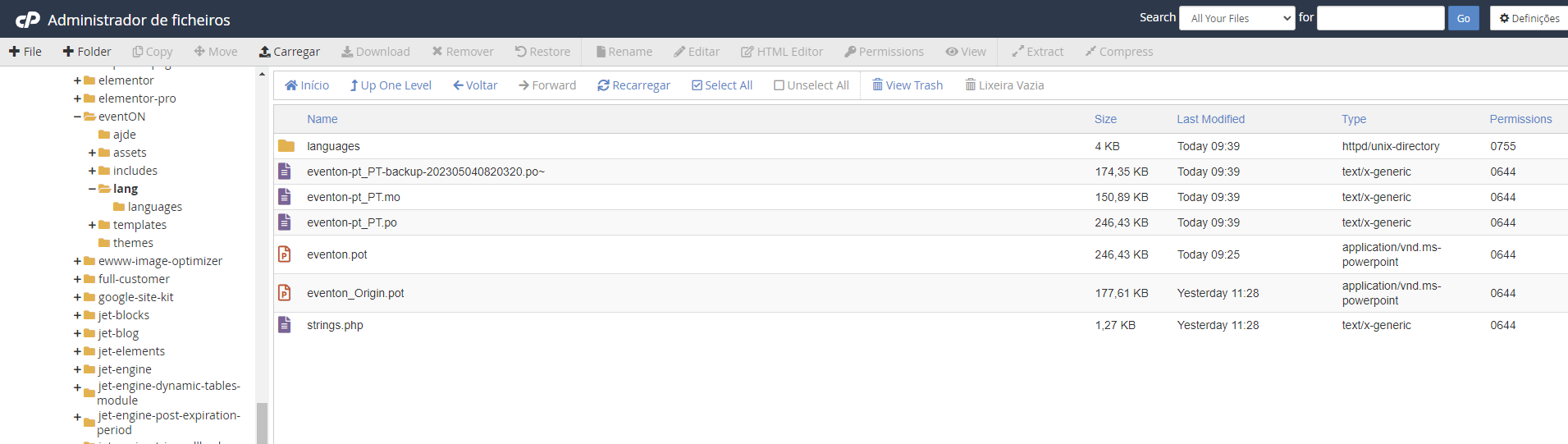
We can do this for you if you share FTP access as a private message.
Hello,
First of please make sure to check this part of Loco Translate:
https://localise.biz/wordpress/plugin/beginners#add
Now in order to activate the translation, please go to wp-admin > Settings > General > change Site Language.
Thanks ! Another question … i don’t find how to have some filters on my calendar (for example, i would like to have the month / year jumping way – with select for example) how to have it ?
Thanks
Hey,
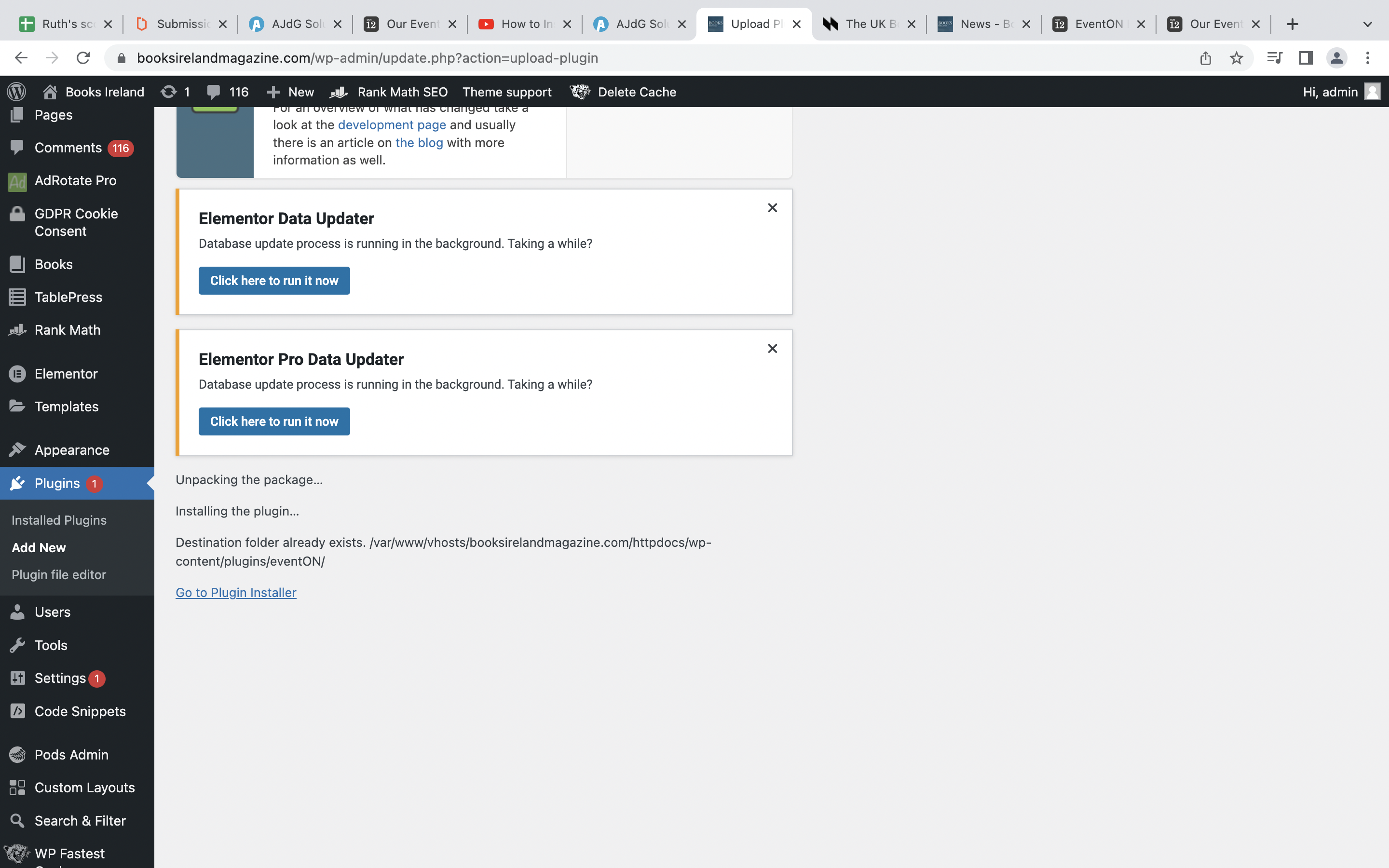
Still having trouble installing it – here’s what happens when I try to upload the zip file I have here.
Really hope someone can help us with this – Events are an important part of our site.
Thank you!
Ruth
Thanks ! Another question … i don’t find how to have some filters on my calendar (for example, i would like to have the month / year jumping way – with select for example) how to have it ?
Thanks
Thank you I got it. It works now. Please close this ticket
Hi, thank you for your quick response
About “3. Please update your custom Single Event Page template:” -> Please tech me how to update the custom single event page
By the way, my event page loads very slow, it takes up to 1 minute to load, is that because the plugin tries to load all data of each event ? If I change to open the event card in new window, does it make the loading faster ?
Ok. Is there a reason that these are h3, instead of h2?
Could I modify the code through the plugin editor to change h3 to h2 ?