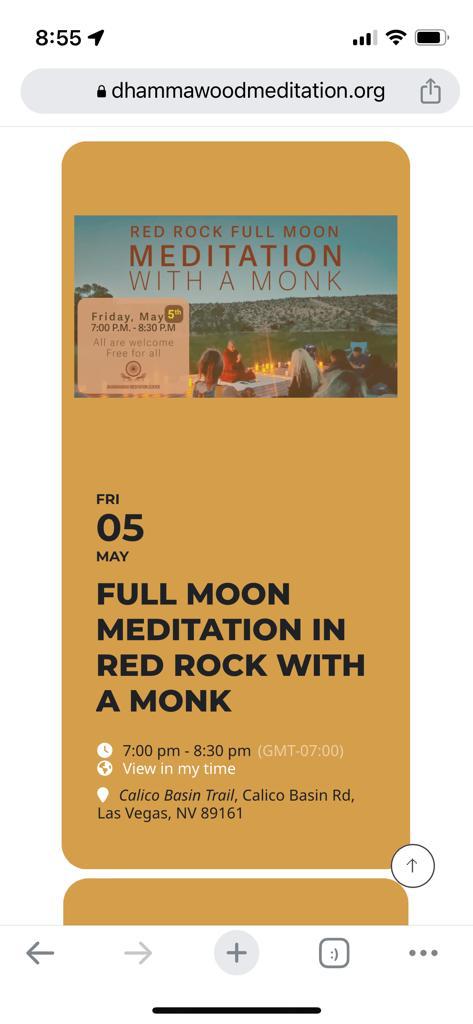
Reply to: tickets(314973)
Replies for tickets on suppota
No issues on our dev site: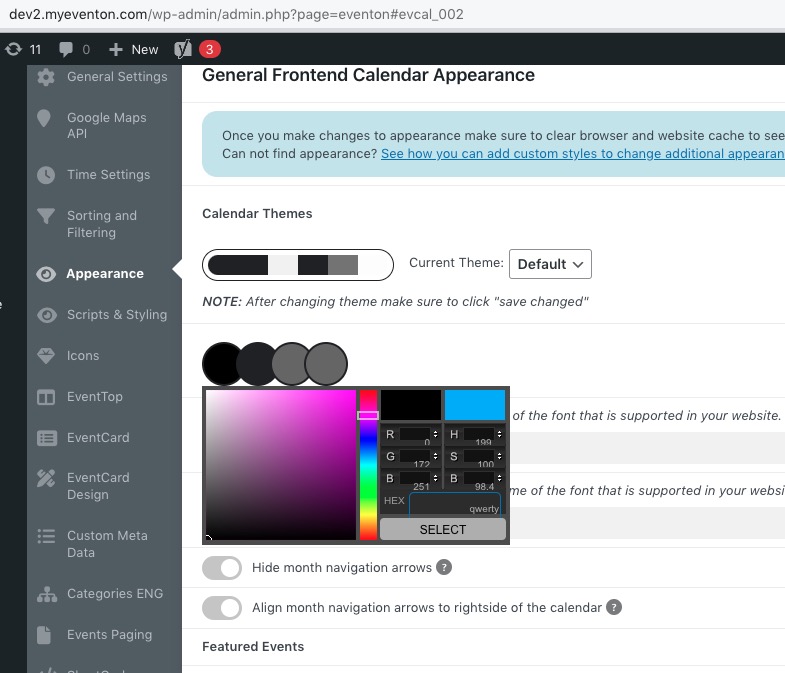 Could you please try the instructions mentioned in this documentation to make sure your issue is indeed coming from eventon.
Please follow this guide on how to activate add-ons:
https://docs.myeventon.com/documentations/how-to-activate-eventon/
Added more code to EventON > Styles. Please check now.
I couldn’t find a way to install that plugin as per your advice
Please follow this guide on how to install the main plugin:
https://www.youtube.com/watch?v=oBEyoDGPyEY&t=92s
Hello,
1. Please add this CSS code to EventON > Styles (If you don’t see any change, EventON > Scripts & Styling > turn off Write dynamic styles to header > save settings > turn on Write dynamic styles to header):
.eventon_events_list .eventon_list_event .evoet_cx .level_4 em:first-child { display: none !important }
2. Please use this code:
.evcal_evdata_row i.fa:before {font-family: inherit !important;}
3. Please update your custom Single Event Page template:
https://elearning.survivalskills.vn/wp-admin/theme-editor.php?file=eventon%2Fsingle-ajde_events.php&theme=wplms
New version can be found in the EventON folder > templates.
Hello,
Please add this CSS code to EventON > Styles (If you don’t see any change, EventON > Scripts & Styling > turn off Write dynamic styles to header > save settings > turn on Write dynamic styles to header):
span.evo-jumper-btn { display: none !important; }
We are glad your issue is resolved, if you have any further questions or concerns please create a new ticket.
If you have a moment, we would greatly appreciate if you could kindly leave us a review at codecanyon! from your account > downloads. Cheers!
Hello,
Please go to EventON > EventCard Design > remove Learn More.
At this point it works. Click on add to cart and then you see the problem.