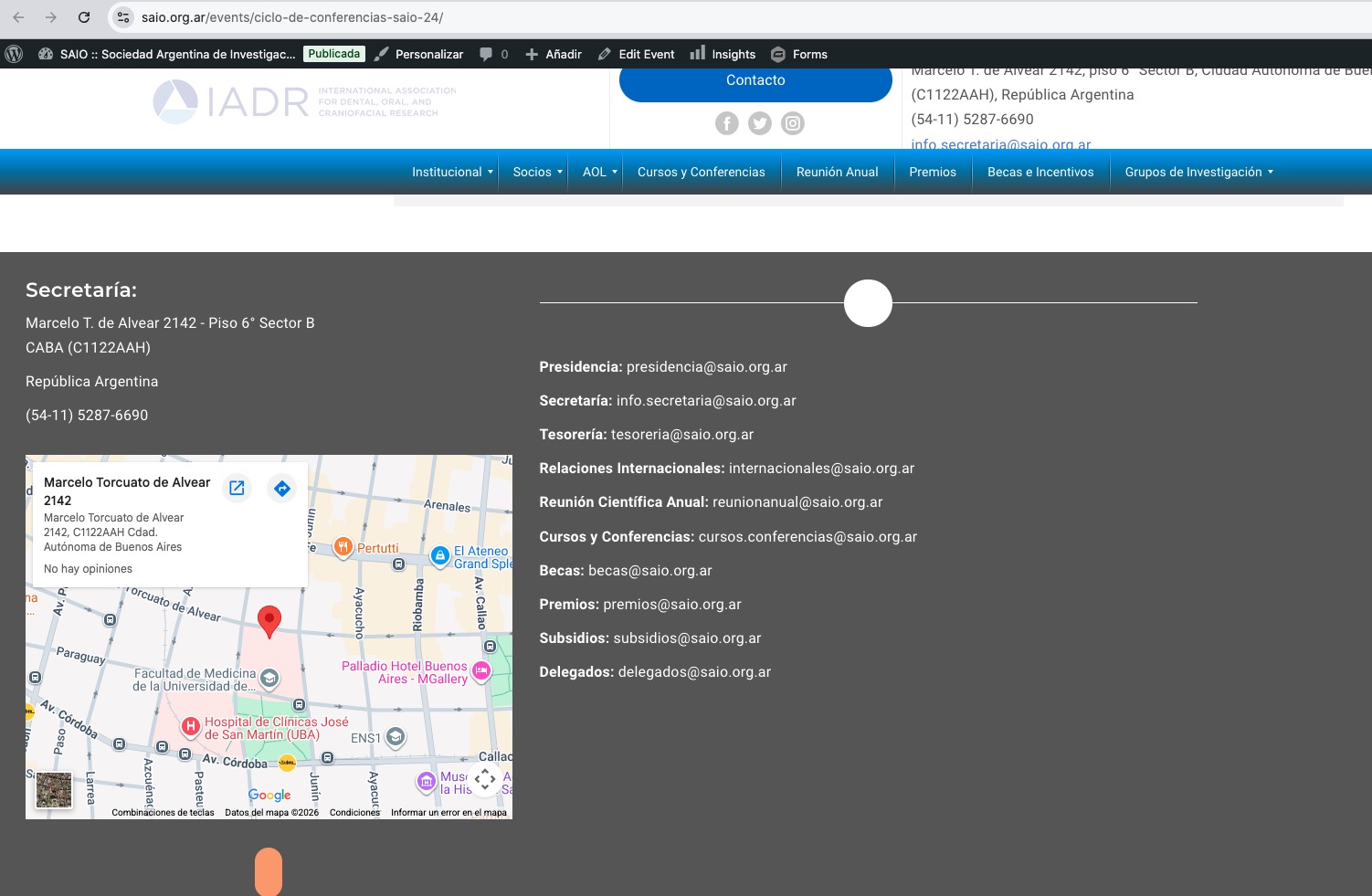
I added inline CSS styling Visual Composer to ”CSS adicional”:
https://saio.org.ar/wp-admin/customize.php?return=%2Fwp-admin%2Fplugin-editor.php%3Ffile%3DeventON%252Ftemplates%252Fsingle-ajde_events.php%26plugin%3DeventON%252Feventon.php
So now the footer seems to be working correctly:
Could you check and let me know?
Ashan,
The issue:
https://photos.app.goo.gl/3S6r5P7dSLPhgrNA7
”View Attendees” cannot be filtered by Block Time.
Login info can be found here:
Reply to: 404888
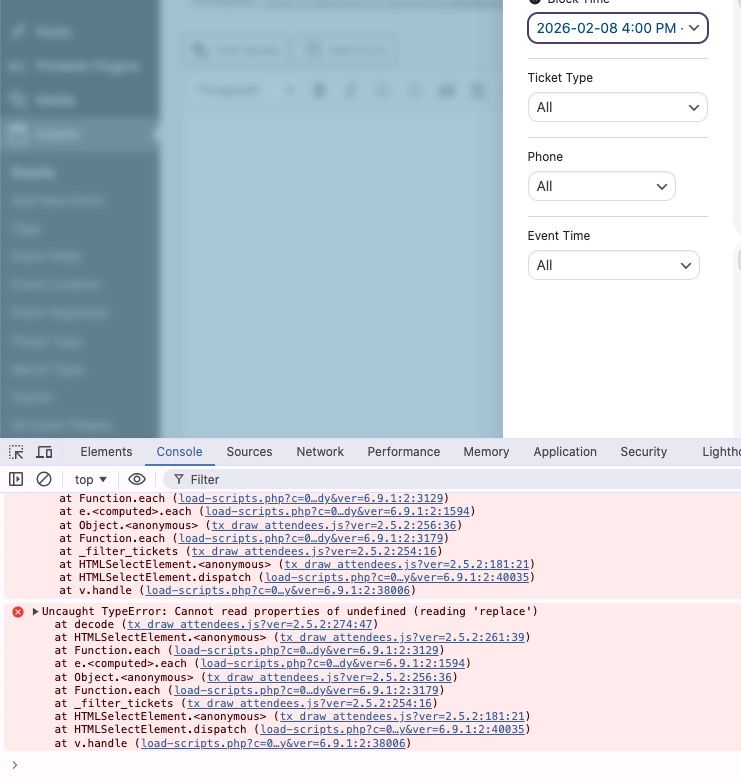
I cannot re-create this on dev2, but on customer’s website the error appears even in Troubleshooting Mode:
https://rollerstop.co.uk/wp-admin/post.php?post=868&action=edit
The error:
Thank you for your messages!
I am going to escalate this ticket to development to help in here. Please allow us some time to address this, and we truly appreciate your patience. Thank you for being a valued EventON customer!
Additionally, if your site has any IP blocking or security restrictions in place, kindly disable them temporarily to facilitate our support process.
Hello,
1. Could you please update EventON to 5.0.8?
To update eventon to latest version: (If auto update works, please try that from with your website plugins page)
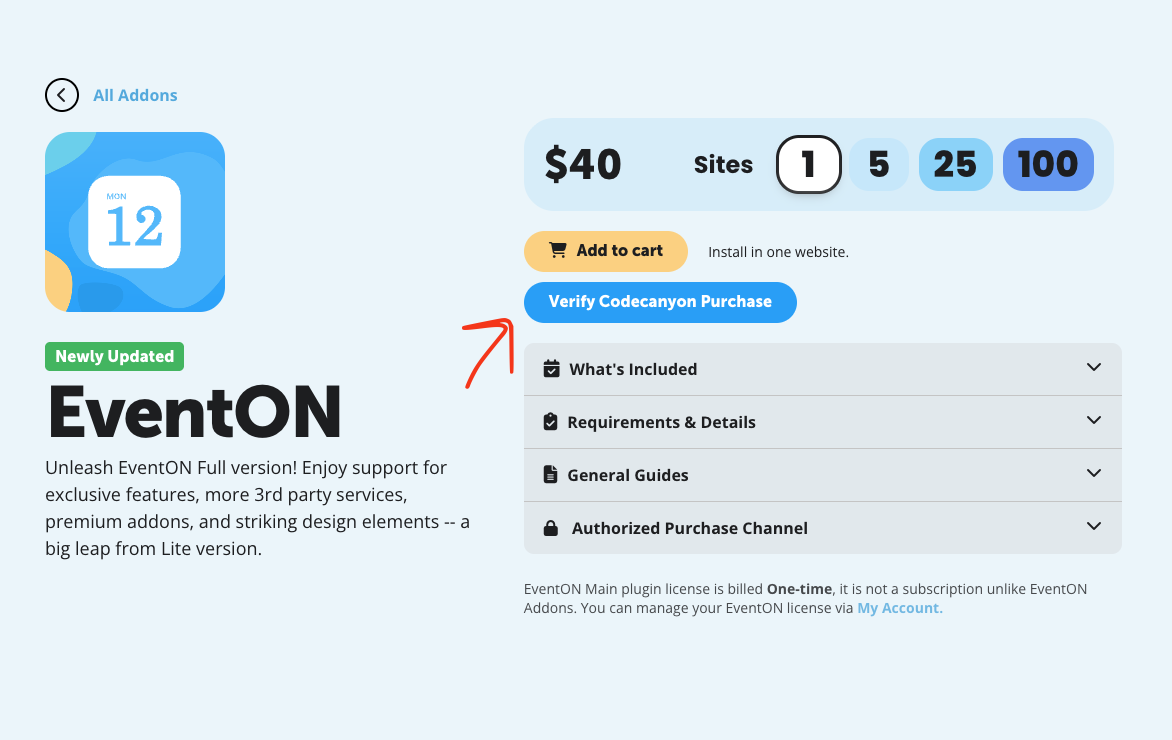
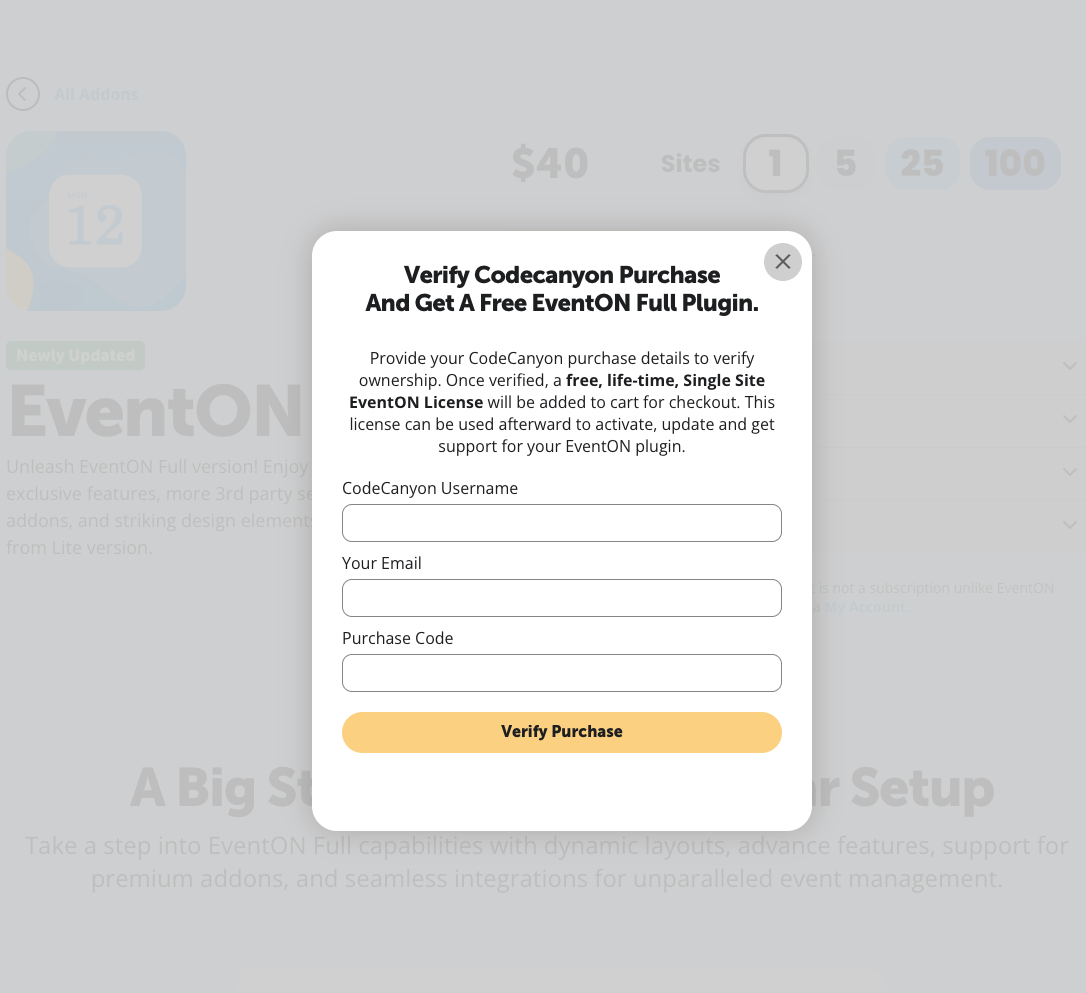
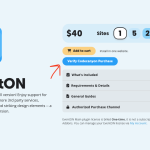
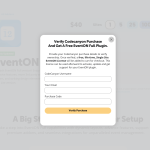
1. If you purchased eventON from codecanyon > Go to EventON Full page and verify your purchase to get a free copy of eventON latest version and move your purchase over to myeventon.com.
2. If you already purchased eventON from myeventon.com go to My Account > Downloads and get the latest version copy.
Once you have the latest version zip file. Then you can go to your website > make sure ”Delete eventon settings & data when EventON is uninstalled” is De-slected from eventon settings, delete old eventon, install new one and activate. This link will further explain the process it. Follow us on X to get real-time announcements on updates!
2. I cannot login because of
Your account is locked!
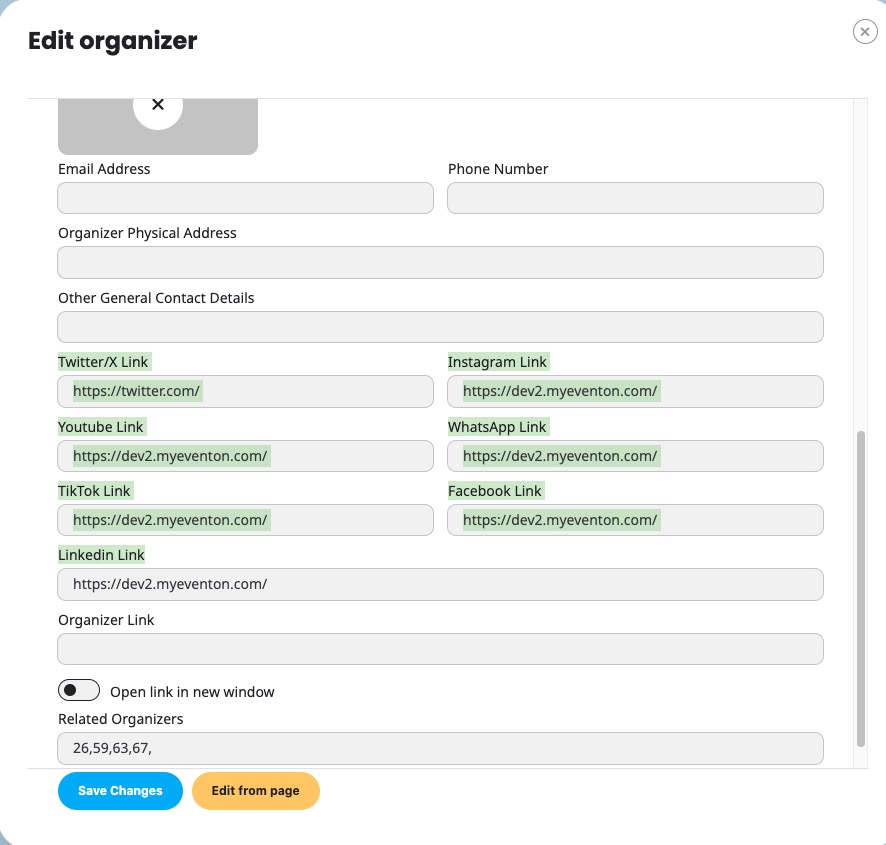
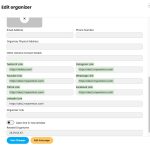
Could you go to Edit Organizer > make sure that these are filled in:
Hello,
Could you elaborate more?
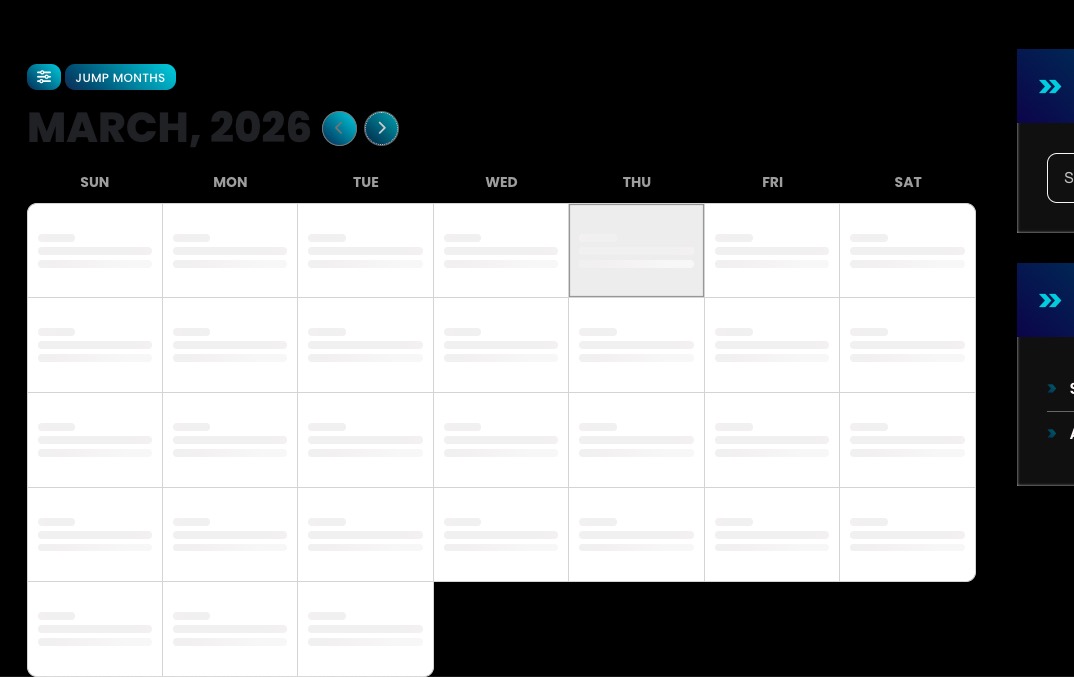
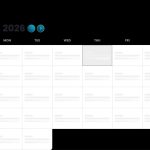
Do you mean that your calendar isn’t loading?
Looks like this:
Could you enable plugins one by one to figure out which one causes the issue?
Hello,
Please take a look at these screenshots on how to get a free copy of EventON with CodeCanyon’s license:
OK, got it. As most addons have been paid recently, we will leave it
like this for now. We will then change to the new paypal account for any
upcoming renewals.
Yes, the full calendar is showing results (on all pages has calendar) with all plugins disabled.
Sorry for the issues logging in.
I have set up a grace period for this login
https://rollerstop.co.uk/login
Log & Pass:
eventon.user
3Gh#mUBgVO%ZBZZ#28phIcCi
I have tested this and it does work.
Thanks again for your help