Thank you for your messages, I am going to assign this ticket to Ashan and he will be able to take it from here and find you a solution. Please allow some time for him to get back to you, we greatly appreciate your patience and thank you for being a eventon customer! Also please disable any IP blocking on your site if there are any.
Archives: Replies
Replies for tickets on suppota
Reply to: tickets(313496)
Ashan,
The same on dev2:
https://dev2.myeventon.com/wp-admin/post.php?post=33800&action=edit
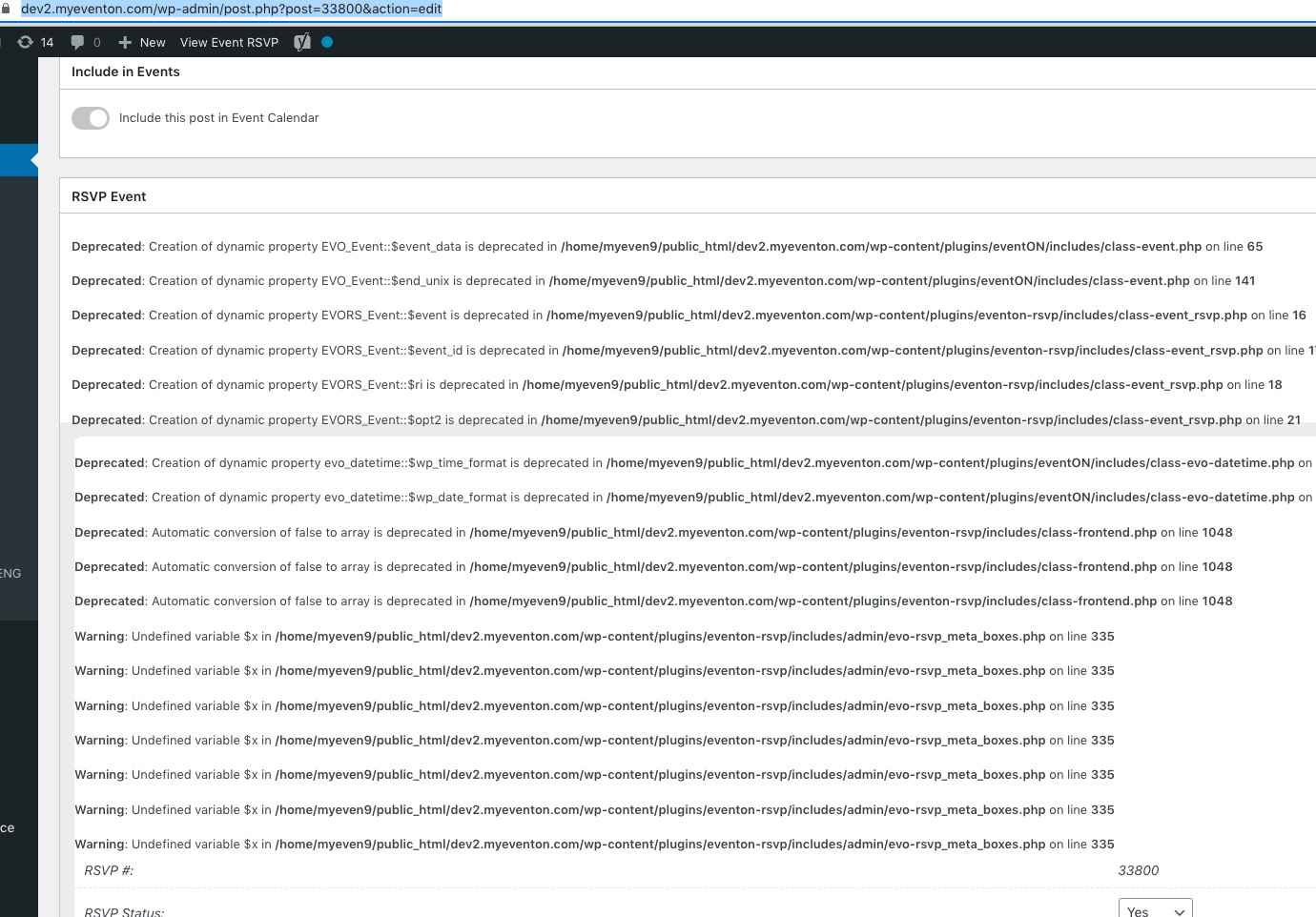
Just remove define(‘WP_DEBUG_DISPLAY’, false);
Reply to: tickets(313496)
Thank you for your messages, I am going to assign this ticket to Ashan and he will be able to take it from here and find you a solution. Please allow some time for him to get back to you, we greatly appreciate your patience and thank you for being a eventon customer! Also please disable any IP blocking on your site if there are any.
Reply to: tickets(313275)
Could you open Developer Console and take a screenshot of it’s contents:
https://support.monday.com/hc/en-us/articles/360002197259-How-to-open-the-developer-console#:~:text=you’re%20using.-,Chrome,J%22%20(on%20Windows).
Reply to: tickets(313495)
Could you tell us more about how can we recreate the issue? On my side: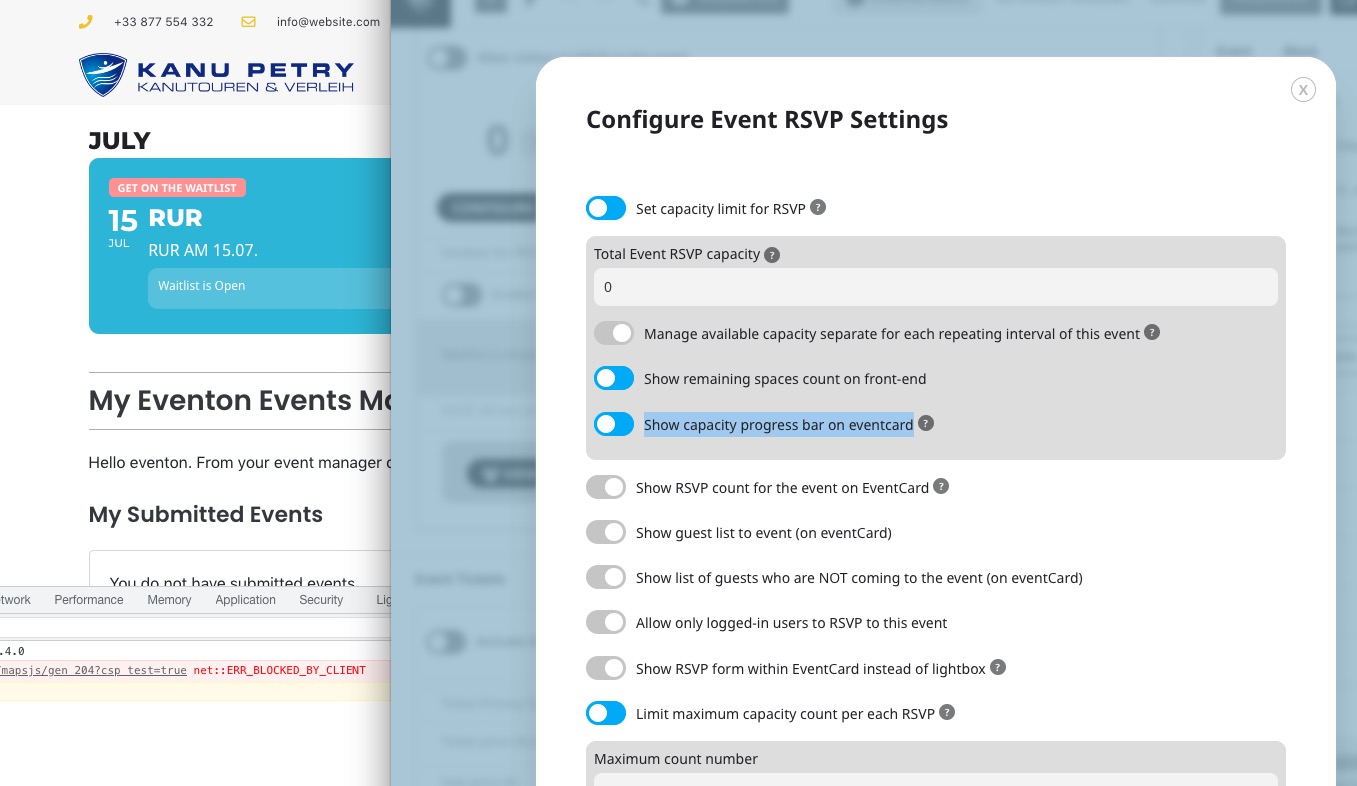
Reply to: tickets(313576)
Hello,
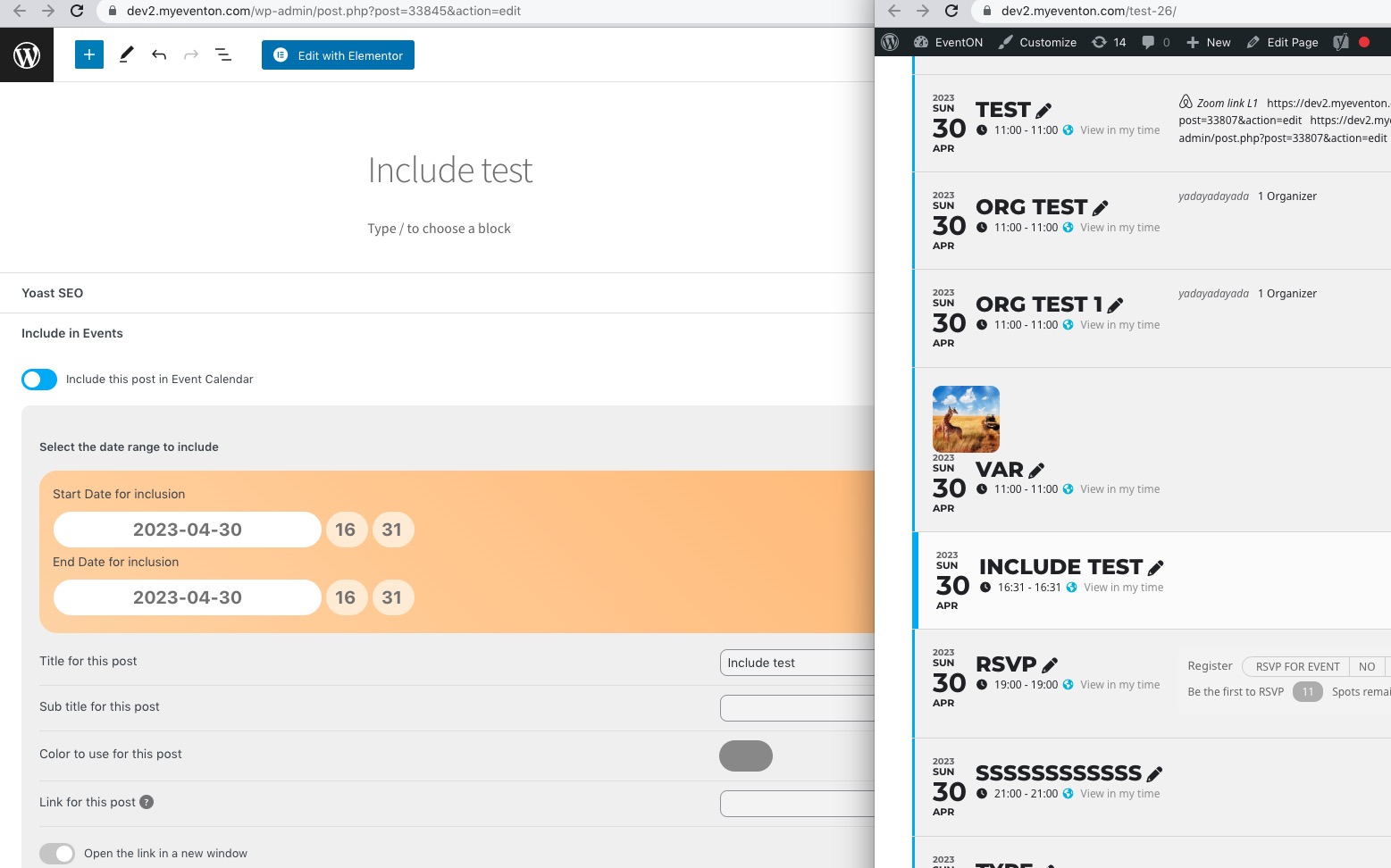
No issues on our test server with your shortcode:
https://dev2.myeventon.com/test-26/
Let’s check the error that the calendar produces. Please follow the instructions in this documentation to activate debug in your site to see any PHP errors recorded that can provide insight on to whats going on. Please reply with a link to debug.log file. If you are not able to do this please send us FTP access to your site so we can do this for you.
Reply to: tickets(313499)
Hello,
Is it possible to see the full error?
Please follow the instructions in this documentation to activate debug in your site to see any PHP errors recorded that can provide insight on to whats going on. Please reply with a link to debug.log file. If you are not able to do this please send us FTP access to your site so we can do this for you.
Reply to: tickets(313499)
frontend site: https://dev02.kanu-petry.de/kalender/
backend: https://dev02.kanu-petry.de/wp-admin/
the logins:
htaccess: eventon & B1tBA1uO0w7Tj2cY
wp-admin: eventon & temsev-wUtbix-hyvzo3
Reply to: tickets(313497)
frontend site: https://dev02.kanu-petry.de/kalender/
backend: https://dev02.kanu-petry.de/wp-admin/
the logins:
htaccess: eventon & B1tBA1uO0w7Tj2cY
wp-admin: eventon & temsev-wUtbix-hyvzo3
Reply to: tickets(313497)
Okay, I will try in another way.
In an event I activated the rsvp waiting list feature and put the RSVP capacity to 0.
Now when I register someone to the event in the frontend for the waitlist he isn’t on waitlist list, he is a normal attendee. I will put in my logins in a private message – then you can try out.
I hope it is more understandable now.