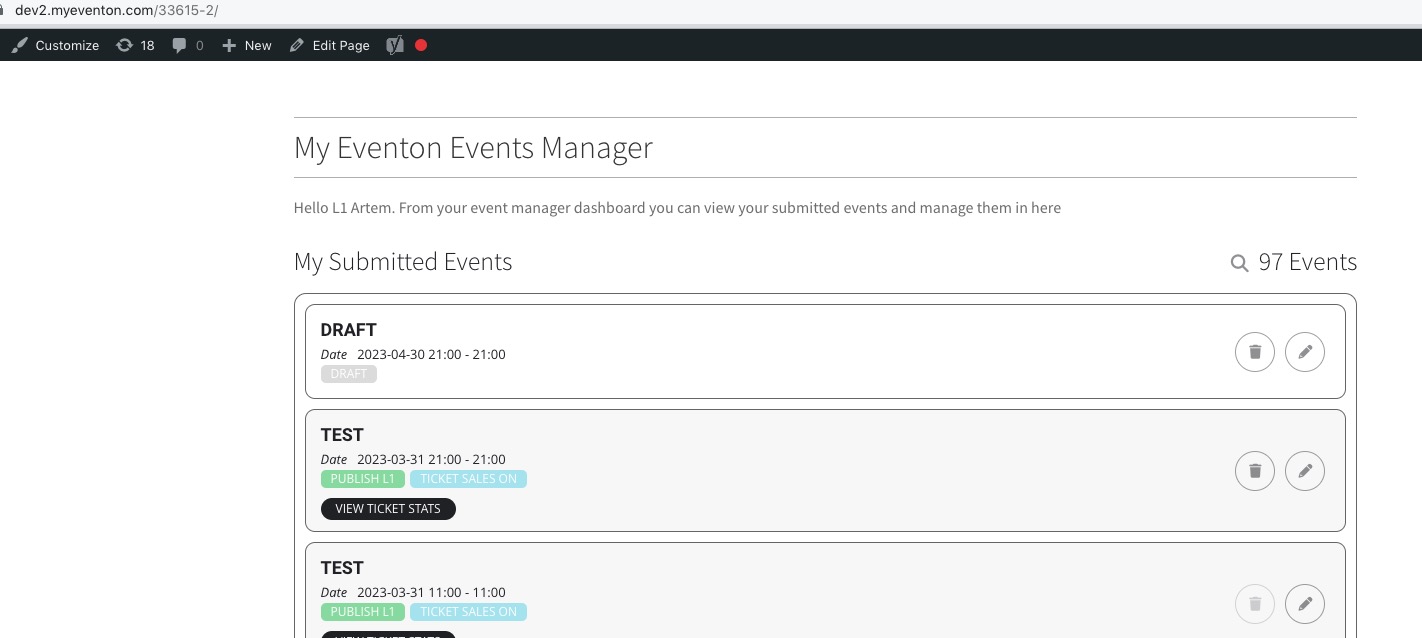
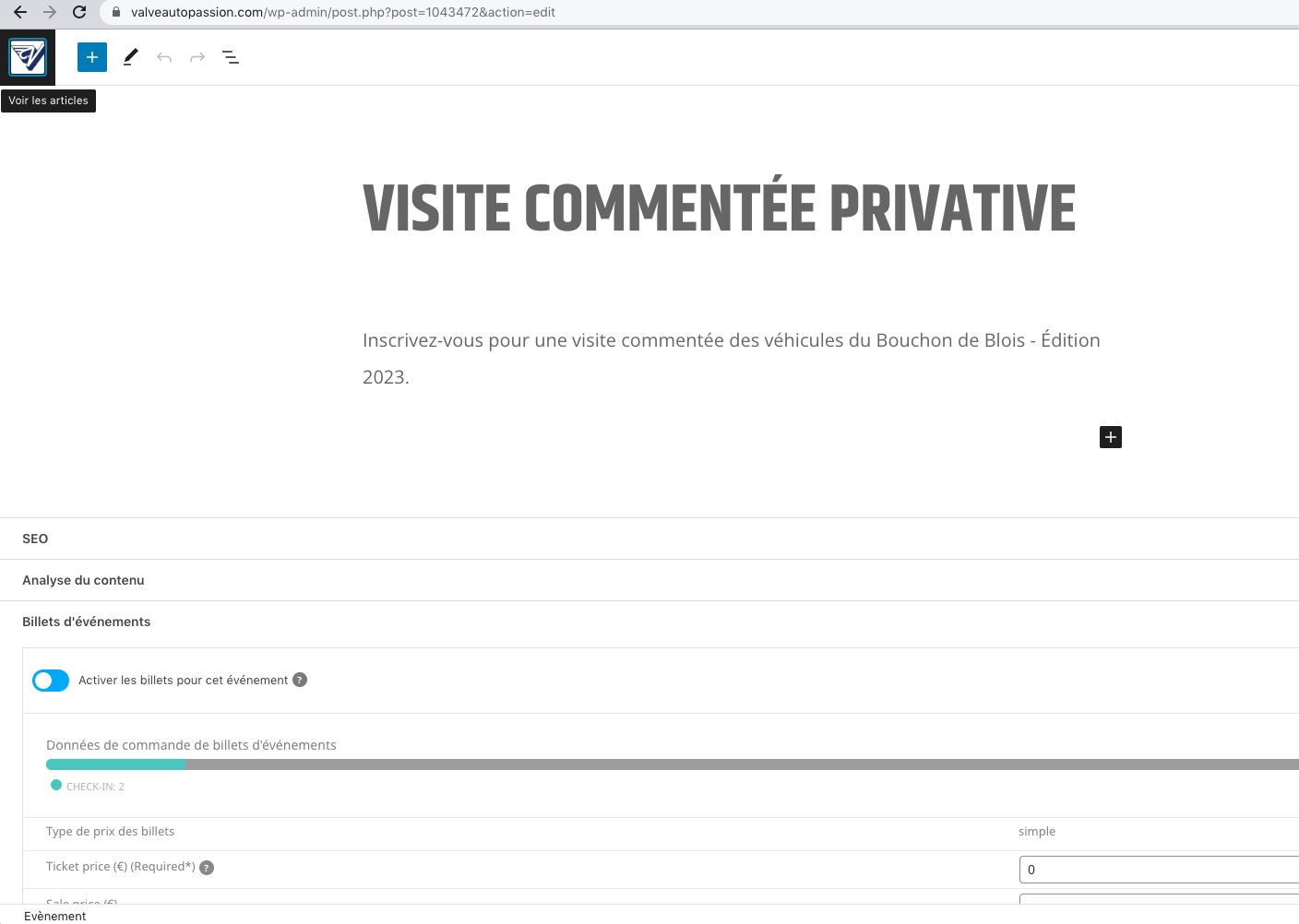
As a temporary solution please do for now.
We will look into this incompatibility issue with Avada Builder more, however, since it’s a third-party issue, it will be hard to solve.
If you have a moment, we would greatly appreciate if you could kindly leave us a review at codecanyon! from your account > downloads. Cheers!
Hello,
Draft events also can be edited in Event Manager:
 Please send us wp-admin access to your site as a private message for us to further assist your situation.
Please try event_start_date_x and event_end_date_x.
Hello,
Thank you for your messages, I am going to assign this ticket to Ashan and he will be able to take it from here and find you a solution. Please allow some time for him to get back to you, we greatly appreciate your patience and thank you for being a eventon customer!
Hello,
I think that the issue is in Autoptimizer and how it outputs the CSS code. Please add this CSS code to EventON > Styles (If you don’t see any change, EventON > Scripts & Styling > turn off Write dynamic styles to header > save settings > turn on Write dynamic styles to header):
.evo_widget .ajde_evcal_calendar.evoWV .EVOWV_grid { height: 100px; } @media (max-width: 568px){ .evcal_eventcard .evcal_evdata_row .evcal_evdata_cell { margin-left: 0px; }}
Perfect! We are sorry for the delay.
Ashan will contact you ASAP for a more permanent solution.
Hello,
Seems to be working on my end:
 Where can we see the issue? Could you send us a link?
Hiding the header fixing the issue. Please add this CSS code to EventON > Styles (If you don’t see any change, EventON > Scripts & Styling > turn off Write dynamic styles to header > save settings > turn on Write dynamic styles to header):
.single-ajde_events .header { display: none !important; }
Perfect! If you have any further questions or concerns please create a new ticket.
Hello,
Please take a look at RSVP add-on:
https://www.myeventon.com/addons/rsvp-events/
You can use Additional Fields for this:
https://docs.myeventon.com/documentations/set-additional-fields-rsvp/
Try on https://dev.myeventon.com/wp-admin/