Hello,
Could you update EventON to 4.3.4?
To update eventon to latest version: If you are unable to do autoupdate, you can go to codecanyon your account > download and get the latest eventon version as zip file. Then you can go to your website > make sure “Delete eventon settings & data when EventON is uninstalled” is Deslected from eventon settings, delete old eventon, install new one and activate. This link will further explain the process it. Also you can follow us on twitter to get real-time announcements on updates!
Also make sure that your version of FullCal is 2.0.4.
To update eventon addons: You can download latest eventon addons from myeventon > my account. Then you can go to your website, deactivate old addon and install new one and activate then delete the old addon. This link will further explain the process. Also you can follow us on twitter to get real-time announcements on updates!
Hello,
I removed this cal_id=”withIMG” in the shortcode and it’s working now
Let us know if you need help with anything else.
Hello,
Removing cal_id=”withIMG” fixes the issue. We are working on fixing this. Please use my suggestion as a temporary solution.
Ashan,
Please take a look at
https://holotropicbohemia.eu/11357-2/
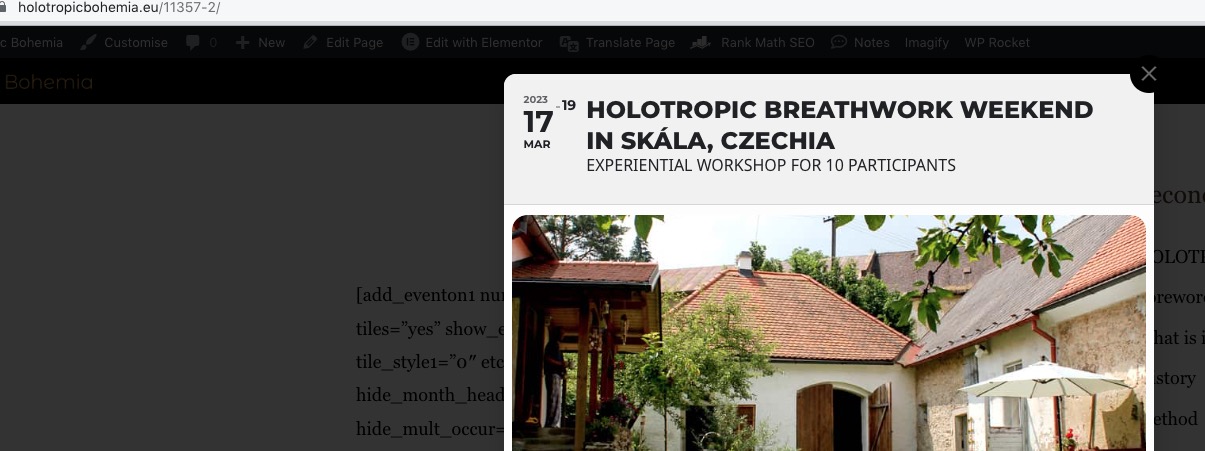
Click on any tile, EventTop looks like this even with added eventtop_style=”1″:

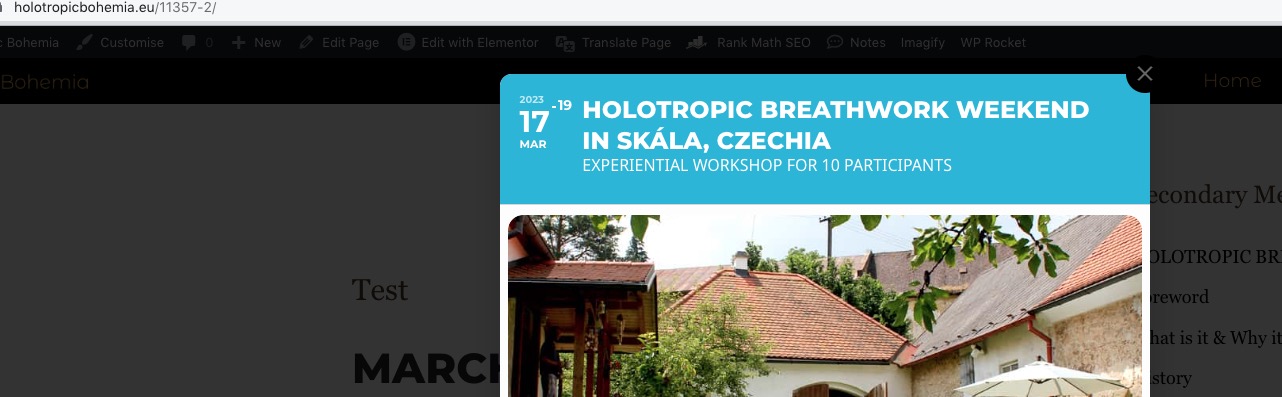
Now uncomment add_eventon shortcode. Both shortcodes show:

Hi Marcus,
Go to “EventON Settings > Styles & Scripting > Turn off write styles to header” Click save changes – to write the styles css code direct into page header. You can turn this off once the cache is cleared. You can also clear cache on your website via WordPress and/or from server to make sure new style changes are populated into page.
If that does not work, please send the shortcode you are using to display your events so that we can test in our end.
Thank you for your messages, I am going to assign this ticket to Ashan and he will be able to take it from here and find you a solution. Please allow some time for him to get back to you, we greatly appreciate your patience and thank you for being a eventon customer! Also please disable any IP blocking on your site if there are any.
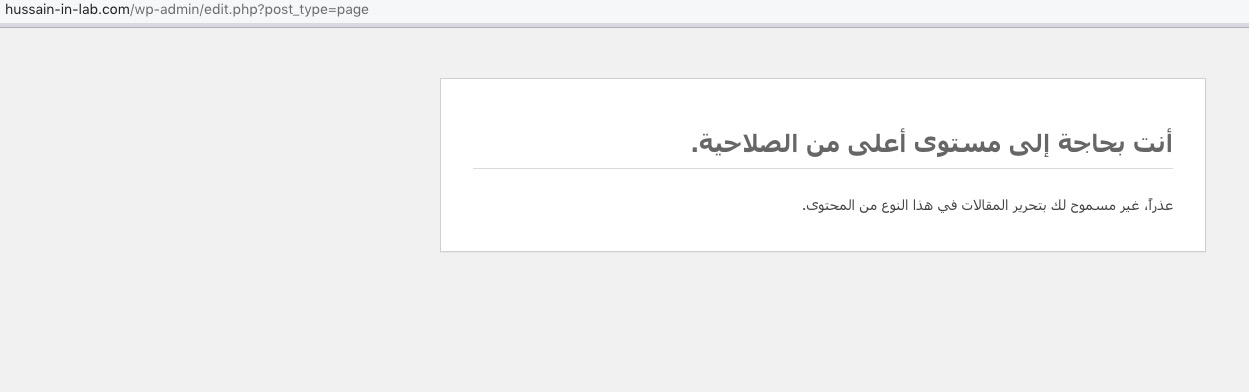
I cannot edit Pages: Could you check?
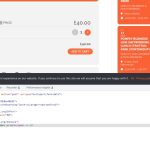
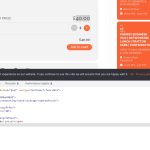
Both seem to be correct. Could you check?
You can also add the code to Appearance > Customize > Additional CSS.
Hello,
I am sorry, the access information you have provided did not work for us. Please check them and post the correct login information as a private message, thank you!
Could you make sure that your version of Event Ticket is 2.1?
To update eventon addons: You can download latest eventon addons from myeventon > my account. Then you can go to your website, deactivate old addon and install new one and activate then delete the old addon. This link will further explain the process. Also you can follow us on twitter to get real-time announcements on updates!
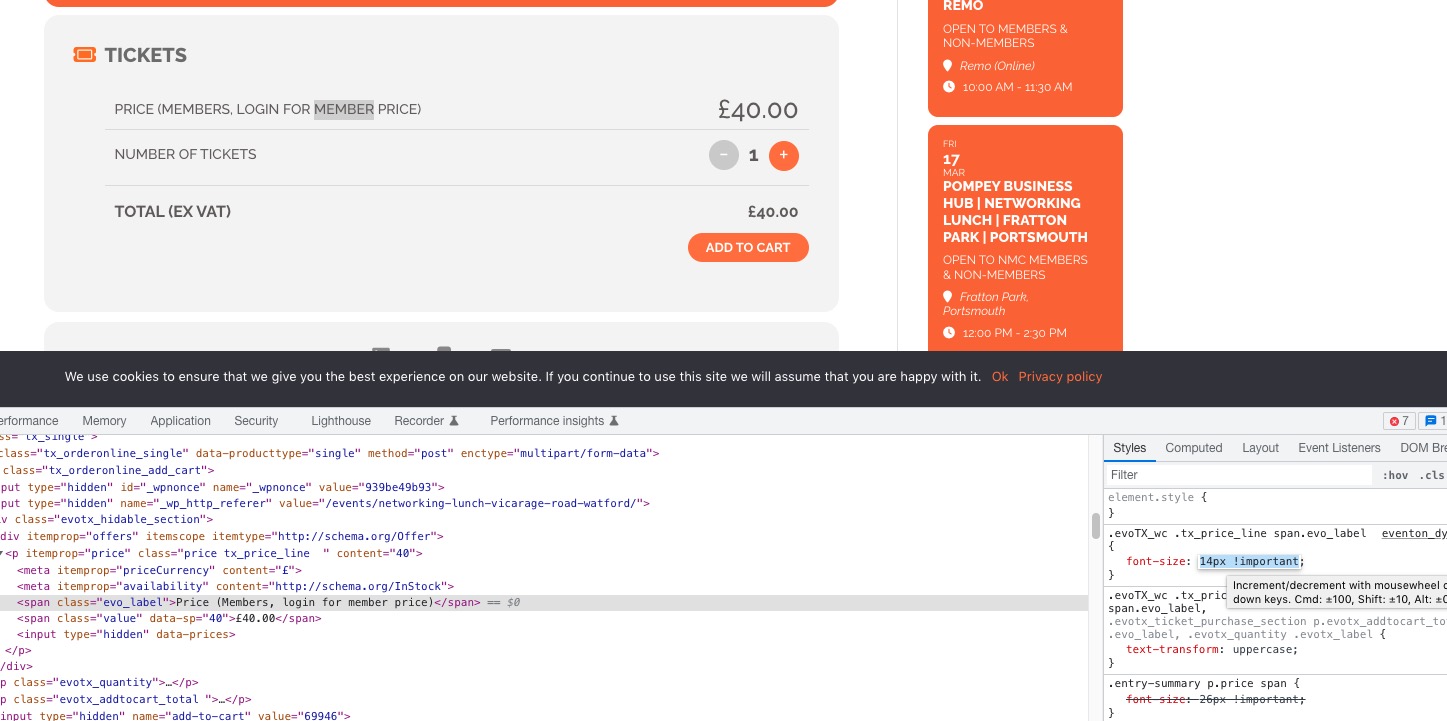
It’s hard to tell which line, since a lot of content is dynamic. Just right click the empty space and then press Inspect. Then find “td-pb-row” similar to https://helpdeskx.s3.amazonaws.com/wp-content/uploads/2023/03/12152347/Screenshot-2023-03-12-at-23.23.16.jpg, open it and open it’s children and take a screenshot.