The first part, is that for the CVS Events Importer? To download it for free? EventsOn is not accepting my username and password. The same I use to log in here. Is this because I purchased EventsOn through CodeCanyon? Therefore, I will have to purchase it?
If I do have to purchase it, I want to make sure it’s the right addon. So, the only way I have to import the events from Rock Gym Pro is individual URLs. Is that addon the right one? The CVS Events Importer, or is there a better one to import events using URLs.
Thank you so much!!
while you wait for ashan to get back to you
can you try this shortcode instead see if that works
[add_eventon_list number_of_months=”86″ fixed_month=”01″ fixed_year=”2017″ hide_empty_months=”yes” show_year=”yes”]
I still can’t get a page to save- hopefully you can
copy and paste into the text editor not the visual and you’ll probably need to redo each “
you can download events in myeventon>>>>settings scroll down a bit
depending on rock gym pro’s ability to export you could try
https://wordpress.org/plugins/wp-event-aggregator/
Thank you, I will ask and let you know what I learn.
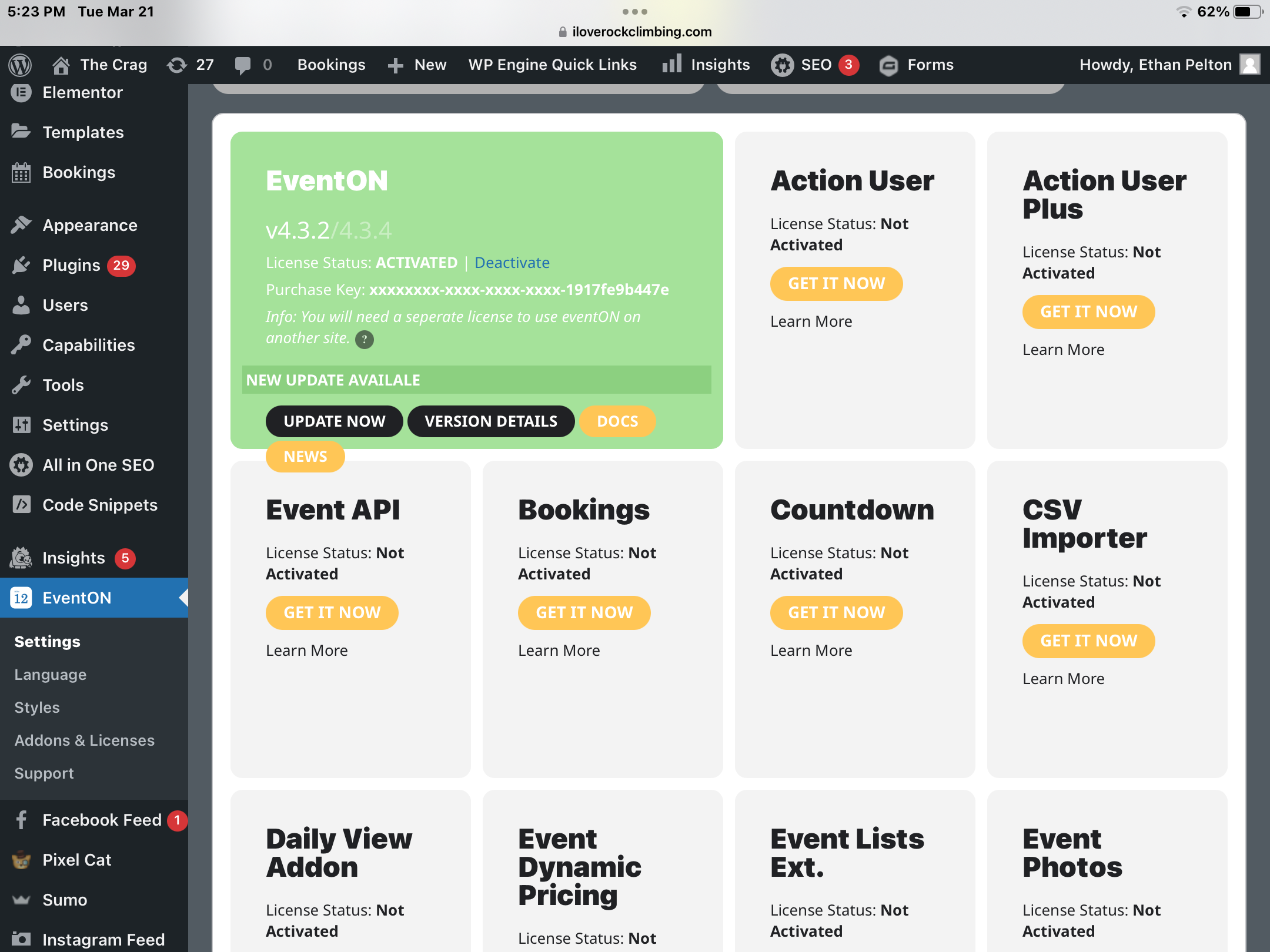
Thanks for the reply. It does appear that will cost money. See attached. Is there a free option? Or does our purchase allow the csv download? And I am just mistaken? In addition, we do use Rock Gym Pro in several different ways. You can see that here – https://iloverockclimbing.com/event-directory/. And here – https://iloverockclimbing.com/weerock/. I was thinking Third Party API would be better but unsure if Rock Gym Pro will work … any and all information would be greatly appreciated.
Ashan, i guess that what MEC does is based something like this: Startdate is wednesday x, repeat is weekly ad infinitum, so the frontend widget spits out the next wednesday event based on a php date calculation.
And as far as i can see Eventon has a field with a serialized storage of all the potential upcoming dates, that then are parsed at runtime.
My current site is https://kpasa.com. And just updated it up onto 450 events (80% are repeats)
And yes it has several widgets on one page. I’ve got it on litespeed that caches everything, except the Eventon widget, with or without Ajax. And now relying on having every thing precached on a 2hour cycle, undesirable.
All said i have a big big problem with the eventon speed, if a visitor by chance hits a non-cached page it takes 30secs to render that page.
I got a 80k posts news website (so regular posts, not eventon events) and that loads superfast with caching.
I am looking for something to speed up the core generation of event lists
Hmm, seems not to work. The Result is that no dates are shown
Hello Artem,
Here is your login information – You have administrator access.
URL to access login screen: https://novanatureadventures.ca/wp-login.php
Username: eventonhelp
Password: EventonHelp2023!
Email for account is set to my personal email kassiecarmen@gmail.com
Thanks!~
Kassie
Thank you for the advice on the correct shortcode to use. The range of months I wanted to display is now working as I had hoped. I am using [add_eventon_list number_of_months=”3″ tiles=”no”] which gives me the multiple month calendar listing I wanted. However, I seem to be unable adjust the colors of the calendar event elements using the myEventON WordPress Settings (v3.0.6) control panel. For example, I would like to set the color of the month and the color of the event name to certain colors, but none of my adjustments in the control panel seem to have any effect on the colors rendered in the calendar. Everything is some shade of gray I can’t override. For example, I have set Appearance > EventTop Styles > Event Title font color to a shade of green, but the event title is rendered in gray. Is there something I’m doing incorrectly in the control panel to change those colors? Thank you.