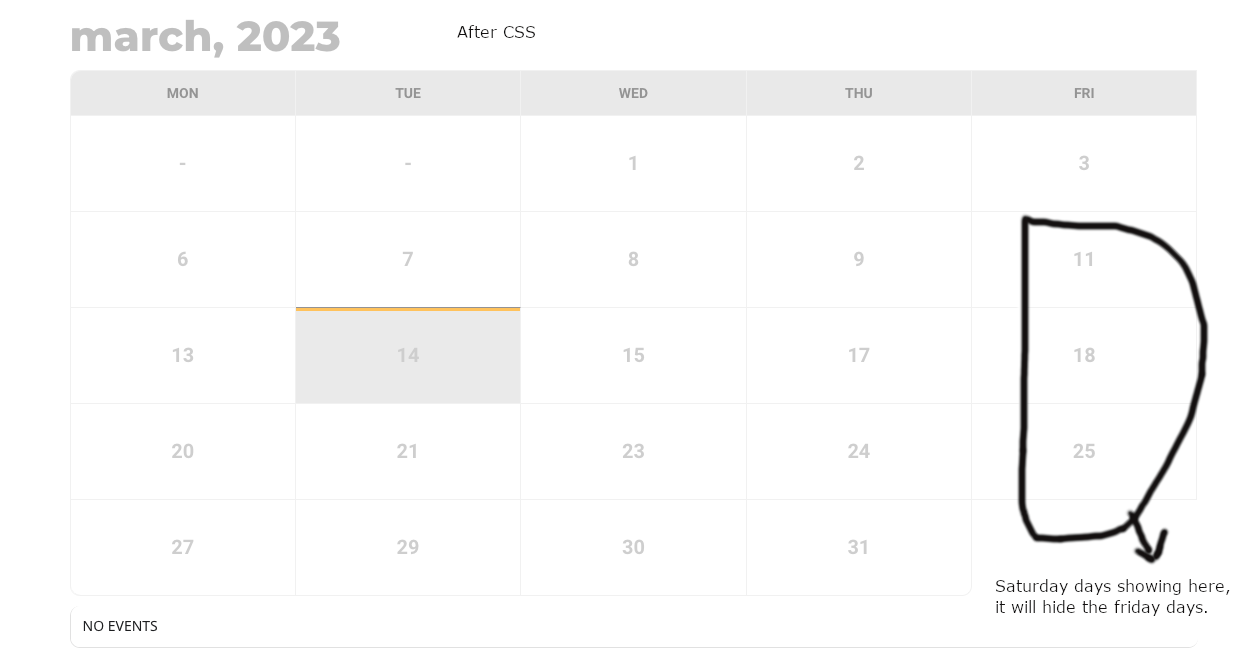
Hi Artem,
I checked the given CSS code. The CSS code is working, but it is Friday days 2nd, 3rd, 4th & 5th rows will hide.
Please check the screenshots.
Replies for tickets on suppota
Hi Artem,
I checked the given CSS code. The CSS code is working, but it is Friday days 2nd, 3rd, 4th & 5th rows will hide.
Please check the screenshots.
Thanks! I have seen similar in search results and in spirit, I agree with them. I have Share Buttons (plugins) on my websites and they include Instagram, I am now seeing that they only link to the Instagram login page and if logged in, to the landing page.
Maybe I can add a link and icon to the Instagram login? 🙂 People are asking for this, better than no connection?
I don’t see any section that is called “EventCard Styles” as you can see here: https://share.getcloudapp.com/2NubBq02
And I cannot find anywhere that is called “General Font Color”.
Weird.
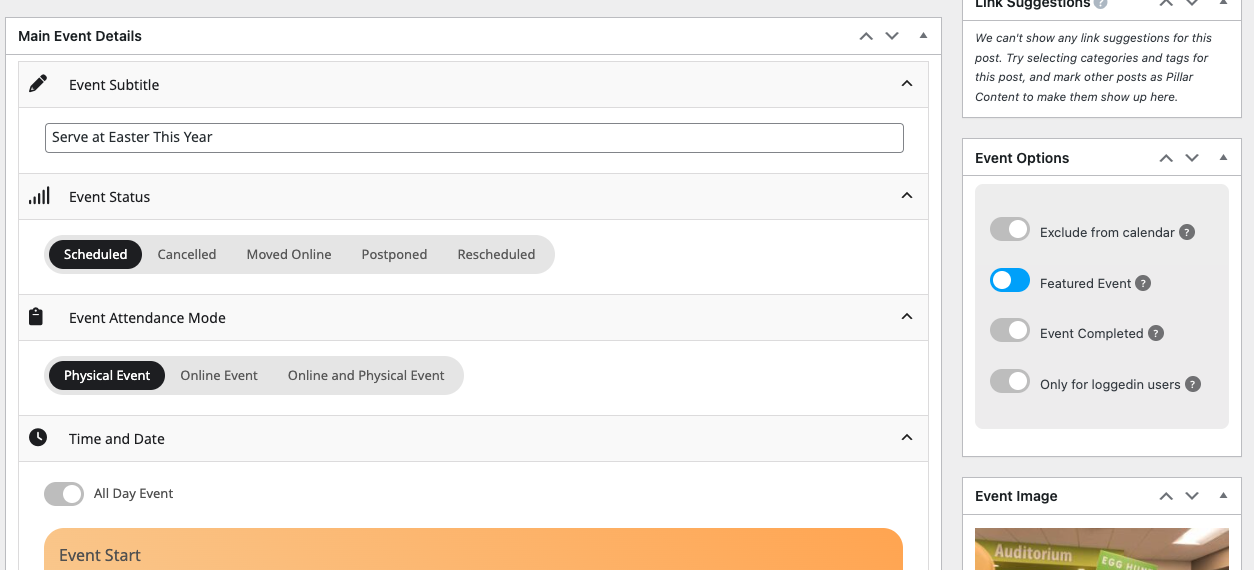
Does it only do the month of? I have their “Featured Event” for April 3, 2023 that won’t show first.
https://thefields.church/wp-admin/post.php?post=6319&action=edit
Hello there,
This option didn’t change anything at all.
Here is the shortcode we are using: [add_eventon fixed_month=”3″ fixed_year=”2023 show_et_ft_img=’yes’ ux_val=”3″]
And here is the added CSS styles we got from your website. We use that so we have lower case writing on the calendar.
.evcal_evdata_row .evcal_evdata_cell h2, .evcal_evdata_row .evcal_evdata_cell h3 { text-transform: none; }
.eventon_events_list .eventon_list_event .evcal_desc span.evcal_desc2, .evo_pop_body .evcal_desc span.evcal_desc2 { text-transform: none; }
.eventon_events_list .eventon_list_event .evcal_desc span.evcal_event_subtitle, .evo_pop_body .evcal_desc span.evcal_event_subtitle { text-transform: none; }
.ajde_evcal_calendar .calendar_header p { text-transform: none !important; }
Now you can edit.
Hello,
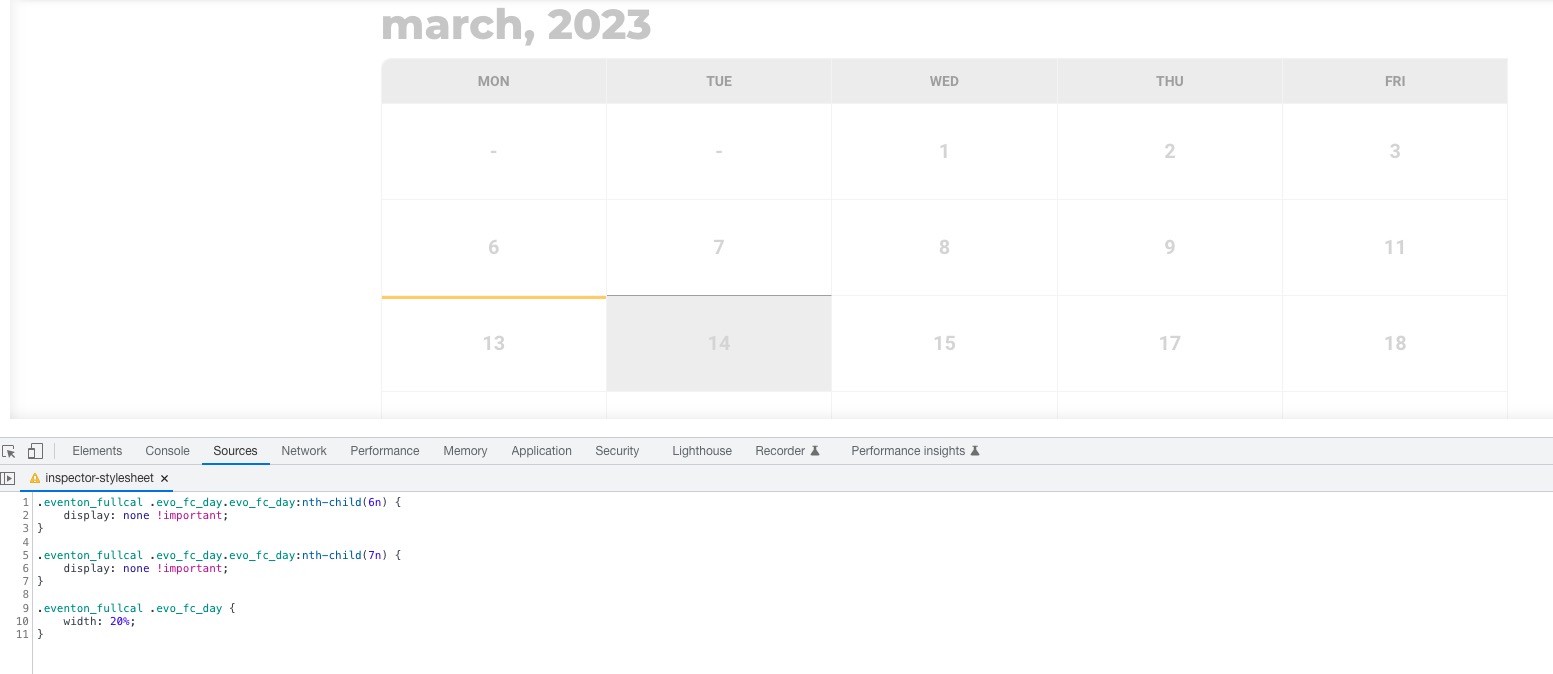
Please try this code:
.eventon_fullcal .evo_fc_day.evo_fc_day:nth-child(6n) { display: none !important; } .eventon_fullcal .evo_fc_day.evo_fc_day:nth-child(7n) { display: none !important; } .eventon_fullcal .evo_fc_day { width: 20%; }
Hi Jay,
That password you have sent is not working for us. Please test if it works on your end.
Hi Jeroen,
Please check now, the icons should be displaying. I added the custom CSS code below to Eventon > Styles to make them display
.evo_metarow_socialmedia a.evo_ss i { font-family: evo_fontawesomes,evo_fontawesome,evo_fontawesomeb !important; }
.fa-facebook:before {
content: “f09a” !important;
}
.fa-twitter:before {
content: “f099” !important;
}
.fa-linkedin:before {
content: “f08c” !important;
}
Hope this helps