When you enable Write dynamic styles to header, styles to go <head>, so some issues can occur.
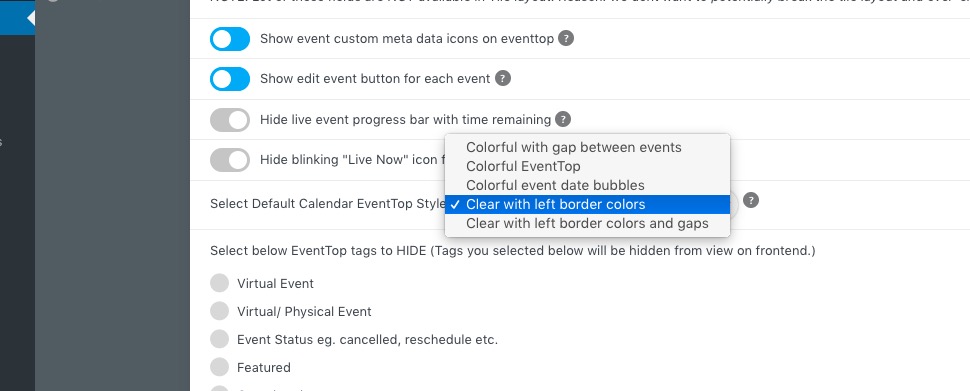
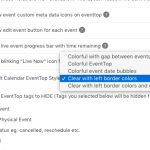
Just to let you know about blue Event Top tiles. They get their color from Edit Event page > Color. If you want to change the color globally, please choose “Select Default Calendar EventTop Style: Clear with left border colors”:
Now you can change the background color from EventON > Appearance > Event Top > Background.
The best what you can do is to follow my instruction when you done changing EventON > Appearance. Sometimes, if you have a cache plugin, you also need to clear it as well.
Could you let us know are there more issues you still experiencing, so we can help? I went through the website and everything looks correct.
Please take a look at this guide from qTranslate-X how you can migrate your translation:
https://qtranslatexteam.wordpress.com/migration/
https://helpdeskx.s3.amazonaws.com/wp-content/uploads/2023/03/02155450/root-directory.png
Please never make any changes directly to DB. It will break your whole website.
It seems that the only way of enabling WP_DEBUG on WordPress.com is
https://wordpress.com/support/wp-debug/
Could you try installing any Classic Editor https://wordpress.com/plugins/galleryschoice.blog?s=classic+editor to see if it’ll fix the issue?
This is how you can customize EventTop Date Block:
https://docs.myeventon.com/documentations/customize-eventtop-date-format/
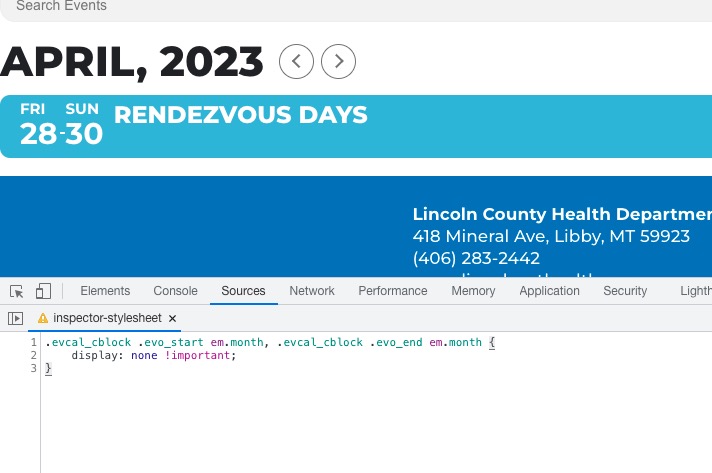
However, if you want to hide it then this code should work just fine:
.evcal_cblock .evo_start em.month, .evcal_cblock .evo_end em.month { display: none !important; }
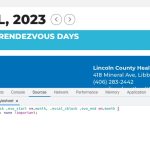
Great! Please use my temporary solution for now. Ashan will reply ASAP regarding your main issue.
We are glad your issue is resolved, if you have any further questions or concerns please create a new ticket.
If you have a moment, we would greatly appreciate if you could kindly leave us a review at codecanyon! from your account > downloads. Cheers!
Hello,
Please update EventON to 4.3.4.
To update eventon to latest version: If you are unable to do autoupdate, you can go to codecanyon your account > download and get the latest eventon version as zip file. Then you can go to your website > make sure “Delete eventon settings & data when EventON is uninstalled” is Deslected from eventon settings, delete old eventon, install new one and activate. This link will further explain the process it. Also you can follow us on twitter to get real-time announcements on updates!
Hello,
Please add this CSS code to EventON > Styles (If you don’t see any change, EventON > Scripts & Styling > turn off Write dynamic styles to header > save settings > turn on Write dynamic styles to header):
.eventon_events_list .eventon_list_event .evoet_c3, .evo_pop_body .evoet_c3 { flex-basis: 60%; }
Hello,
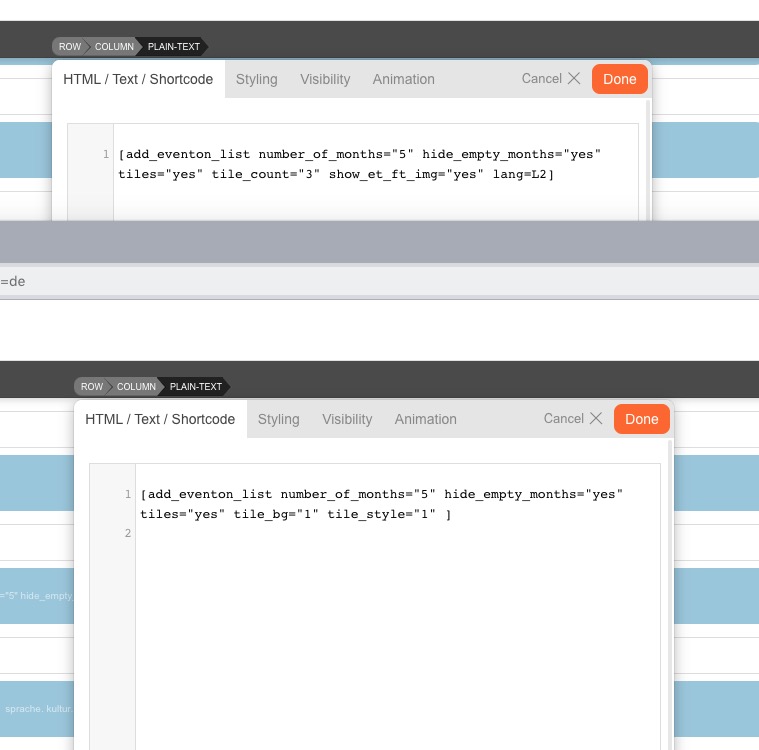
Your shortcodes are slightly different:
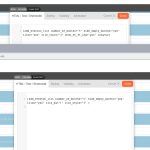
Please make sure they are identical.
Also note that lang=L2 isn’t correct. Please take a look at Step 3: Create Calendar:
https://docs.myeventon.com/documentations/setup-language-corresponding-events/
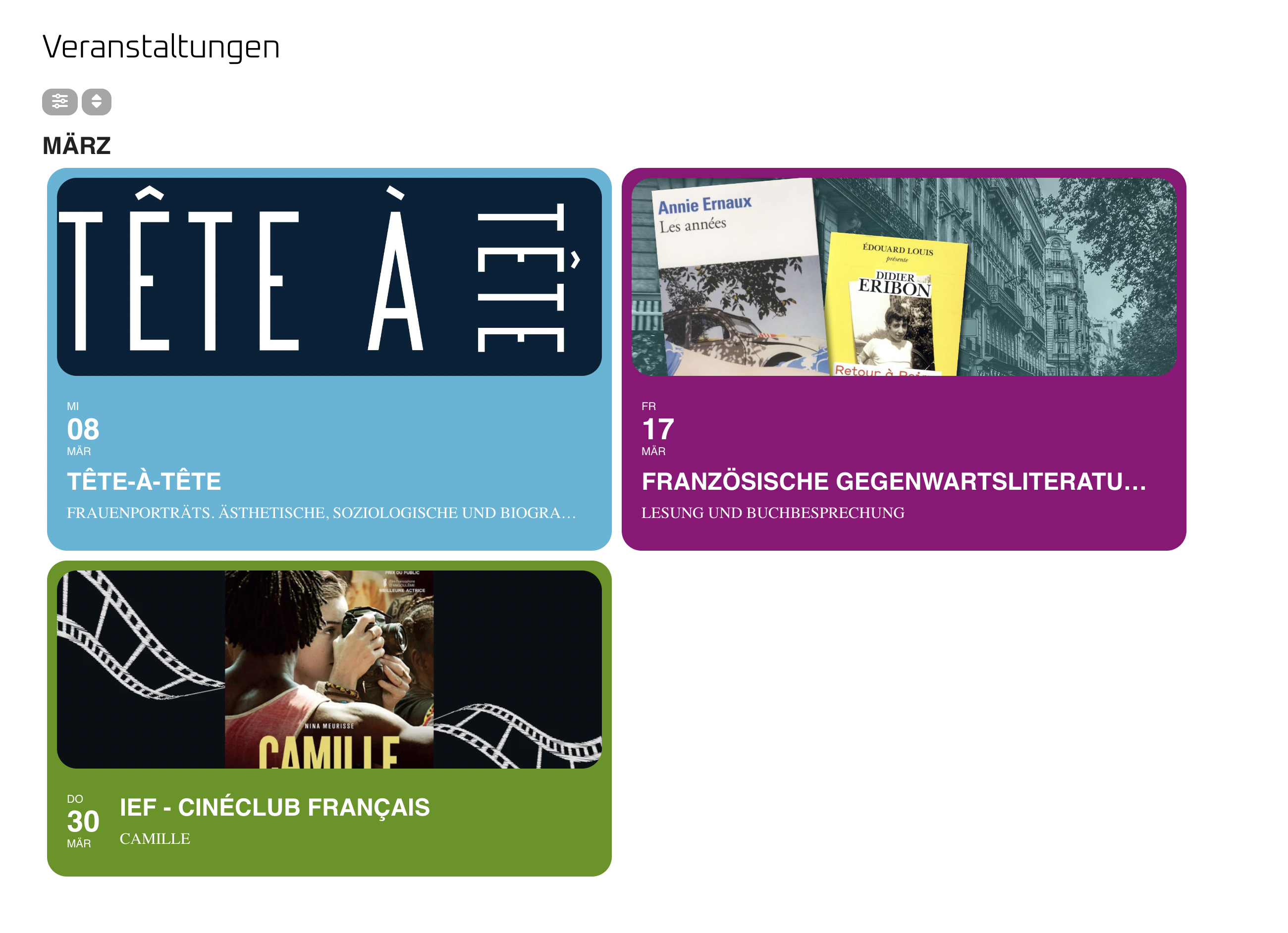
Hello,
here is a screenshot from the german Site.
Best regards
Andreas