hello
i use qTranslate-XT and works fine.
I want to bring my backend interface already translated into Spanish in getaria.eus and take a copy to my new site getariaturismo.com

I would not like to repeat the translation work

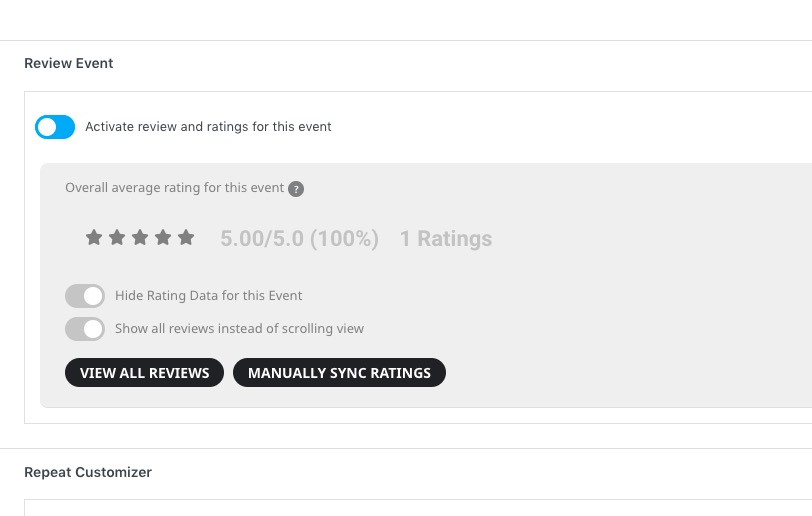
attach example imagen
waiting for your instructions we send you a greetingbest

Peter
Ashan,
The same on dev2:
Reply to: 309318
https://dev2.myeventon.com/wp-admin/post.php?post=33084&action=edit
I removed the review, but it shows it:
It seems there is an issue with Reviews. I am going to assign this ticket to Ashan and he will be able to take it from here and find you a solution. Please allow some time for him to get back to you, we greatly appreciate your patience and thank you for being a eventon customer! Also please disable any IP blocking on your site if there are any.
Hello,
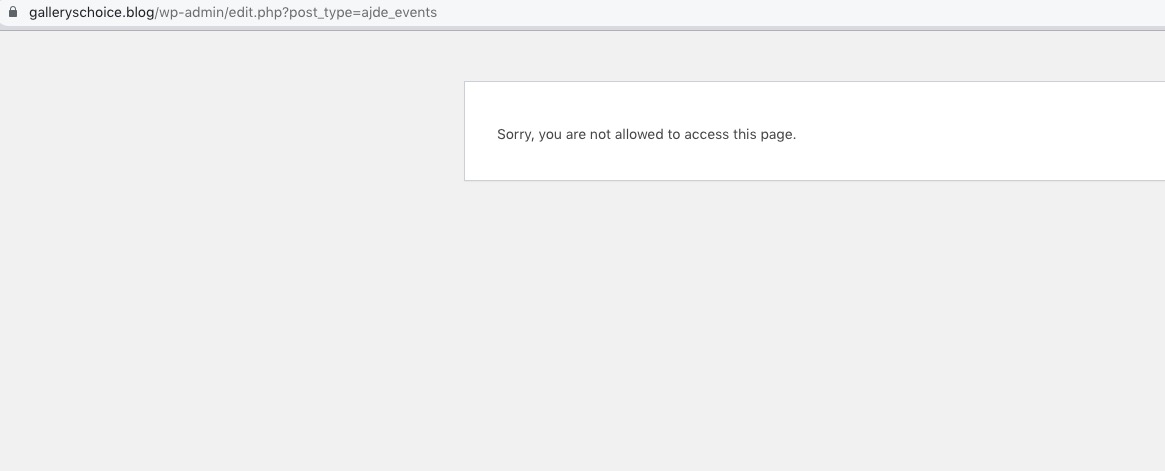
I cannot access wp-admin > Events:
 Please also follow the instructions in this documentation to activate debug in your site to see any PHP errors recorded that can provide insight on to whats going on. Please reply with a link to debug.log file. If you are not able to do this please send us FTP access to your site so we can do this for you.
As a temporary solution please try installing Classic Editor plugin.
I wish that would even work, but I still get a result of:
Saturday, July 8th – Saturday, July 8th
Looks really stupid because the event already says it’s a single day.
This just seems like a bug to me that the All Day Event doesn’t work with the custom PHP dates.
I’m not as concerned about the end time on the multiple day events now, but not being able to at least have an all day event using custom PHP dates makes no sense.
The first thing people said to me when looking at the calendar was that the default dates looked weird until I fixed them using custom PHP dates, so nobody will be happy with the calendar with the default date structure.
Any way to just get a code snippet or something that would make this work to be able to use the custom dates and All Day events?
Thanks again for your time!
Hello,
I am sorry, the access information you have provided did not work for us. Please check them and post the correct login information as a private message, thank you!
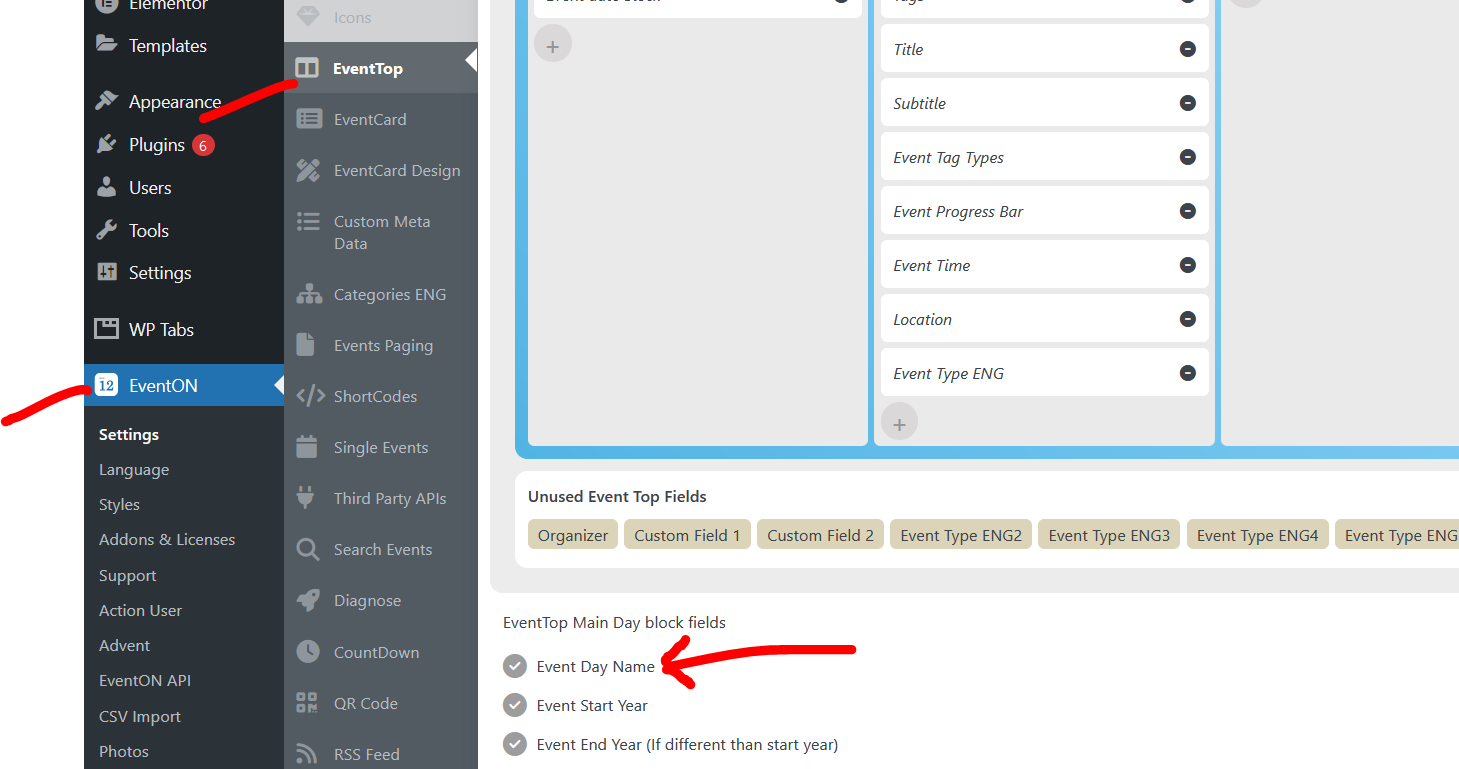
in myeventon>>>>settings>>>>event top
activate day name is one of the first options
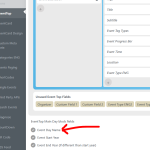
possibly something like this
[add_eventon_list number_of_months=”12″ month_incre=”-12″ event_past_future=”past” show_year=”yes” hide_empty_months=”yes” tiles=”yes” tile_count=”2″ tile_bg=”1″ tile_style=”1″]
if that doesn’t work- please provide wp-admin access and I’ll create a page with a variety of different calendar shortcodes and you can choose which one works best for you
as this was set to feature request and not a ticket no one would reply to it- we don’t look over the feature requests until they get some votes
in myeventon>>>>>settings>>>>>event card design
you can delete one of them