what is generating the ICS file?
can we have a copy of it
and wp-admin access would help
Replies for tickets on suppota
what is generating the ICS file?
can we have a copy of it
and wp-admin access would help
the event has passed- can you create a new one- so we can do the css
No reply yet??
Hi – has anyone looked at this yet, since I provided an admin login?
Thanks
I have figured everything out now except for why the month pushes the end date to the right when it gets bigger.
I’m pretty happy with my layout now, so I’ll let you know if I need help on that, but I’m good for now!
I’m just adding the CSS in my theme now, so that is all sorted and works great!
I had one other question I thought I’d ask in this thread before I mark as solved:
Is there any way to add the day of the week to this section before the user clicks and shows the Event Card (like where the month is where it says “Mar” in my screenshot above.)
Was just curious if there was a setting to show the day of the week there. (I know I can show it in the Event Card dropdown – but don’t see an option to show it in the bar the user clicks.
Thanks for all your help on this ticket, I really like how my layout is looking now!
Litespeed said its a “syntax error with unknown word in your CSS code.”
So Im hopeful Ashan can help get this resolved.
Are we talking about the action user form (the editor within that form) ?
if so I don’t see a purchase under your email addres of the action user addon
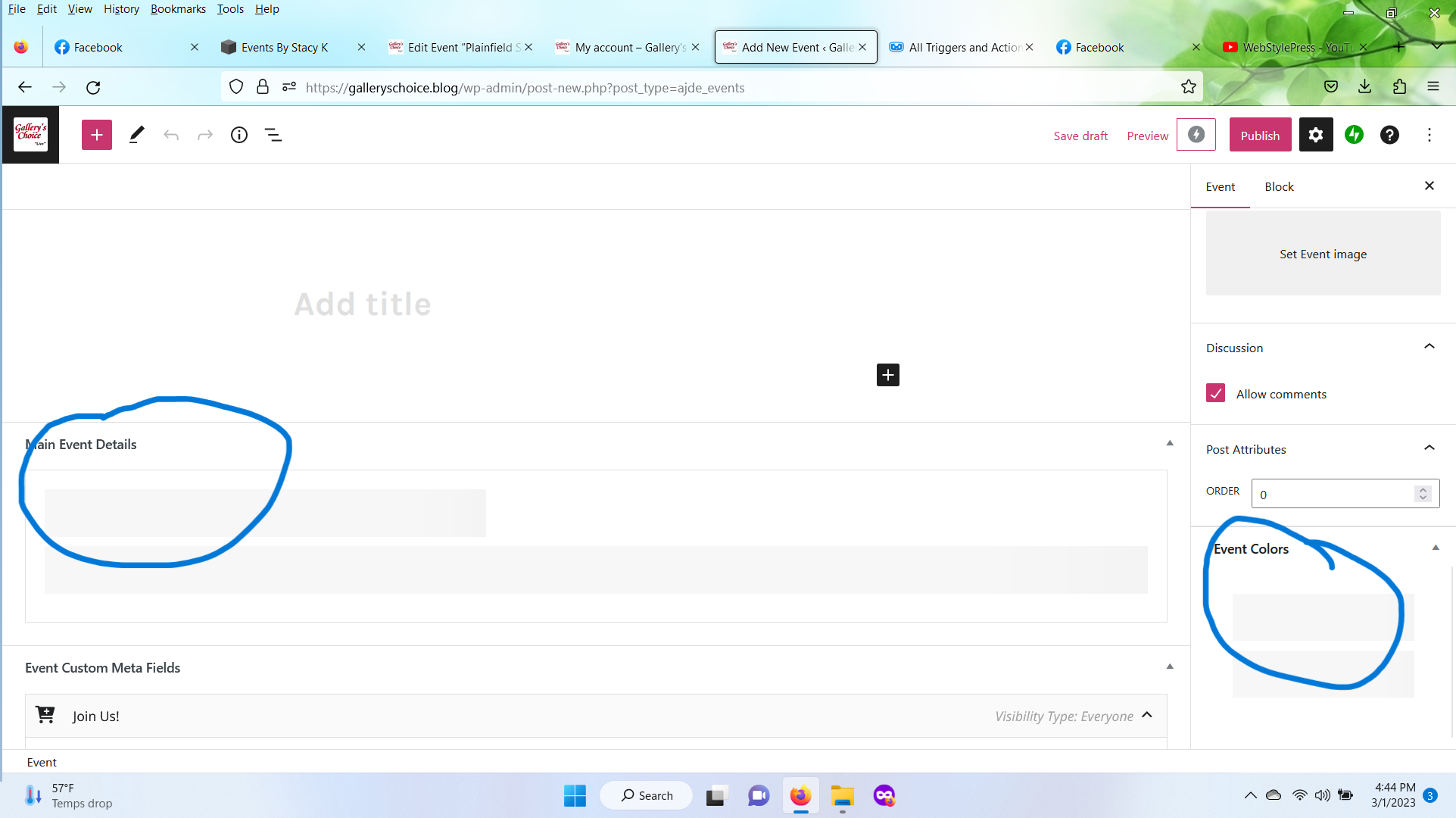
image of issue below
Thank you. I’ve been able to somehow influence the colors of various components of the event cards and the tiles (that’s the event top, I guess) following your example of switching the “Write dynamic styles to header” back and forth, but honestly, I don’t get the logic of this. Perhaps something is interfering with it on my website.
At the moment, I am getting the best results by going to Appearance > “reset to default colors”> “save” + turn off “Write dynamic styles to header”
Only previously the background of the uppermost section of the event card, showing the event title and event date, was reflecting the event color, so it was blue (in this case), with white text on it. So I had blue tiles and a blue top section of the respective event card.
(When you click on one of the pink tiles, a new page will open where I manually replicated the original design of the event card.)
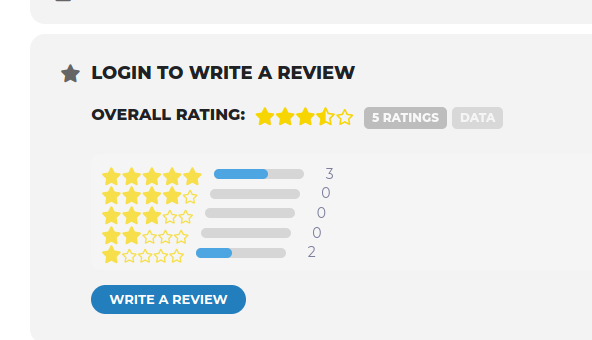
Good morning Artem,
I had removed all test reviews to the trash thinking this would clear out the review data as they were no longer needed. As you can see in the image it shows there are 5 ratings and the star values assigned. I did select the manually sync ratings for this event but there were no changes. I’m thinking this must be in a database somewhere?