Thank you I have gone ahead and done that and it is now showing correctly. Thank you.
On a separate note, our main rss feed for our production site is only showing 32 events when the the wp syndication field is set to 100 within the Reading settings of wp. Is the eventOn plugin overriding this somewhere? I’m confused as to why the rss feed is not showing all of the events when it should be. The production site is an exact copy of the dev site.
Production rss feed – https://www.burtoncummingstheatre.ca/bct-tn-rss
Any info on the issue will be greatly appreciated. Thanks – FB
Oh yeah… you never answered how that works with Google Maps if I do that?
If my address is 478, Johnson Road, Jackson, MI
Then that is not going to register on Google maps – right?
I know the work around would be to have to use the latitude and longitude, but that isn’t ideal.
(I’m not the one who will be entering this info in, so I want it to be simple as possible)
Thanks again for the help!!!
1: That works to hide it. So that means there’s no way to move it to the side…(I can’t even guess how that would be possible…)
2: Is there no way to change the icon if I wanted to keep it? (You already said I can’t add text to it)
3: Another question: Is it OK to use comments in my CSS in the Style place on EventON?
I like to comment my code and I tried it and it seems to work. Like this:
/*Hide Category Filter Button*/
It seems to work and not break any code.
Thanks so much for the help!
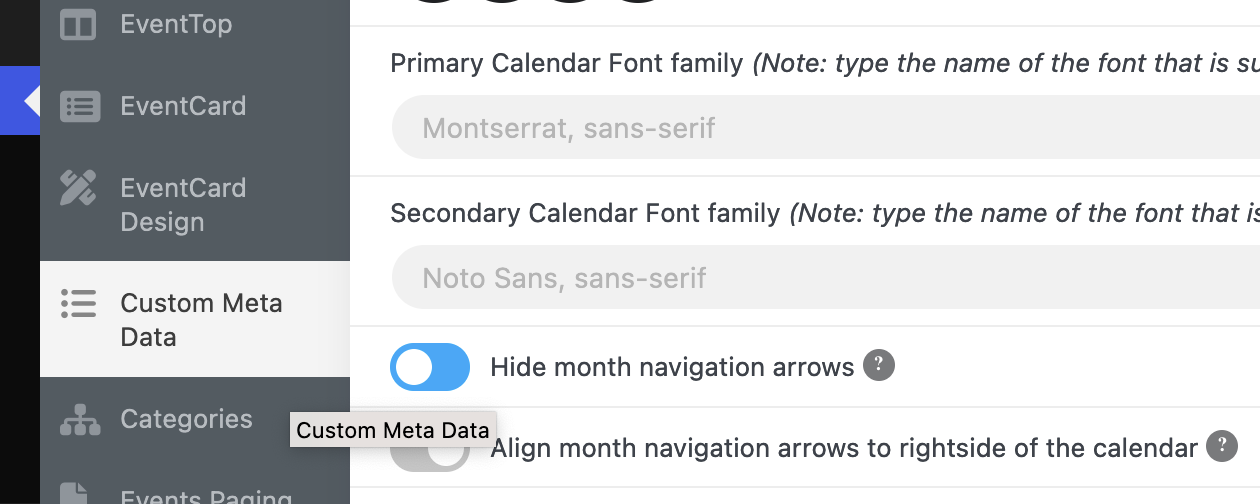
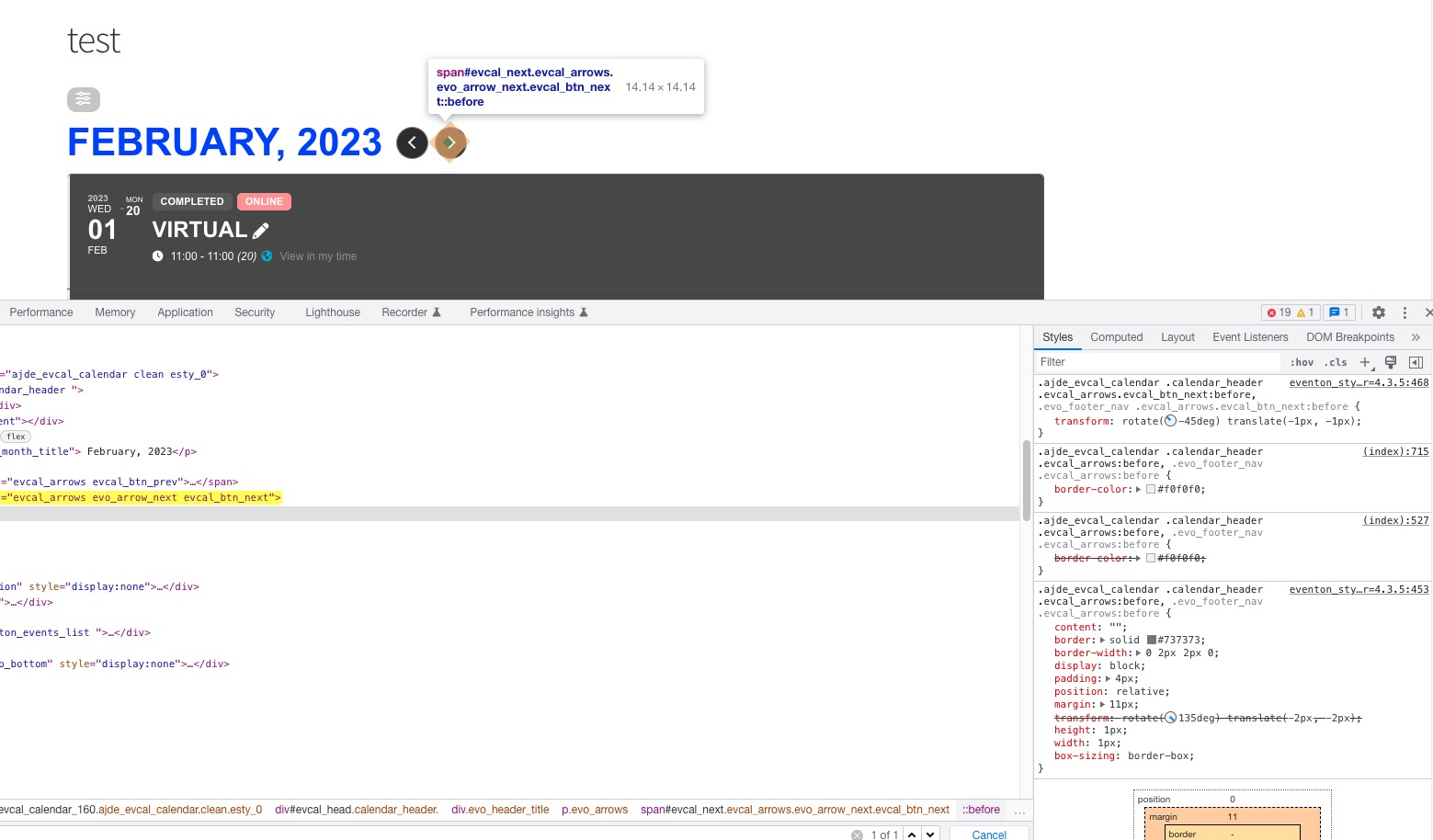
Ok, It seems this element is on all eventon pages, and its preventing Litespeed cache plugin from optimizing CSS.
If I activate the option pictured(hide month navigation arrow), will it completely remove this from all pages?
Got it, thanks for the info!
Thanks for the info! I was just wondering if I’d get a notice or not so I knew I could change my setup.
Repeating event’s aren’t support at the moment. Thank you for your great suggestion, at the moment it is not supported. However please create a new ticket and select Feature Request as category so others can vote on your idea and get it moved into development faster.
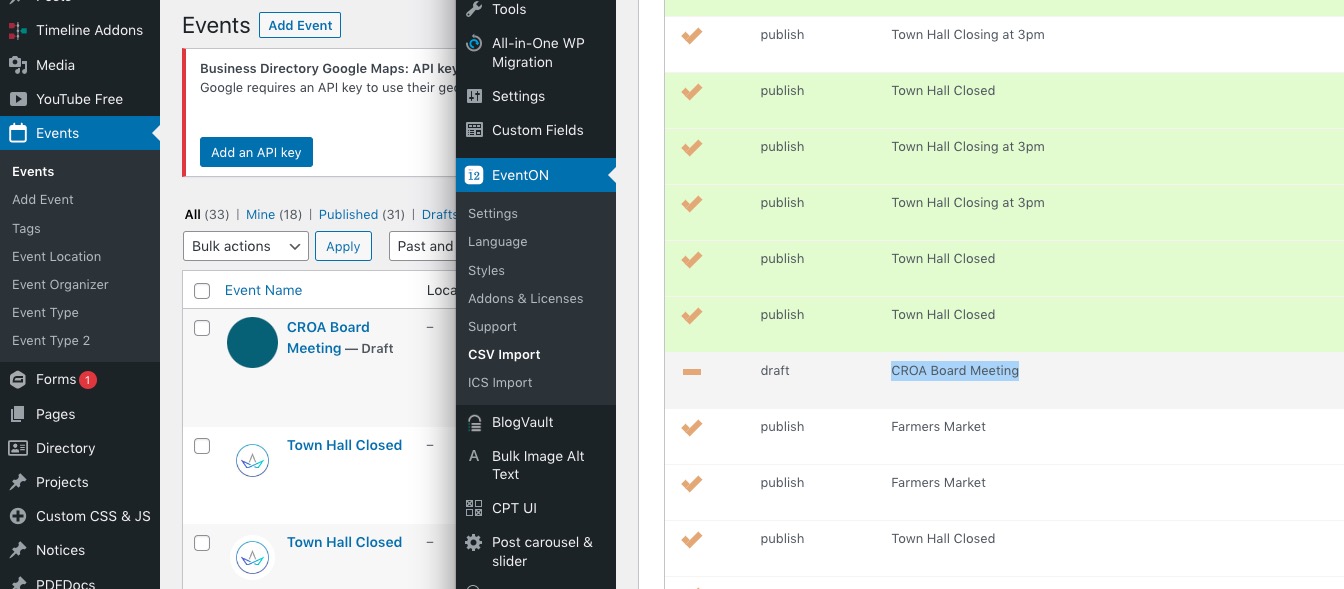
It stopped the importing process on this event:
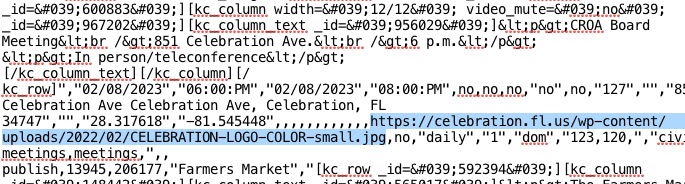
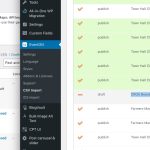 When I checked the file, it seems that the image link leads to 404:
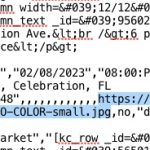 Could you check and make sure that all links are working?
Hello,
There are only 4 pieces of code that are referring to the element:
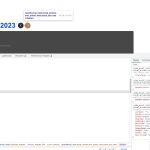 None of them has “ad”.
I cannot find the element on this page, as well:
https://xzib.com/event-location/hirdie-girdie-gallery
Since you want to switch between months, then you just need to use Main Calendar shortcode:
[add_eventon]
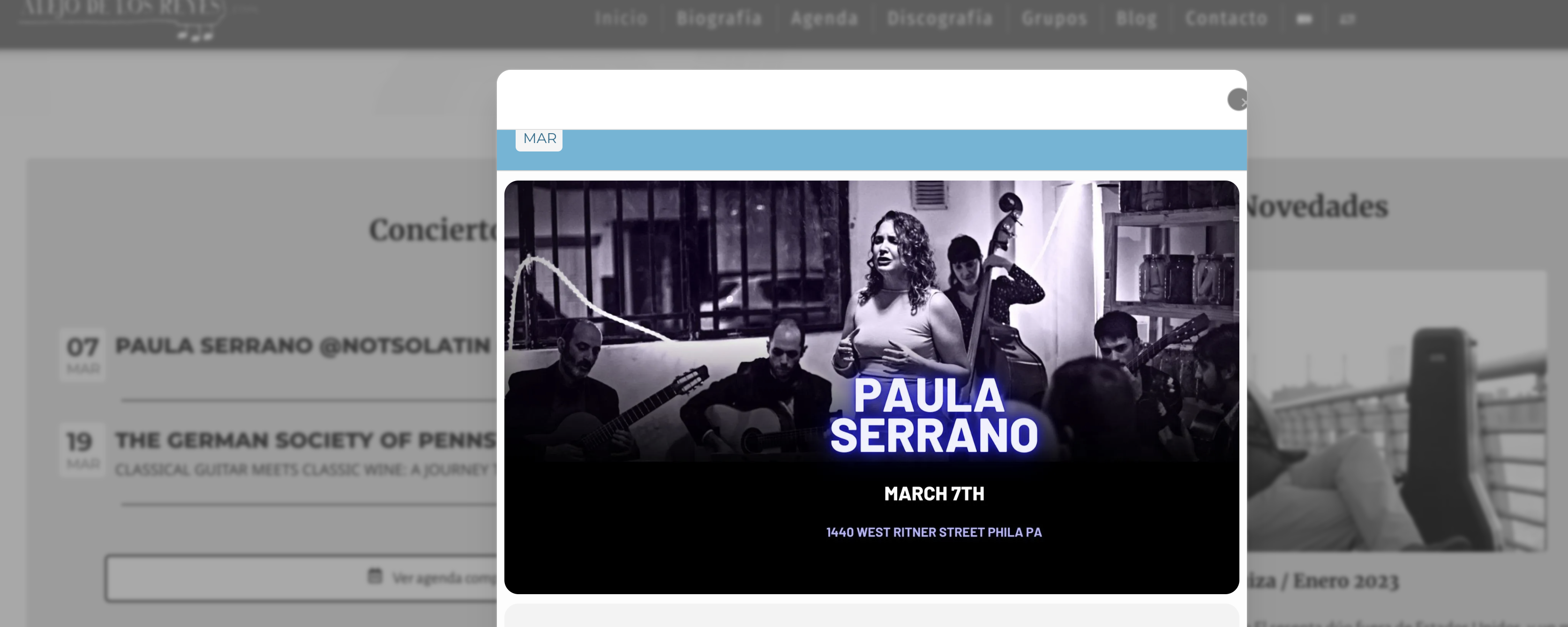
In fact, I just tried Chromium and I’m having the same issue… I don’t know… maybe, as you are in a Mac, Safari’s rendering engine has not that problem