We will update in CodeCanyon shortly.
Archives: Replies
Replies for tickets on suppota
Reply to: tickets(397316)
Hello,
I am sorry, the access information you have provided did not work for us. Please check them and post the correct login information as a private message, thank you!
Could you go to EventON > Time Settings > make sure that Timezone is correct?
Reply to: tickets(397222)
I can confirm that the latest version available on Code Canyon is v4.9.12 as well.
Reply to: tickets(397172)
They do, but the locations are usually already mentioned either in the event flyer or event details.
Reply to: tickets(396099)
that worked, thanks! With the release of version 5, is there a shortcode that i should enter on the template for a single event pages? Thanks
Reply to: tickets(397163)
That is correct my friends. We will update in codecanyon shortly.
Reply to: tickets(396099)
Please try this patch fix. remove the comma at the end.
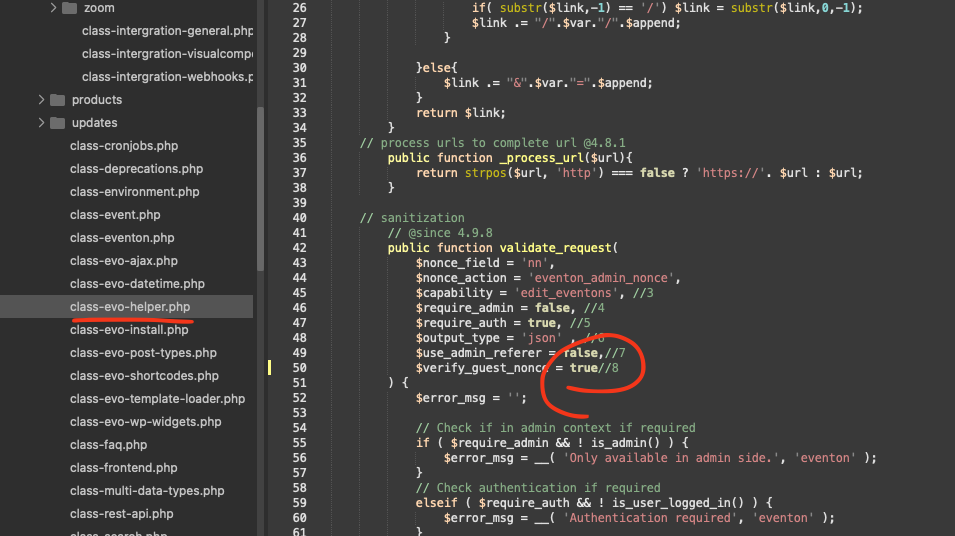
5.0 will start working this way.
Reply to: tickets(397165)
Could you check add_single_eventon again but with 5.0 update installed? Also try manually clearing your browser cache.
As for the second shortcode, I can open events as Slide Down:
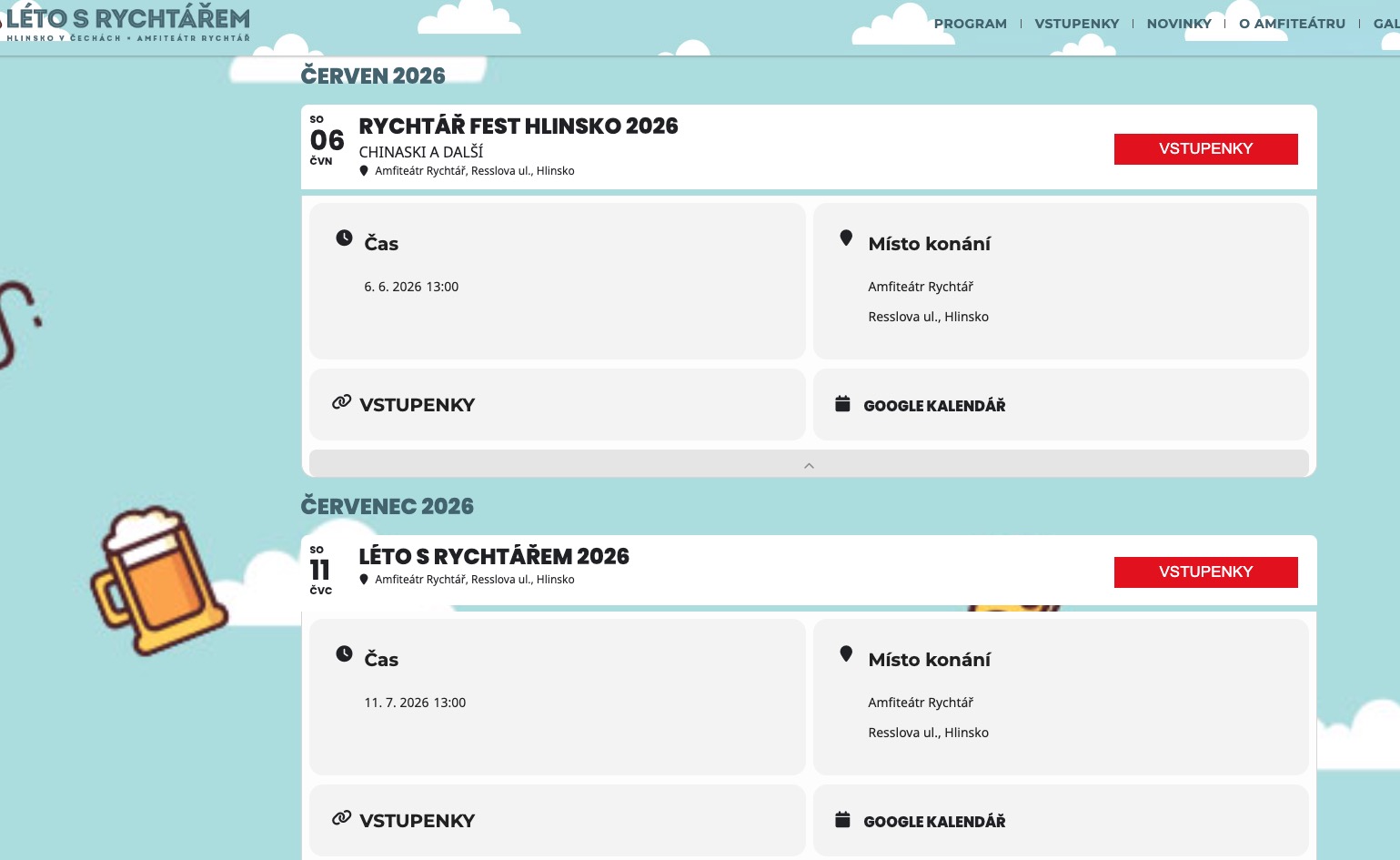
What’s happening when you click on an event? It redirects you to a page?
Reply to: tickets(397172)
Usually events have locations that’s why it’s required by Google to assign them.
Your events don’t have locations?
Reply to: tickets(397159)
Ashan,
The same on dev2:
https://dev2.myeventon.com/test-57/
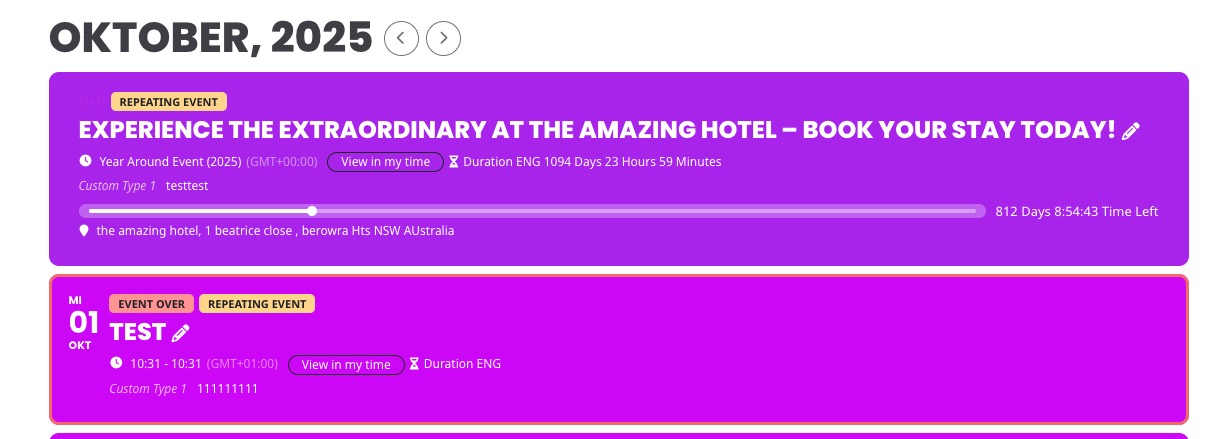
Check “Test” event on Oct 1:
https://dev2.myeventon.com/wp-admin/post.php?post=73617&action=edit
I assigned this Event Type, but it doesn’t change event’s color:
https://dev2.myeventon.com/wp-admin/term.php?taxonomy=event_type&tag_ID=1128&post_type=ajde_events&wp_http_referer=%2Fwp-admin%2Fedit-tags.php%3Ftaxonomy%3Devent_type%26post_type%3Dajde_events
However, if I re-save Event Type, the color will be applied.