Hello,
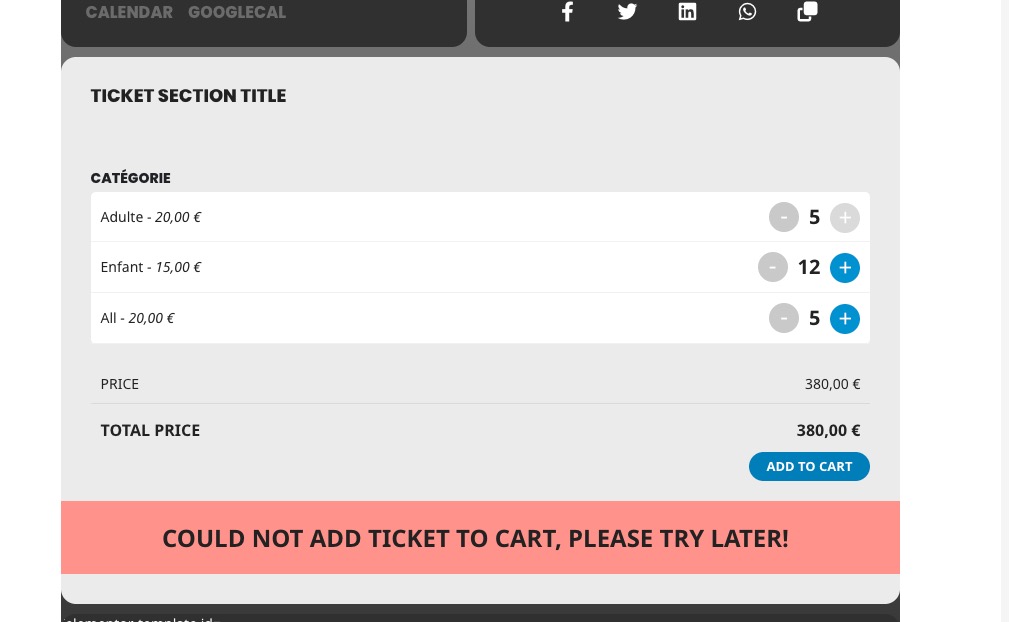
Right now your “Total Tickets in Stock” is set to 5, so you cannot purchase more than 5 tickets overall:
But on the front end I can order more than 80 tickets.
Could you go to https://www.studiosorus-demo.com/events/variation/ and send us a screenshot of how do you order 80 tickets?
Hello,
I am sorry, the access information (tried both) you have provided did not work for us. Please check them and post the correct login information as a private message, thank you!
Unfortunately, if you need this functionality sooner, the only way is to customize the add-on.
Hello,
I cannot access your website because of WordFence. Please allow USA, Australia, Kenya, Spain.
Hello,
Please take a look at this guide on how to remove a link from index:
https://getdevdone.com/blog/learn-how-to-noindex-page-wisely.html
Also go to EventON > Events Paging > Select Events Page Template: Default Page Template to stop showing events.
Hello Artem,
Yes
You can see that in that page for exmple, and you can check also each map in each event as non display for some reason or other reason.
Not sure about that
https://standupist.co.il/entertainment-shows/
Nitzan
Try replacing my code with this one:
.evost_section .evost_row .evost_seat.av {background-color: red;}
Make sure to also remove the color from Edit Event > Seats > Seat Map Settings.
Ok thanks. I was in a but hurry
Unfortunately, we unable to help with any code customizations.
In basic Event Lists shortcode event_count limits the number of events per month and not for the whole calendar. You need to use Event Lists: Ext with added event_count_list=”yes”
Try on https://dev.myeventon.com/wp-admin/
Ashan,
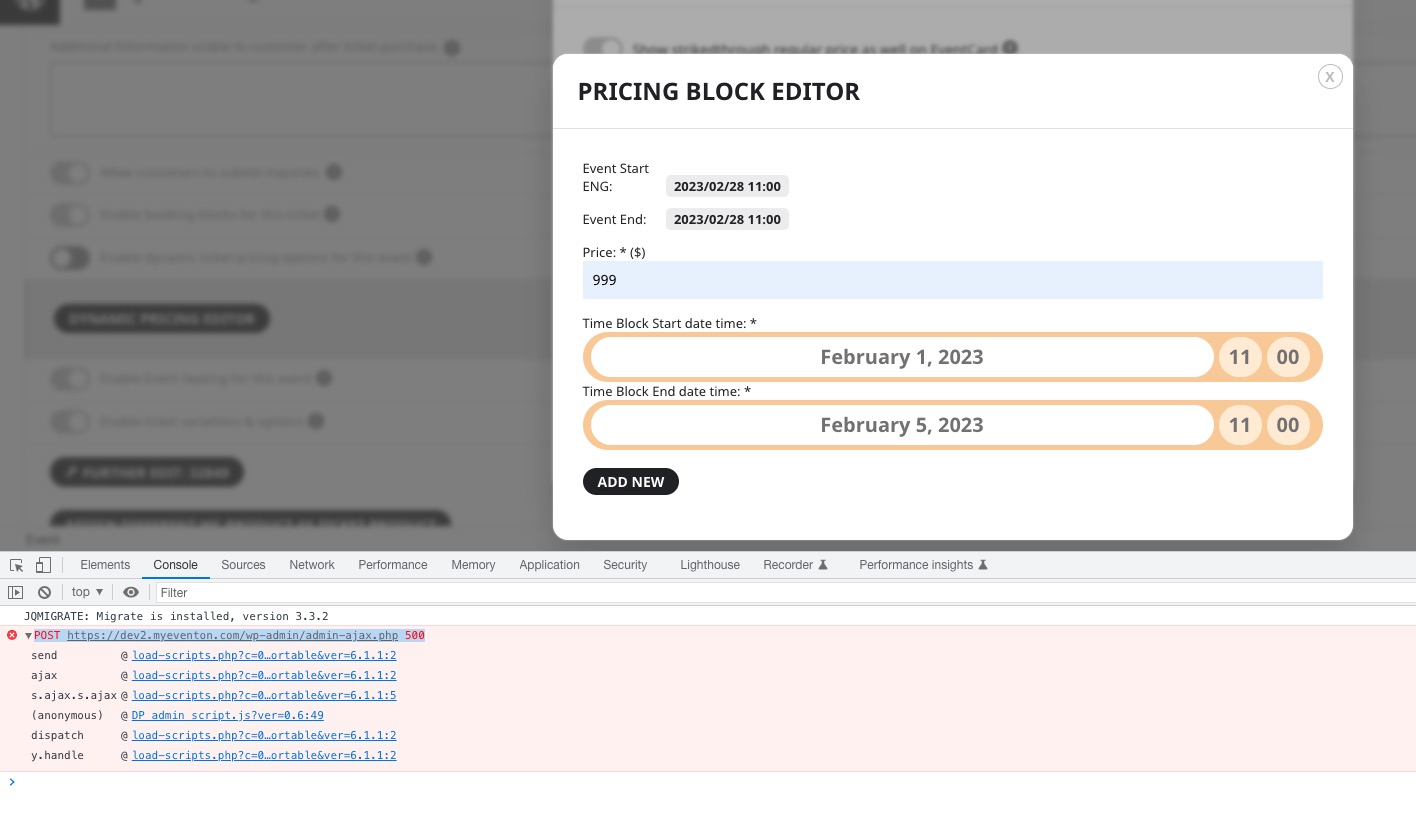
I cannot add any pricing blocks on dev2:
https://dev2.myeventon.com/wp-admin/post.php?post=32848&action=edit