Ashan,
Please go to
https://www.planconpeques.com/wp-admin/post.php?post=37314&action=edit&classic-editor
Try enabling Repeat Event, change to Custom and try to add a new repeat on Apr 1 17:00.
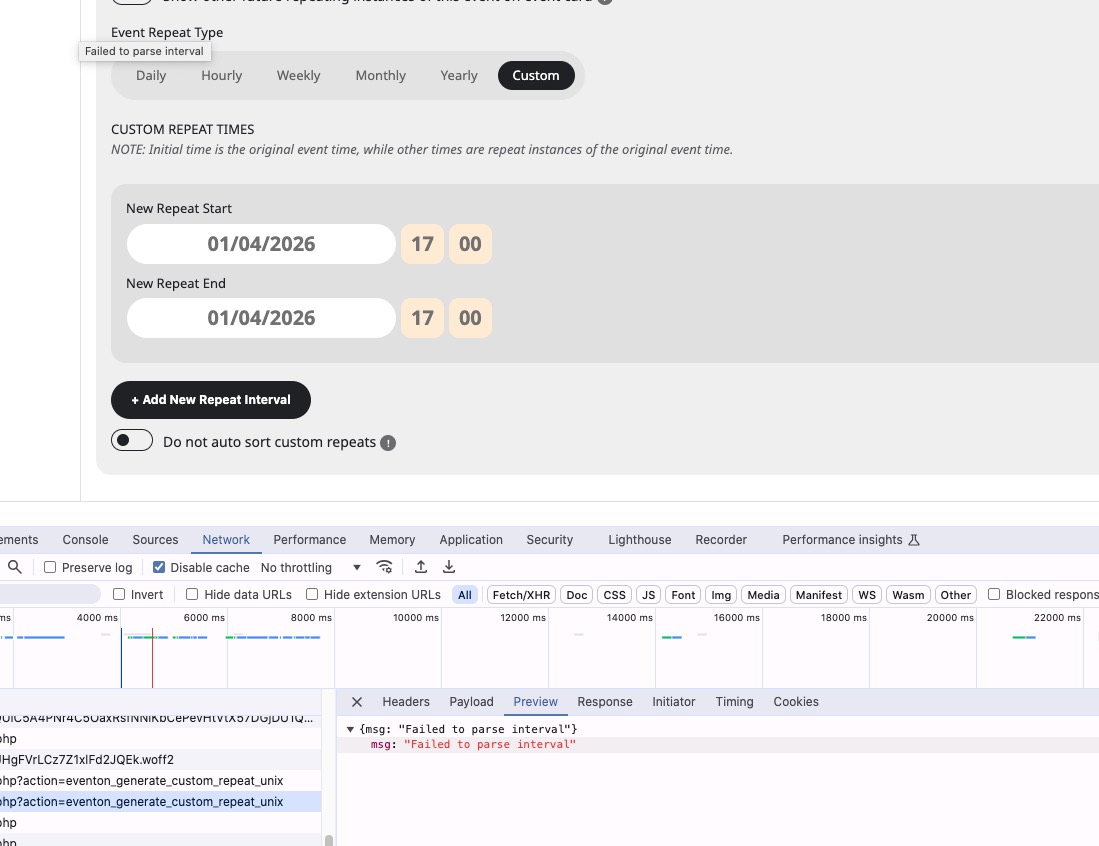
Even in Troubleshooting Mode shows this error:
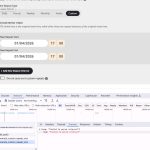
However, when I checked the website during my reply #404678, I was able to fix the issue by disabling ”Disable Gutenberg”. But at the moment nothing helps.
Could yo check?
I also cannot recreate this on dev2.
Thank you for your messages!
I am going to escalate this ticket to development to help in here. Please allow us some time to address this, and we truly appreciate your patience. Thank you for being a valued EventON customer!
Additionally, if your site has any IP blocking or security restrictions in place, kindly disable them temporarily to facilitate our support process.
We are glad your issue is resolved, if you have any further questions or concerns please create a new ticket.
If you have a moment, we would greatly appreciate if you could kindly leave us a review at EventON WordPress Page OR EventON > My Account > Downloads. Your review helps us a lot in continuing EventON improvements!
Hi Artem,
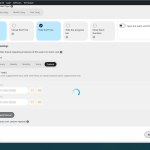
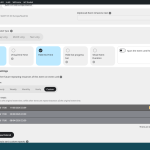
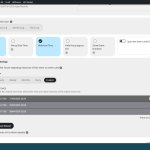
I am sending you a sequence of three screenshots that clearly show the erratic behavior of the ”Custom Repeat” feature on my site (Event ID 37314), even with the suggested plugins deactivated.
-
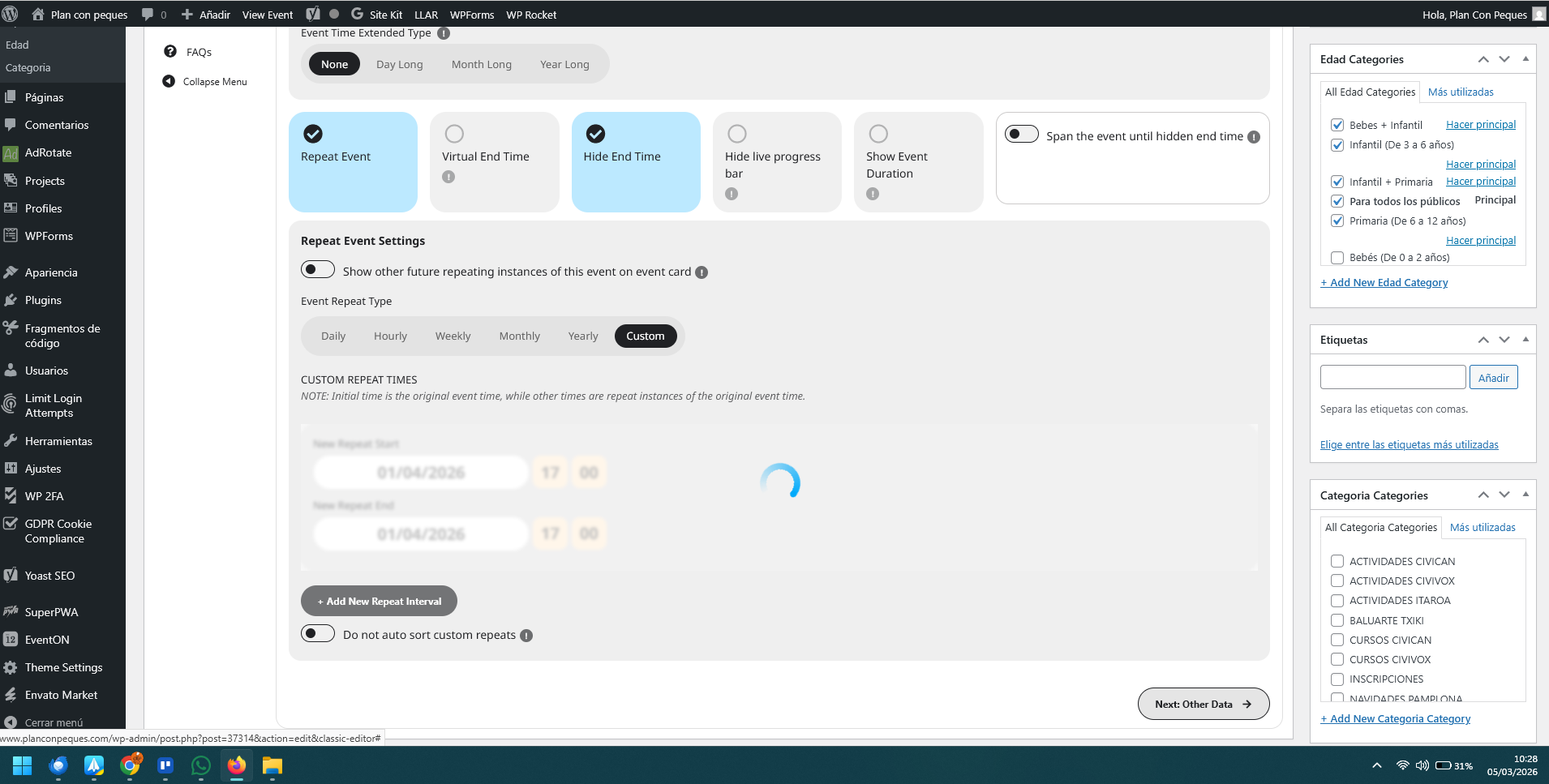
Image 1 (10:28): You can see me adding a new interval for April 1st, 2026 (04/01/2026). The loading spinner is active, showing the system is processing my manual input.
-
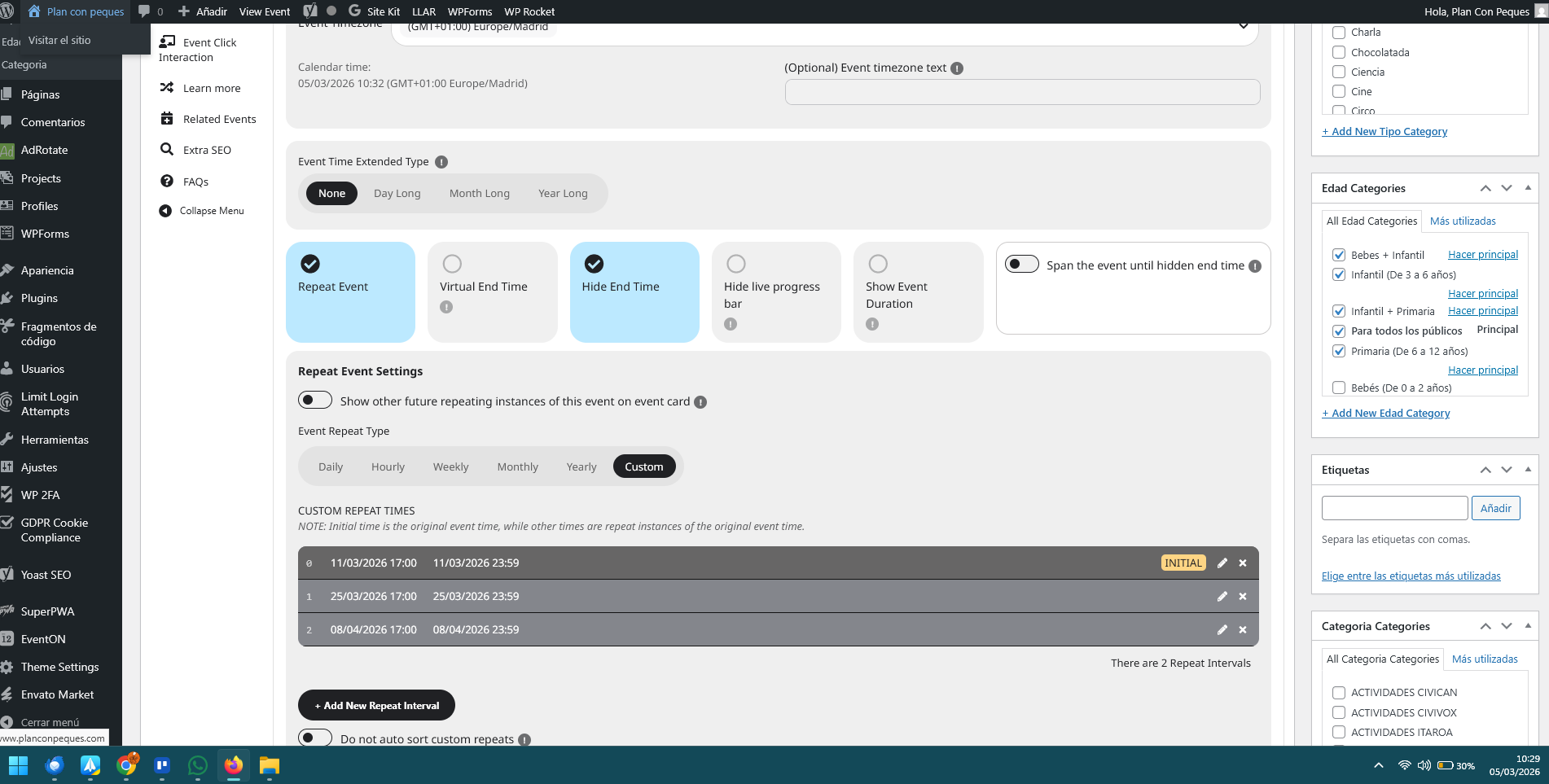
Image 2 (10:29): Once saved, the date April 1st has disappeared. Instead, the system automatically generated an interval for April 8th, which I never entered.
-
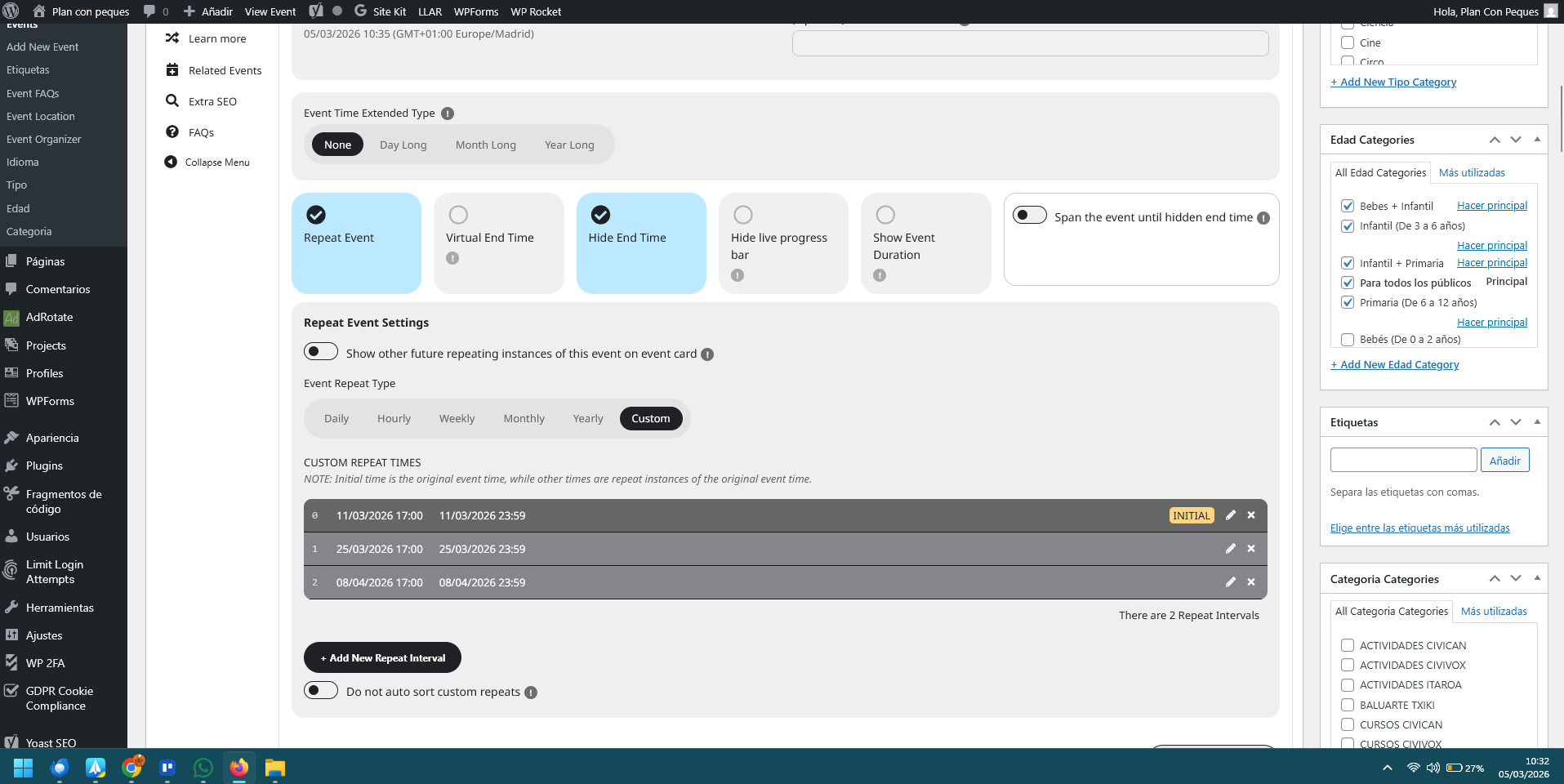
Image 3 (10:33): I went back to the event and found that an interval for March 25th (03/25/2026) had reappeared. I had previously deleted this specific repetition, but the system ”resurrected” it on its own.
In summary, the plugin is currently ignoring my manual inputs, generating dates automatically, and restoring deleted intervals.
Since you have admin access, could you please try to delete the incorrect dates and manually add April 1st yourselves? You will see that the system does not respect the administrative commands in this environment.
Best regards,
Hi,
Thanks for the update and for releasing the fix so quickly.
I’ve updated the Countdown Addon to version 1.2.1 and tested the events again. The countdown timer is now displaying the correct time,
Appreciate the help from the team in identifying and resolving the issue. You can go ahead and close the ticket from your end.
Thanks again!
Thank you
eventON makes style changes with most updates
What I would prefer is the looks to stay the same
Can you please tell me which code to insert,
so ’Show my Time Zone’ is light blue, like before
so ’Show my Time Zone’ has no mouse-over change
so ’Show my Time Zone’ has no rounded border field around it ?
::
There have been many code additions by eventON help desk
With every update there are new ones
Does this need to be ”cleaned up” at some point?
If it has no negative effect, we can leave it
::
Best regards,
DM
Thank you very much for the quick and excellent support.
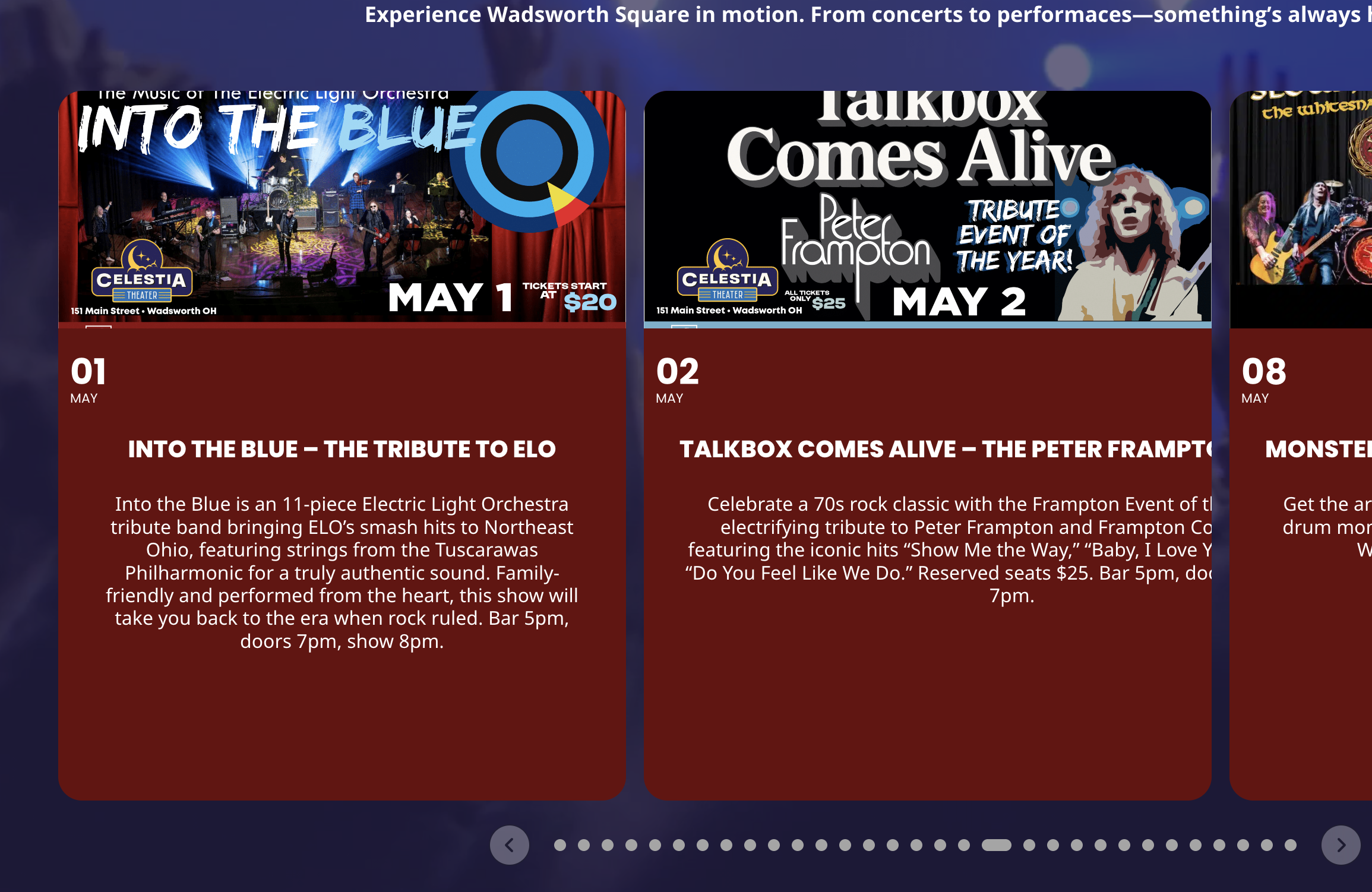
Some of the slider cards work but most are still broken…
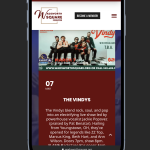

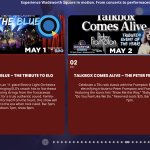
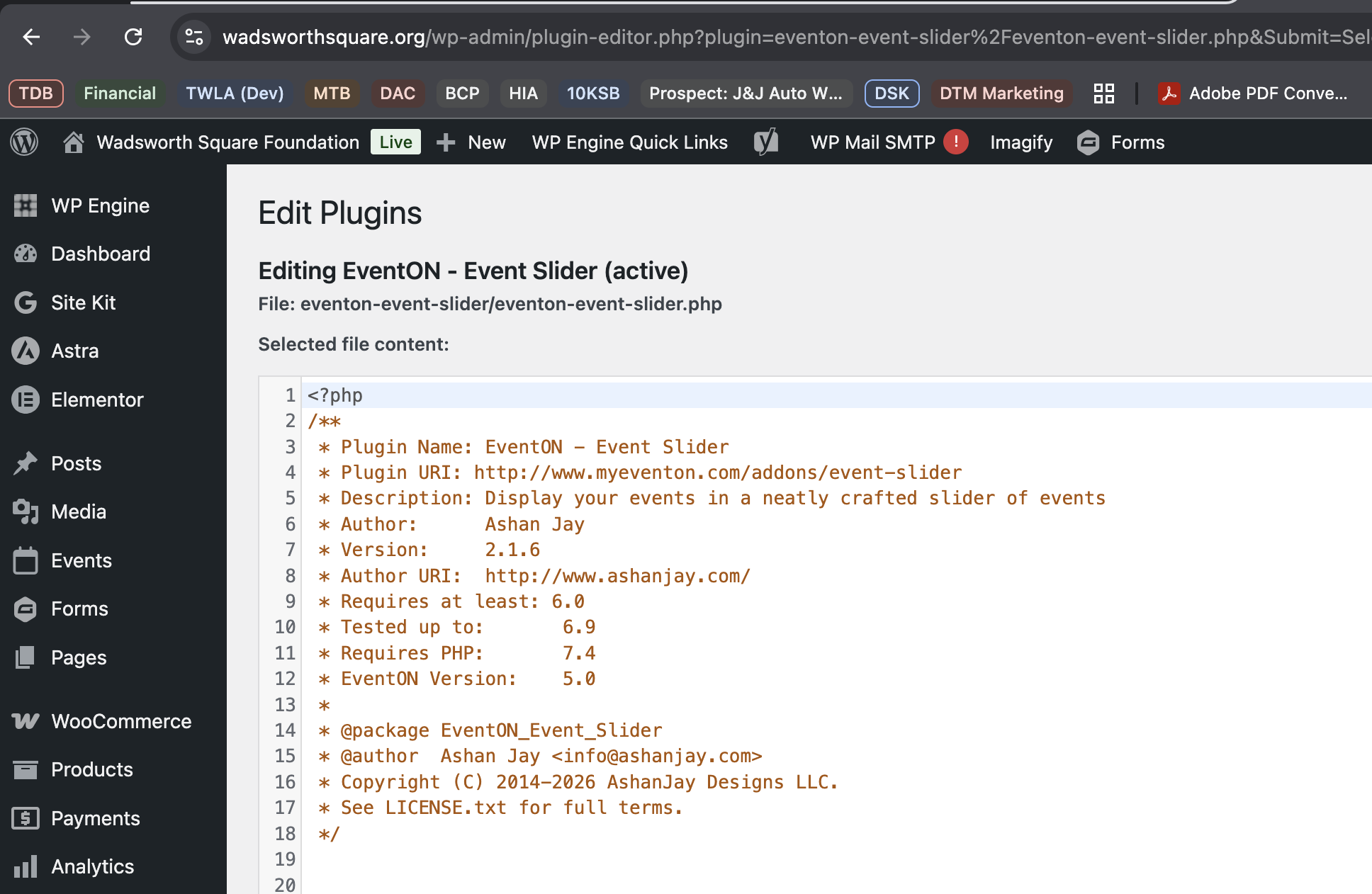
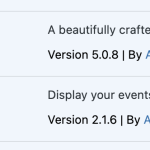
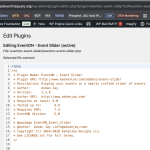
I am not sure how you’re seeing 2.1.7- I cleared the caches completely and Everything shows 2.1.6
We can not access your event at https://dgsens.artt.media/termine/ it is asking for access info. pelase share those via right side Access Info box.
# About Organizer Read More: — We will make sure the missing translations are added in the next version. Clicking this will reveal rest of the Organizer description, while other button open lightbox view of organizer details.