HI. It’s been a while since I heard back. Has this issue been fixed?
Archives: Replies
Replies for tickets on suppota
Reply to: tickets(303706)
I am not able to access your ftp but i will be releasing version 4.3.2 shortly.
Reply to: tickets(305360)
Thanks for the tip.
We have done that, but it’s too bad we will have a diferent slug than /events/.
How do we modify Open Graph data for the default /events/ page?
When we go to the facebook debugger, this link https://www.compassmedia.ky/events/ generates info from a single event and there is no way to edit that.
https://developers.facebook.com/tools/debug/?q=https%3A%2F%2Fwww.compassmedia.ky%2Fevents%2F
We can edit the new url, but is there a way to edit the OG data for the default one, which we already shared on social media?
Reply to: tickets(305359)
replicated and fixed will release fix in the next versin which will be out today.
Reply to: tickets(305363)
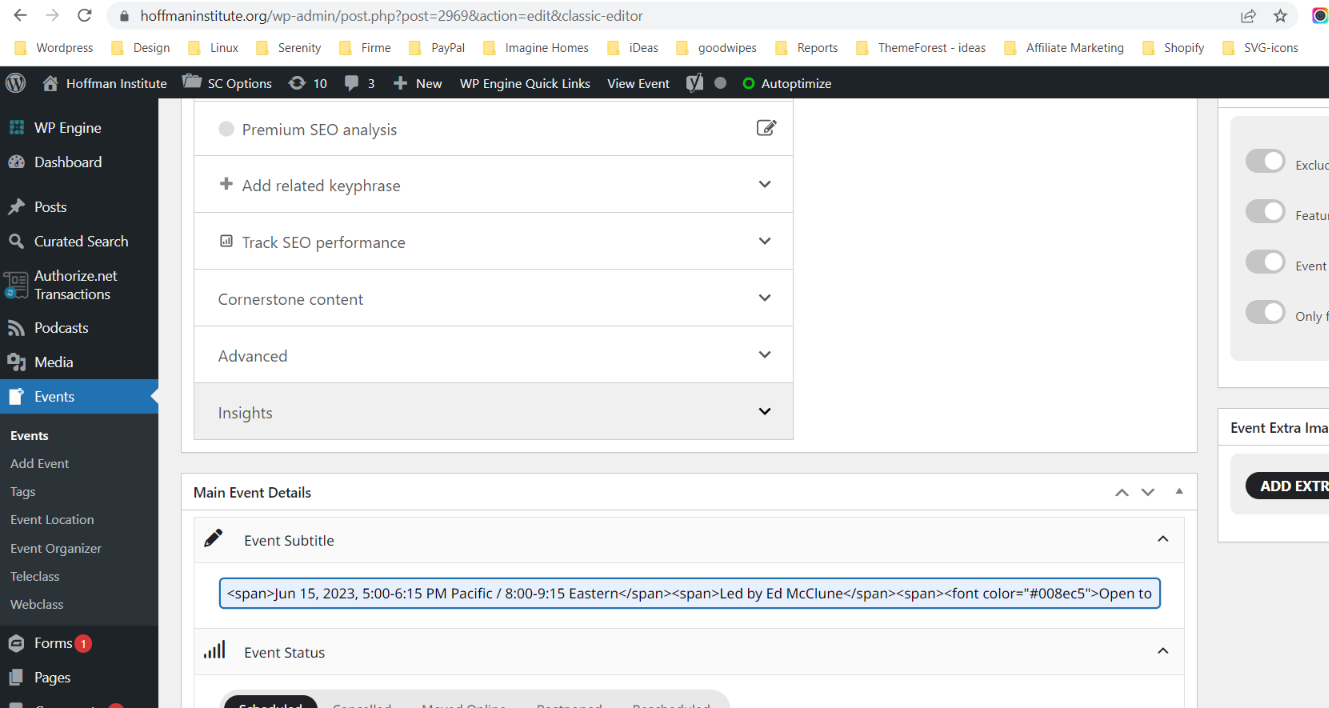
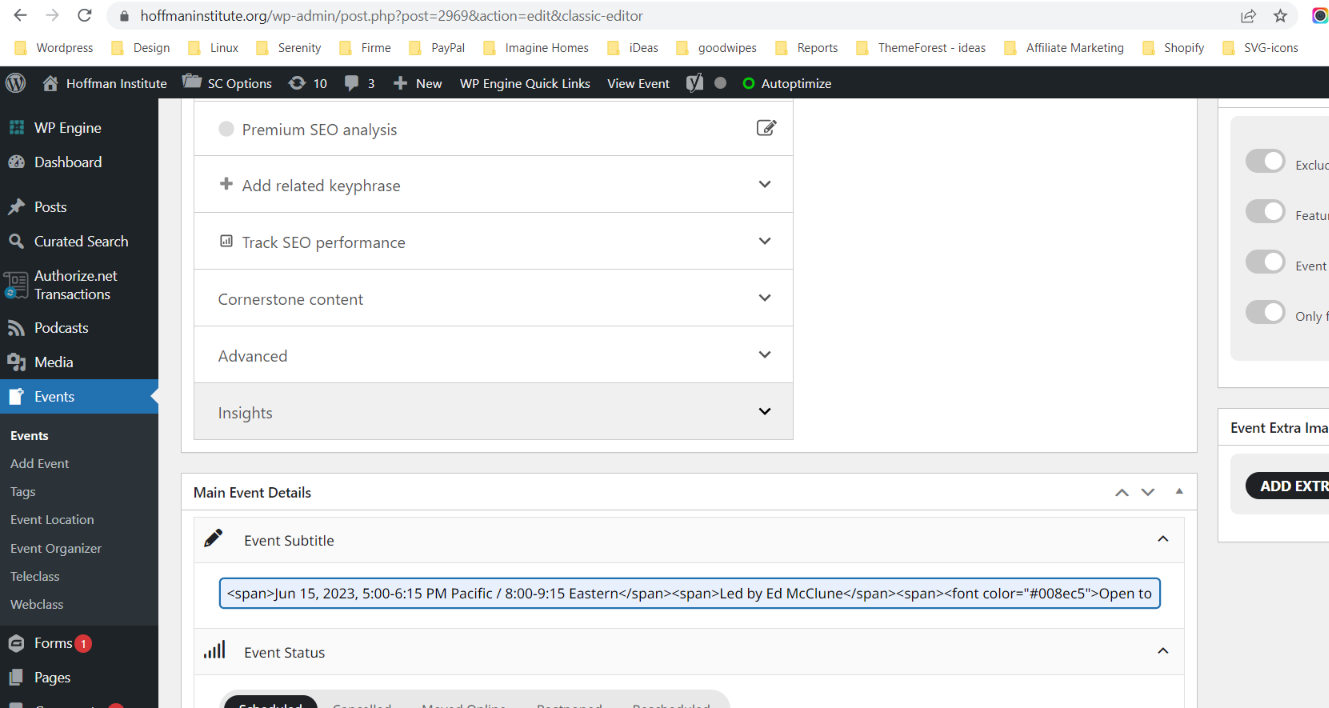
As you can see on my old events I do have HTML within field, but once I update, HTML is being removed. This didn’t happened before
Reply to: tickets(305363)
Reply to: tickets(305216)
Hi,
thanks, now the editor is visible, but as soon I save the event (with bullet lists etc.) the modification disappear and text is shown in a line – even in the backend if I stay on the event page.
I am loading the webfonst with Elementor > Custom Fonts. In addition to that I just installed the Plugin https://wordpress.org/plugins/host-webfonts-local/. Should we use another way?
Thankls for showing me the filter option (sorry for my blindness ;-))
Greetz Thomas
Reply to: tickets(305104)
When storing the data, it strips out the formatting. I will include a company name field and convert speaker description to a editor field and will release an update soon!
Reply to: tickets(304271)
Interesting I am not able to replicate that error with that code on elementor on my end. Will do some more tests before releasing the final version later today!
Reply to: tickets(304087)
That is very strange. We are not able to replicate this issue on various of our test sites where we updated before releasing to public. I wonder if another plugin interferes with this… hmm
That address data is stored in wp_options tables. If you want to backup that pre-updating the plugin in the future in case to restore if such things happen again.