Hello,
Please update to 4.3.1.
To update eventon to latest version: If you are unable to do autoupdate, you can go to codecanyon your account > download and get the latest eventon version as zip file. Then you can go to your website > make sure “Delete eventon settings & data when EventON is uninstalled” is Deslected from eventon settings, delete old eventon, install new one and activate. This link will further explain the process it. Also you can follow us on twitter to get real-time announcements on updates!
You can also downgrade to 4.2.2:
https://helpdeskx.s3.amazonaws.com/wp-content/uploads/2023/01/20051245/eventON-36.zip
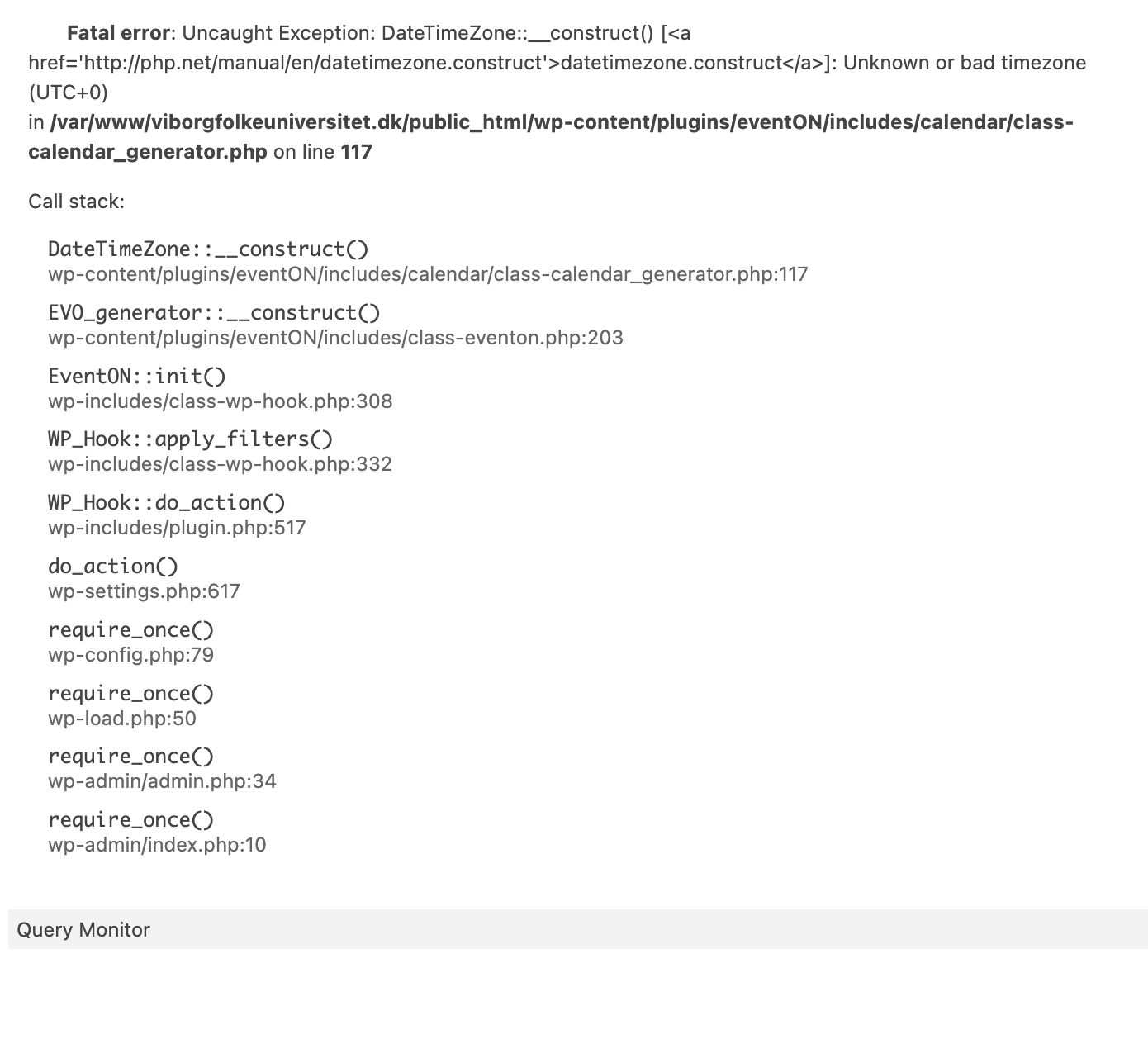
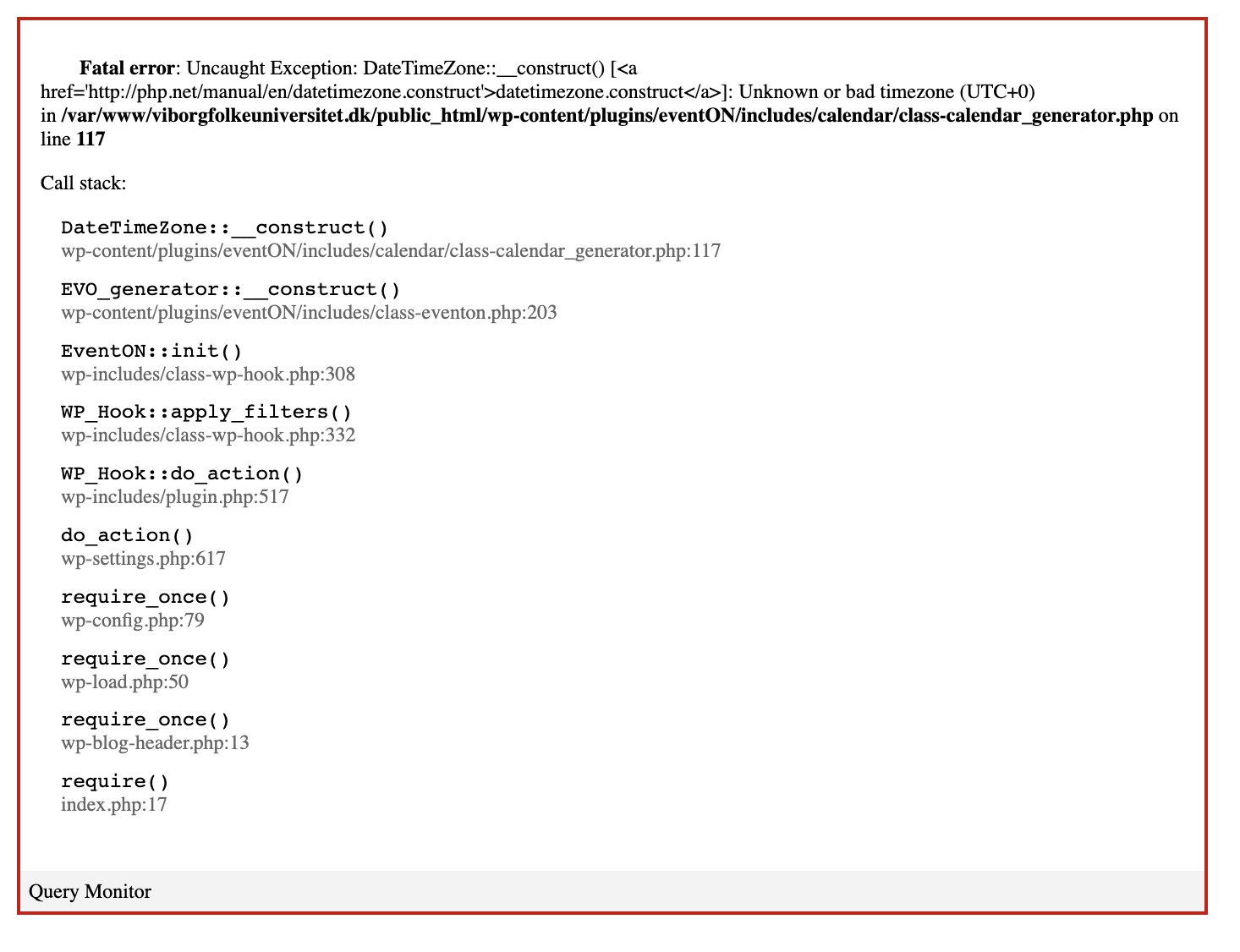
I enabled debugging and ran the plugin. It appears to be the same issue that others are having. Error pointed to “/wp-content/plugins/eventON/includes/calendar/class-calendar_generator.php on line 117″
Line 117: ” $this->timezone = new DateTimeZone( $tzstring );”
Also I confirmed that the recommended patch fix is applied:
if ( empty( $tzstring ) ) { // Create a UTC+- zone if no timezone string exists.
$check_zone_info = false;
if ( 0 == $offset ) {
$tzstring = ‘UTC+0’;
} elseif ( $offset < 0 ) {
$tzstring = ‘UTC’ . $offset;
} else {
$tzstring = ‘UTC+’ . $offset;
}
}
Looks good now. I’m not sure who updated it. I found the download and was about to do it myself and by the time I got to the task, it was already installed. Thank you.
Sure, here you go:
u: eventon-support
p: cl#@yM&0)a*
https://calbirthcenter.com/wp-login.php
[add_eventon_search][add_eventon_el cal_id="upcoming" exp_so="yes" el_title="Następne wydarzenia" el_type="dr" end_range="2023/12/31" hide_empty_months="yes" sep_month="yes" ft_event_priority="no" ux_val="4" show_et_ft_image="yes"][add_eventon_evmap cal_id="mapa" map_type="upcoming" focus_map="yes" lightbox="yes"]
Why going to pastebin?
https://pastebin.com/2aGUAr83
We are glad your issue is resolved, if you have any further questions or concerns please create a new ticket.
If you have a moment, we would greatly appreciate if you could kindly leave us a review at codecanyon! from your account > downloads. Cheers!
Hi,
No, I don’t need anymore help with this issue.
Have a good day.
Thank you.