Hello Support Team,
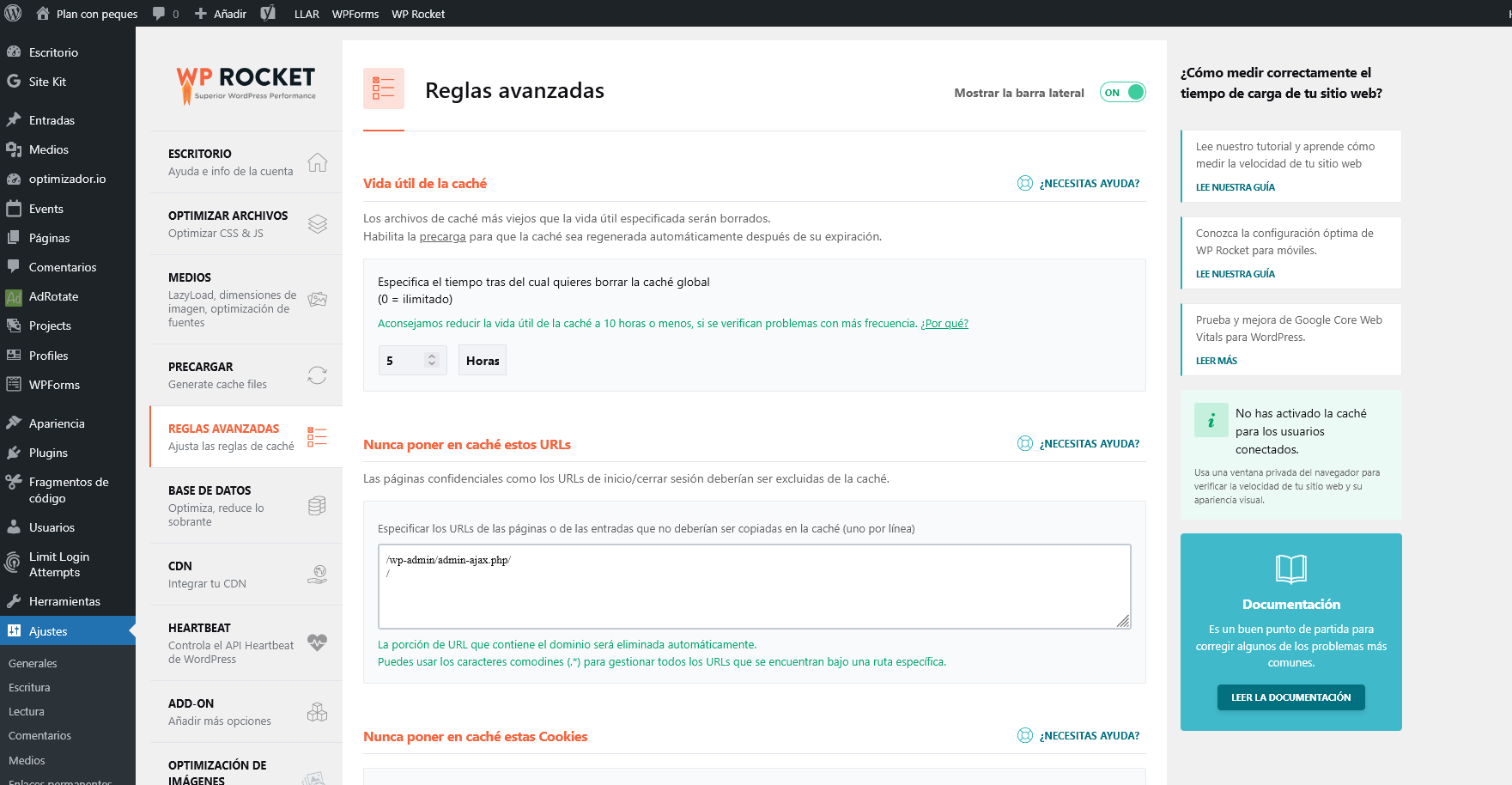
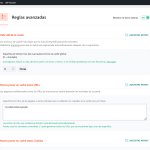
We have added exclusions in WP Rocket for / and /wp-admin/admin-ajax.php from the panel (please find attached a screenshot).
In addition, with the help of ChatGPT we have inserted a snippet in the functions.php file of our child theme to also exclude any URL with the ?evo-ajax parameter. The code added at the end of the file is:
add_filter( 'rocket_cache_query_strings', function( $query_strings ) {
$query_strings[] = 'evo-ajax';
return $query_strings;
});
With this setup, we understand that EventON should no longer be affected by WP Rocket’s cache.
Could you please confirm if this configuration is correct or if we should apply any other additional adjustment?
Thank you very much for your support.
Best regards,
Ana
Sorry : I’m still getting an error message for: #evo_search_bar_in_1
Hello,
I no longer have any errors according to the RGAA guidelines, but my website is now running very slowly. When I deactivate your plugin, it works normally again.
Do you have any idea what might be causing this?
Thank you
Hi Support,
This issue has come back again. An existing event has switched to a different product after it was published.
https://davidlynas.com/sabsa-training/sabsa-foundation/
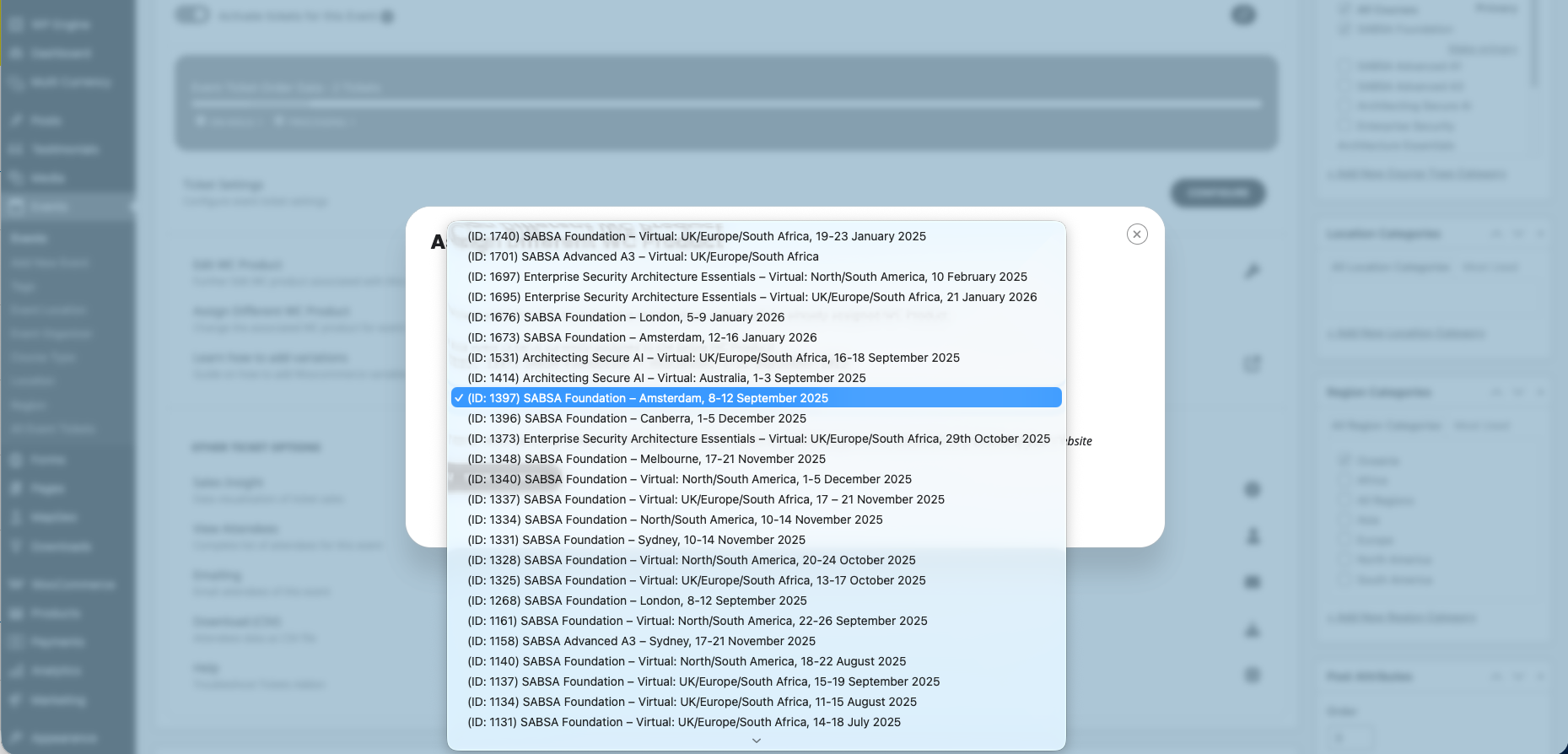
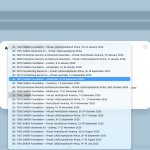
The December 01 – 05 event in Canberra for some reason pointed to an old WooCommerce product in Amsterdam in September. I’ve since reassigned it to the correct Canberra product (see screenshot below).
I also noticed the permalink for the old event was very odd:
https://davidlynas.com/product/ticket-sabsa-foundation-january-1-1970-january-1-1970-8/
We have the latest EventON and Event Tickets plugins.
Why would this be happening and how do we avoid it?
Cheers, John
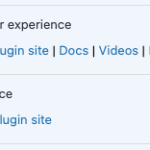
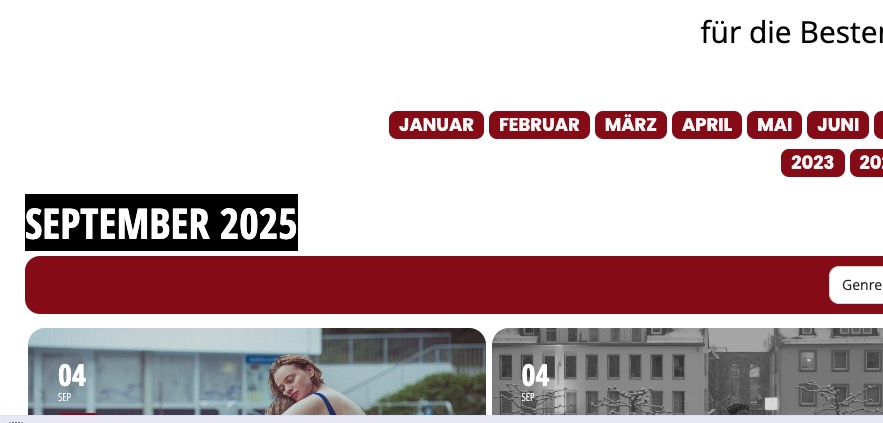
Are you referring to this part?

If so, please try this CSS code:
.ajde_evcal_calendar .calendar_header .evo_header_title.right .evo_header_mo, .ajde_evcal_calendar .evo_footer_nav.right { justify-content: center !important; }
Are you referring to a subdomain website? Usually it’s one plugin per website in WordPress.
Could you try excluding /?evo-ajax=eventon_get_events and also /?evo-ajax=eventon_init_load?
Also please send me a screenshot of how do you exclude it.
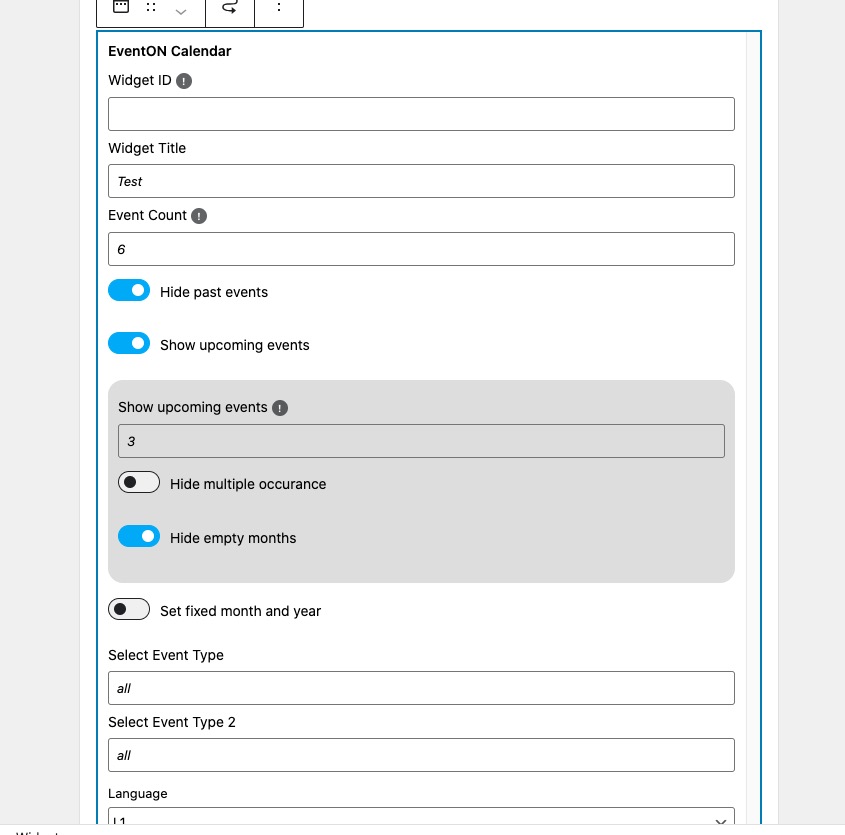
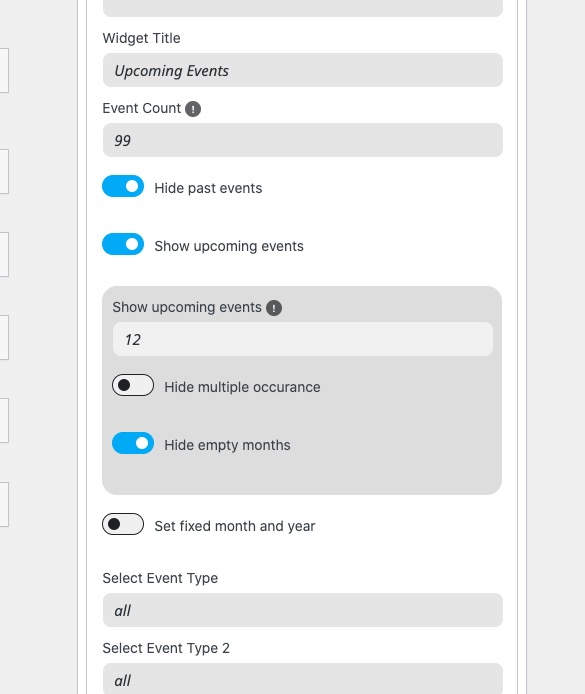
The widget on our test site:
https://dev2.myeventon.com/events/tickets-3/
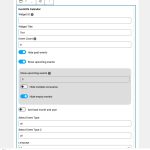
As you can see it behaves exactly the same as ESE shortcode.
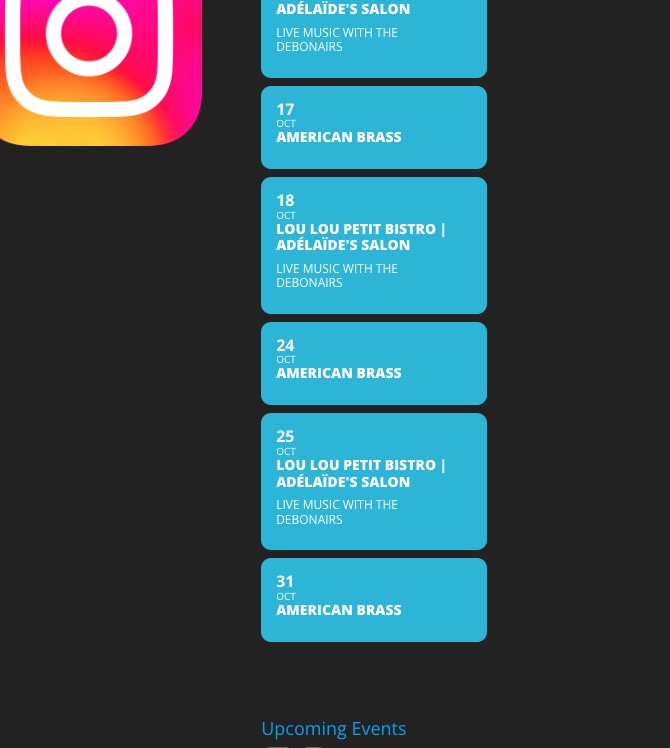
I tried testing the issue on your site and the widget shows me only one month Oct:
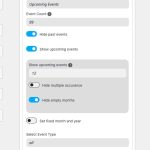

Could you please try the instructions mentioned in this documentation? It seems that something just limits the number of months to one.
I also tried changing EventON > Advanced > Select event calendar WP Query method and flushing the cache several times, still shows one month.
11. Please try going to EventON > EventCard > change Minimal height for featured image (value in pixels).
2. Please try adding tile_height=”500″ to the shortcode to change tile’s height.
EventCard Image issue. It seems there is an issue with EventON. I’ve already contacted Ashan about it. We are going to fix it in the next version.
3. Please go to https://helpdesk.ashanjay.com/ > check Feature Requests section.
4. You can add them to EventON > Styles or appearance / customize / additional css.
5. There is no way of automatically update user’s calendar. They need to add events from Event Card > click on Add to Calendar.
6. Map styling can be changed by going to EventON > Map API > Google maps display type.
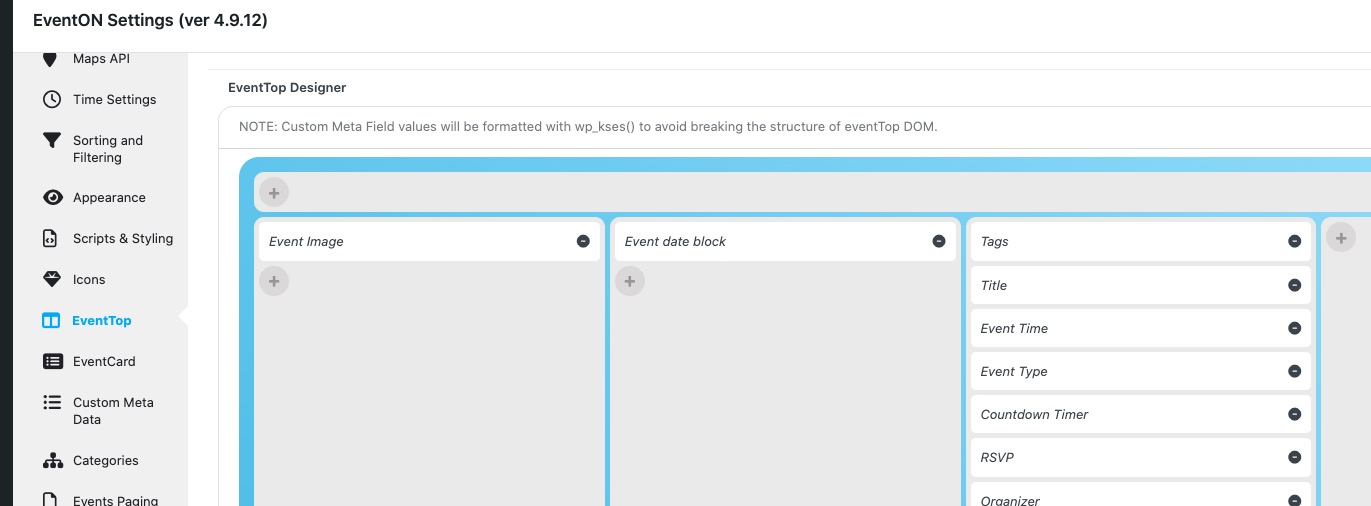
7. Please rearrange EventTop fields like this:
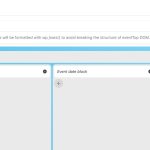
8. Please take a look at
https://docs.myeventon.com/documentations/setup-use-custom-meta-fields-events/
You can create a new meta field and add it to EventCard.
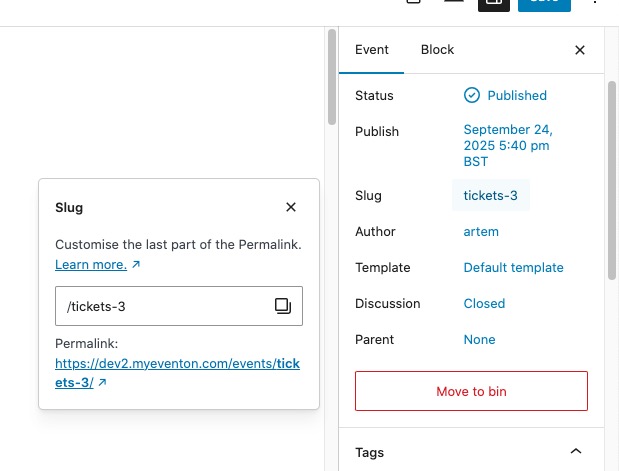
9. If you click on Slug on Edit Event page, you can change event’s URL. You can also change /events slug by following
https://docs.myeventon.com/documentations/change-events-slug/
Not sure if there are any plugins that can change the URL completely.
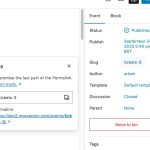
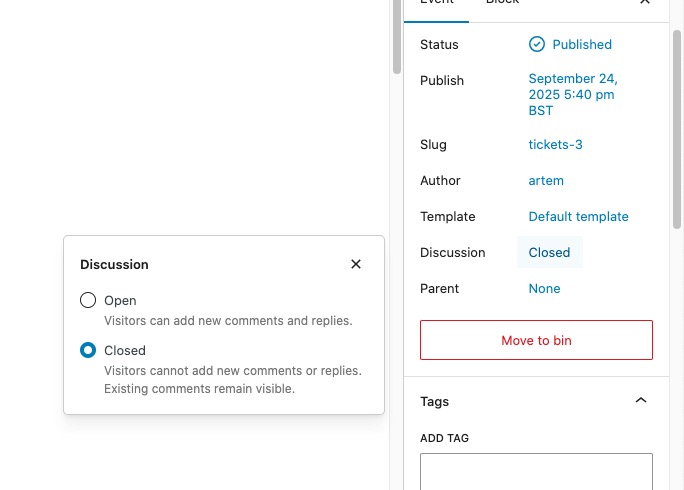
10. Please allow comments on Edit Event page: