Hello Vassiliis, I was trying to edit some eventon code in your website to fix the issue all of a sudden it gave me critical error warning. Would you mind sharing FTP access to eventON folder via side bar Access Info?
You can also try replacing eventON plugin files — which might fix the issue.
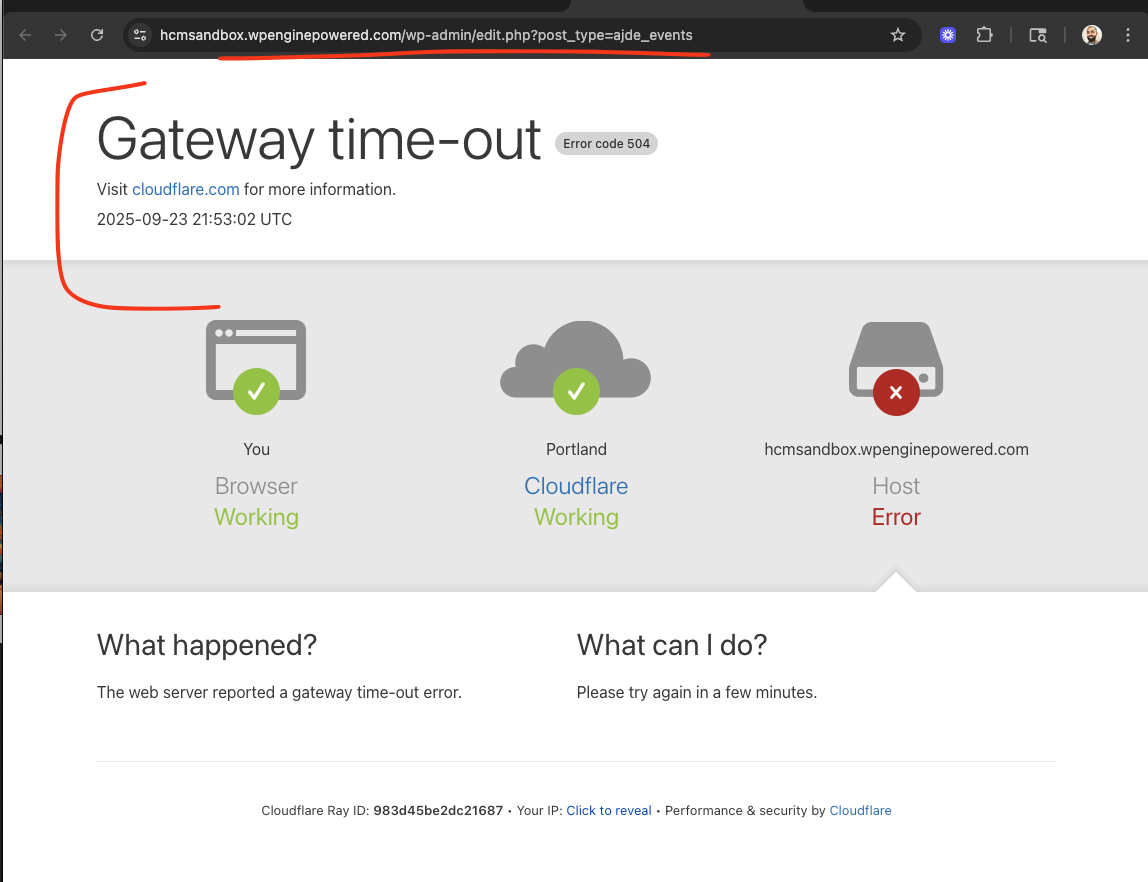
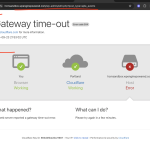
I am sorry it just keep timing out. Anyway you can get this fixed from server side?
your server is timing out for some reason not sure why?? any way you can share ftp access to eventon folder? please use “Access info” from side bar.
Thank you Sam for the messages and information you share, let me take a look and see how we can get the single events pages to look like the rest of the theme.
Ashan,
When users click on the bottom nav, it keeps them at the bottom even after the month change:
https://dev2.myeventon.com/test-37/
Shouldn’t it get them back to the top?
Could you check?
Thank you for your messages, I am going to assign this ticket to Ashan and he will be able to take it from here and find you a solution. Please allow some time for him to get back to you, we greatly appreciate your patience and thank you for being a eventon customer!
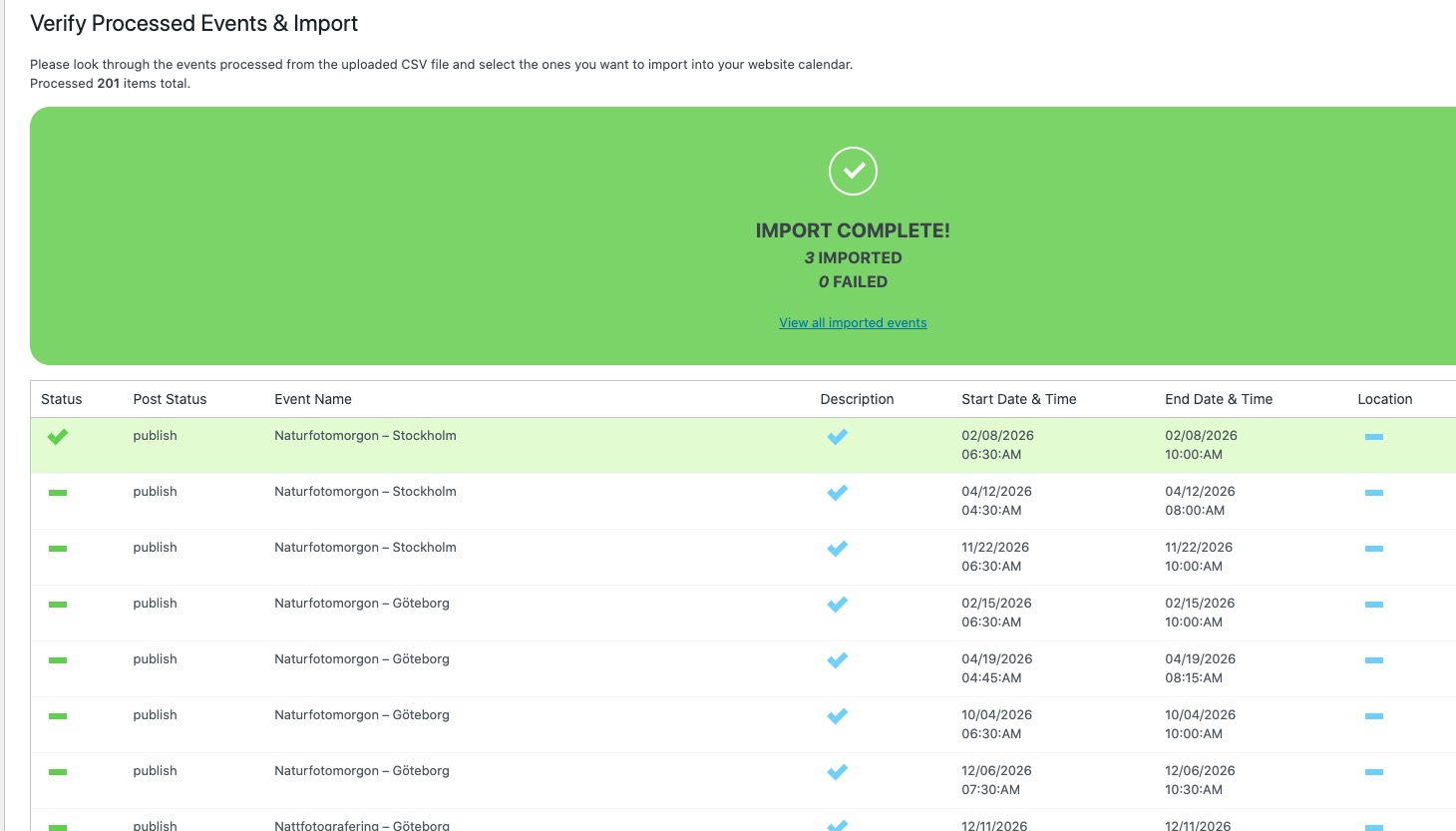
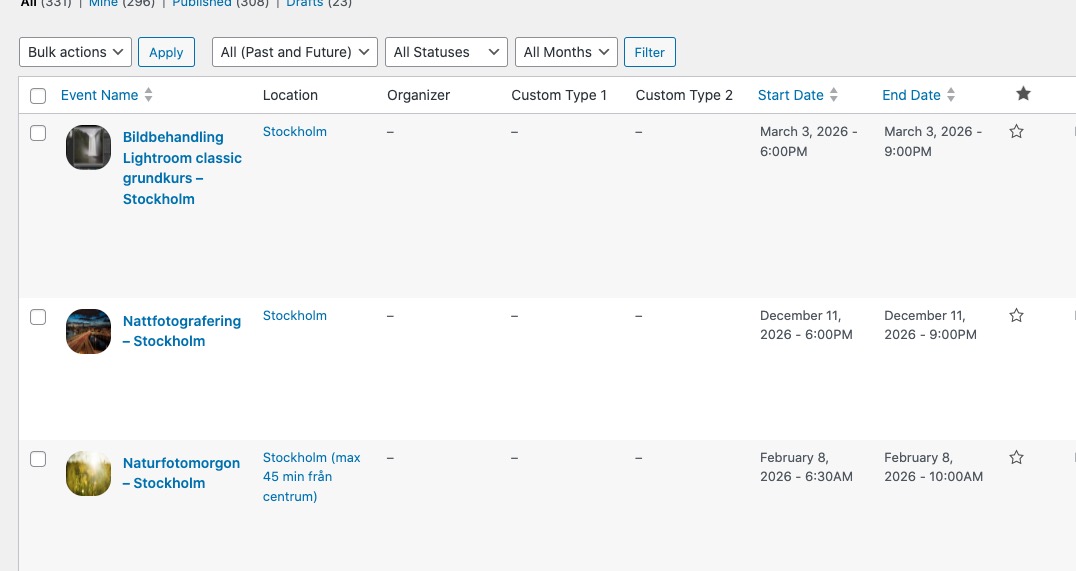
I tried importing some of your events:
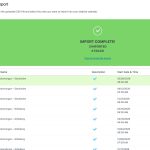
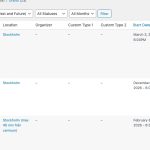
Seems to be working. Not sure why it doesn’t show locations during the importing process. We are going to check the issue and going to release a new update.
I cannot login to https://new1.masterfoto.se/ anymore. Could you check?
Please also try importing not all of them at once, but in parts of 10-20.
Hello,
There is no way of changing the output of the RSS feed, I am afraid.
However please create a new ticket and select Feature Request as category so others can vote on your idea and get it moved into development faster.
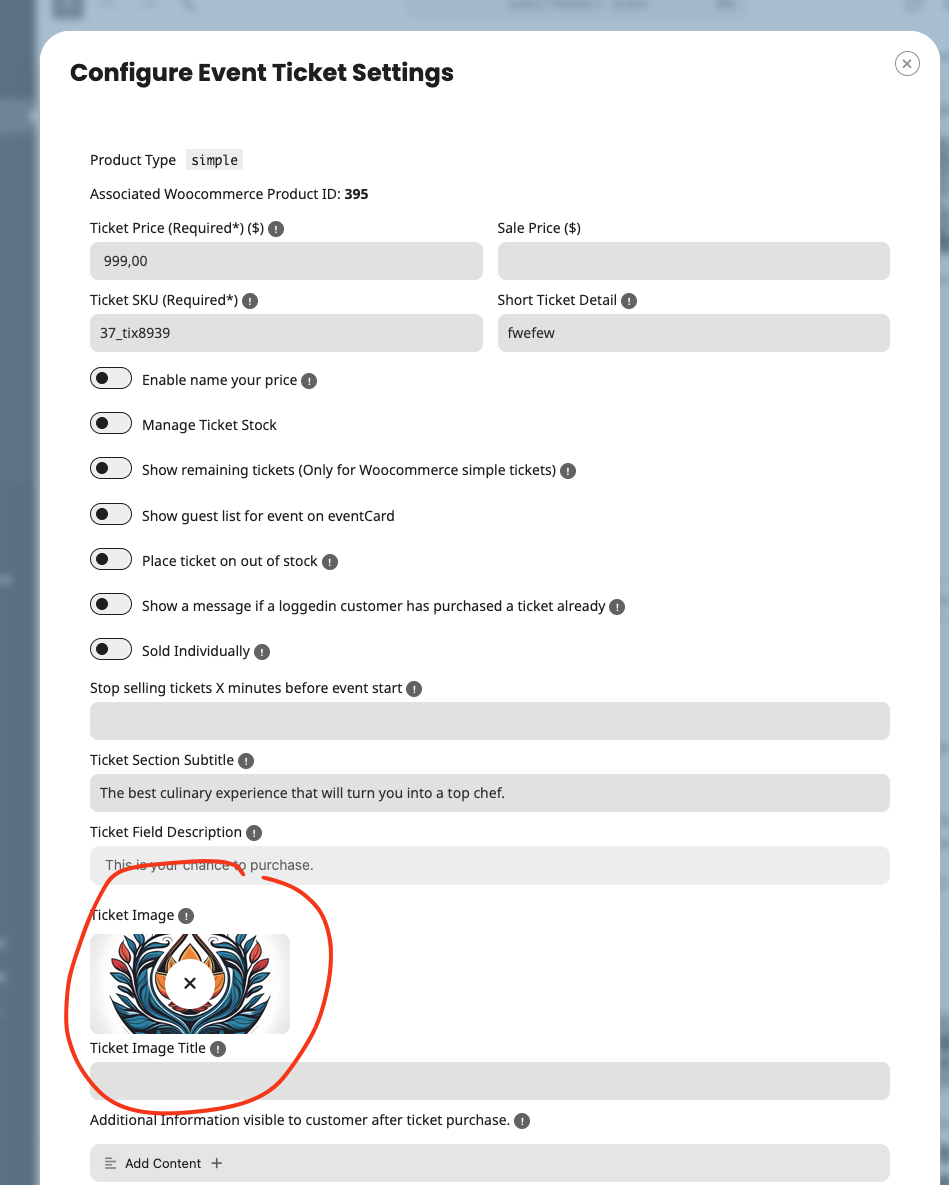
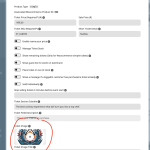
In the cart the image that should show for the ticket is the image you set via ticket settings.
If you have other custom codes that might be overriding this behavior and showing these category images. — if that is the case please refer to your custom code for why it is not working correct.
By default tickets should show the image from ticket settings for event.
Please also make sure to cancel your subscription:
https://docs.myeventon.com/documentations/how-to-cancel-addon-subscription-before-auto-renew/