Hello,
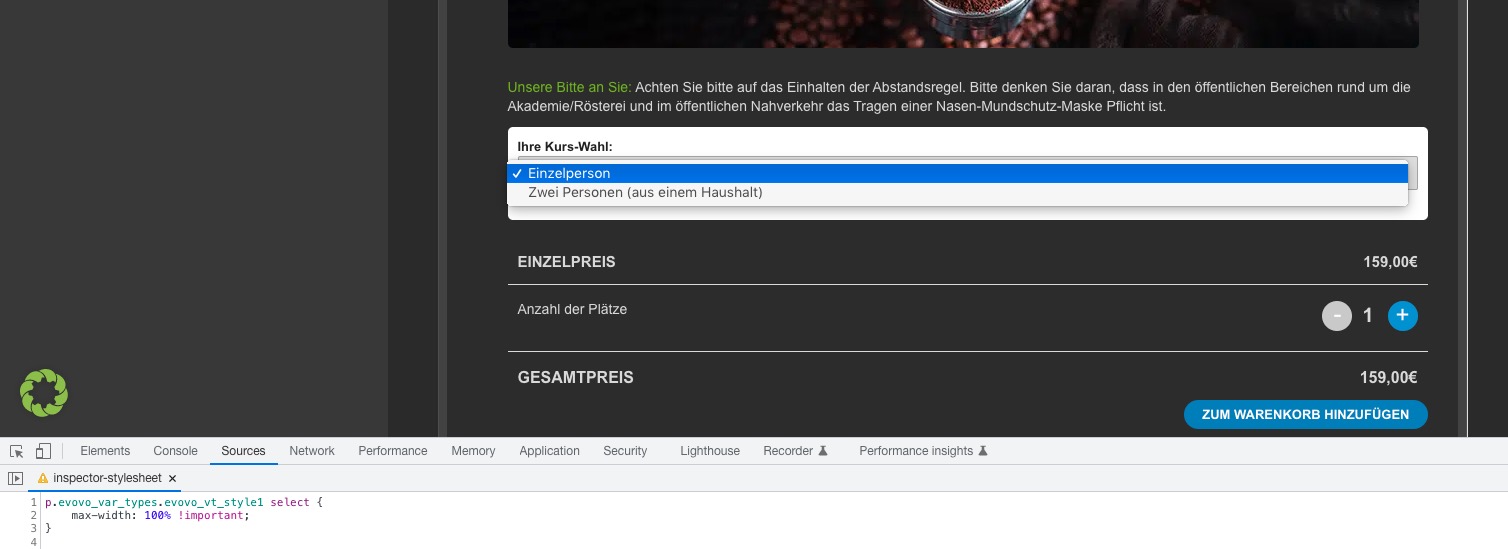
Please add this CSS code to EventON > Styles (If you don’t see any change, EventON > Scripts & Styling > turn off Write dynamic styles to header > save settings > turn on Write dynamic styles to header):
p.evovo_var_types.evovo_vt_style1 select { max-width: 100% !important; }
Hello,
Could you elaborate? You can use Event Type to show a filtered calendar:
https://docs.myeventon.com/documentations/confused-event-type-categories/
https://docs.myeventon.com/documentations/how-to-use-event-types-to-do-more/
Hello,
Unfortunately, it is still not possible. However please create a new ticket and select Feature Request as category so others can vote on your idea and get it moved into development faster.
Hi there,
That’s been unblocked to those countries now for you.
Many thanks
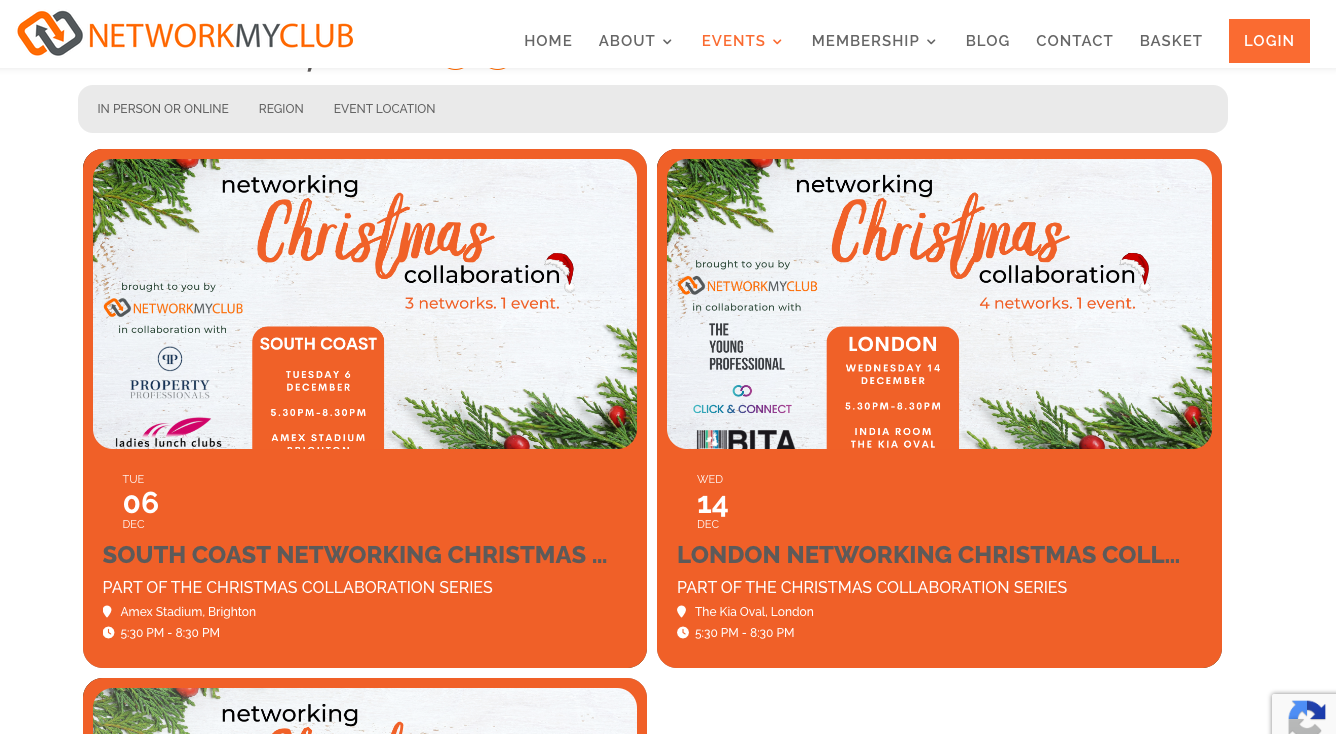
The date is still appearing above the title of the event in the full calendar, when before the update it was appearing next to the title. How do I change this?
And how do I change the event title from grey text to white?
hallo, i write to ask if in the meantime the situation has changed in recent months and if it was now possible to enter the position only with an address and not only with Lat/Long values.
G
Hi there – can you send me an IP Adress or the country from which you are loging in?
Hello,
I have tried to access your site but I am getting the error below.

If you have enabled any Geographical site access restriction plugins please disable them so that we be able to troubleshoot the issue you are having.
Hi Doug,
Could you also make sure that you are using the latest versions of all our addons? Please check for latest version of the software from here
To update eventon addons: You can download latest eventon addons from myeventon > my account. Then you can go to your website, deactivate old addon and install new one and activate then delete the old addon. This link will further explain the process.
Let us know if the issue persists.
Hi Robert,
We would need to access the page where the issue is happening. However, you can use the documentation below to try to make the changes on your own
https://docs.myeventon.com/documentations/change-css-calendar/
Hope it helps