I believe that the guide isn’t correct. I’ve already contacted our development about the issue.
Meanwhile, could you try using the code from this folder for both single event page and archive page:
https://rachelb155.sg-host.com/wp-admin/admin.php?page=wp_file_manager#elf_l1_d3AtY29udGVudC9wbHVnaW5zL2V2ZW50T04vdGVtcGxhdGVz
Thank you for sharing this with us!
We are glad your issue is resolved, if you have any further questions or concerns please create a new ticket.
If you have a moment, we would greatly appreciate if you could kindly leave us a review at EventON WordPress Page OR EventON > My Account > Downloads. Your review helps us a lot in continuing EventON improvements!
Hello,
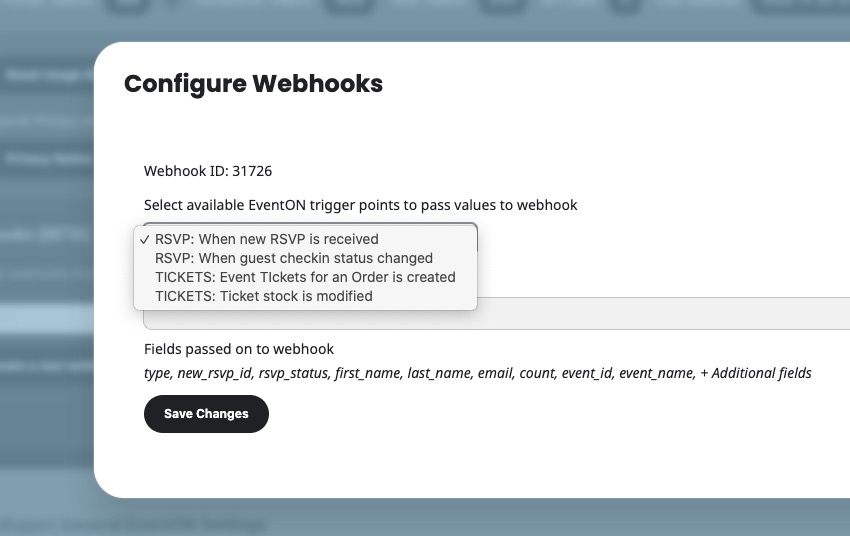
Please take a look at Webhooks:
https://docs.myeventon.com/documentations/how-to-use-webhooks/
Hello,
Could you update EventON and check again?
To update eventon to latest version: If you are unable to do autoupdate, you can go to codecanyon your account > download and get the latest eventon version as zip file. Then you can go to your website > make sure ”Delete eventon settings & data when EventON is uninstalled” is Deslected from eventon settings, delete old eventon, install new one and activate. This link will further explain the process it. Also you can follow us on twitter to get real-time announcements on updates!
Hi Artem,
I managed to resolve the issue where posts were not saving and data was disappearing (refreshing). I wanted to share the solution in case other users encounter this.
The Root Cause:
My server (.htaccess) was configured to force a Trailing Slash on all URLs for SEO purposes.
Since the WordPress Block Editor (Gutenberg) sends POST requests to the REST API (/wp-json/…) without a trailing slash, my server was triggering a 301 Redirect to add the slash.
The Problem:
During the 301 Redirect, the browser transformed the POST request (containing the data) into a GET request, causing all the submitted data to be lost before it reached WordPress.
The Fix:
I had to modify my .htaccess file to exclude the /wp-json/ path from the trailing slash redirection rule.
Basically, I added a condition like this before the redirect rule:
RewriteCond %{REQUEST_URI} !/wp-json [NC]
Everything works perfectly now. Thanks for your help!
Best regards,
Victor
Please try going to EventON > Map > enable Use Openstreetmap API to get geolocation coordinates.
Perfect! Please keep us updated.
Hello,
First of please try adding to the shortcode:
hide_mult_occur=”yes”
If the issue continues, please go to EventON > Time Settings > make sure that Timezone is the same as wp-admin > Settings > TImezone.
It should also be the same in Edit Event > Timezone.
It have in events after 27 december to be clearer, so a event with date in 29 december 2025, for example, is not show, and events with date on January, February of 2026 are not shown also. If I published an event with date 26 december, it appears!
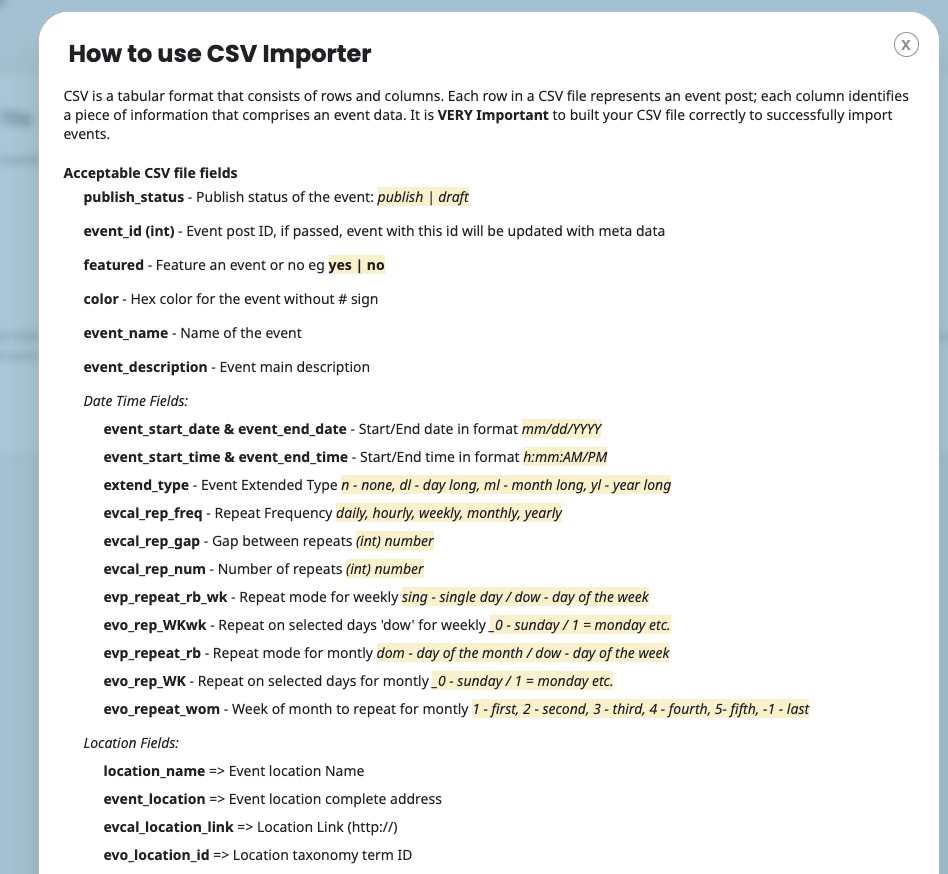
Please take a look at CSV Importer:
https://www.myeventon.com/addons/csv-event-importer/
You can create a new file in the csv format to import batches of events:
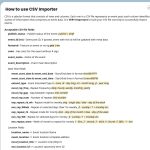
The data from Tickets add-on can be imported too, but not seats/variations.
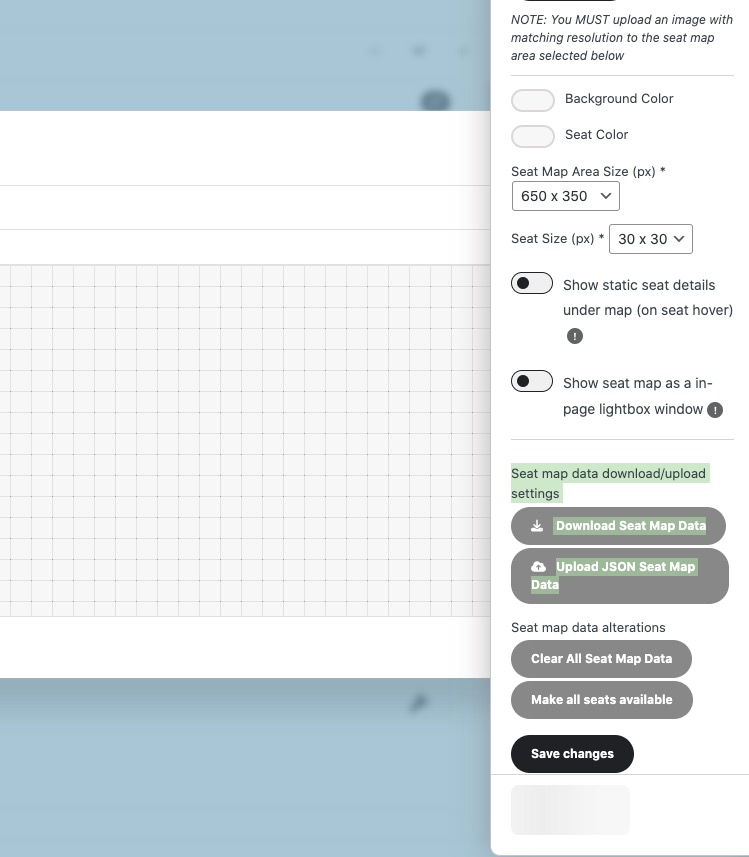
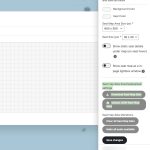
At the same time seats layouts can be exported/imported from Seat Map Settings in Edit Event:
Try on
https://dev.myeventon.com/wp-admin/