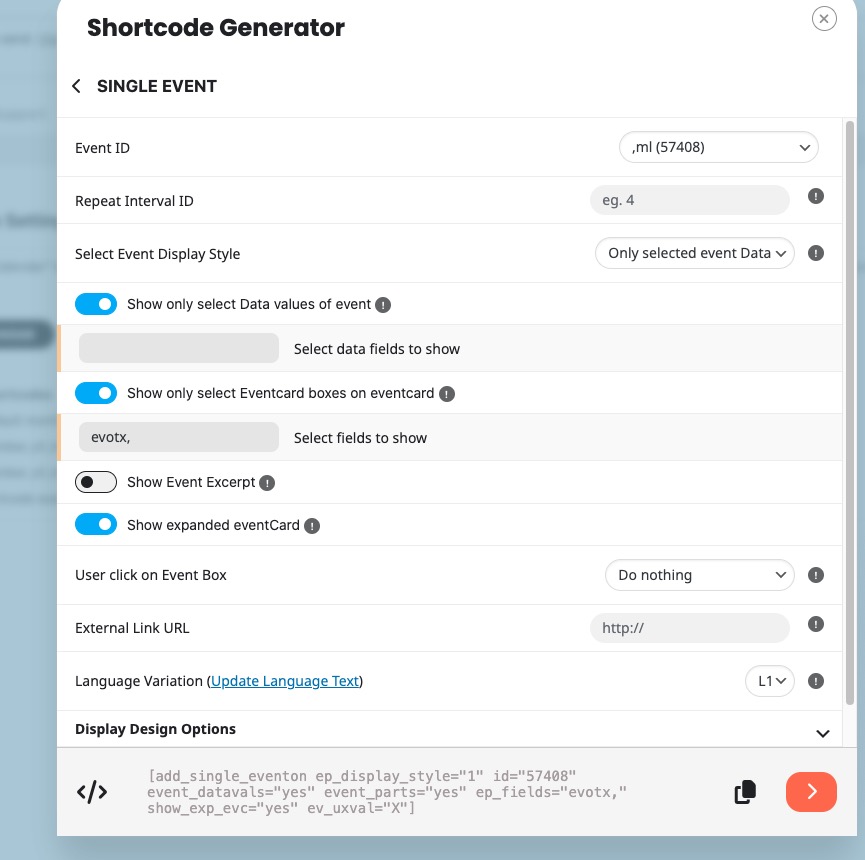
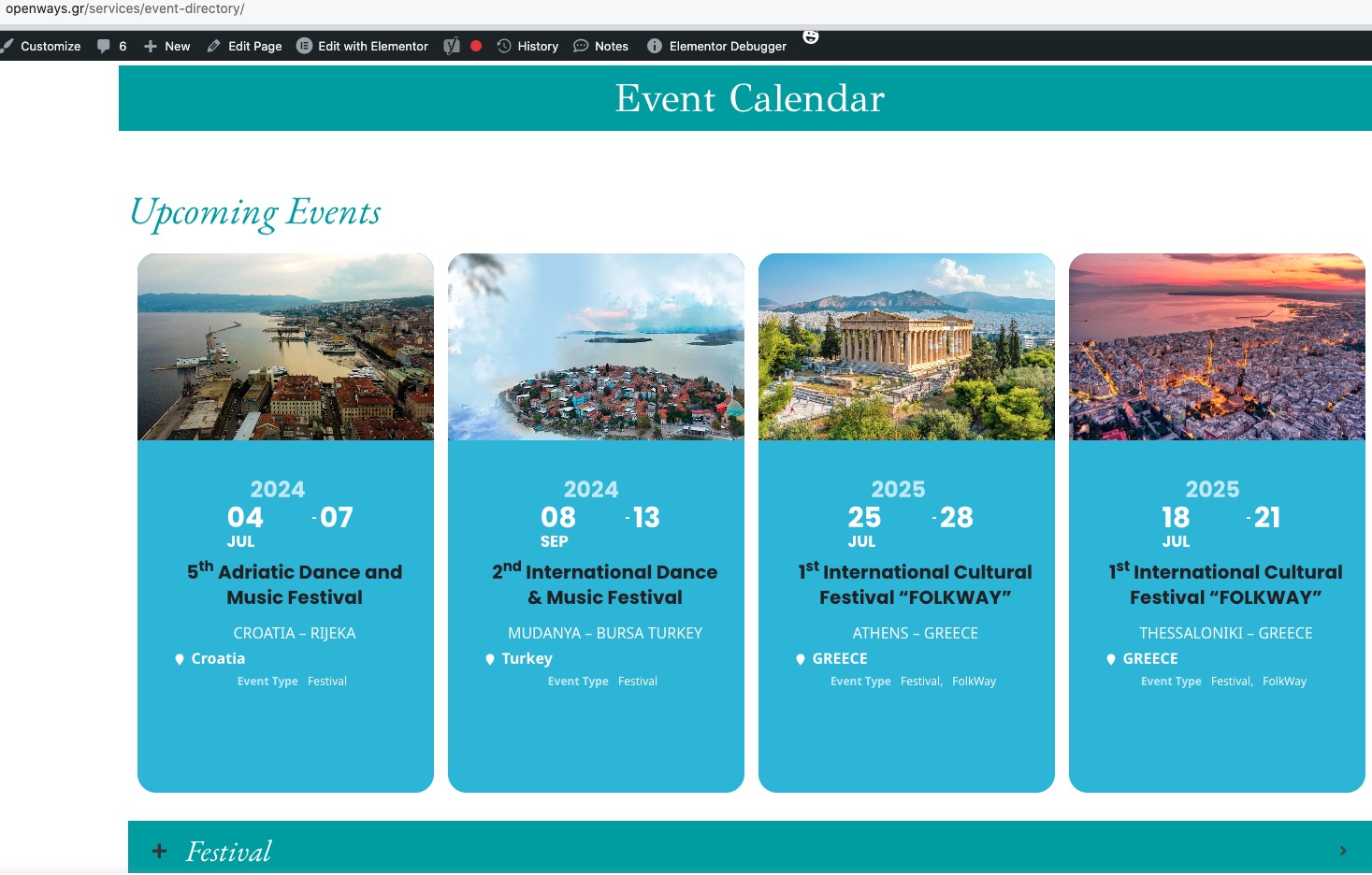
1. Please use this:
.eventon_events_list .eventon_list_event .evoet_cx .evoet_eventtypes em:first-child i { color: red !important; }
2. Please use this CSS code:
.ajde_evcal_calendar.color #evcal_list .eventon_list_event .evoet_cx span.evowi_wi_area em, .evo_pop_body.color .evoet_cx span.evowi_wi_area em { color: red !important; }
Hello,
Please take a look at Single Event shortcode:
https://www.hundmedhanne.no/test/
Settings I selected:
Ashan,
I cannot find the version of Edge that works on my Mac.
Could you try and see if this works:
https://visitwoodland.com/submit-your-event/
Thank you for your messages, I am going to assign this ticket to Ashan and he will be able to take it from here and find you a solution. Please allow some time for him to get back to you, we greatly appreciate your patience and thank you for being a eventon customer! Also please disable any IP blocking on your site if there are any.
Please also try checking if you see the same issue on our test site:
https://dev2.myeventon.com/test-36/
I have issues accessing the website:
I enabled WP_DEBUG, please try loading the main page, so it can write any errors to the debug.log file.
It seems that because of the overall number of events and also some events are also repeating there is an issue with server’s memory limit:
https://docs.myeventon.com/documentations/increasing-wordpress-memory-limit/
Please check now and let me know.
Could you try using this cache plugin instead (just for a test):
https://wordpress.org/plugins/wp-fastest-cache/
Try excluding EventON’s URLs from it’s cache:
https://www.tracemyip.org/learn/exclude-wordpress-content-from-being-cached-by-caching-plugins-2660/#:~:text=WP%20Fastest%20Cache,-Exclude%20Specific%20URLs&text=Go%20to%20WP%20Fastest%20Cache,want%20to%20exclude%20from%20caching.
The new login info didn’t work for, I am afraid.
Hello,
I believe that the issues can be caused by number_of_months=”90″ event_count=”500″.
90 month is a lot for a server to handle, usually. Could you try changing it?
Please also note that I checked the website and after changing the shortcode it still works:
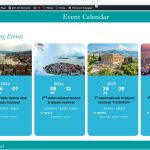
I also enabled WP_DEBUG on your website:
https://docs.myeventon.com/documentations/how-to-debug-for-php-code-errors/
Please try recreating the issue, so we can check the debug.log file.
Hello,
Please send us wp-admin access to your site from “Access Info” box on right side menu, to further assist your situation.
The old login info has stopped working.
Also please follow the instructions in this documentation to activate debug in your site to see any PHP errors recorded that can provide insight on to whats going on. Please reply with a link to debug.log file. If you are not able to do this please send us FTP access to your site so we can do this for you.
Actually the website freezes when I go to a page with a calendar.