You are exactly right! I am going to assign this ticket to Ashan and he will be able to take it from here and find you a solution. Please allow some time for him to get back to you, we greatly appreciate your patience and thank you for being a eventon customer! Also please disable any IP blocking on your site if there are any.
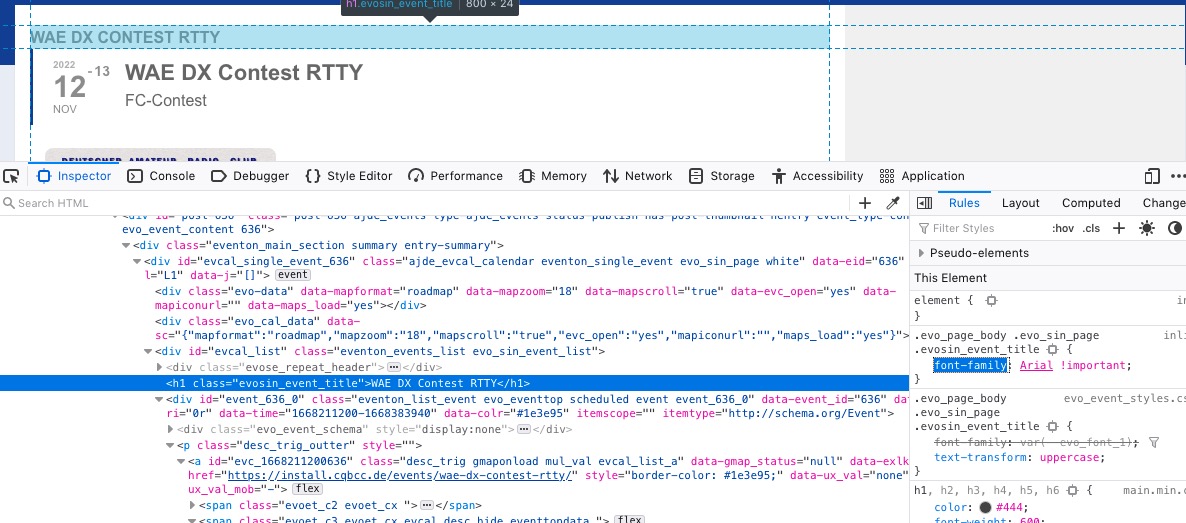
As a temporary solution please use this code:
.evo_page_body .evo_sin_page .evosin_event_title { font-family: Arial !important; }
Hello,
Can we get wp-admin access to both sites?
Please also add this code:
.evo_pop_body .evcal_cblock em { color: white !important; }
Also, in response to your answer on stacking, why couldn’t you add a token in the EventTop designer that expands to the time and location tokens when the code evaluates it. You would then be able to retain the appearance you had before.
Please create a new ticket where describe your idea, then select Feature Request as category so others can vote on your idea and get it moved into development faster.
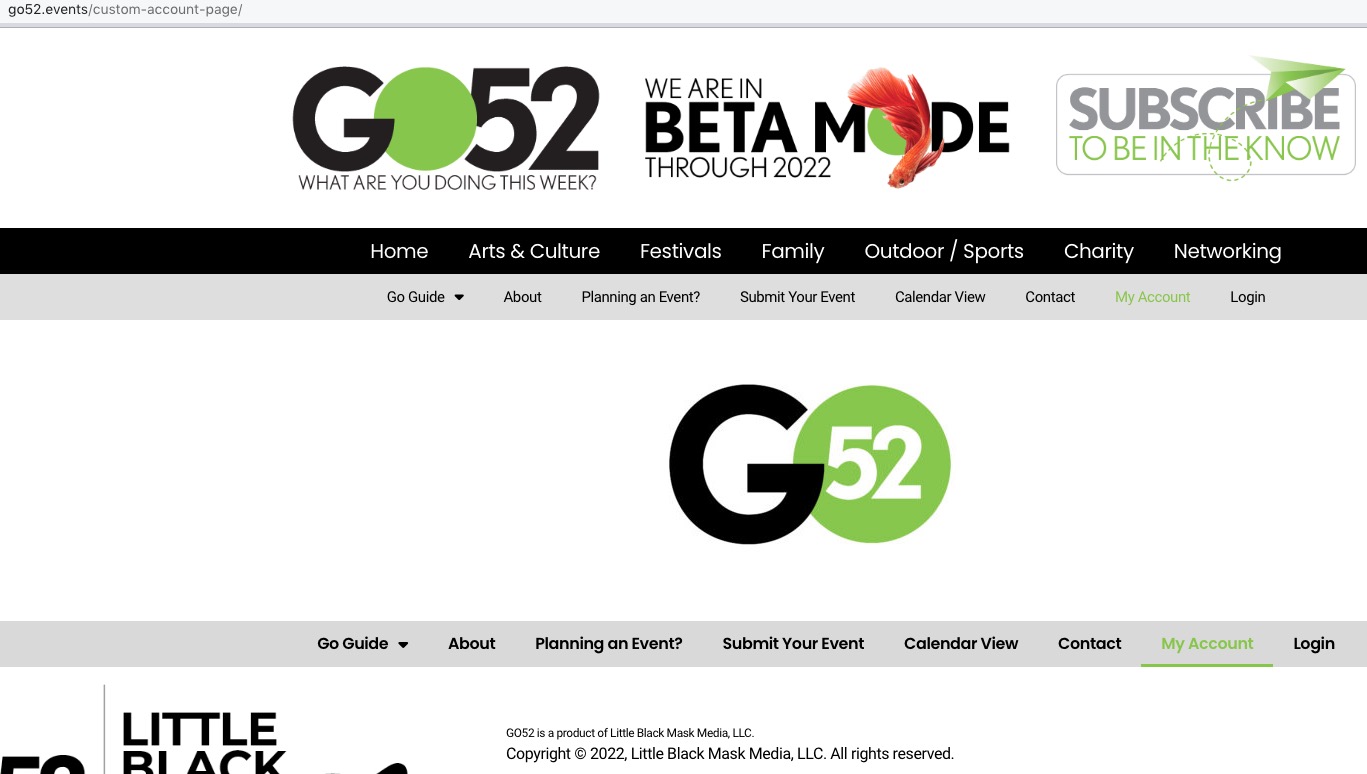
What I am seeing:

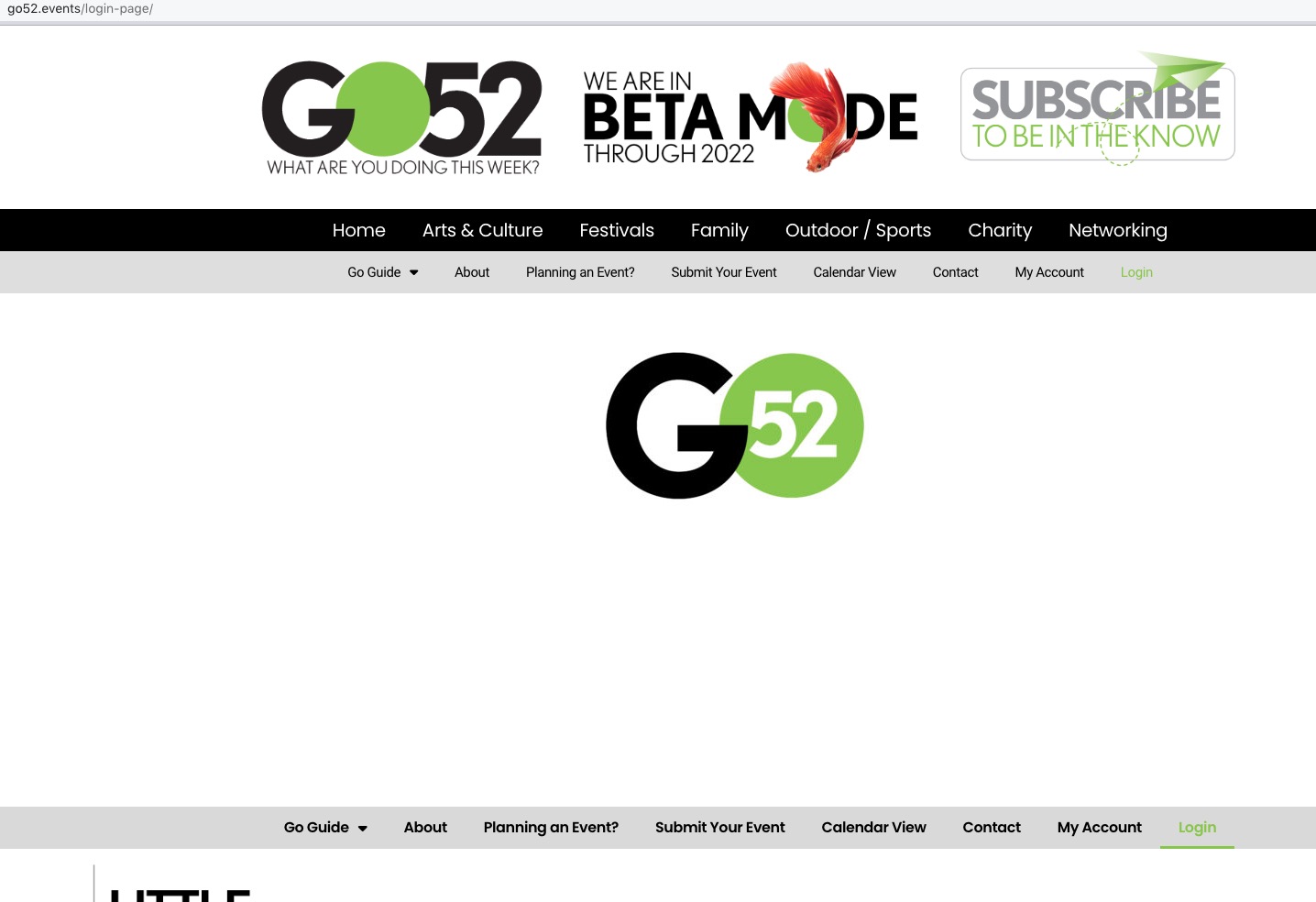
/wp-admin redirects me to https://go52.events/wp-login.php?redirect_to=https%3A%2F%2Fgo52.events%2Fwp-admin%2F&reauth=1
Ashan,
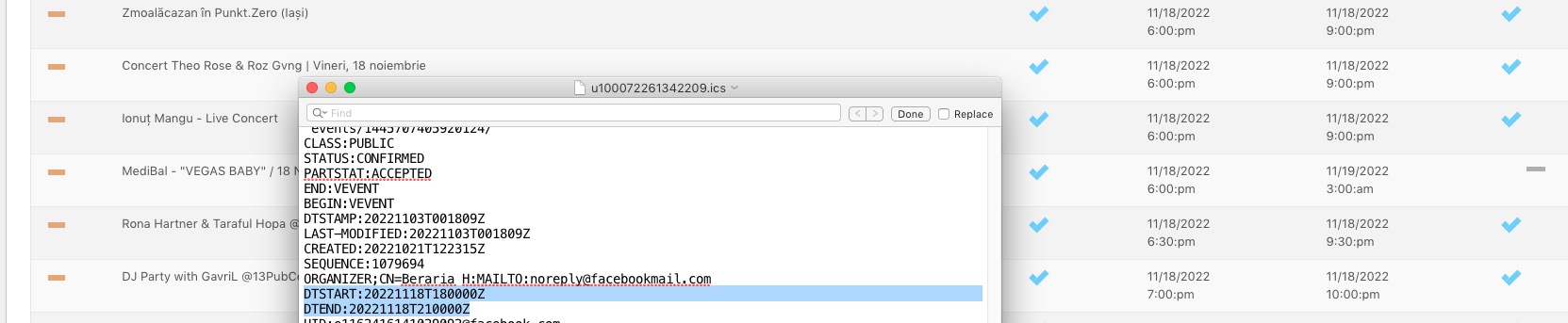
When I go to https://dev2.myeventon.com/wp-admin/admin.php?page=evoics&tab=evoics_1 and use Event processing timezone method: WordPress timezone it still imports events with UTC+0:
Server’s timezone UTC-4: https://dev2.myeventon.com/wp-admin/options-general.php
We don’t provide support on featured requests:
https://helpdesk.ashanjay.com/ticket/ics-import-add-organizer/
If you need our help, please create “General” support ticket.
It can be imported from Facebook the same way as Google Calendar.
The strange thing is that “Event processing timezone method: WordPress timezone” doesn’t seem to work.
So I am going to assign this ticket to Ashan and he will be able to take it from here and find you a solution. Please allow some time for him to get back to you, we greatly appreciate your patience and thank you for being a eventon customer! Also please disable any IP blocking on your site if there are any.
Yes it works. Now the last step: the high of the picture should reduce to have the same hight as before.
Hello,
Do you have featured events in November?
Try Event Lists shortcode to show events from multiple months:
[add_eventon_list number_of_months=”12″ hide_empty_months=”yes” only_ft=”yes”]
Could you also update EventON to 4.2.2?
To update eventon to latest version: If you are unable to do autoupdate, you can go to codecanyon your account > download and get the latest eventon version as zip file. Then you can go to your website > make sure “Delete eventon settings & data when EventON is uninstalled” is Deslected from eventon settings, delete old eventon, install new one and activate. This link will further explain the process it. Also you can follow us on twitter to get real-time announcements on updates!
Okay, I completely understand and I will send a report to them. Thank you so much for your help and assisting. I really appreciated it!
Can we take a look at wp-admin? Please send us wp-admin access to your site as a private message for us to further assist your situation.
On our test server:
https://dev2.myeventon.com/events/jkjkj/