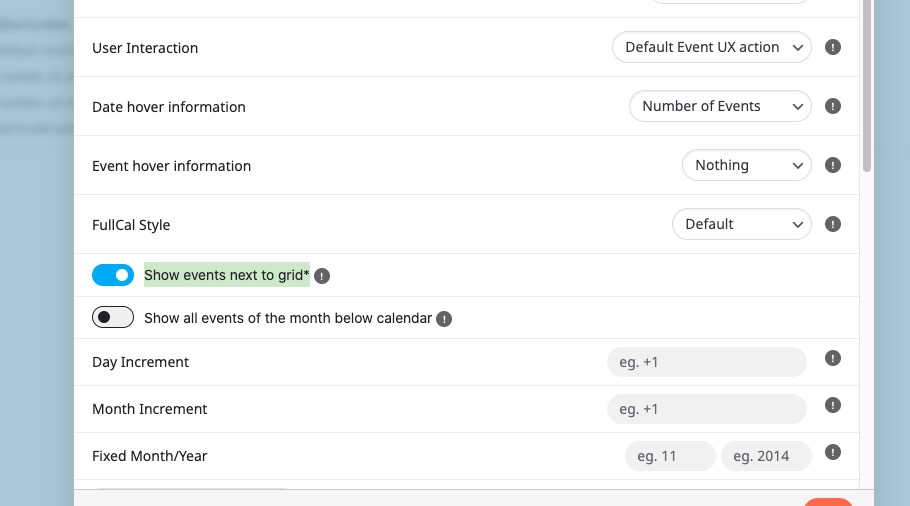
Maybe you can enable “Show events next to grid*” and then add the text above the calendar itself:
Replies for tickets on suppota
Maybe you can enable “Show events next to grid*” and then add the text above the calendar itself:
Hello,
Thank you for your great suggestion, at the moment it is not supported. However please create a new ticket and select Feature Request as category so others can vote on your idea and get it moved into development faster.
Hello,
Please take a look at “User Interaction: Open in single event page”:
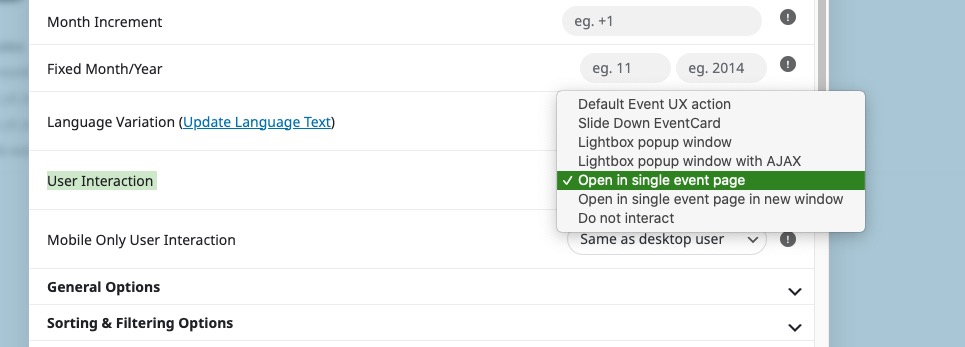
Add ux_val=”4″ to the shortcode to open events as Single Event Page.
Hi
I’ve updated the plugin to the latest version 4.9.12 and the events section is now accessible via a keyboard which is great, but because each event has a pop up that is not accessible. Is there a way to easily load the event data in a page rather than a pop up?
Regards
Amanda
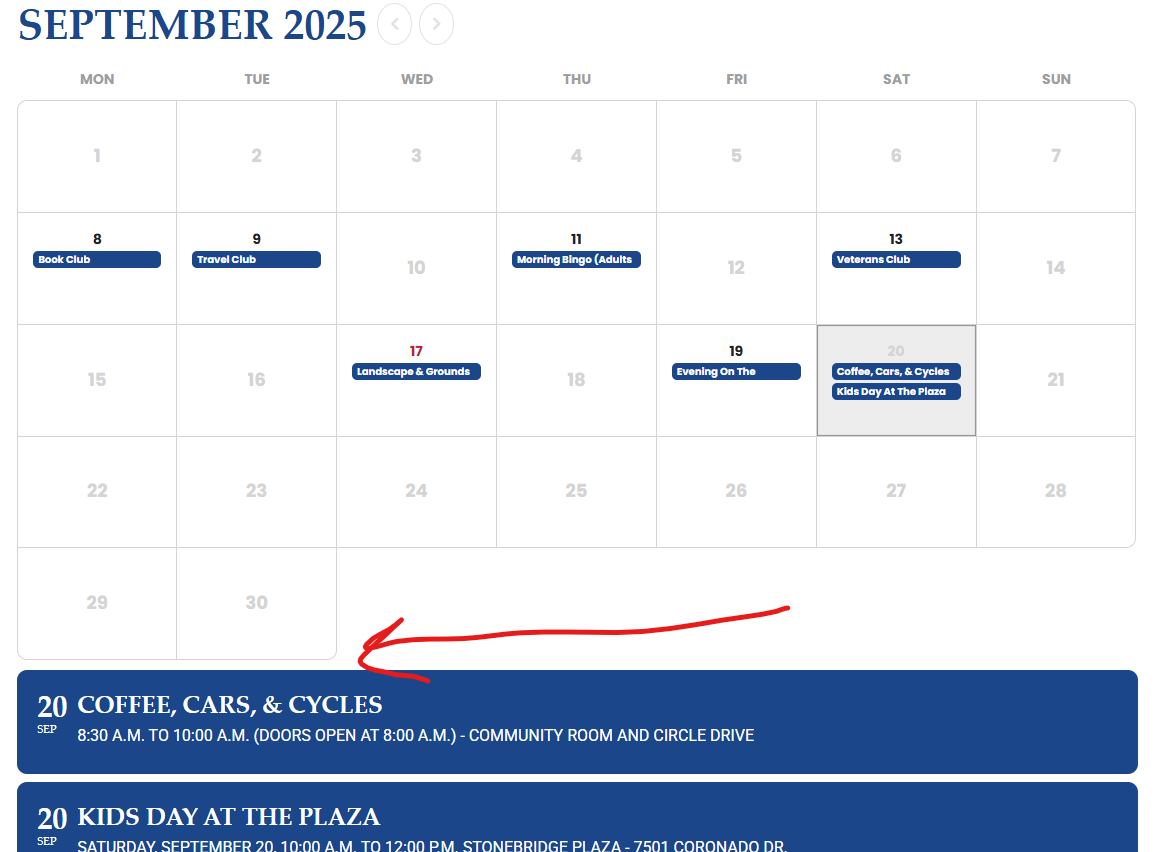
Unfortunately, the code doesn’t work. See link:
Hi, the custom fields were visible before; however, after one of the latest EventOn updates, that changed.
I am referring to: https://helpdeskx.s3.amazonaws.com/wp-content/uploads/2025/09/17064815/Screenshot-2025-09-17-at-14.43.12.png
Ashan,
I cannot find the line among Language > Action User. Could you fix it through the code?
Hello,
Could you remove this custom CSS code to change the color?
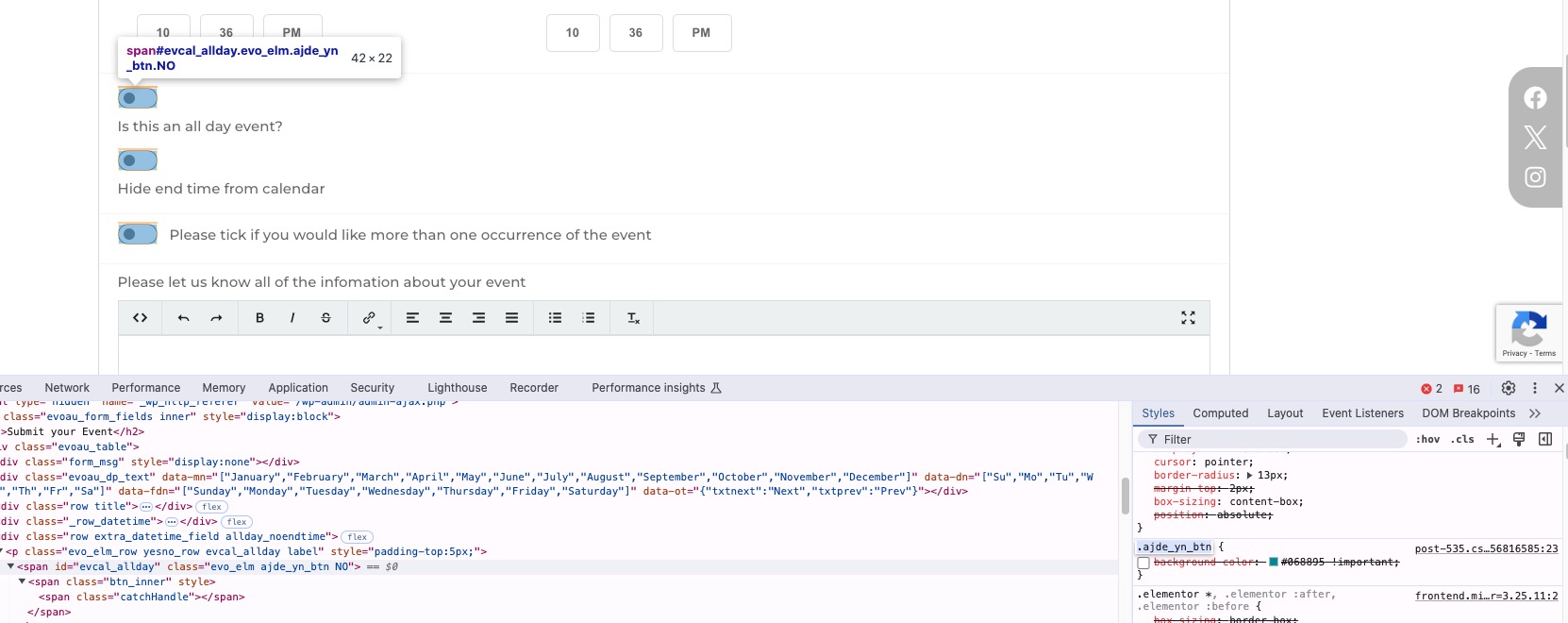
how to correct a spelling mistake on a form…
Thank you for your messages, I am going to assign this ticket to Ashan and he will be able to take it from here and find you a solution. Please allow some time for him to get back to you, we greatly appreciate your patience and thank you for being a eventon customer!