My developer says we don’t have any cache plugins installed, but supposedly the GoDaddy Managed WordPress plan we have has some sort of “server cache” functionality or something since the “GoDaddy Quick Links” menu option at the top has a “Flush Cache” function that seems to temporarily fix the issue for a few minutes before it screws up again.
I’m making an admin account for the site for you to use which I’ll share with you.
Ashan,
How this time is supposed to work with repeating events?
https://helpdeskx.s3.amazonaws.com/wp-content/uploads/2025/09/17070006/Screenshot-2025-09-17-at-15.59.54.jpg
Please also check 2.
Thank you for your messages, I am going to assign this ticket to Ashan and he will be able to take it from here and find you a solution. Please allow some time for him to get back to you, we greatly appreciate your patience and thank you for being a eventon customer! Also please disable any IP blocking on your site if there are any.
Can we take a look at wp-admin? The old login info doesn’t work anymore.
Hello Alejandro, sorry to hear it was not meeting your expectations. I have gone ahead and refunded you for all the addons from the order. We are hoping to implement the variations in repeats in the future.
We hope you find eventON for other projects, that fits better.
Kind Regards!
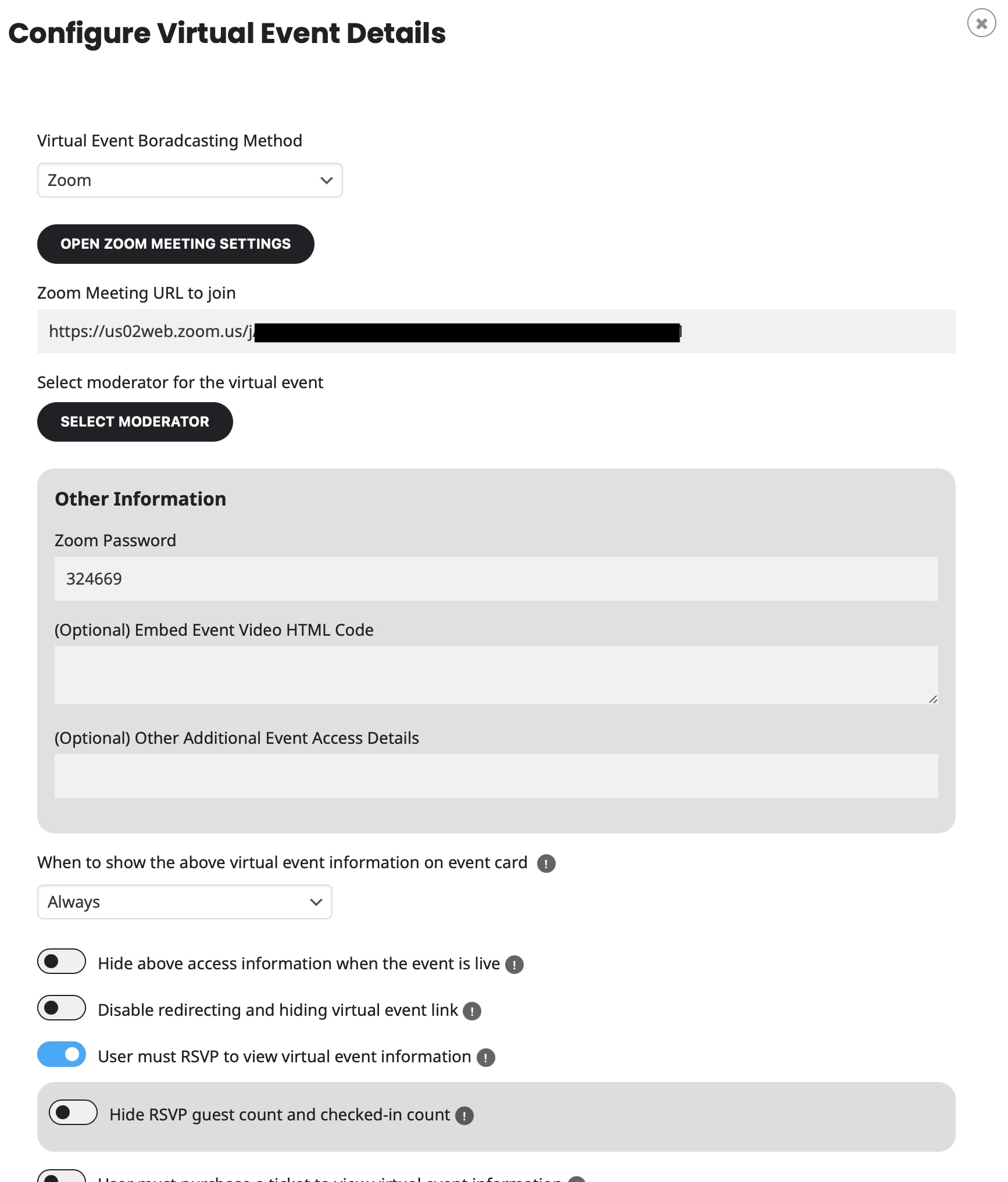
yes, I think so. It was indeed set for yesterday date. But what about the future ones? Users have for example booked for next week but I guess there are no zoom details set. Am I wrong?
Is there a better method to handle this?
We are sorry for the delay. Ashan will check this ASAP.
Maybe you need to whitelist my IP?
Could you elaborate more about the second issue?
I believe that it’s already showing the top part of the image:
On Event Card it shows the whole image at load. Could you check and let me know?