Hello,
Please send us wp-admin access to your site from “Access Info” box on right side menu, to further assist your situation.
Replies for tickets on suppota
Hello,
Please send us wp-admin access to your site from “Access Info” box on right side menu, to further assist your situation.
Hello,
I can see your refund request, but let’s try to figure out if there is anything we can do to help you.
Do you have an example of what you are trying to achieve? Usually with all the available basic EventON functionality add-ons aren’t needed.
I went to EventON > EventCard > set Feature image display style: Fit entire image, resized box height, so images aren’t cropped.
Could you tell us more about issues?
Forgot to attach the image.
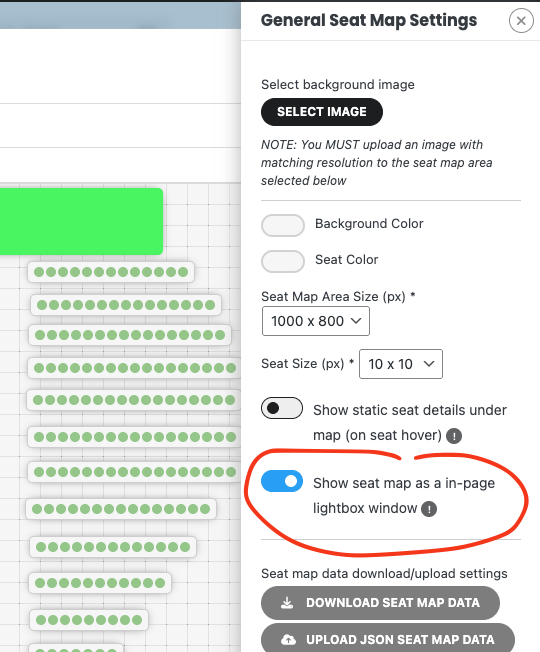
Also another alternative could be to have the seat map open in lightbox which would clear some of the distractions away. I can see this need some work to get it working better in mobile — we will make those changes in the next version and get it out soon!
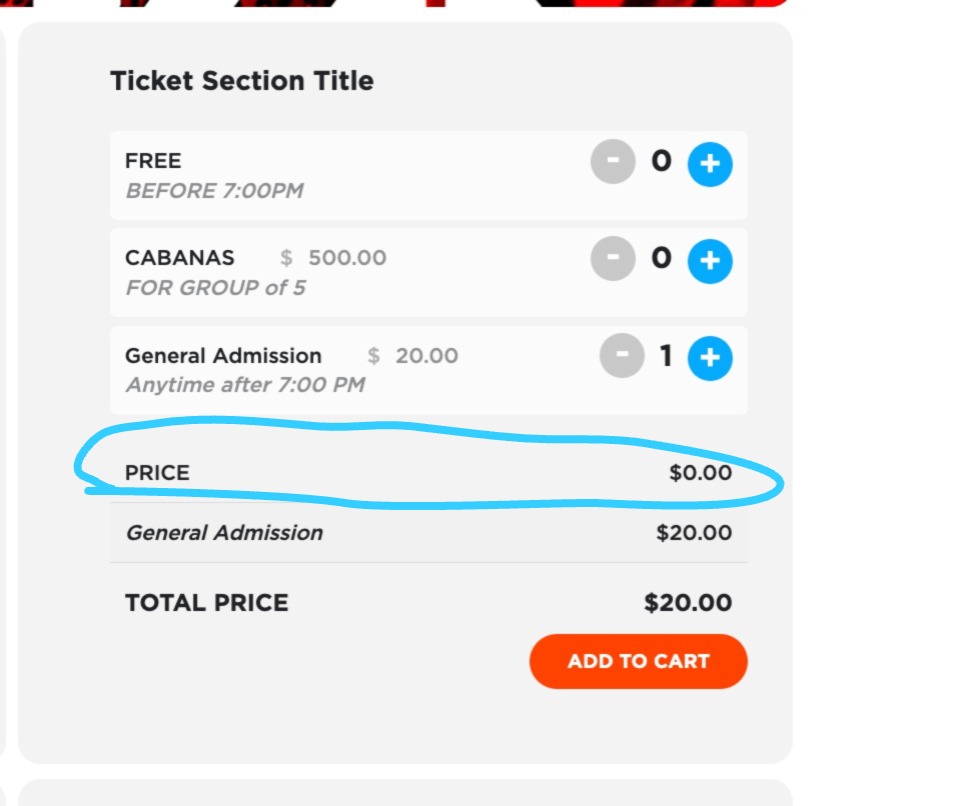
I have created an event and we have 3 different tiers, free, cabanas and general admision. I have added $0 to the value of the main ticket to avoid to get the amount of the main ticket added to the final cost. I there any way that we can disable the main ticket and just work with the ticket price options or is there a way to be able to not have the price line in the bottom as the photo attached?
Thanks
Thank you Alex for pointing out niche area that can use improvements for Seats addon we are always looking out for ways to improve 🙂
Pinch to zoom — we will look into implement this.
Batch seat selection — if you enable direct at the cart, then a customer can select seat back to back and add those into cart and checkout. Perhaps you can express how you see the batch seat selection would look for you? (Artem also mentioned my suggestion)
Seat pricing on admin — when you create seat section, you can set price for seat, which would apply to all the seats. Then you can customize this for a whole row or seat. Pricing priority is like Seat price > Row price > Section price.
When I duplicate an event and then edit the event and post it, there are ghost RSVPs and the rsvp and waitlist numbers do not make any sense. Is this ever going to work right or should I look for another solution???
Hello,
Please send us wp-admin access to your site from “Access Info” box on right side menu, to further assist your situation.
Also try going to EventON > Advanced > try a different Select event calendar WP Query method and also enable Cache calendar events list data.
You also need to add Tags, because right now you only output “More details about reschedule“:
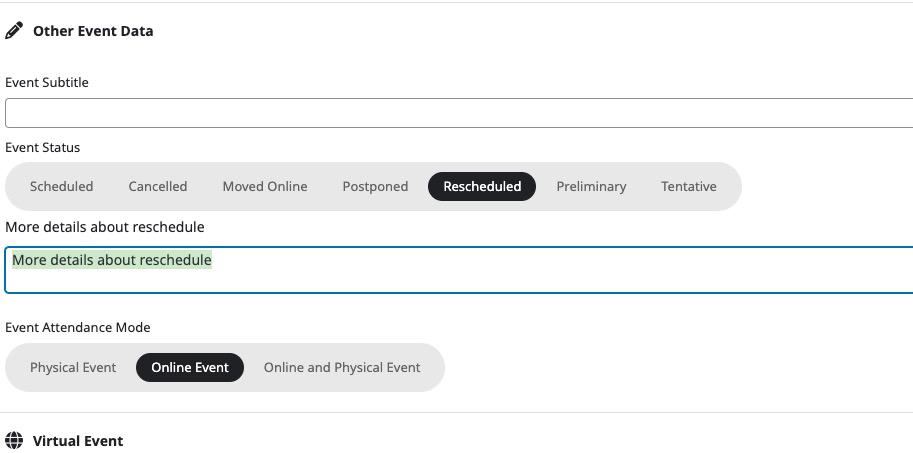
So it takes colors from “Event Status Reason Content”.
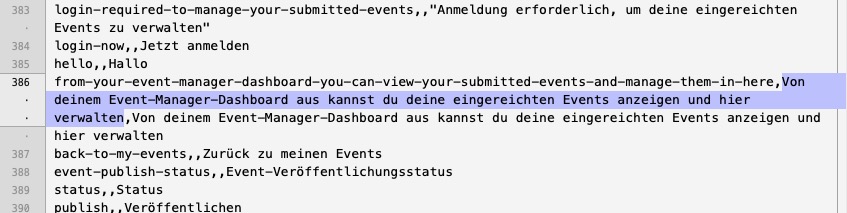
Please add the translation in the middle column (“Value” header):