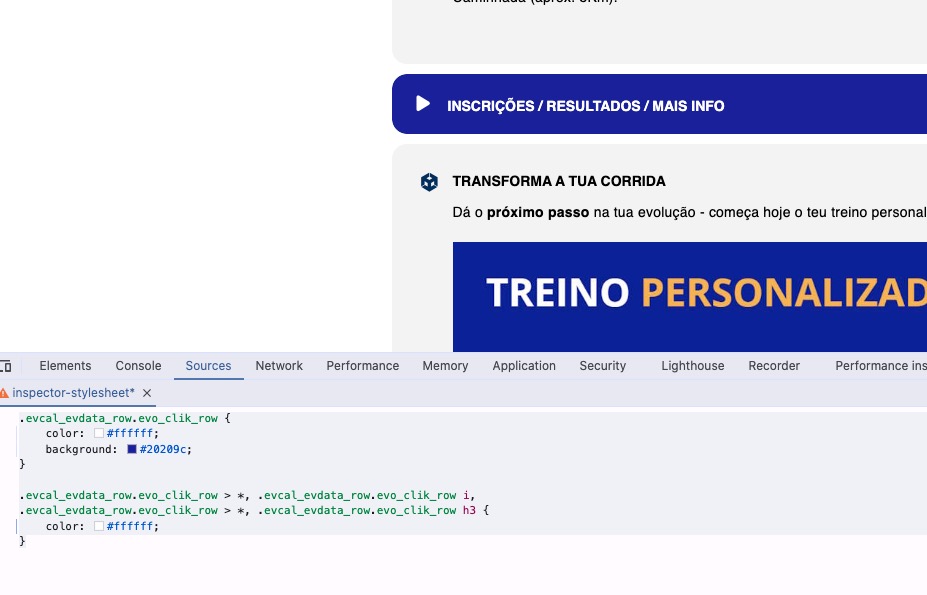
Please add this CSS code to EventON > Styles (If you don’t see any change, EventON > Scripts & Styling > turn off Write dynamic styles to header > save settings > turn on Write dynamic styles to header). You can also add this code to wp-admin > Appearance > Customize > Additional CSS.
.evo_eventon_now .eventon_events_list .eventon_list_event .evoet_cx .evoet_dayblock { display:none !important }
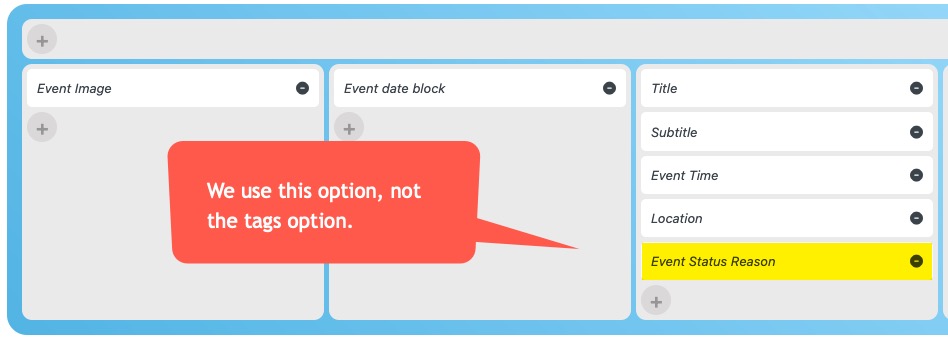
We don’t need a date in the “Events happening now” section
For the top entries it might work, but please check further down. Those values never change…
Hello,
The shortcode had <b> tags around it. I removed them and now the form is loading on my side. Could you check if the issue is gone on yours?
Hello,
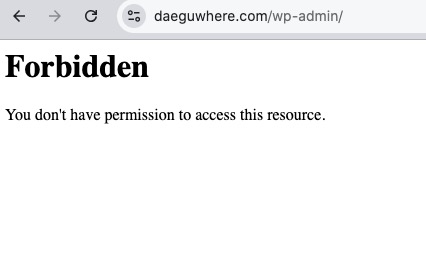
I cannot access your website:
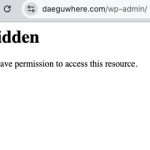
Could you check and let me know?
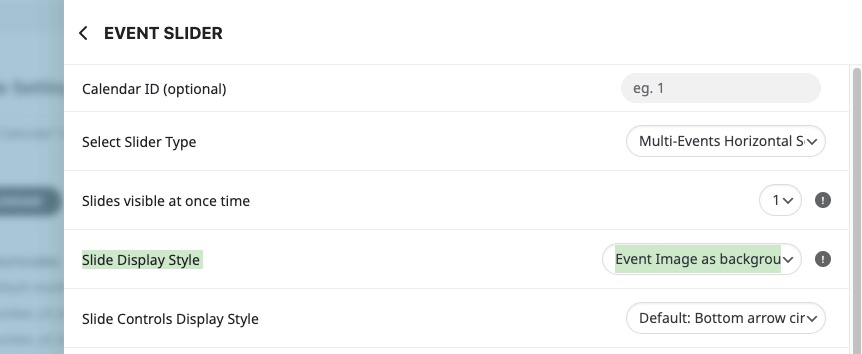
If you use “Slide Display Style: Event Image as background”, then images are background so they stretch to fill the whole EventTop:

That’s why it shows only the center of the image.
Please try “Slide Display Style: Event Image above data”.
Hello,
Could you elaborate more? Date isn’t supposed to be visible? Also which date are you referring to?
Hello,
Please add this CSS code to EventON > Styles (If you don’t see any change, EventON > Scripts & Styling > turn off Write dynamic styles to header > save settings > turn on Write dynamic styles to header). You can also add this code to wp-admin > Appearance > Customize > Additional CSS.
.evcal_evdata_row.evo_clik_row { color: #ffffff; background: #20209c; } .evcal_evdata_row.evo_clik_row > *, .evcal_evdata_row.evo_clik_row i, .evcal_evdata_row.evo_clik_row > *, .evcal_evdata_row.evo_clik_row h3 { color: #ffffff; }
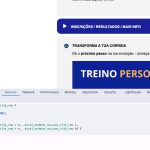
Seems to be working on my side:
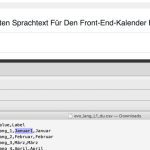
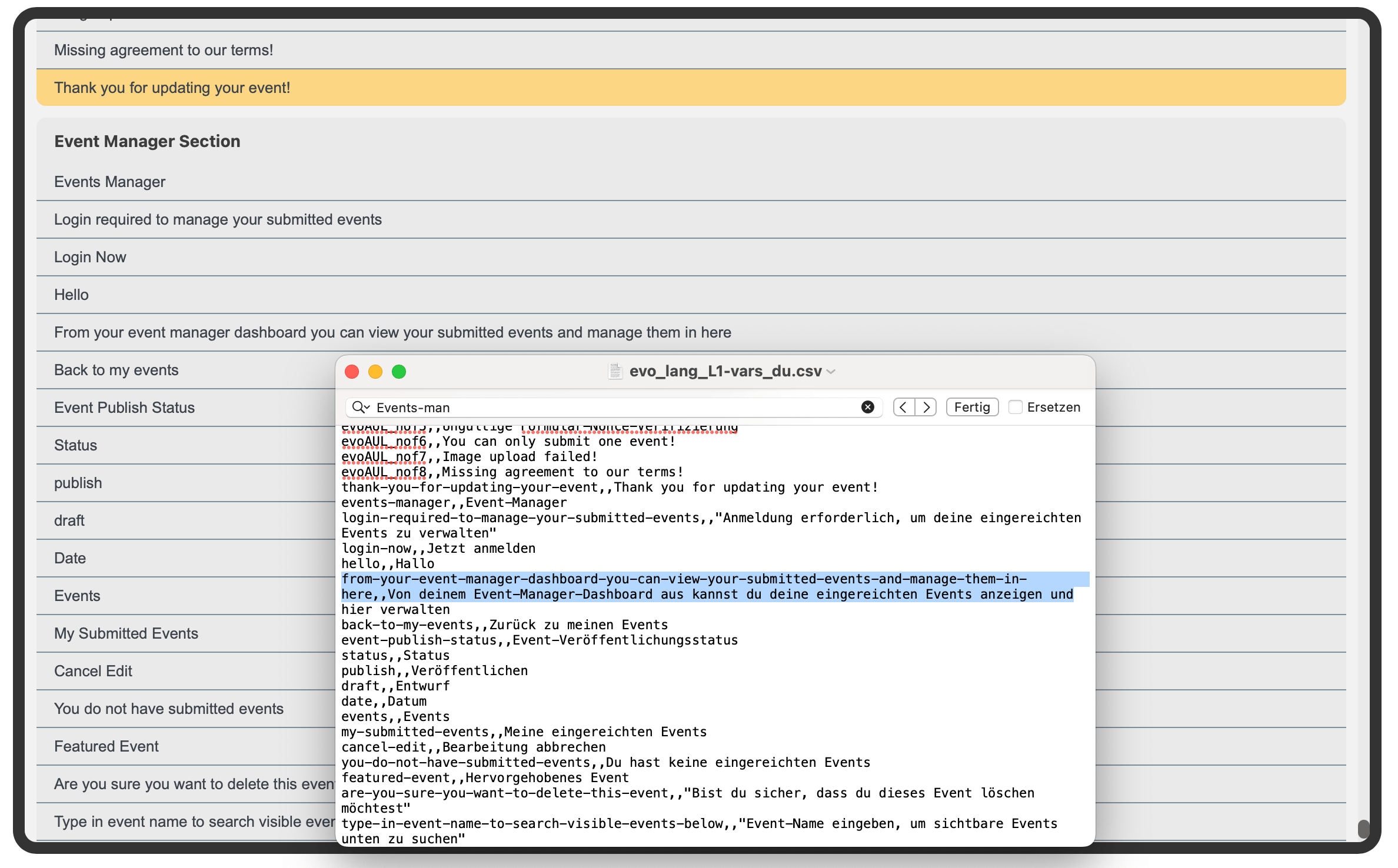
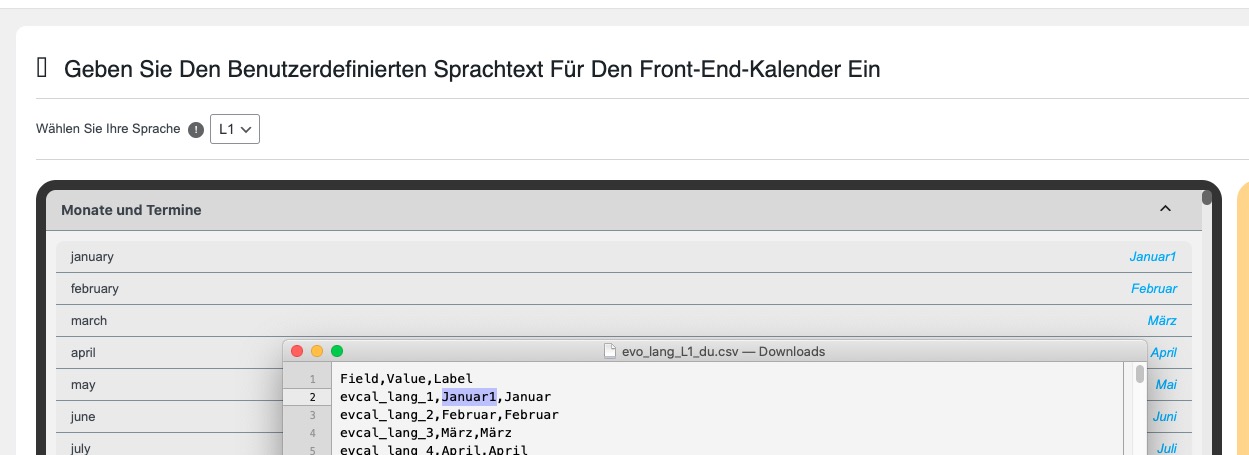
Which lines did you try to translate?
Ashan,
Could you help with “so my idea was to add a hook that will anonymise the customers who don’t want to show up“?