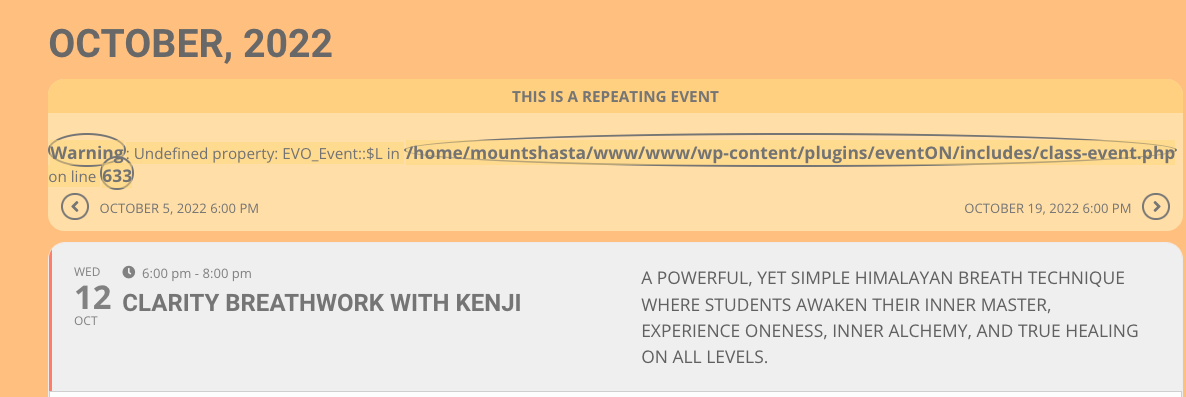
Hello,
You cannot enable EventON by clicking on Network Activate. Please go to each individual subdomain and enable EventON there. Please also note that you need a separate license for each subdomain, according to CodeCanyon.
Replies for tickets on suppota
Hello,
You cannot enable EventON by clicking on Network Activate. Please go to each individual subdomain and enable EventON there. Please also note that you need a separate license for each subdomain, according to CodeCanyon.
you may wish to try out
https://wordpress.org/plugins/simple-certain-time-to-show-content/
or this might https://wordpress.org/plugins/timed-content/
and if you are using divi theme (which I can’t stand)
https://www.youtube.com/watch?v=lwkrrnSbaWU
Thank You!
The first option is a little expensive for displaying a Merry Christmas or Happy New Year Event message once a year… it would have been nice to be able to do that, but for that $$ I’ll just do it manually.
Thanks again…
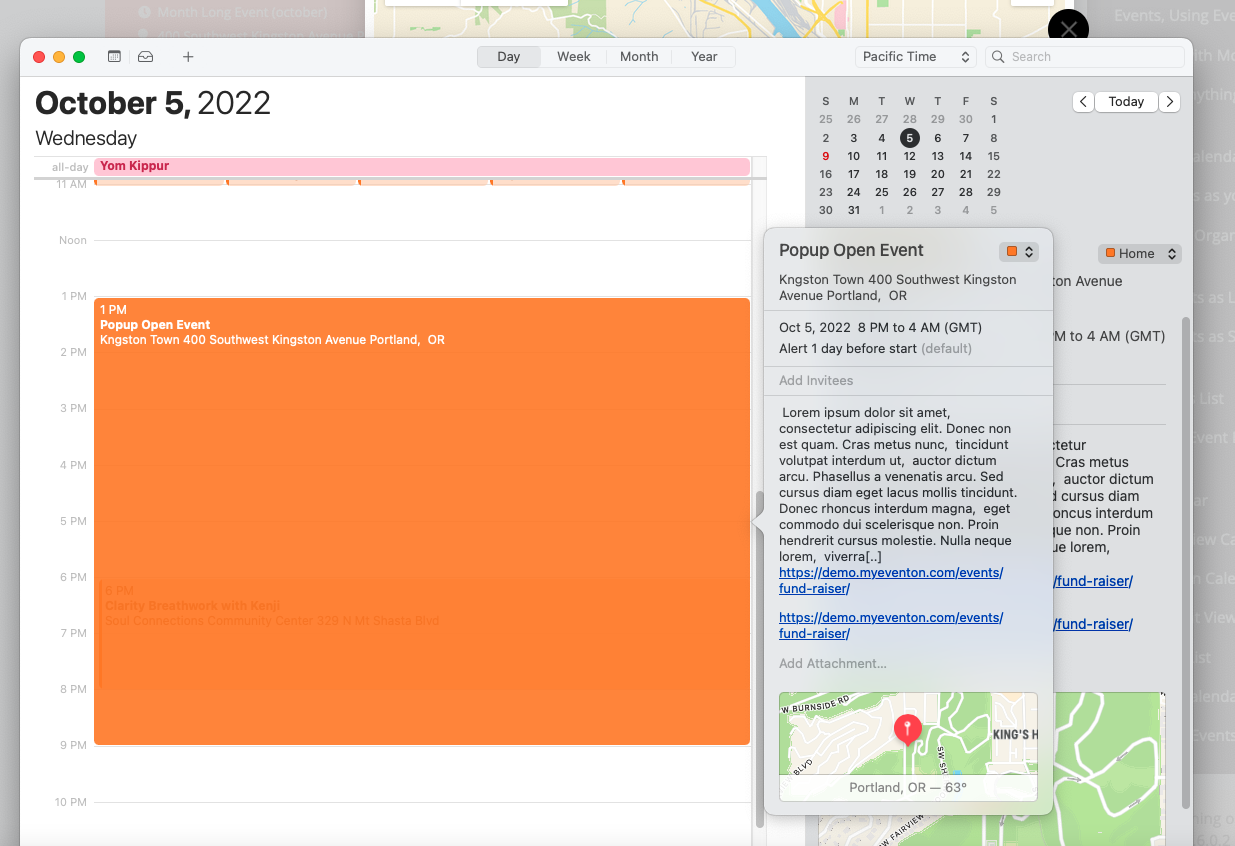
Hello, I tried the same functionality on your demo site. Same result for PopUp event (Calendar).
Hi Tara,
Yes, anything you include on the private ticket is private. Could you please try the instructions mentioned in this documentation to make sure your issue is indeed coming from eventon.
1: we have the advent addon
https://www.myeventon.com/addons/advent-calendar/ it kind of does what you are after
but if you explain more so on what you are trying to achieve we might be able to offer a better alternative
2: this is with the eventon you get from codecanyon
in myeventon>>>>settings>>>>event top
you need to make sure the event progress bar is in the event top
Hi Kevin,
Please update Eventon to the latest version and check if that fixes the issue.
To update eventon to latest version: If you are unable to do autoupdate, you can go to codecanyon your account > download and get the latest eventon version as zip file. Then you can go to your website > make sure “Delete eventon settings & data when EventON is uninstalled” is Deslected from eventon settings, delete old eventon, install new one and activate. This link will further explain the process it.
Regarding social media share I added this code to the .htacces file as found in Documentation. There was no change in the share icons.
added after mod_deflate.c :
## EventOn patch to enable Font Awesome for Social Share Icons ##
<IfModule mod_headers.c>
<FilesMatch “.(svg|ttf|otf|eot|woff|woff2)$”>
Header set Access-Control-Allow-Origin “*”
</FilesMatch>
</IfModule>
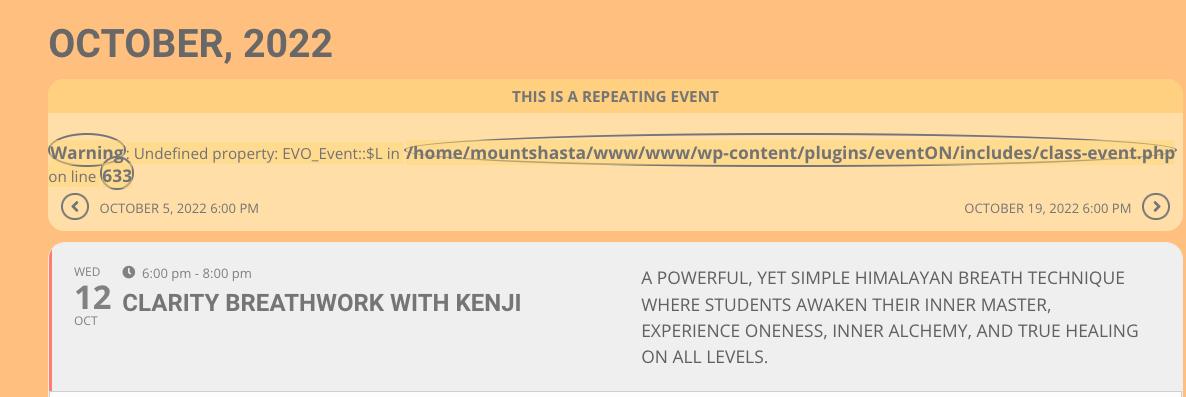
Question, if the ticket is private is the image within the ticket automatically private also? I would think so. The new reply private toggle is probably for public tickets with private images.