Hello,
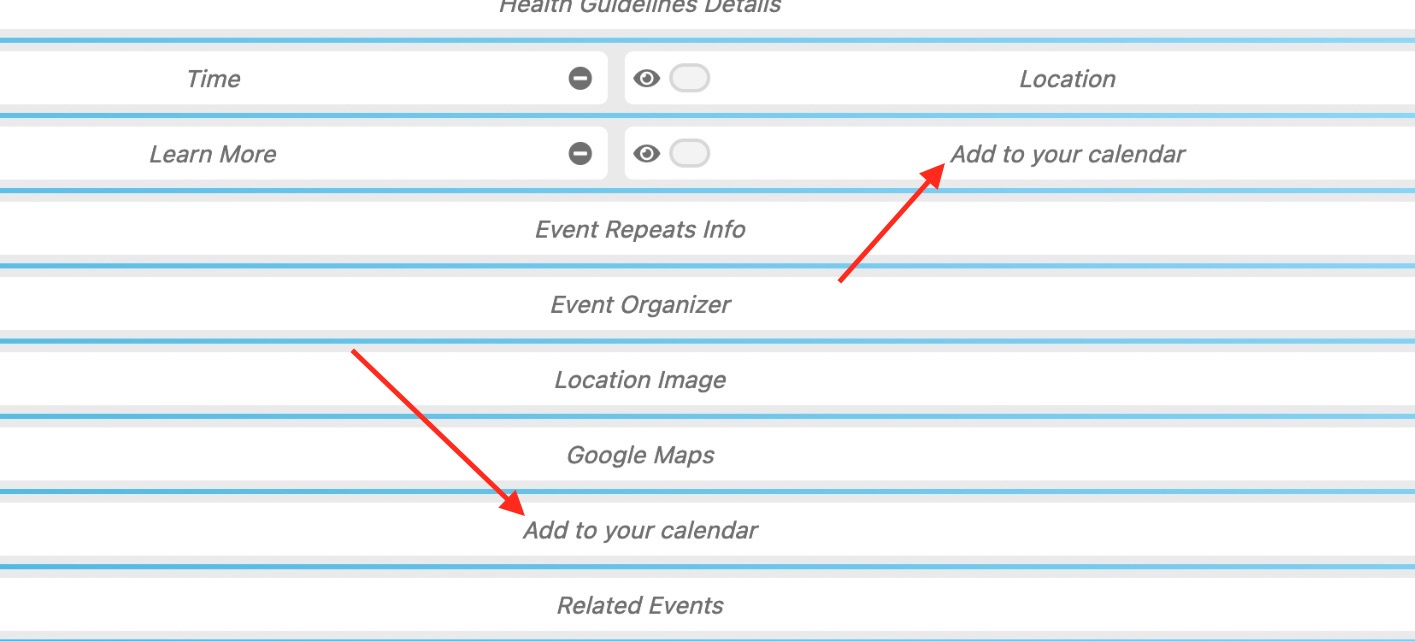
There is no text under Event Location:
 Could you elaborate with screenshots?
…the two options on the row next to the event location so it’s easy to click to choose.
Which options are you referring to? Are you talking about filters? If so please go to https://www.foodsorcery.co.uk/wp-admin/admin.php?page=eventon#evcal_001a > disable “Globally Hide both Sort and Filter Icons and Bar on Calendar”.
Finally is there a way to be able to have a multiple check list for customers to search year, month, location in one click.
Maybe this add-on can help:
https://www.myeventon.com/addons/event-lists-items/
Or Event Map:
https://www.myeventon.com/addons/events-map/
Try on dev.myeventon.com/wp-admin/
However, regular filters + Jumper should work. Use [add_eventon jumper=”yes” exp_jumper=”yes” exp_so=”yes”]. It’ll still take more than one click though.
https://ucb.af.mendelu.cz/projektove-rizeni-granty/ just keeps loading for me. Could you check?
When you put a contact for on a regular page, does it work?
Please send us wp-admin access to your site as a private message for us to further assist your situation.
Hello,
Could you elaborate this part?
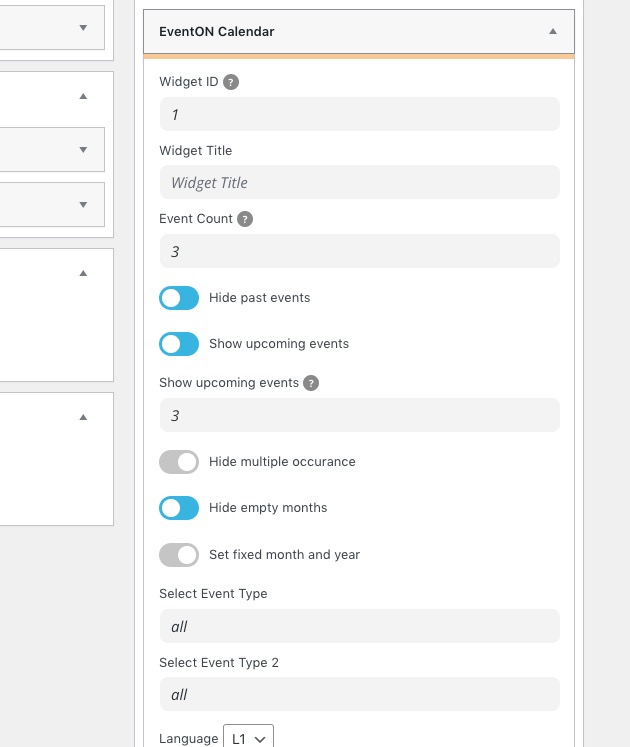
1. Are you referring to this widget:
Are you trying to show there overridden color from Event Type or Edit Event > Event Color?
2. Not sure what does this mean as well. There is no way of changing Edit Event > Event Color, except by going there and manually change it.
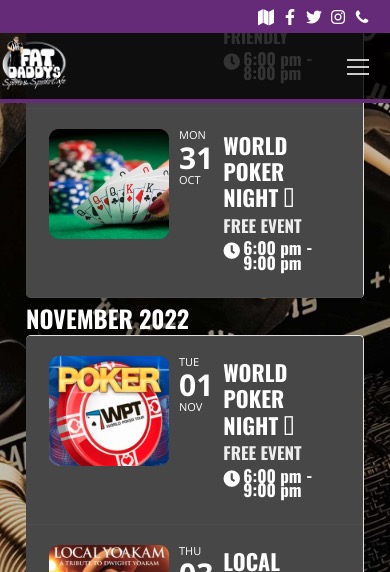
I do have further problem with the widget:
Instead of using a built-in EventON Widget, try ESE
https://docs.myeventon.com/documentations/use-eventon-shortcode-executor-widget/
[add_eventon_list number_of_months=”12″ event_count=”3″ event_past_future=”future” hide_empty_months=”yes”]
Please add this CSS code to EventON > Styles (If you don’t see any change, EventON > Scripts & Styling > turn off Write dynamic styles to header > save settings > turn on Write dynamic styles to header):
.evo_metarow_locImg { background-size: contain !important; height: 150px !important; }
Hello,
Completely fine on my Android as well as Chrome Developer Tools:
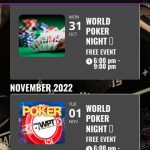
Could you check if the same happens on mobile?
Unfortunately, the way you are trying to use variable prices isn’t compatible with Tutor.
1. Test if everything is correct by using:
https://developers.google.com/search/docs/appearance/structured-data
2. Go to EventON > enable Remove schema data from calendar and Remove JSON-LD data for events.
1. Just follow 2 and wait for Google to check everything again and clear it’s cache.
2. Without Event Schema, Google treats events as regular posts, I think. Maybe you could try disabling the schema and create a curated sitemap with Yoast or similar?
Hello,
We need access to the WP installation somewhere online. It seems that it’s either the theme or a third-party plugin.
Also try going to EventON > enable Remove schema data from calendar and Remove JSON-LD data for events.
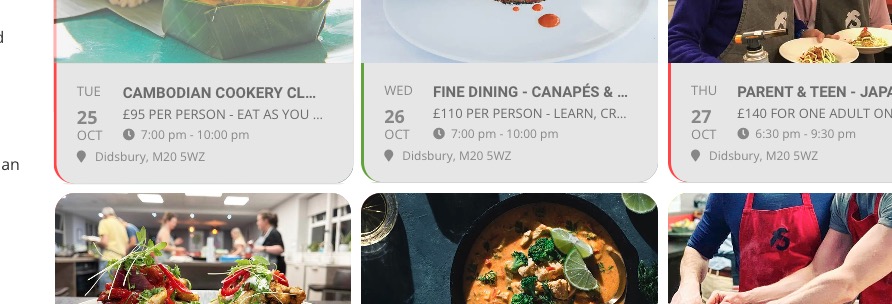 Could you elaborate with screenshots?