Hello,
Thank you for your messages!
I am going to escalate this ticket to development to help in here. Please allow us some time to address this, and we truly appreciate your patience. Thank you for being a valued EventON customer!
Replies for tickets on suppota
Hello,
Thank you for your messages!
I am going to escalate this ticket to development to help in here. Please allow us some time to address this, and we truly appreciate your patience. Thank you for being a valued EventON customer!
Thank you for your messages!
I am going to escalate this ticket to development to help in here. Please allow us some time to address this, and we truly appreciate your patience. Thank you for being a valued EventON customer!
Hello,
Please send us wp-admin access to your site from ”Access Info” box on right side menu, to further assist your situation.
This CSS code is going to hide the row while we are working on the issue:
.evost_tt_content .evost_ttc_data.row { display: none !important; }
It seems that some of HTML tags in Event Details caused the calendar to break and start showing events inside of an event.
Seems to be fixed now:
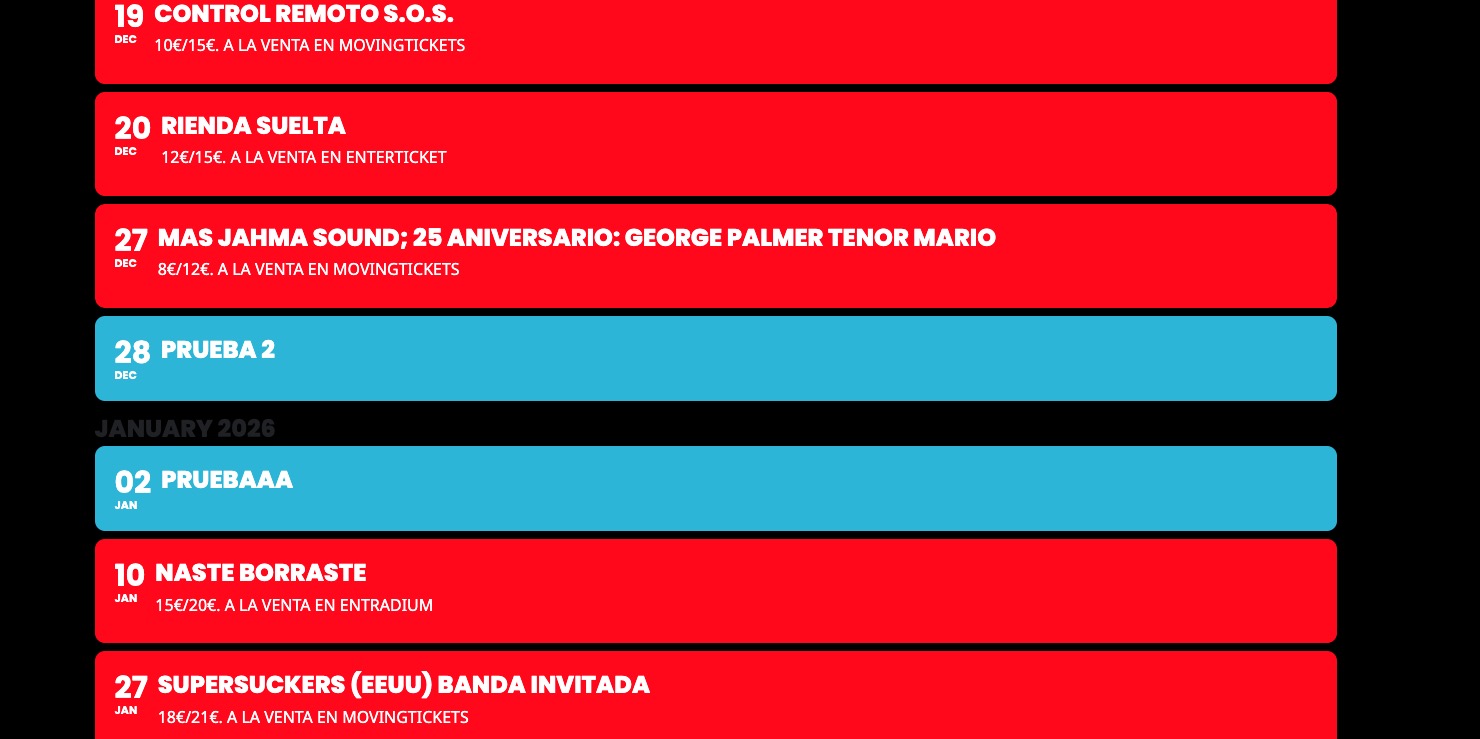
Please check and let me know.
Update: That wasn’t the solution, because now all regular events created as repeats are gone too! Please provide an update that fixes this bug. Thank you.
Hello,
You need to use ”Event Lists: Ext add-on”:
https://www.myeventon.com/addons/event-lists-extended/
Simply add these to the shortcode:
event_count_list=”yes” show_limit=”yes” show_limit_ajax=”yes”
Will look like this:
https://dev2.myeventon.com/test-98/
The shortcode:
[add_eventon_el number_of_months=”3” event_count=”20” exp_so=”yes” wishlist=”yes” filter_type=”select” filter_clear=”yes” style=”names” ux_val=”3” hide_past=”yes” hide_so=”yes” tiles=”yes” tile_bg=”1” tile_count=”3” tile_style=”2” tile_height=”240” event_count_list=”yes” show_limit=”yes” show_limit_ajax=”yes”]
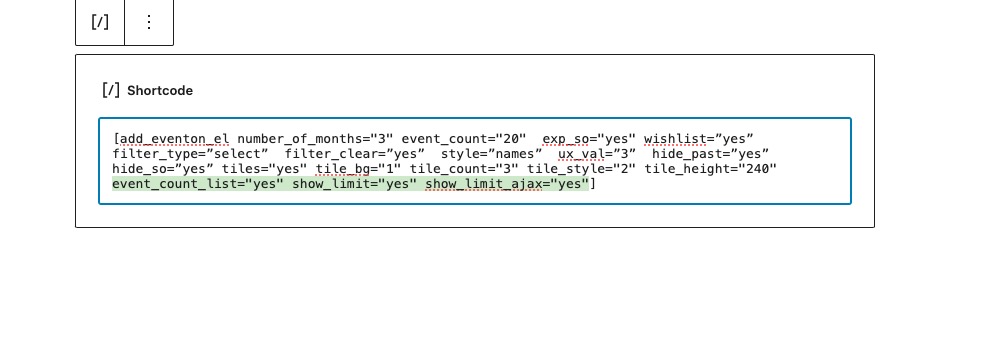
Try on
https://dev.myeventon.com/wp-admin/
Hello,
Yes. You can now purchase EventON either from CodeCanyon or directly from us.
By versions I meant this
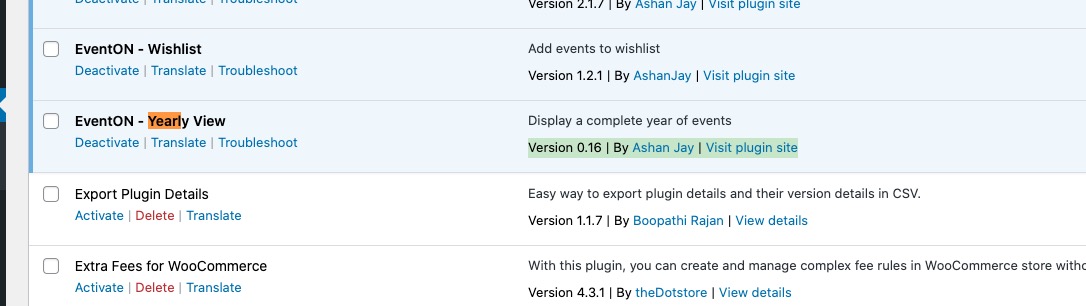
Are you using the latest versions of EventON and YearlyView?
Your shortcode on our test site:
https://dev2.myeventon.com/test-97/
1. Please go to EventON > Language > ADDON: Weather. But make sure to update to the latest version of the add-on first.
2. Please take a look at CSV Import:
https://www.myeventon.com/addons/csv-event-importer/
You can download all your current events from EventON Settings > Download all eventON events. > CSV Format.
Then change ”Location Fields” and import all of them again:
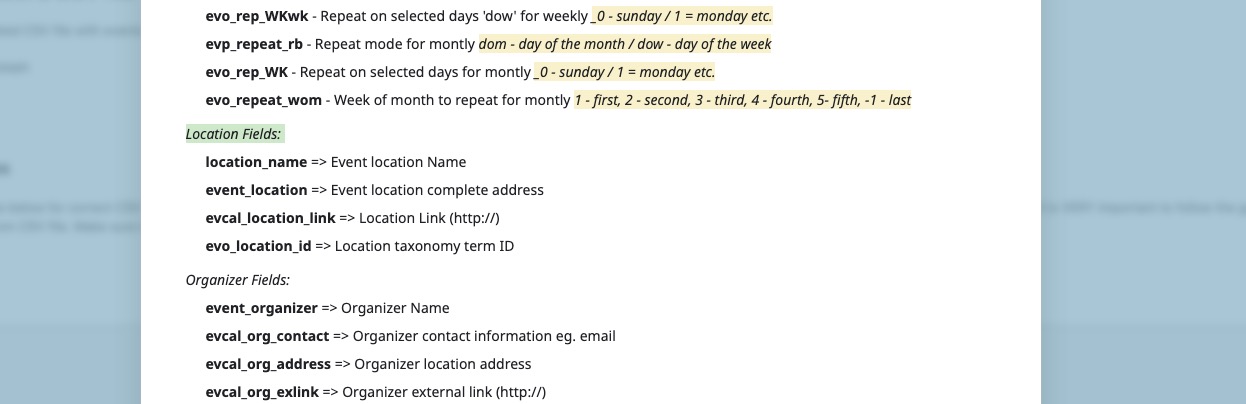
Please try first on
https://dev.myeventon.com/wp-admin/
We are glad your issue is resolved, if you have any further questions or concerns please create a new ticket.