

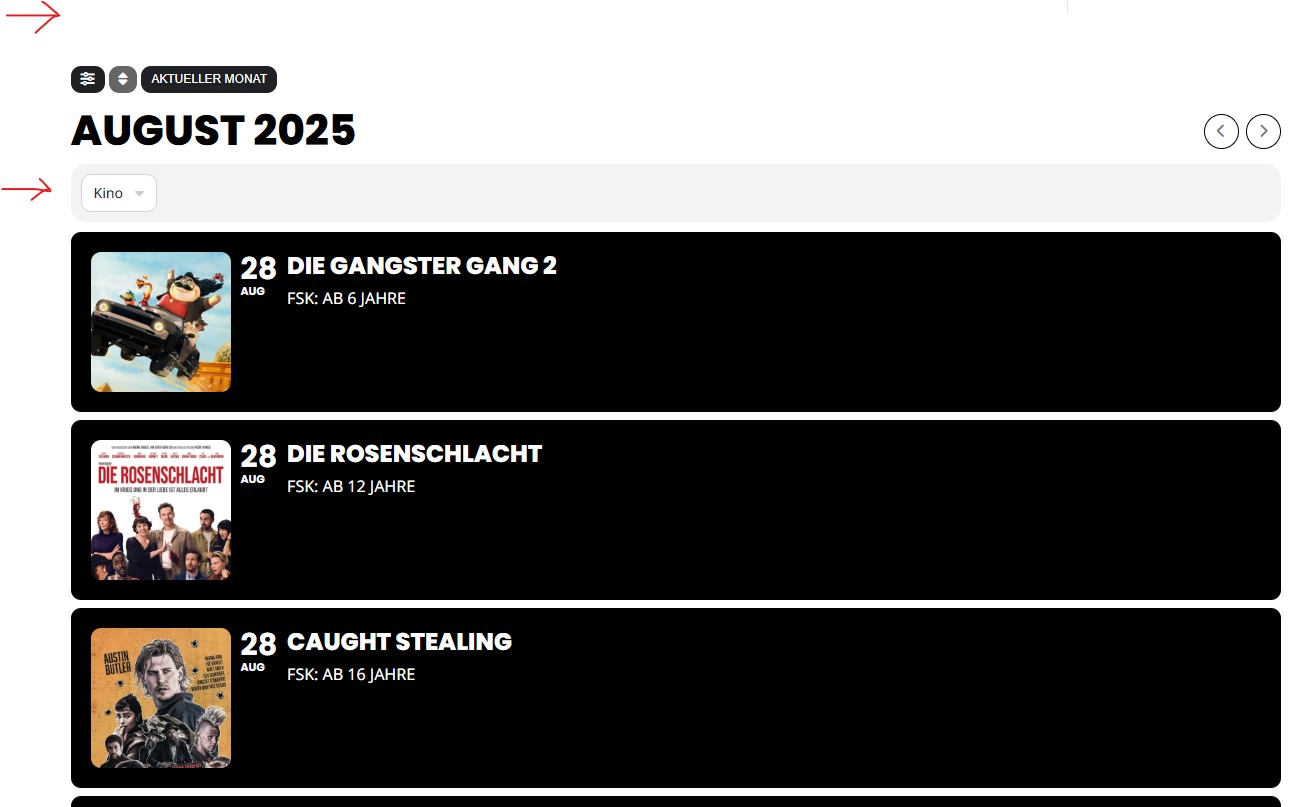
To insert an “Event Image” into the right side of the Event bar, based on the “Event Status”
Based on the Event Type Category… Where we Click on a category or some other way of picking which Graphic will be displayed
Replies for tickets on suppota
To insert an “Event Image” into the right side of the Event bar, based on the “Event Status”
Based on the Event Type Category… Where we Click on a category or some other way of picking which Graphic will be displayed
Your website isn’t loading at all on my side, I am afraid.
To insert an “Event Image” into the right side of the Event bar, based on the “Event Status”
Could you elaborate more? Do you want to add a certain Featured Image to EventON, based on Event Status? Or add/remove Featured Image depending on the status?
Hello,
I cannot find any orders associated with your email. Could you send your email as well?
Hello,
Thank you for your messages, I am going to assign this ticket to Ashan and he will be able to take it from here and find you a solution. Please allow some time for him to get back to you, we greatly appreciate your patience and thank you for being a eventon customer!
Quotes are wrong.
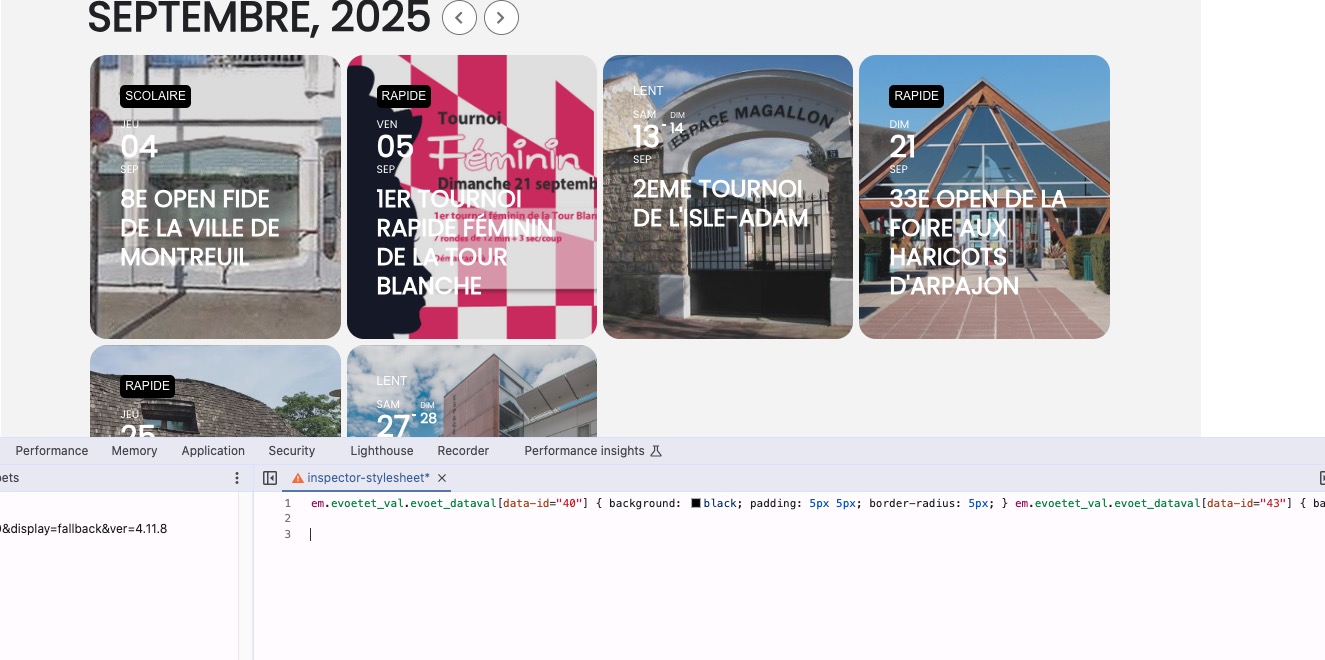
Please get the CSS code from:
https://pastebin.com/WxhuvBVb
Should look like this:
Hello,
Thank you for your great suggestion, at the moment it is not supported. However please create a new ticket and select Feature Request as category so others can vote on your idea and get it moved into development faster.
Since I can’t seem to get it to work, I’ve just opted to deactivate the plugin and display an image of the events calendar.
Thank you. I love the EventON calendar. I was very disappointed I could not get the Event List & Items addon to work. I have used many of the addons over the years, and this was the only one I couldn’t get to work.
Just to recap on the problem, it’s quite simple:
1) Tile Cal (https://hispanauta.com/agenda-vista-afiches/) Event cards appearing after searching have white font, which is unreadable over the light gray background. (Note: the tiles appearing when clicking on dates that have events have white font, but in this case it is fine since the background image is darkened by EventOn).
2) Full Cal (https://hispanauta.com/agenda-vista-almanaques/) Event cards appearing:
a) after searching have white font, which is unreadable over the light gray background.
b) below the full cal when clicking on dates that have dates in them also show white font, which is unreadable over the light gray background.
FYI: when actually clicking on event tiles, the font on the full-blown card is dark, which is correct and what it’s supposed to be.
See what I mean? It is like a catch-22, because the event tiles resulting from a) Searches and b) appearing by default below the full call after hits, have a white font. If you change that it also changes the font on the full blown cards and viceversa. So, I guess there must be different and specific CSS classes that you can assign the style to individually and separately to give each card and tile its own font colours.