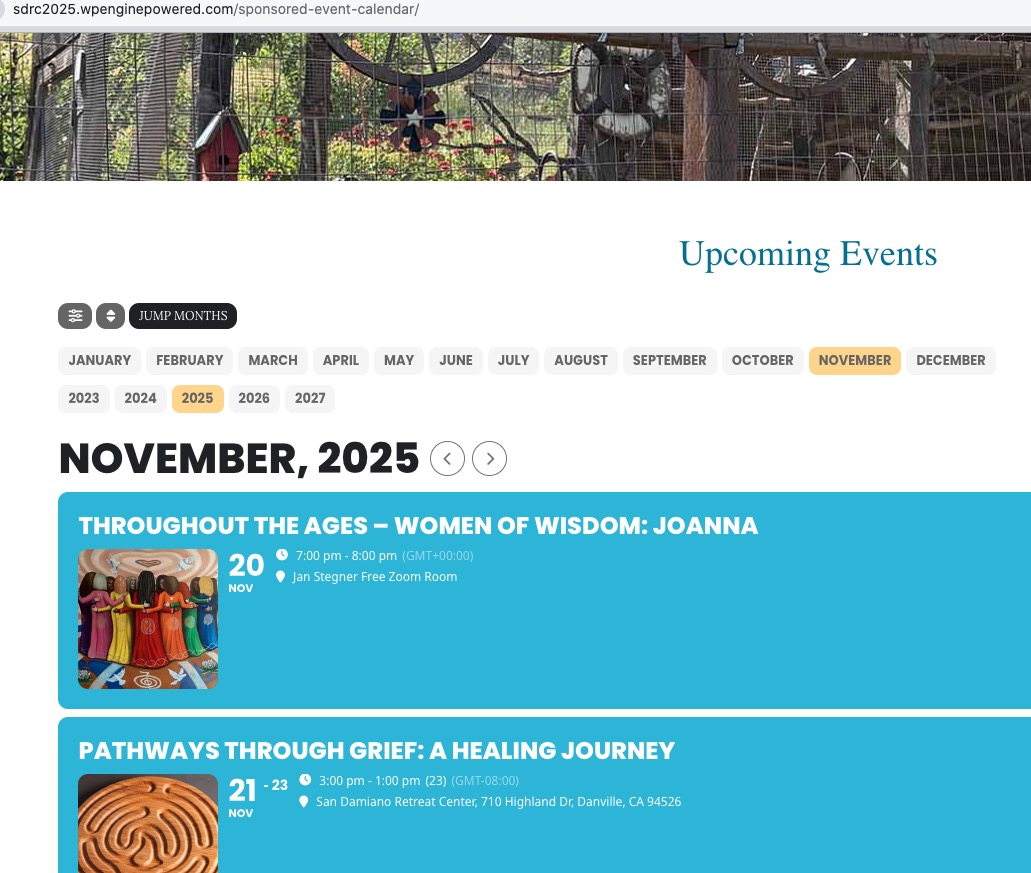
Thank you for your reply. We discontinued all of our subscriptions earlier this year. The Bookings add-on cancellation is scheduled for 11/30/25, and we would like to re-purchase it before the cancellation date and retain the same license key.
We’ve also had issues with automatic renewals from Stripe-based services after cancellation. Can you guarantee this will not happen in this case?
Thank you!
Hello,
Since you enabled EventON > Time > Hide past events for default calendar(s), past events are hidden.
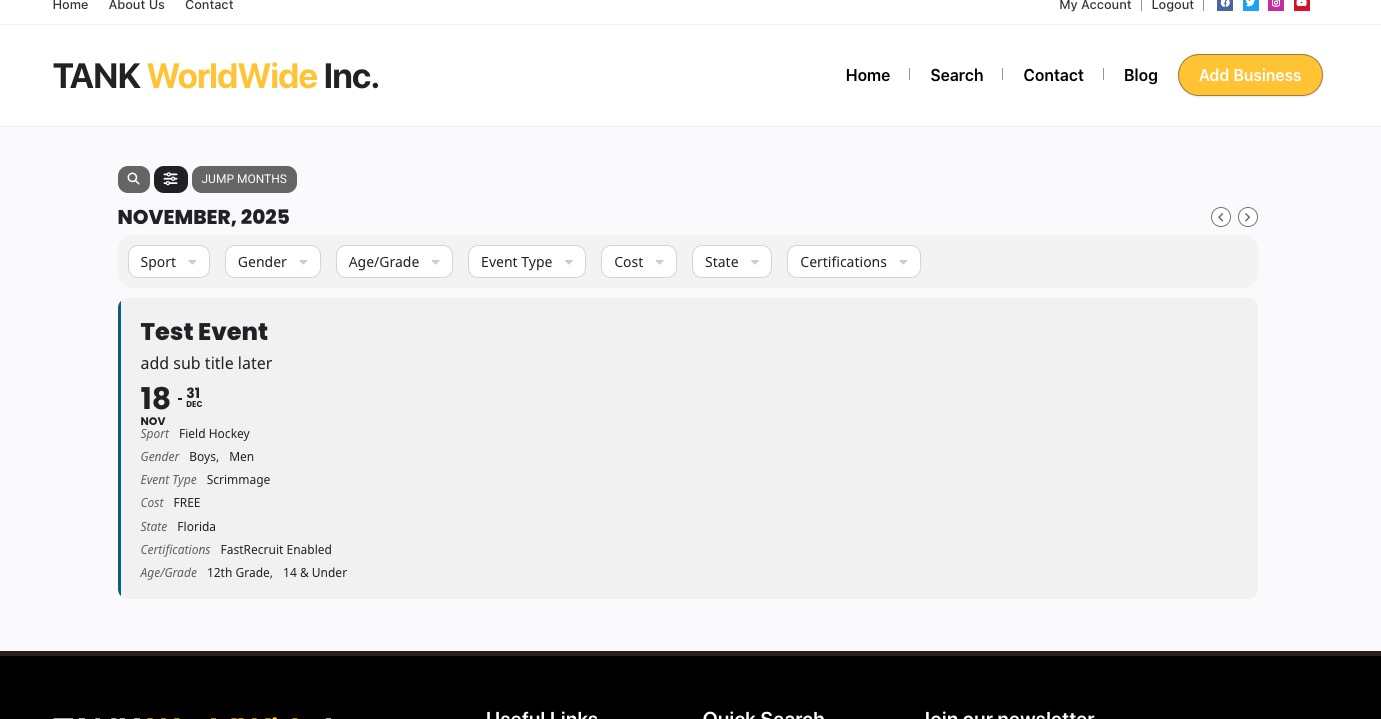
However, future events are visible on my side:
About the purchase issue, please follow the instructions in this
” target=”_blank” style=”font-family: var(–sup_font_2);”>documentation to activate debug in your site to see any PHP errors recorded that can provide insight on to whats going on. Please reply with a link to debug.log file. If you are not able to do this please send us FTP access to your site so we can do this for you.
Ashan,
The same on dev2:
Post.php
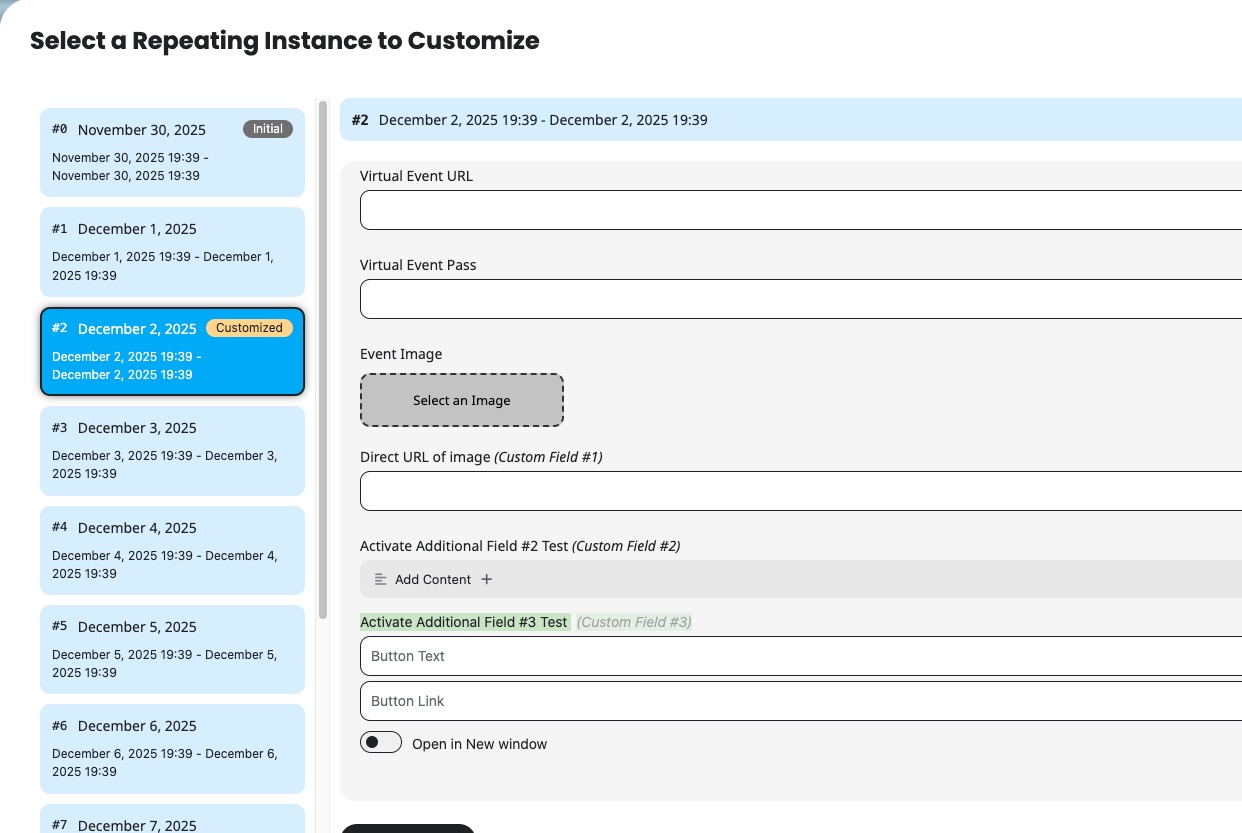
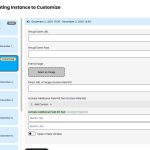
I changed ”Activate Additional Field #3 Test (Custom Field #3)”, but it’s empty:
Hello,
Thank you for your messages!
I am going to escalate this ticket to development to help in here. Please allow us some time to address this, and we truly appreciate your patience. Thank you for being a valued EventON customer!
Additionally, if your site has any IP blocking or security restrictions in place, kindly disable them temporarily to facilitate our support process.
Hello,
1. Please take a look at DailyView add-on:
Daily View
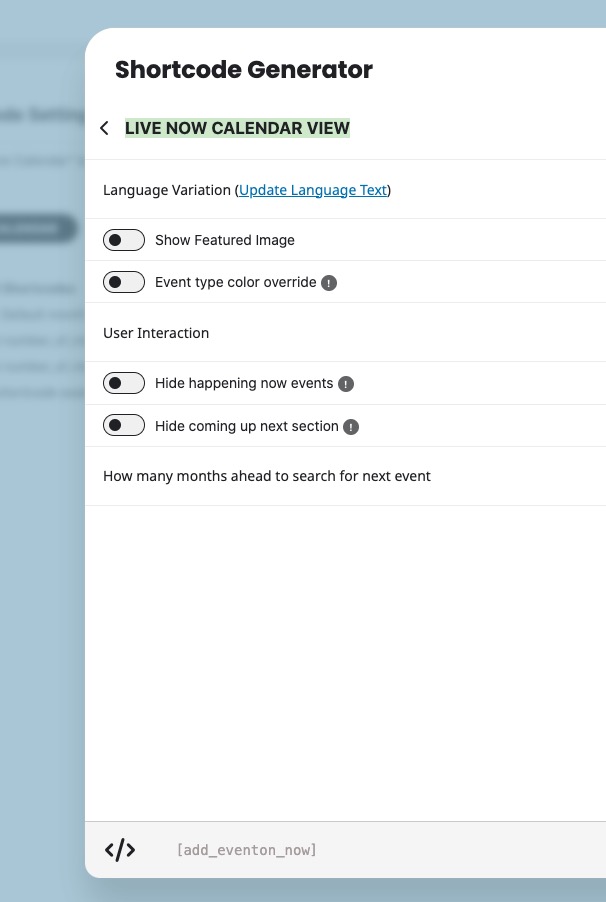
You can also take a look at ”Live Now Calendar View” shortcode that is available without add-ons required:
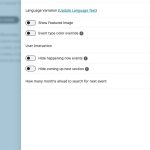
2. Please try using
[add_eventon_el el_type=”ue” number_of_months=”12” hide_empty_months=”yes” event_past_future=”future”]
I selected these in Shortcode Generator:
Select Event List Type: Upcoming Events;
Hide empty months (Use ONLY w/ event list);
Past/Future Events Filter: Only Future Events.
3. Please use
[add_eventon_el el_type=”pe” number_of_months=”12” hide_empty_months=”yes” event_past_future=”past”]
I selected:
Select Event List Type: Past Events;
Past/Future Events Filter: Only Past Events.
Could you show us an example of an event with the issue?
I don’t see anything unusual with ”Tiền Phong Half Marathon 2025” event.
Hello,
Please go to https://codecanyon.net/downloads and you will be able to find EventON among your purchases.
More info:
To update eventon to latest version: If you are unable to do autoupdate, you can go to codecanyon your account > download and get the latest eventon version as zip file. Then you can go to your website > make sure ”Delete eventon settings & data when EventON is uninstalled” is Deslected from eventon settings, delete old eventon, install new one and activate.
” target=”_blank”>This link will further explain the process it. Also you can follow us on twitter to get real-time announcements on updates!
Hello,
Please go to EventON > Action User > enable ”Allow event image upload to non logged-in visitors (Not recommended)”.
Hello,
I am sorry, the access information you have provided did not work for us. Please check them and post the correct login information as a private message, thank you!
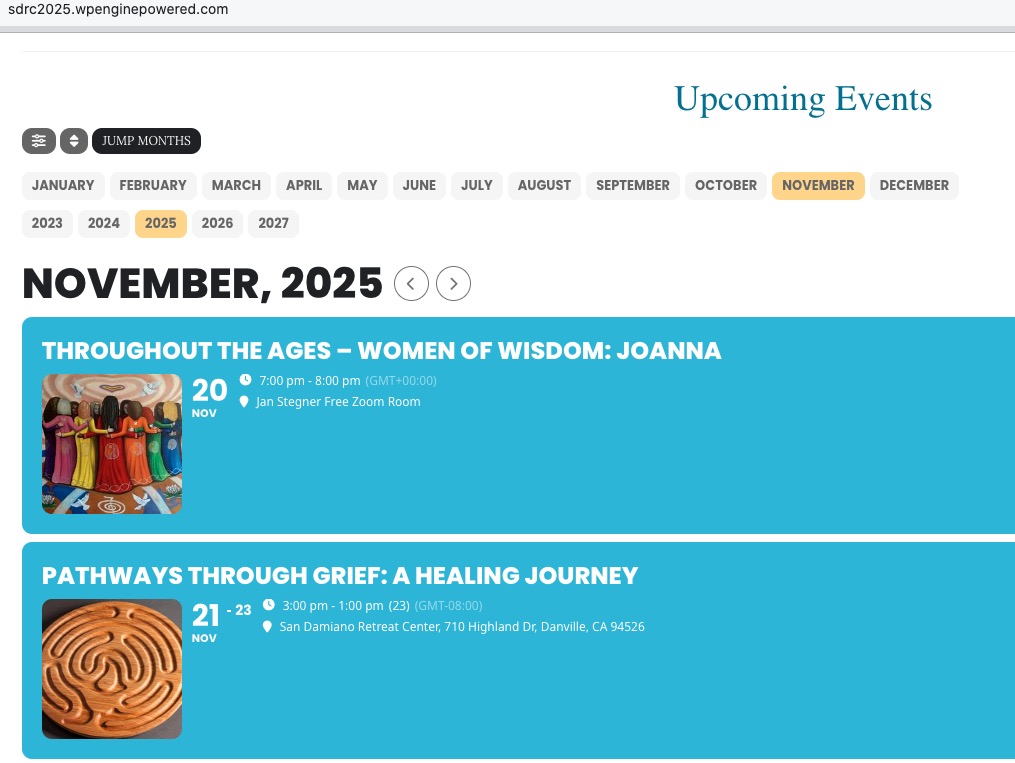
The calendar seems to be working on my side as well:


Hello,
I am sorry, the access information you have provided did not work for us. Please check them and post the correct login information as a private message, thank you!
The calendar seems to be working on my side as well: