Hi Karl,
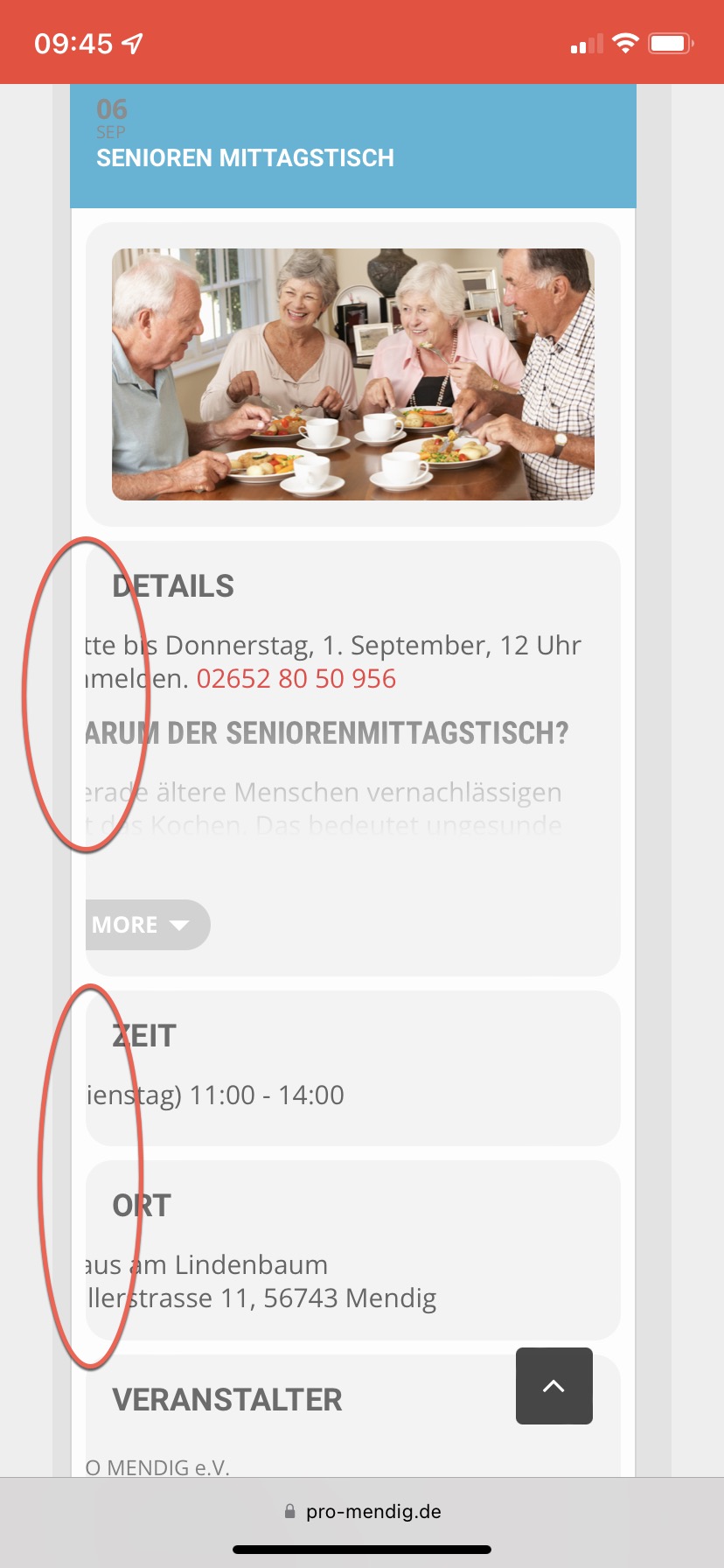
The text is displaying like that due to a CSS code added on your site. Please find the code below and remove it. That should solve the issue.
media (max-width: 568px) {evcal_eventcard .evcal_evdata_row .evcal_evdata_cell {
padding-left: 0px;
margin-left: -30px;
}}
We are glad your issue is resolved, if you have any further questions or concerns please create feel free to open a new ticket. If you have a moment, we would greatly appreciate if you could kindly leave us a review at codecanyon! from your account > downloads.
Cheers!
Hi, we seemed to have much less issues on this months ticket sales. However we ended up creating a separate event for each event date rather than relying on repeating dates. So hard to know which solved the problem. I also removed the Auto Complete Order plugin that I was told causes issues.
Can you please confirm if I should update to the latest version for next months release on September 1st? Or should I leave it as is for now?
This seems to have solved the issues, we didn’t have this occur again with last months sales.
Thanks.
Hi Karl,
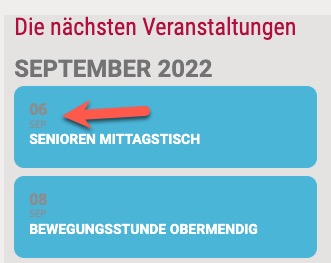
To change the color of the date, add the custom CSS code below to Appearance > Customize > Additional CSS
#evcal_list .eventon_list_event .evoet_cx em{color: #fff !important;}
Hi Stuart,
I have made some changes, please take a look.
I have also moved the code from the Eventon settings to Appearance > Customize > Additional CSS. There, editing the code will be much easier as you will be able to see the changes right away.
Therefore, please feel free to change the values of the code below, if you feel the changes I have made are still not solving the issue you are having
/*this is the code you need to change the size of the box*/
.evosliderbox.ajde_evcal_calendar .eventon_events_list .eventon_list_event .desc_trig_outter{
margin-top: 15px;
margin-bottom:0px !important;
}
Hi,
you can find the code in functions.php in the child theme folder “Enfold Child”.
Thanks for your help!
Best regards!
Tobias
tried to log in but it locked me out
I am sorry, the access information you have provided did not work for us. Please check them and post the correct login information as a private message, thank you!