Hello,
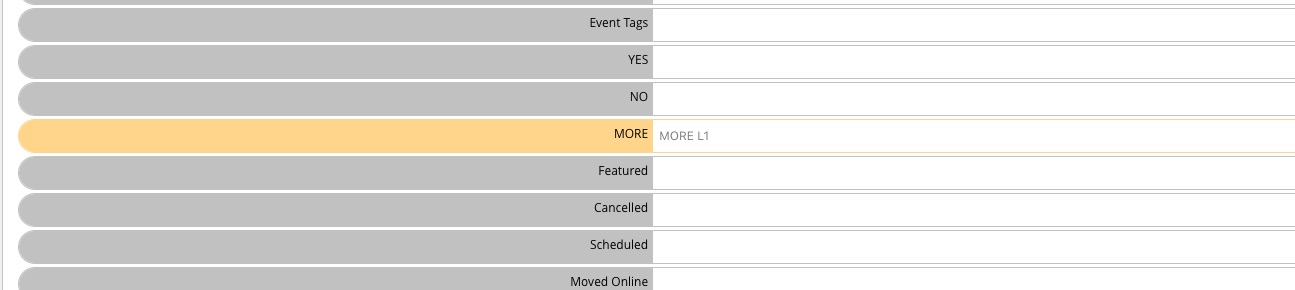
Tutorial on Custom Meta fields can be found here:
https://docs.myeventon.com/documentations/setup-use-custom-meta-fields-events/
You can also just add the form directly to Event Details: https://contactform7.com/faq/#How_can_I_add_a_contact_form_into_my_post_content
Hello,
Thank you for your great suggestion, at the moment it is not supported. However please create a new ticket and select Feature Request as category so others can vote on your idea and get it moved into development faster.
Hello,
It seems that the issue is with https://store.comeragroup.co.uk/wp-admin/options-general.php > Date Format: Custom.
I went to https://store.comeragroup.co.uk/wp-admin/admin.php?page=eventon#evcal_001b > disabled Allow universal event time format on eventCard. Please wait a little bit for a completed event to get updated and see if it worked.
Thanks for the excellent service!
Hello,
I cannot login:
エラー: ユーザー名 focaccia.jp のパスワードが間違っています。 パスワードをお忘れですか ?
Could you check? This ticket is fully private now.
It seems to be working correctly on our test site:
https://dev2.myeventon.com/31276-2/
We are glad your issue is resolved, if you have any further questions or concerns please create a new ticket.
If you have a moment, we would greatly appreciate if you could kindly leave us a review at codecanyon! from your account > downloads. Cheers!
in myeventon>>>>language>>> speakers
see video
add the replacement words in the right column
adding
month_incre=”+1″
to the shortcode will start the calendar one month in advance but then again when sepetember comes it will show october so you’ll have to edit it again
if your website allows page specific CSS or section css (so css is added to the menu but it doesn’t effect the rest of the page then we could css the hell out of the events list extended addon to minimize the height and try to get things all on one line- no promises but I am willing to give it a go. I wont look exactly the same and it does depend on if you can add section specific css (some themes allow it)
otherwise just use events list extended and use the tile view
might be possible Please send us wp-admin access to your site as a private message for us to further assist your situation.
so we can see the shortcode and test out a few ideas- its never been asked before so I’D HAVE TO TEST A FEW THERIES