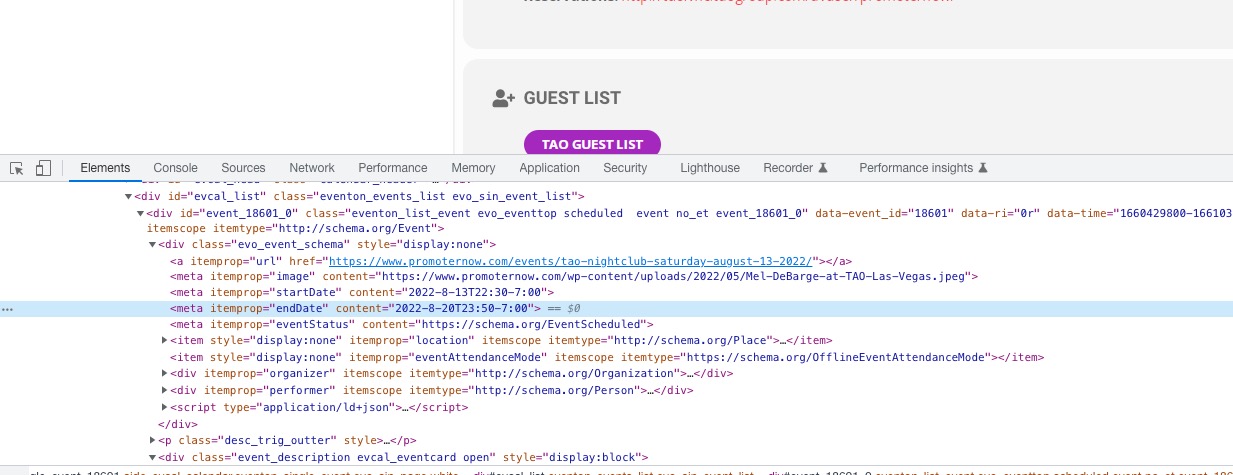
Do you want to show the event end time?
~~NO not on the cal listing that is public
Do you want the event to show on the day after? if you have end time as 1am next day, it will show on next day.
~~We would like it to span until the show ends which is typically 1am — the issue is that I look at it the next day around 5pm and it was still showing — long past when the end time was set.
what is the purpose of setting and end date/time for you? — To let people know when the show is ending
FYI — I click the span until the end of the show when I create the event — I have been using this cal for at least five years and it has worked in the past as it should. Your last update broke a lot of things on my side.
Thank you very much for your assistance resolving all of this
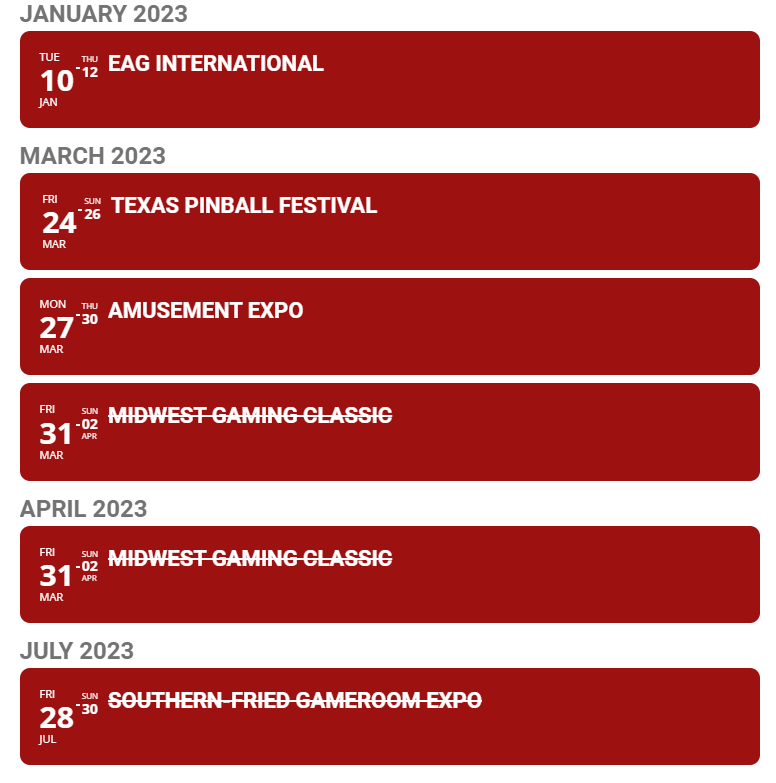
Sorry, typo.
It should read “Incidentally, if I do that, the past event sort order of ascending or descending (asc/desc) does not work:
Thanks for the reply.
I have made the change to the sidebar widget which now works. Thanks.
The overall default timezone is London which is UTC+0.
So, are you saying there is no way to show both future and past events on the main even list?
If I put a negative number in the month increment then it shows those past events, but if I then put number_of_months to a bigger number it shows all future months as empty even though they are not.
Do I need to have two separate calendars – one for future events and another for past events? That’s what I have done for now.
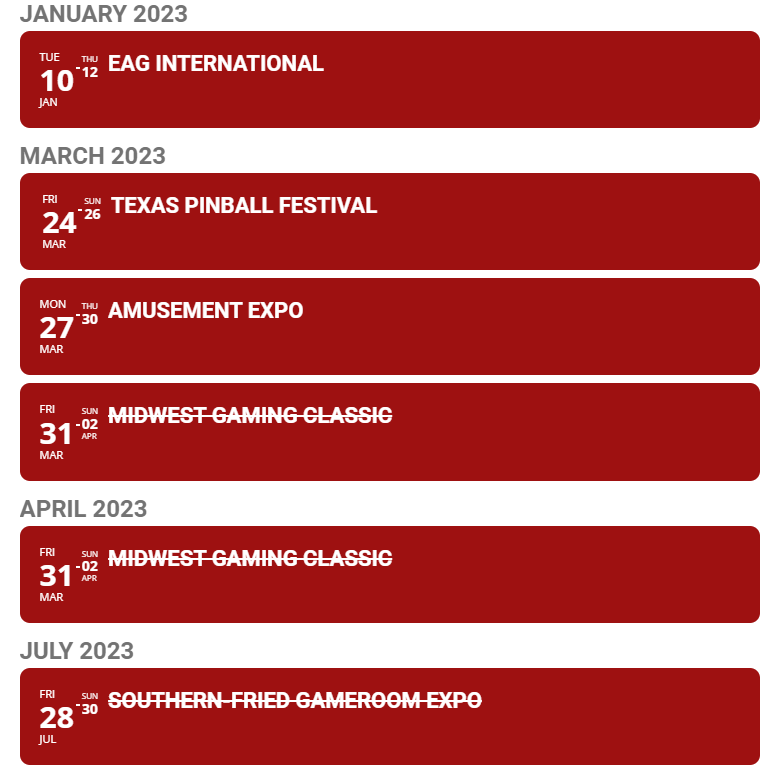
Incidentally, if I do that, the past event sort order of ascending or descending (asc/desc) does work:
[add_eventon_list number_of_months=”96″ month_incre=”-96″ show_year=”yes” event_order=”asc” hide_empty_months=”yes”]
It makes no difference if I put event_order=”asc” or event_order=”desc”
I still have the problem with some future events being marked as completed when they are not.
I have edited the start/end of these to add specific times as well as dates, but it still shows them as completed even though they are in 2023. These are events in the US on central time, so UTC-6. I have no idea why these specific events have become completed when all others are fine.
Regards,
Martin.
Hi there
CAT means Catalan Language and ES means Spanish Language 😉
I think I already found the problem. When I translated I did not add manually the translated product to the course. For the moment it is working fine. I will do some more tests today and let you know.
Best regards
Richard
Which timezone is correct: London or UTC+0?
There are no arrow buttons because the shortcode is Event Lists and not Main Calendar:
https://www.pinballnews.com/site/wp-admin/post.php?post=144&action=edit
You are using “EventON Upcoming Events” widget, which doesn’t show past events. Try using ESE
https://docs.myeventon.com/documentations/use-eventon-shortcode-executor-widget/
with added [add_eventon] shortcode.
Hello,
Could you tell us what “CAT” is? Unfortunately, I am not familiar with the term.
End Date of the event is 2022-8-20:
Try adding event_past_future=”future” to the shortcode to show only future events.
Hello,
Please go to EventON > EventTop > add Unused Event Top Fields into columns.
Hello,
Could you try this guide:
You can either apply this patch:
https://docs.myeventon.com/patch-fixes/4-1-in_array-error/
Or go to EventON > EventTop > EventTop Main Day block fields > enable Event Day Name or any other you like.
We are going to include the fix to the next version.
Please add currentuser=”yes” to any shortcode you want to show only events from a current logged-in user.