Hi its not working..
Can you please send me exact code for this.? To be honest I dont have any knowledge in coding that is why i choose wordpress.
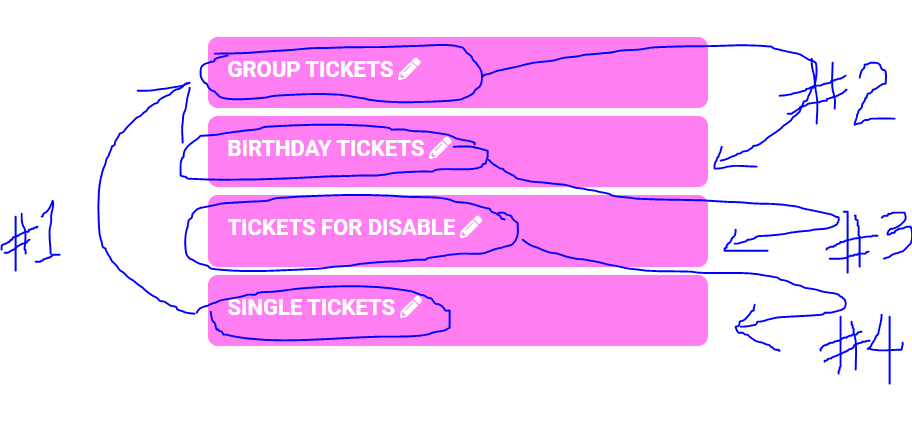
I need the events to show according to their ID.
This is the exact order
1st: Single Ticket: ID: 1703
2nd Ticket: ID: 1762
3nd: Birthday Ticket: ID: 1743
4th is Ticket for Disable: ID: 1756
Please see the photo below, thanks in advance, Apology for no knowledge in coding.
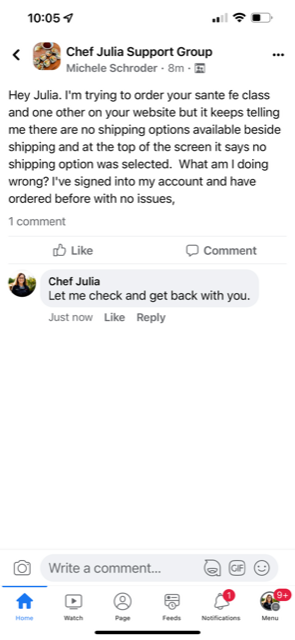
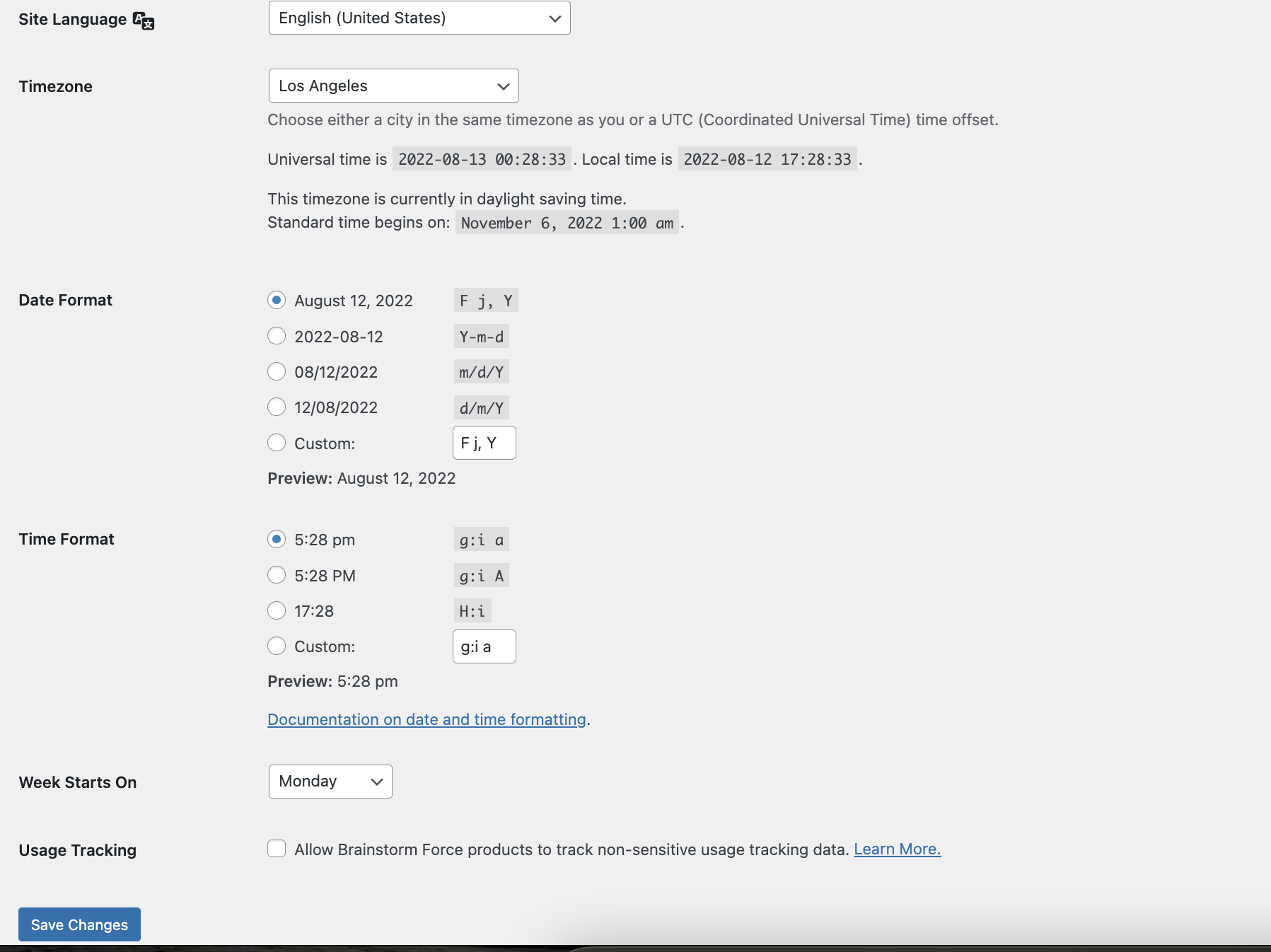
ok, Julia’s next class is on the 2oth. See screenshot. Is there a way to do a test product to be sure the event shows the day of the event? so we’re sure next Saturday it works perfectly?
Julia just emailed me. she said the site is set for “shipping” see attached. can we turn that off? She doesn’t ship products.
I’m not seeing where in events it even asks or shipping?
Hi Ashley,
Please go to EventON > EventTop > EventTop Main Day block fields and enable Event Day Name.
If that does not work, could you please try the instructions mentioned in this documentation to make sure your issue is indeed coming from eventon.
Hi Mark,
Could you please try the instructions mentioned in this documentation to make sure your issue is indeed coming from eventon. If it is not a plugin or theme related issue, please send in wp-admin access credentials so that we can take a closer look.
Sorry, I have now tested the login details. They work now. The problem is on both sites:
https://teacher.yeslearn.co.uk/wp-admin
E-mail: admin@yeslearn.co.uk
Username: Support
v@DyR9e8o&LFW(PnM$TJCC!M
https://student.yeslearn.co.uk/wp-admin/
E-mail: info.0tdesigns@gmail.com
Username: Support
b&27Ksr!!Dc6Zq*IQYtSOLjX
I dont feel comfortable with that. Is there something else possible>?
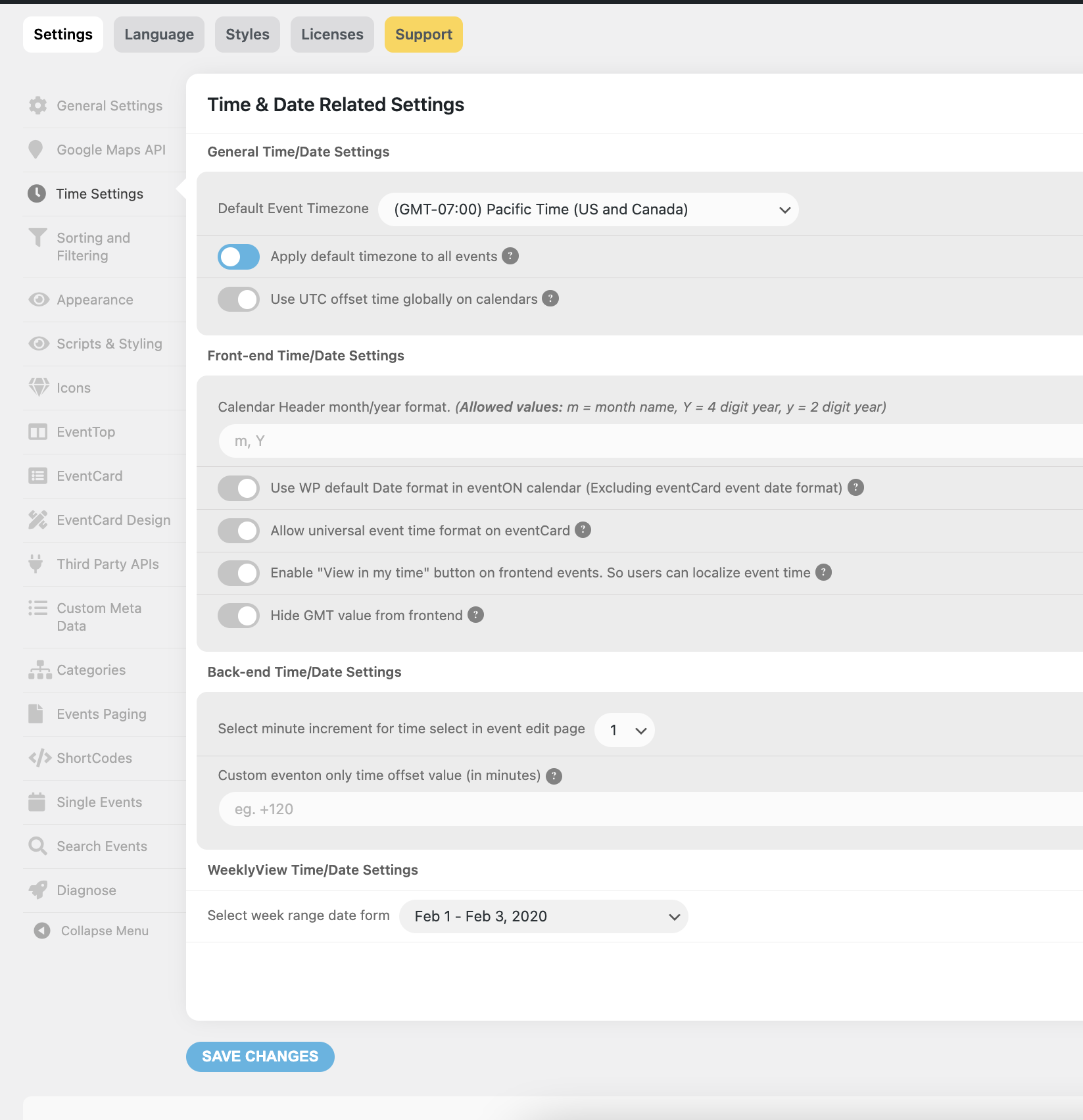
[add_eventon_wv show_et_ft_img=”yes” ft_event_priority=”no” eventtop_style=”0″ cal_init_nonajax=”yes” ux_val=”4″ exp_so=”yes” filter_type=”select”]
Hello,
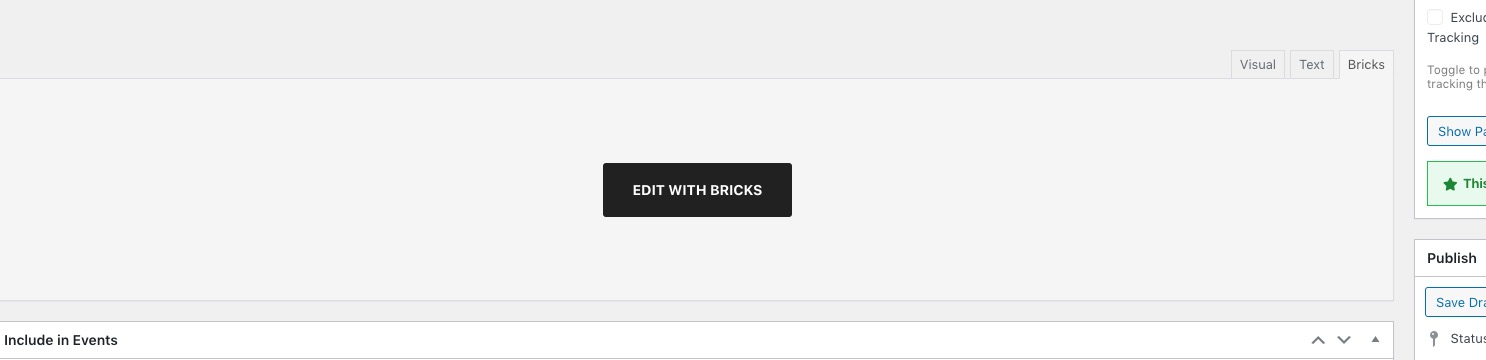
In order to re-create the issue, we need to go to New Page > press Edit with Bricks, right?
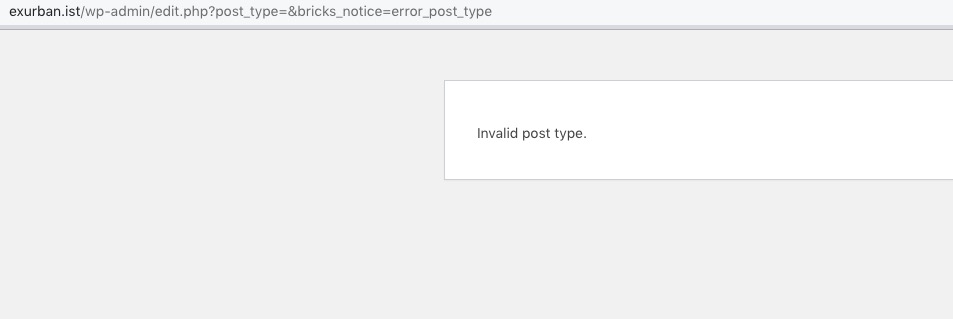
The thing is that it shows this error:
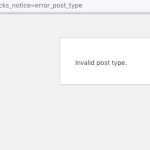
How can we take a look at the issue?