Hi,
I don’t have a member plugin installed. Also the debug.log doesn’t show any errors related to Event ON. This is the shortcode that I already tested in the site you provided and it worked.
[add_eventon_el el_title=”Próximos Exámenes” number_of_months=”6″ sep_month=”yes” hide_empty_months=”yes” show_et_ft_img=”yes” eventtop_style=’0′ ux_val=”3″]
I’m pretty sure is something related to the region lock.

Hi,
I can see what happens, with the new order: https://www.arts1.co.uk/wp-admin/post.php?post=11608&action=edit
When an order is failed, there’s an option to pay on the failed page ( see attached ). I believe this is default WooCommerce functionality, will this never work?
So, does it need to be set up if an order fails, the user has to re-add the items to cart?
Thanks,
Lee
By the way, we have dealt with each other before!
I’d definitely prefer that. I changed the homepage and it seems fine. How does it look your end?
hide empty months ONLY works with events list shortcodes not the main calendar (which is what you are using)
see this page
https://medist.cidevconcept.com/eventon-test/
thats using the events list shortcode which shows however many months you want to show (But you can’t switch months)
under that events list I have also added the events now shortcode- normally you would put that on a home page or at the top of the calendar
Thank you for your help!!! This is great!!
One thing to note tho- looking back to the original enquiry
you have set events to open to the single event page/
I wonder if those events on the home page and widget could open as a pop up without effecting the load as we now have a faster load?????
and possibly the calendar page as well
changing ux_val=”4″ to ux_val=”3″
probably would reduce the back and forth between calendar and event
possibly something to test out espeically for that home page and widget
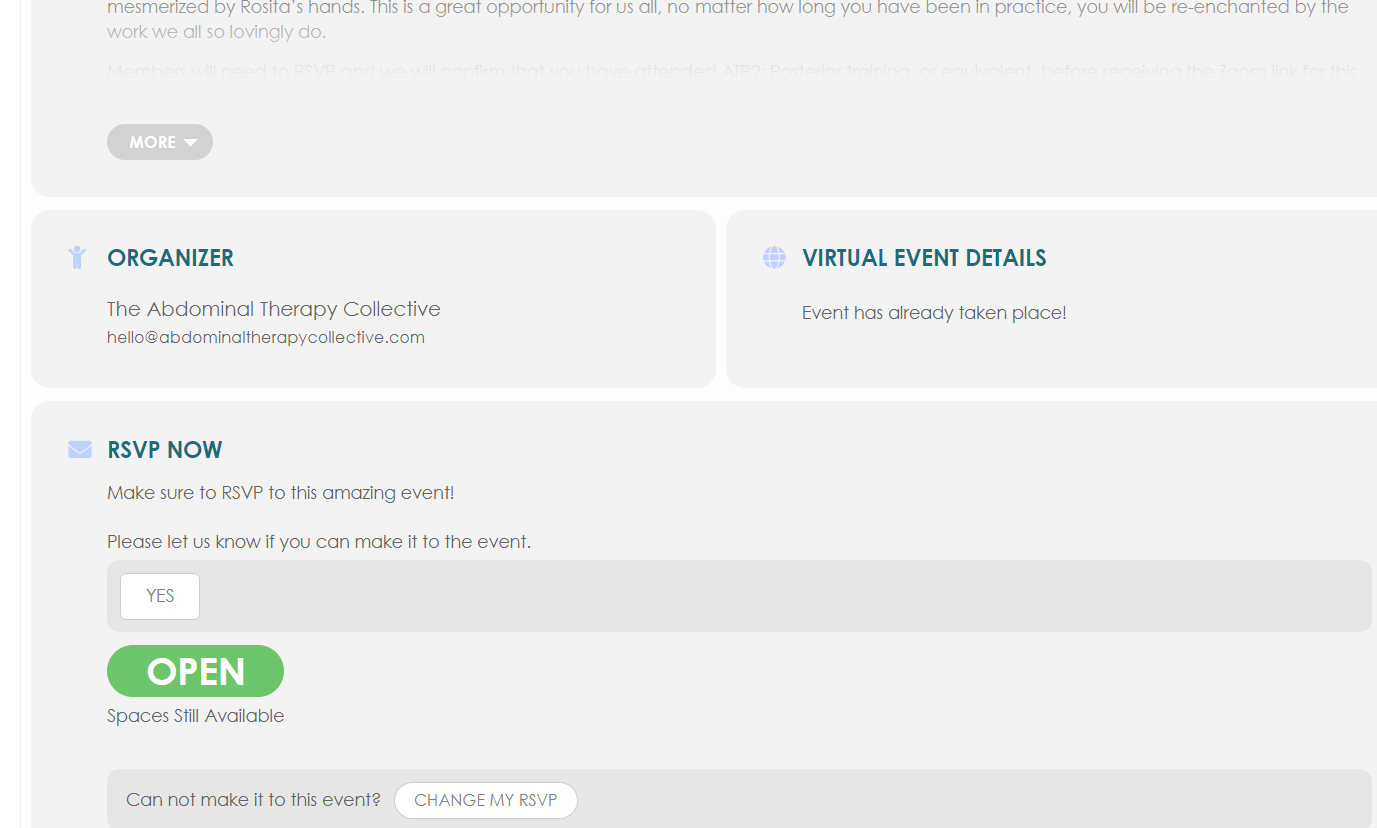
Screenshot of event showing virtual event details indicating event has completed
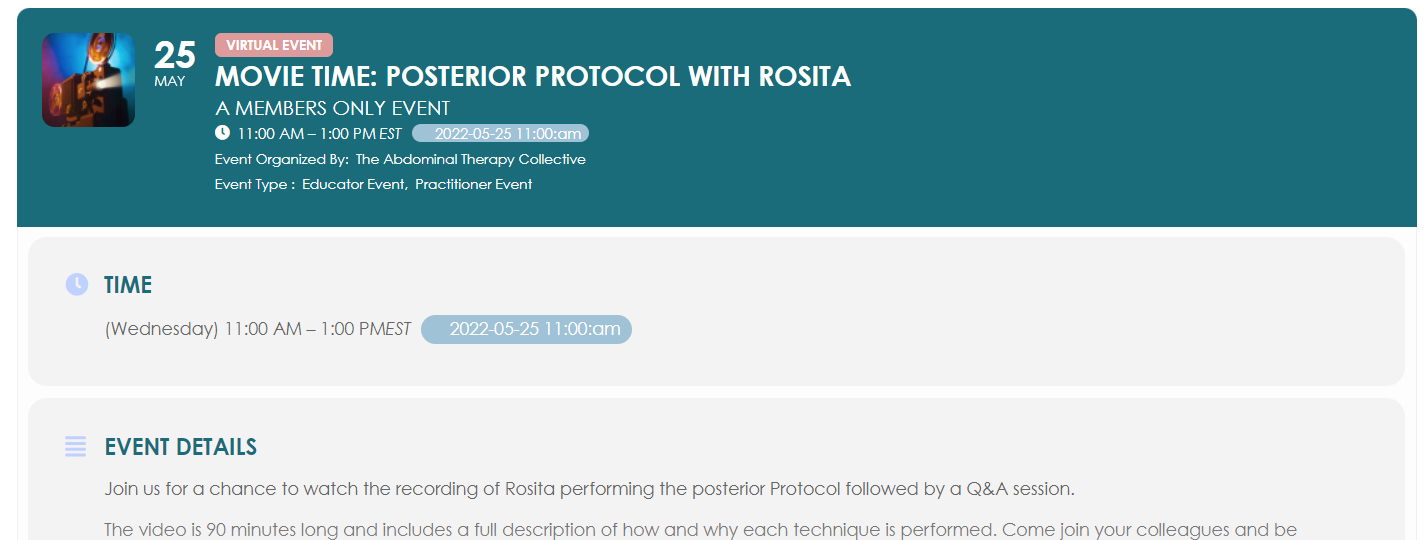
Screenshots of event showing correct start time