Hello,
It seems to be working, no:
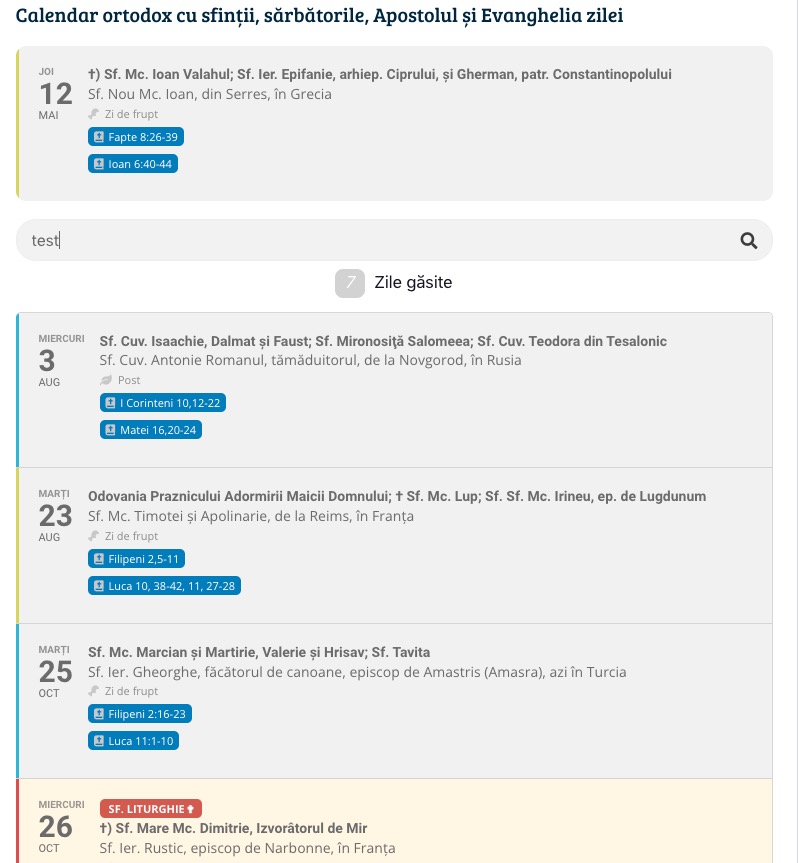
EventTop Design Style: Clear with left border colors and gaps
Replies for tickets on suppota
Hello,
It seems to be working, no:
EventTop Design Style: Clear with left border colors and gaps
Hello,
Please check your other ticket.
Hello,
This is because Date/Time formats are empty:
https://torahactionlife.com/wp-admin/options-general.php
Could you try F j, Y or similar?
Hello,
Please take a look at
https://docs.myeventon.com/documentations/add-support-additional-ics-fields/
Color is in evColor variable.
How can I achieve this?
We have still no resolution for this.
Maybe via automated coupon code/discount ?
i.e. create a coupon code exclusive for the event product and it only applies when 4 items are in basket giving a discount that reflects the reduced price
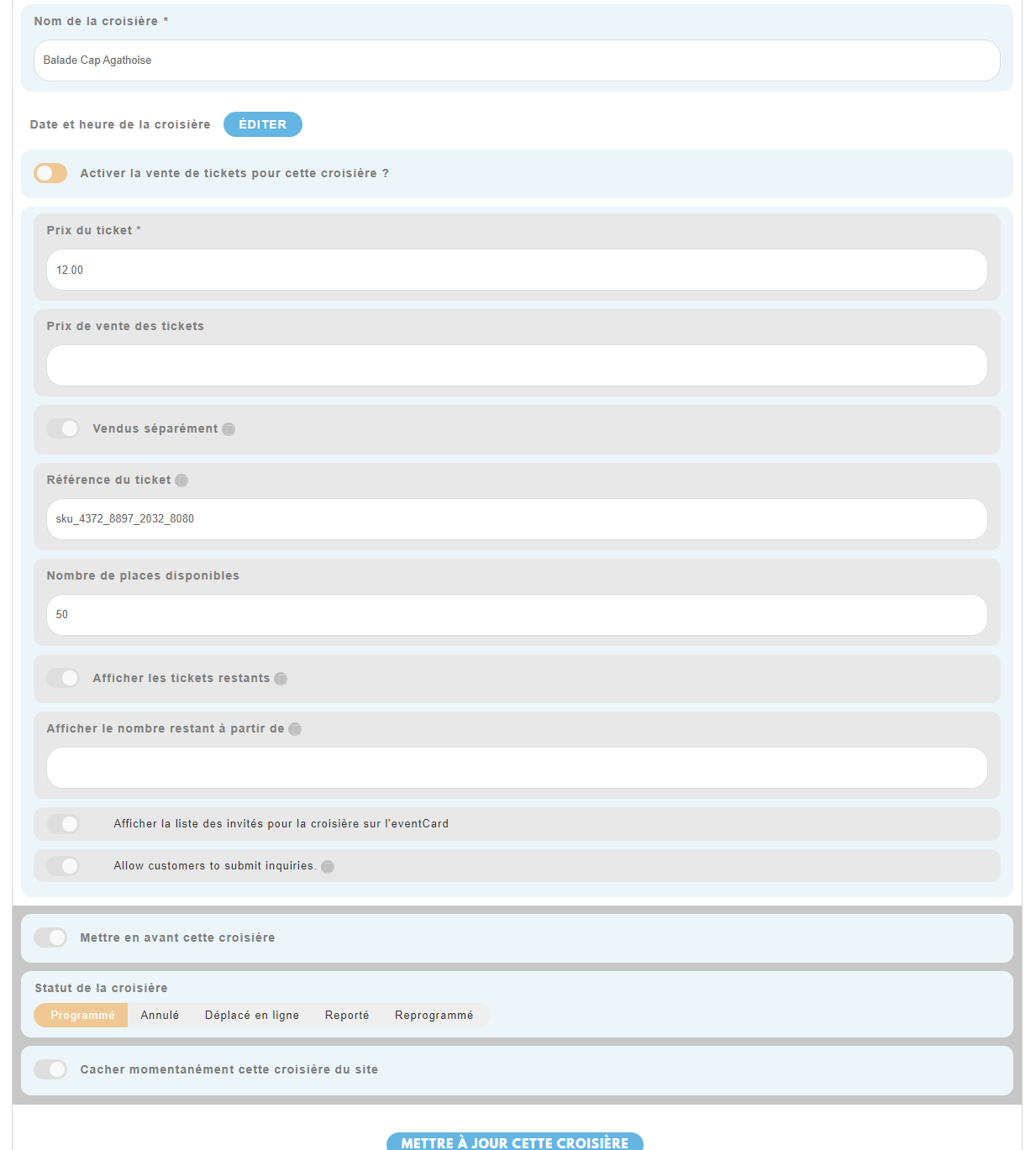
Thank you very much for your help, because this is my biggest problem right now.
To tell the truth Ashan, I have never used the User Action field enable/disable. The reason is because the moderator (events action user) only edits events that I have ALREADY created/duplicated by myself for him. So, the user does not create new events, he logs in and accesses the event manager to edit (only) about 850 events.
“If you disable event color field from actionuser setings > form field. Then when the user edit the event, color is replaced with default value instead of the previously saved value?” => YES, in fact, all the fields are disabled from the start in Action User settings, except for these fields: event status, ticket fields & special event edit fields. This means that the color field you mention is already disabled.
“If that is the case, any reason to why you are disabling fields that collected values?” =>The only reason I initially wanted to hide certain fields (in CSS) is to show only the fields that I allow the event moderator to modify. But as I stated above, I removed the CSS that was doing this, as you can see in my screenshot included here.
How resolve that please, I need re-enable moderator access very soon so that he can modify the events again!
But I won’t be able to do that until this issue is fixed.
Thank you very much.
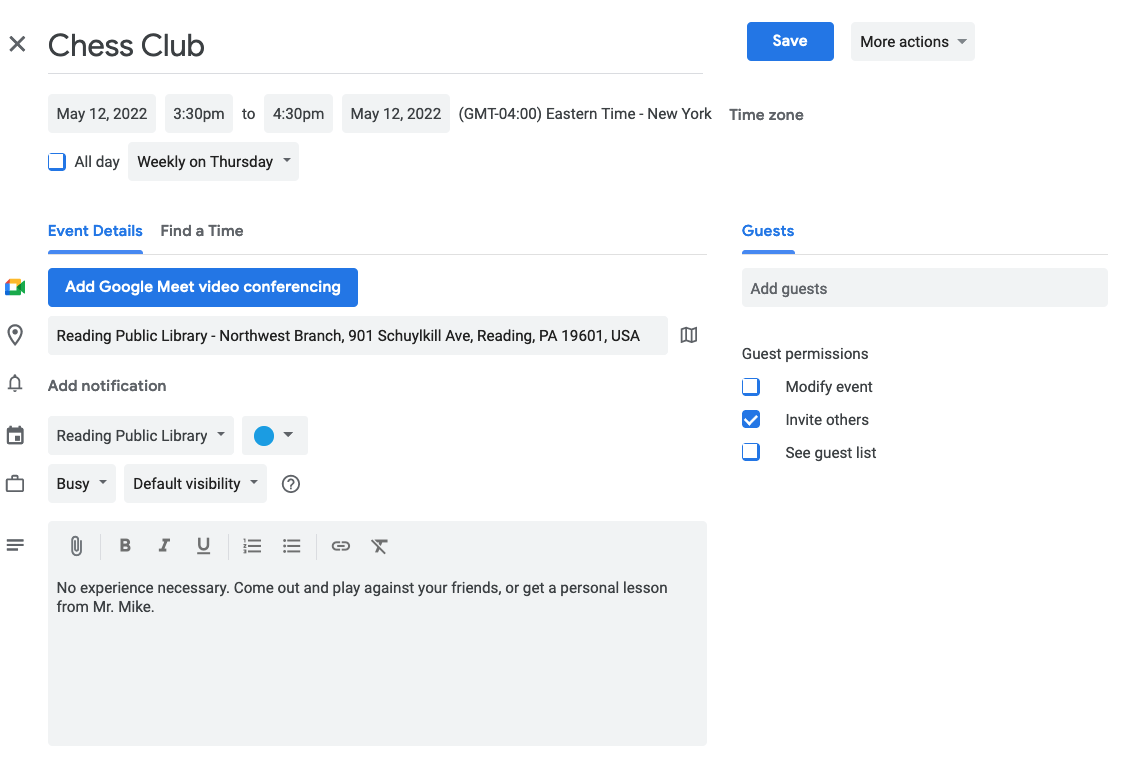
Here is what an event looks like in our Google Calendar. I would like that blue color for the event to be pulled into EventOn when importing, so that I don’t have to set it manually in EventOn. That’s just not an option with so many events. Is this set up correctly or should it be done another way?
Can do! There’s not another event until May 18th. So, I’ve set you up as an admin on our staging site so you can add an event for today to test.
https://staging17.cincy-promise.org/wp-admin
UN: eventon
PW: KU)Av%vVmq&tR5$IU1EMibtO
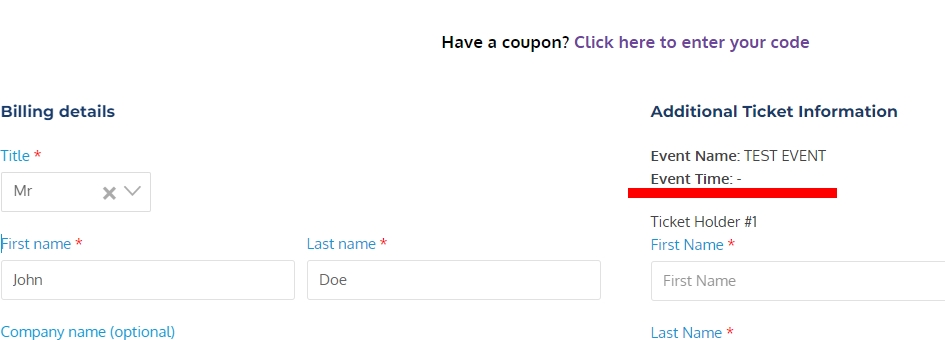
time-checkout.jpg – this shows event time missing from checkout page – this is also missing from CSV download and from attendees info
I also have taken a video of the date issue but cannot upload this here.
To recreate the date issue:
1) Edit an event
2) Scroll to event date and click on it (this pops up calander)
3) Select a new date (this clears the date field and scrolls the page to the top – THIS IS THE PROBLEM)
4) Click update (date has not been changed)
I need the orders that say “processing” to be converted to “completed” – but I am having trouble doing this, I am not sure if it’s because of the payment gateway that I am using? – which is stripe. Is there anyway you could assist me?