Thank you very much for your reply Ashan Perera, I only just saw your reply, sorry for that.
The error occurs for example when the moderator (role: shop_manager) does bulk operations with WooCommerce orders.
For example, he selects 5 orders and applies the “Done” status.
Anything on this yet? I know a workaround if nothing else but I’d appreciate your help. Also considering some of the add-ons but if you guys aren’t around to provide support then it might not be the best solution for me. Please let me know.
Thank you very much for your clarifications.
I thought it was easy to set => if status == postponed, then don’t show progress bar + don’t show event in progress message.
But I understand your point of view that it should be seen as labels. I will insert javascript to fix this.
Thanks again.
Best regards.
https://vimeo.com/709152399/47b353b063
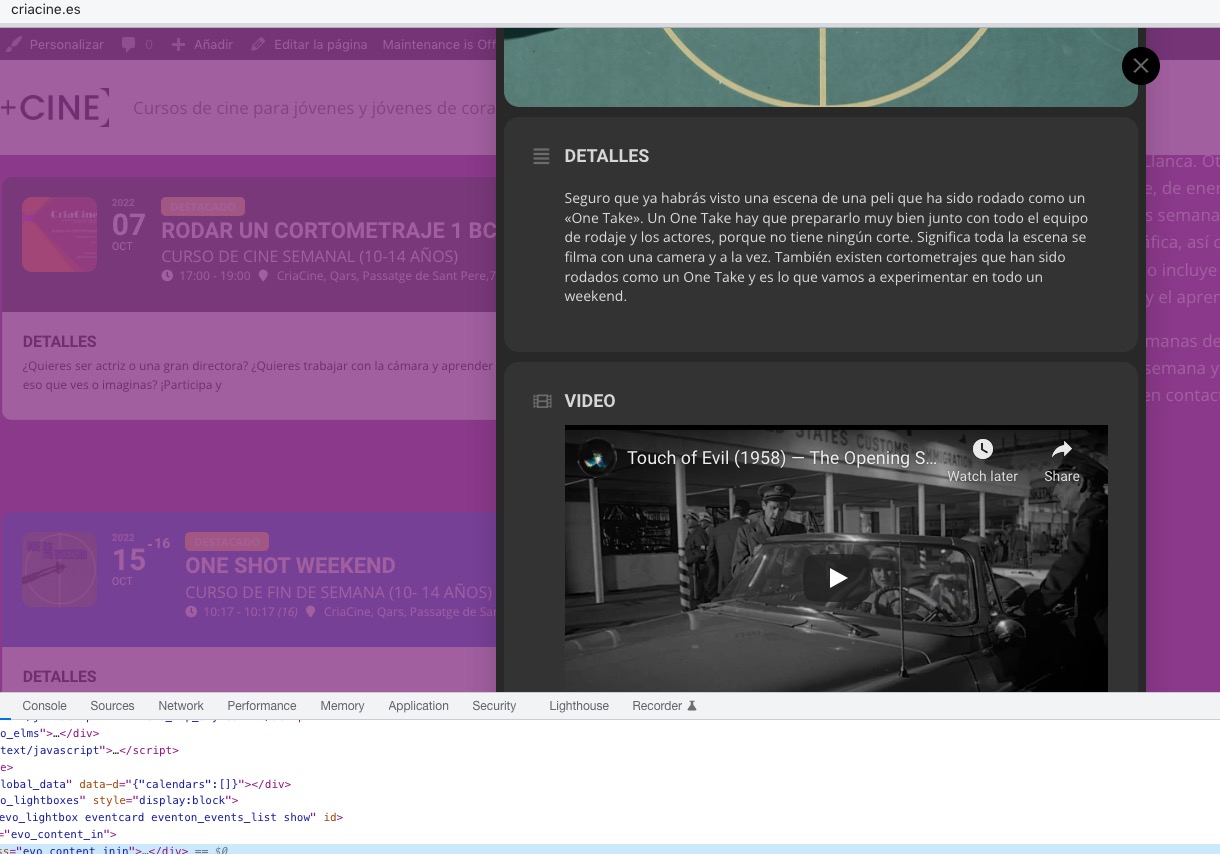
I made a little video to show the issue
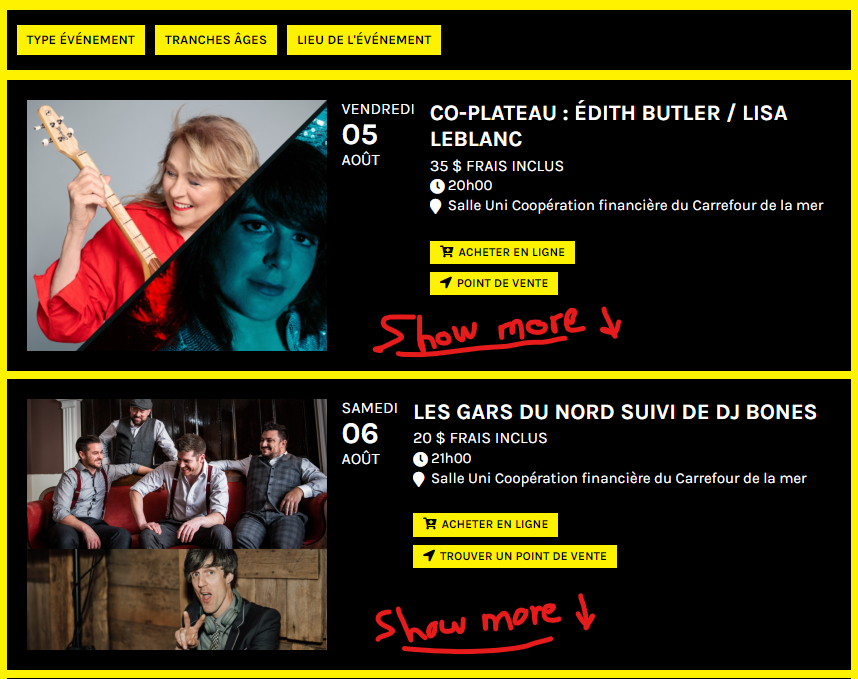
Here’s a screenshot of what we are looking for to add a “show more details” on the slide down event card.
Hello
I just forwarded info@ashanjay.com to the invoices with transaction details for all the 3 purchases. And one of the order n: 141342
Thank you
Hi! I’ve changed the setting but with blocks it still doesn’t allow addition of multiple blocks in the same order. For example on this event: https://start-studio.co.uk/events/art-night/
How can I purchase tickets for multiple nights in one step?
Does this work?
https://weiss-aug.ahawebdev.com/4009-2/
About activations. We are working on fixing this.
It seems that the video works on our test server:
https://dev2.myeventon.com/30449-2/
Strange thing is that when you resize the window, it also works on your website:
Can we try the instructions mentioned in this documentation?
Sidebar. I’ve added the code to Appearance > Customize > Additional CSS, it should work now on mobiles.