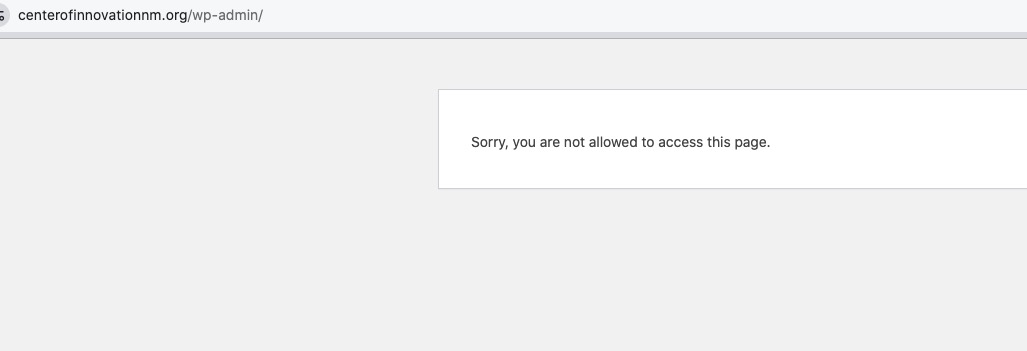
Hi, the site with the credentials I added is: https://centerofinnovationnm.org/505login
Replace wp-admin with /505login.
I can setup login for that temp cloudways address if needed, but the main site is above and that is the credentials added user for.
There are now a total of 4 total Patchstack reports, all are listed below for convenience:
Vulnerable to Cross-Site Scripting (XSS)
Low: https://patchstack.com/database/wordpress/plugin/eventon/vulnerability/wordpress-eventon-plugin-4-9-12-cross-site-scripting-xss-vulnerability
Medium: https://patchstack.com/database/wordpress/plugin/eventon/vulnerability/wordpress-eventon-plugin-4-9-12-reflected-cross-site-scripting-xss-vulnerability (ADDED TODAY)
Vulnerable to Access Controls
Low: https://patchstack.com/database/wordpress/plugin/eventon/vulnerability/wordpress-eventon-plugin-4-9-9-broken-access-control-vulnerability
Medium: https://patchstack.com/database/wordpress/plugin/eventon/vulnerability/wordpress-eventon-plugin-4-9-9-broken-access-control-vulnerability-2
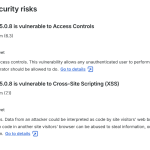
Here are the same two issues (Broken Access Control and Cross Site Scripting (XSS)) reports that are considered ”Medium Priority” listed in WP Engine.
Here are the two issues (Broken Access Control and Cross Site Scripting (XSS)) reports that are considered ”Low Priority” listed in WP Engine. 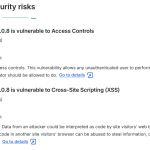
yes we took it off – because people are registering for our event. We have it active here: https://euth.at/events/eu-pubquiz-feldkirchen
https://nyflora.org/login
tempadmin@nyflora.org
pass: 2026nyfa!1
I hid the message alert with CSS but still don’t know why it was showing up in the first place.
Hi,
It happens with any event where I try to create custom repetitions. The issue isn’t specific to one link; the ”Custom” repeat setting simply fails to respect the input dates across the board.
Since it’s a functional error during the creation process, a screenshot would only show the dates I select being replaced by others once saved.
Is there any specific log or additional information I can provide to help you debug this version?
Best regards,
I cannot access wp-admin:
Also https://wordpress-706230-6224051.cloudwaysapps.com/wp-login.php as well as /wp-admin both lead to 404.
Could you check and let me know?