You should be able to add one by following
https://docs.myeventon.com/documentations/how-to-add-additional-fields-to-download-attendees-csv-file/
Unfortunately, by default, EventON Tickets doesn’t provide you with the info you want.
Replies for tickets on suppota
You should be able to add one by following
https://docs.myeventon.com/documentations/how-to-add-additional-fields-to-download-attendees-csv-file/
Unfortunately, by default, EventON Tickets doesn’t provide you with the info you want.
Hi,
Any update for us?
Hello,
Please take a look at
https://docs.myeventon.com/documentations/set-additional-fields-rsvp/
Use Drop Down Options element.
Hello,
By default, CSV Import only pulls this data:
Location Fields:
location_name => Event location Name
event_location => Event location complete address
evcal_location_link => Location Link (http://)
evo_location_id => Location taxonomy term ID
For Lat/Long values you need to add them manually by following
https://docs.myeventon.com/documentations/import-additional-fields-using-hooks/
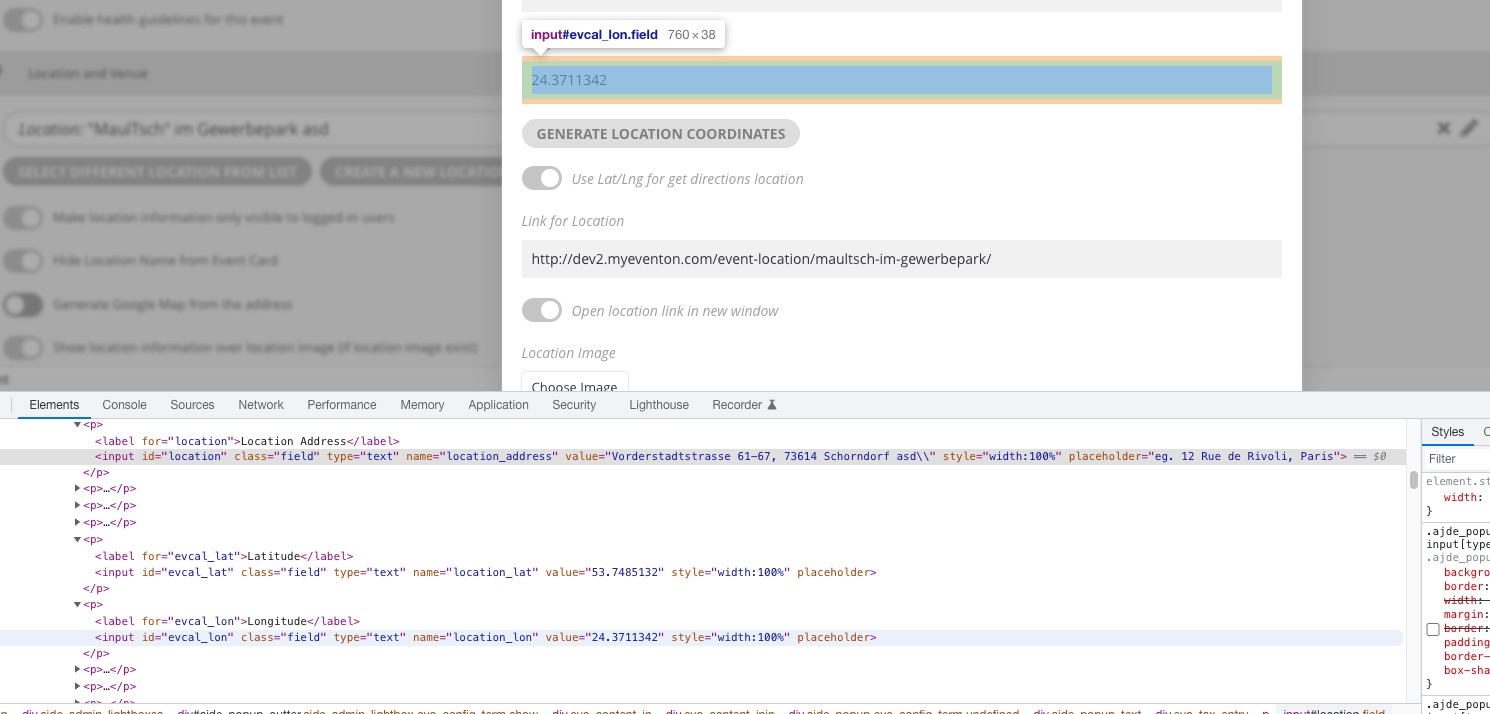
Could you please try the instructions mentioned in this documentation to make sure your issue is indeed coming from eventon.
the date should appear there already unless you have ticket the Hide event time on the event itself
which you had on this event https://xzib.com/e/gallery-14-by-reed-dixon-vero-beach
I have unticked it
No respons received, just upgraded 2 licenses but I can’t activate them. Order #140345
You have exceeded maxium number of activations! You can purchase additional licenses or deactivate license on other websites. Strange I just updated to 2-5 sites. I’ve used the License key in the mail.
I can’t see the licenses on your site neither, please help, my client is chasing me!
Hey Mark,
I think it was not that clear for me, but will put some time to think around it.
Could you go to https://lesbateauxagathois.com/wp-admin/admin.php?page=eventon#evcal_001b > enable Use UTC offset time globally on calendars (BETA)?