Hello,
Can you please send us a direct link to where the actual issue is happening?
Replies for tickets on suppota
Hello,
Can you please send us a direct link to where the actual issue is happening?
Please make sure that you are clicking Event Lists: Extended:

Show more button
It is hidden by default. Could you send us your current shortcode?
Please take a look at Action User:
https://www.myeventon.com/addons/action-user/
Try on https://dev.myeventon.com/wp-admin/
The slider isn’t our product. Please contact the plugin developer on https://codecanyon.net/item/eventon-slider-addon/11063359/comments
Hello,
Please add this CSS code to EventON > Styles (If you don’t see any change, EventON > Scripts & Styling > turn off Write styles to header > save settings > turn on Write styles to header):
#evcal_widget #evcal_list .eventon_list_event .evcal_desc, .widget-area .ajde_evcal_calendar .eventon_events_list .evcal_desc {flex-basis: min-content !important;}
Hello,
Please check now: https://amn.imcreative.ro/amn-educational-events/
You shortcode wasn’t full enough.
Hello,
Please add this CSS code to EventON > Styles (If you don’t see any change, EventON > Scripts & Styling > turn off Write styles to header > save settings > turn on Write styles to header):
#evcal_widget #evcal_list .eventon_list_event .evcal_desc, .widget-area .ajde_evcal_calendar .eventon_events_list .evcal_desc {flex-basis: min-content !important;}
Hi Kenneth,
Yes, I’ve used the hide_et_dn=”yes” short code (placed in a widget area) as a short-term solution. Do I need to remove the shortcode so you can see the issue on the page? I really do need the date numbers on the event top, just not on its own separate line.
Thank you! Have a nice day!
Taryn
Ok. Thank you!
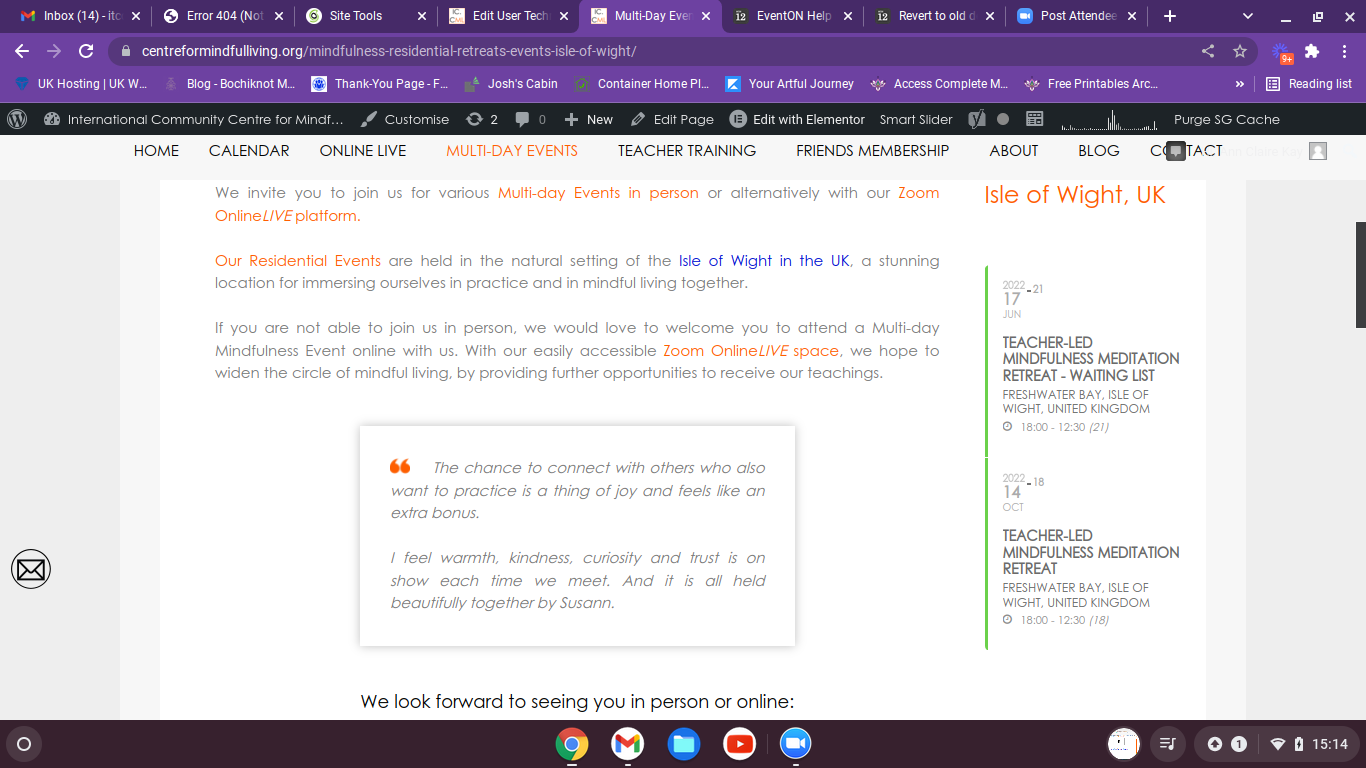
The style change has caused all my sidebars now to not work with my page layout. Please can you help with this matter.
Many thanks Susann