Ah, I see. After you choose the color in the main picker and save the event, it shows up in the color choices. I had to reload the page to see it show up, which is why I wasn’t seeing anything happening. User error on my end. Thank you for your assistance.
Archives: Replies
Replies for tickets on suppota
Reply to: tickets(375197)
Again, sorry for the delay. Ashan will check this ASAP.
Reply to: tickets(375198)
We are sorry for the delay! Ashan will check this ASAP.
Reply to: tickets(393790)
Hello,
Please update EventON to fix the location issue.
Next, you have fixed_month=”2020″ in your shortcode, but fixed_month is for month. Please add both month and year:
[add_eventon_list fixed_month=”01″ fixed_year=”2020″]
Reply to: tickets(365472)
We are glad your issue is resolved, if you have any further questions or concerns please create a new ticket.
Reply to: tickets(393794)
Hello,
I am sorry, the access information you have provided did not work for us. Please check them and update the login information as a private message, thank you!
In order to install the plugin, please go to https://codecanyon.net/downloads and download “Installable WordPress file only”. Next go to wp-admin > Plugins > Add Plugin.
https://www.youtube.com/watch?v=ijgMkKrdZfc
Next, follow this guide on how to use Shortcode Generator to create shortcodes:
https://docs.myeventon.com/documentations/shortcode-generator/
Video Guides on how to use EventON:
https://www.myeventon.com/support/video-tutorials/
Reply to: tickets(390018)
Thanks, I broke out an old drive this morning and found them. I have already rolled them back on the live site. We were looking forward to using the new versions for the attendee emailing. I did setup a clone site as you suggested. http://bluejeanblues.live/dev/wp-admin/
Reply to: tickets(392239)
Could you elaborate more?
This is how it looks like at the moment:
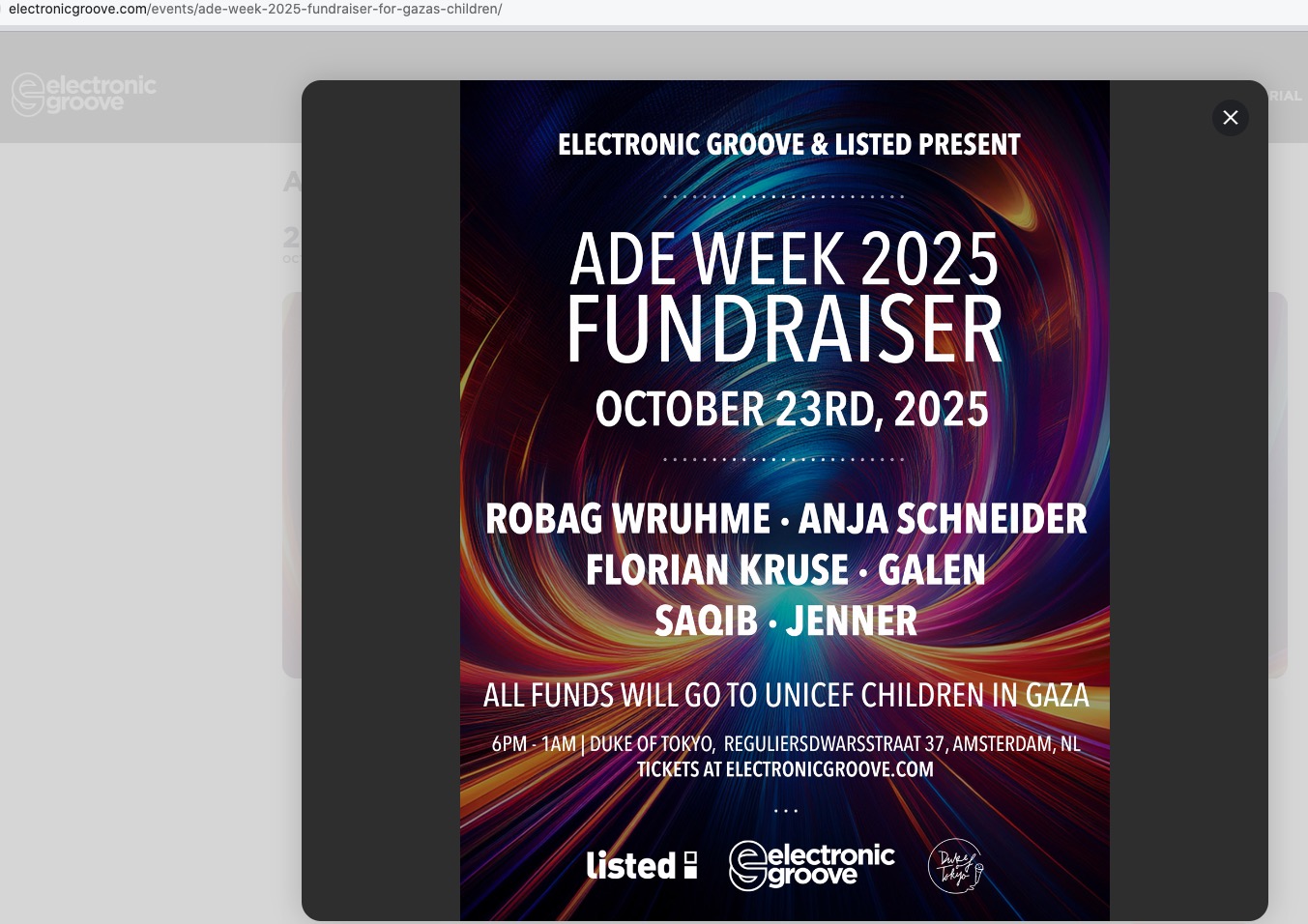
I am not sure how do you wan to change it.
If you want to change EventCard, then please go to EventON > EventCard > try a different Feature image display style:
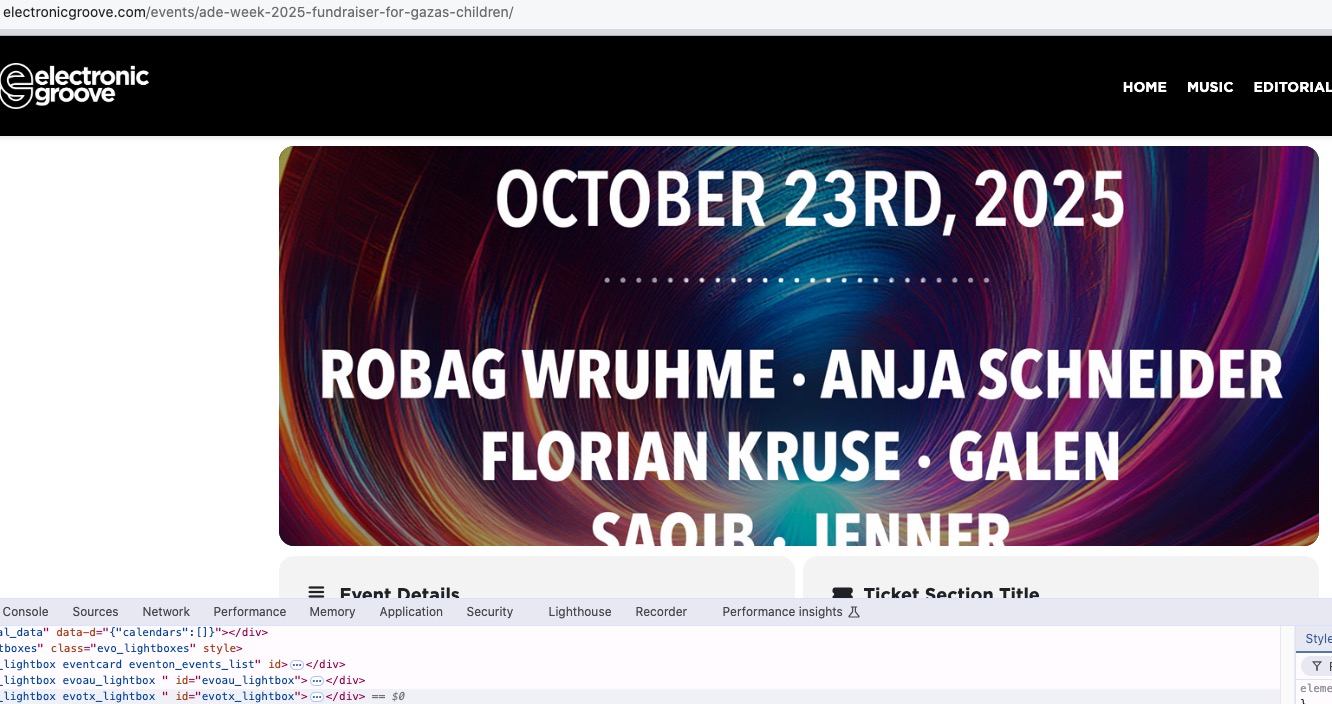
Reply to: tickets(362499)
That is not the issue, the issue is the nonce field is not validated when it is logged in user. The nonce key passed for verifying is an old key instead of a key created right now.
It seems the nonce key for logedin user use different data to create than non. If you have any cache please disable and try.
We are gonna add a new setting that will allow users to offer by pass nonce validation with their consent. Or use our own nonce system that does not use loggedin user data. We will see what we end up doing.
But for your situation, what is happening is nonce created for loggedin user is different than non, and verifying those in each situation is not taking into account a loggedin vs non.
All of a sudden your website is throwing a 404 error now.
Reply to: tickets(393535)
We are glad your issue is resolved, if you have any further questions or concerns please create a new ticket.