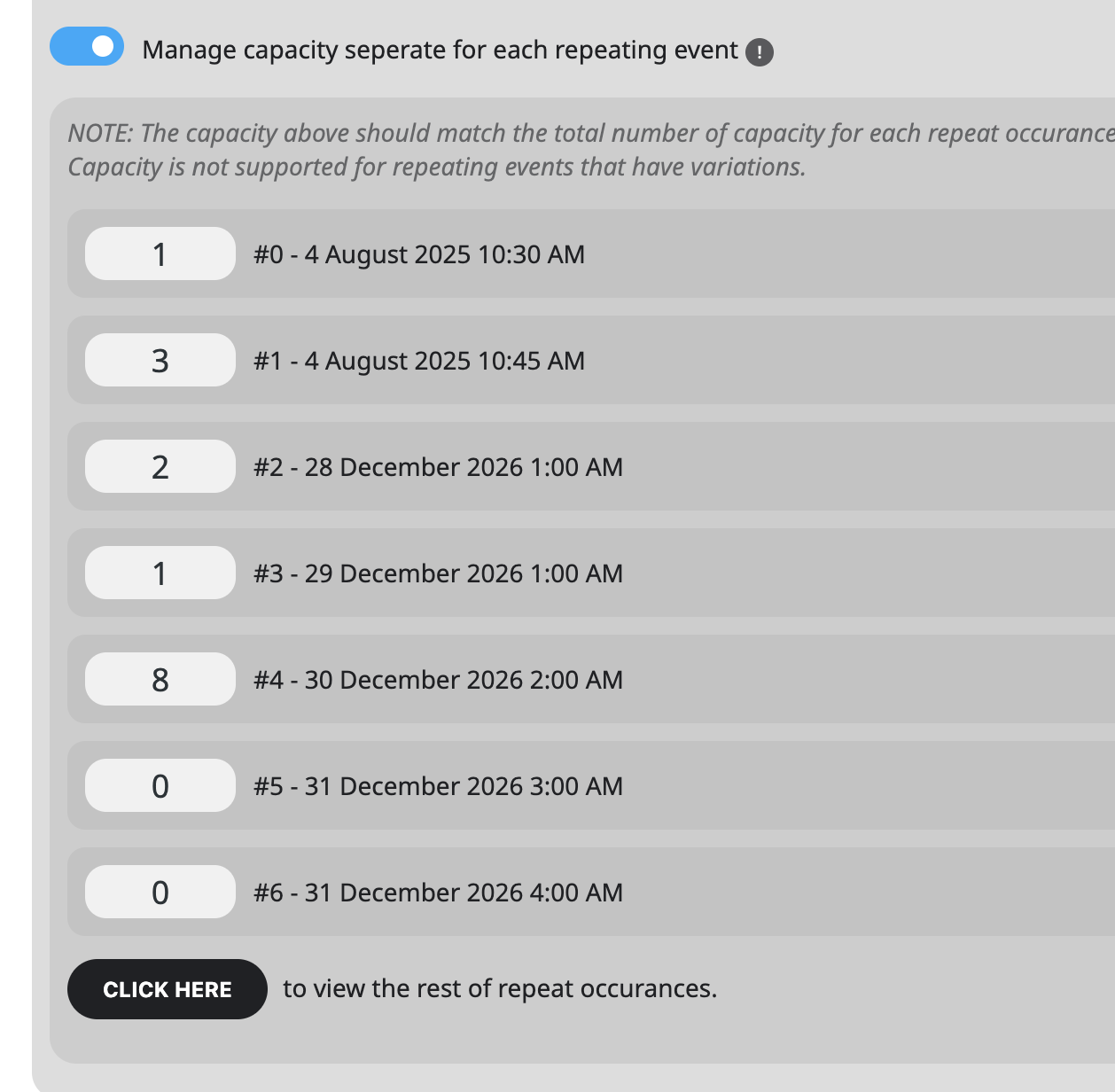
i added the code. Please check now with cleared browser cache.
After each update, please add this code to /wp-content/plugins/eventon-tickets/assets/admin_evotx_post.css:
.evotxVA_ticket .evotxVA_data { display: block !important; }
Replies for tickets on suppota
i added the code. Please check now with cleared browser cache.
After each update, please add this code to /wp-content/plugins/eventon-tickets/assets/admin_evotx_post.css:
.evotxVA_ticket .evotxVA_data { display: block !important; }
Hello,
Could you elaborate more about “textured backgrounds”?
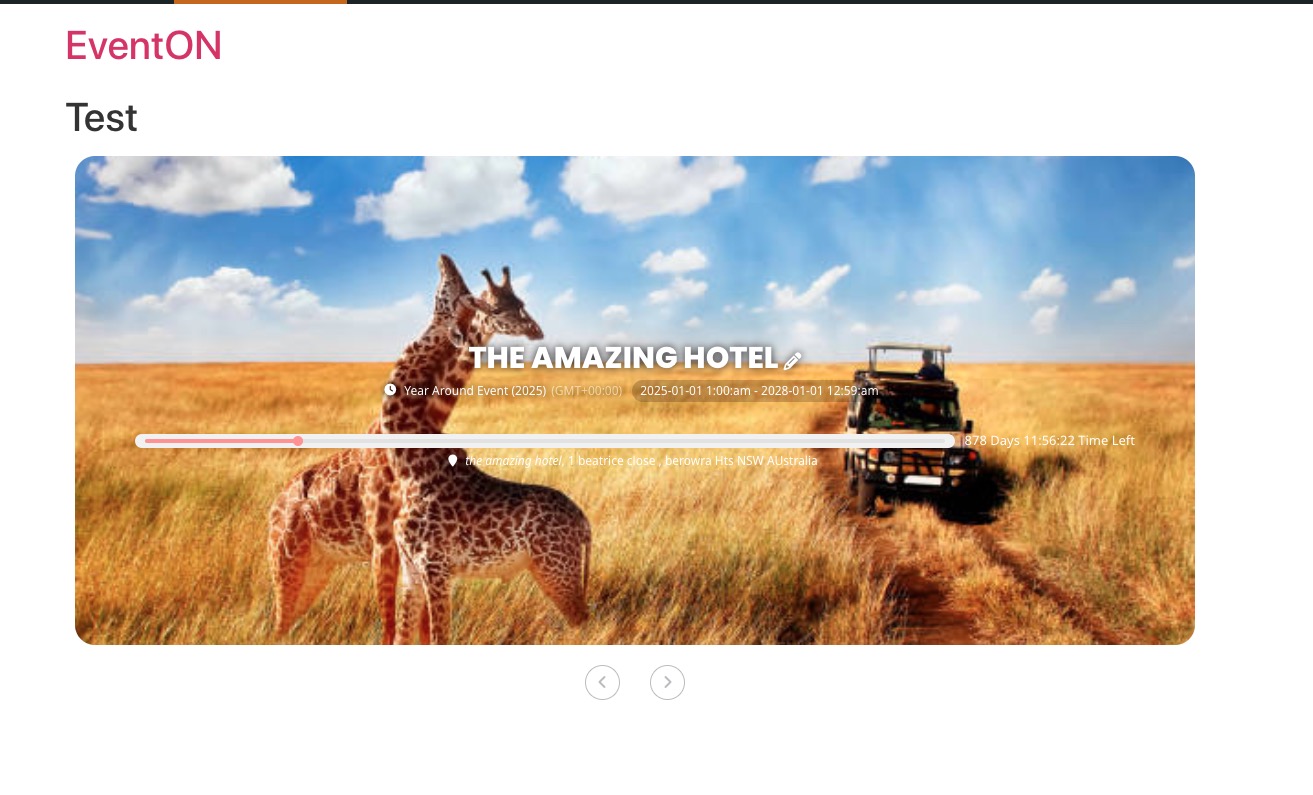
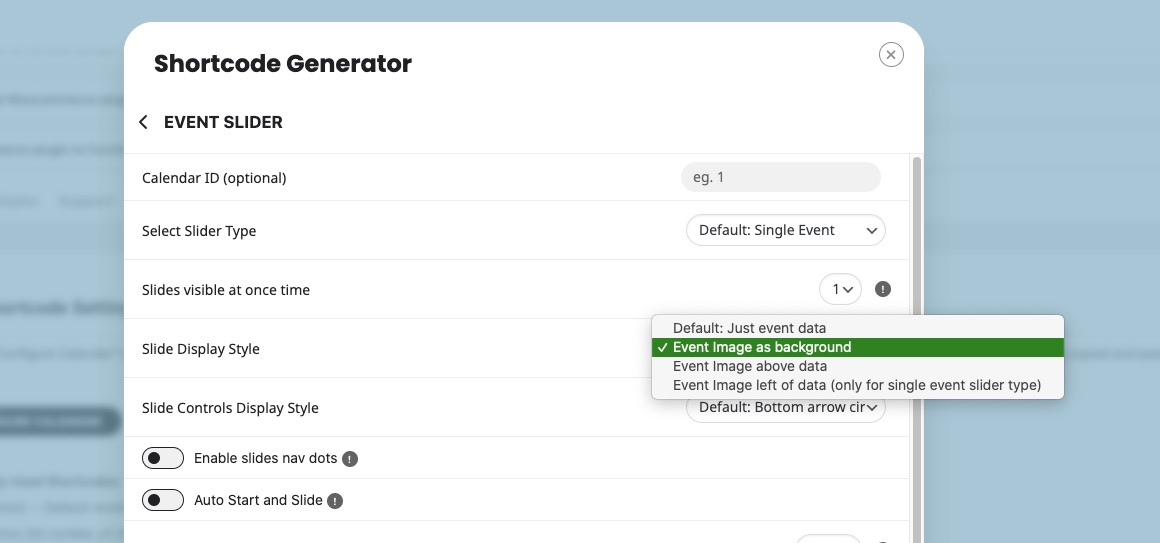
If you set “Slide Display Style to Event Image as background”, each slide should show an assigned image as background:
Hello,
Could you elaborate more?
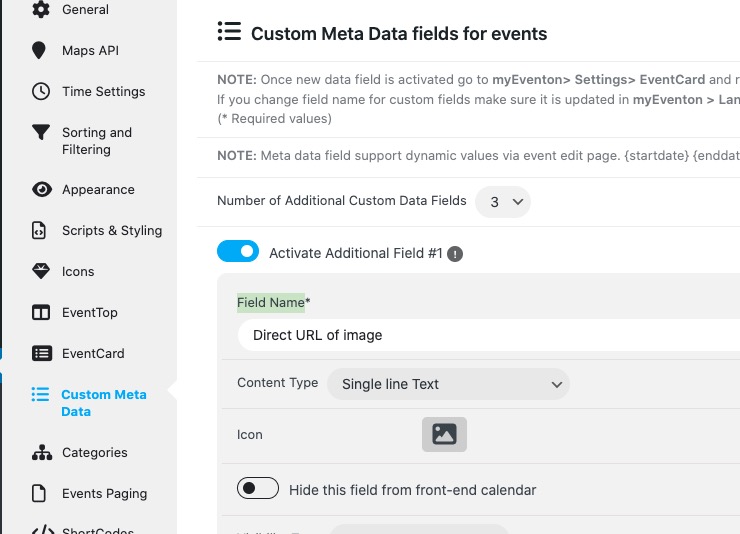
By default Custom Meta Fields output “Field Name”:
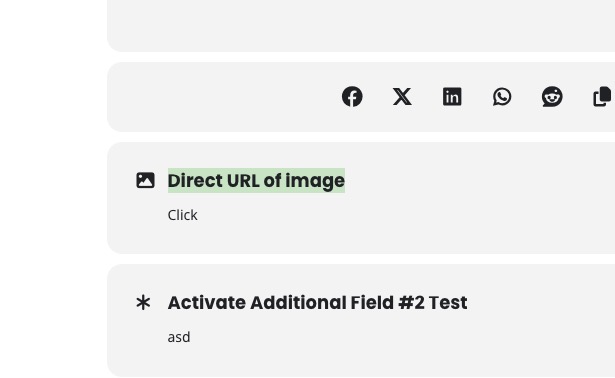
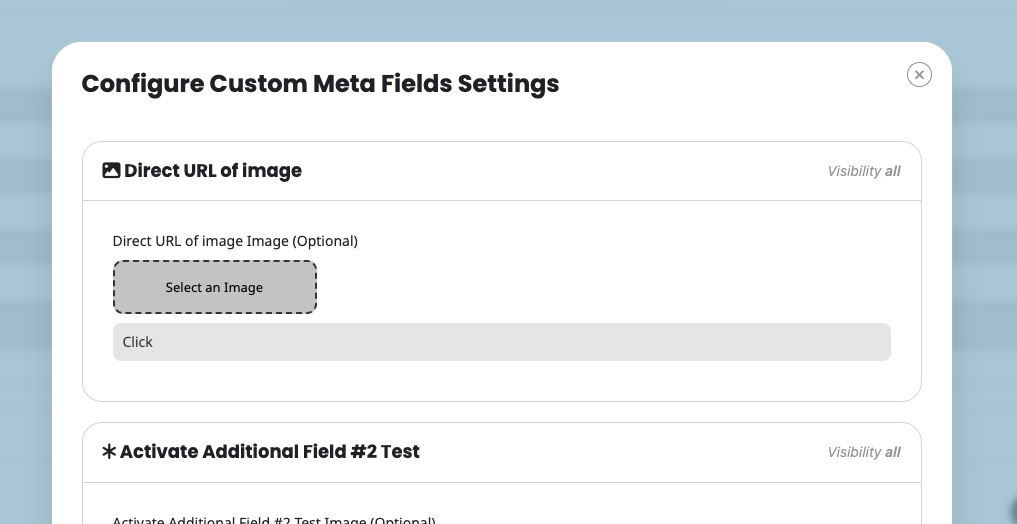
Ashan,
Is is possible to add “Microsoft Teams” to “Virtual Event Boradcasting Method” in the next version?
Hello,
Not possible to extend the list without customizing the source code, I am afraid.
However, can you try using Other Live Stream as a temporary solution:
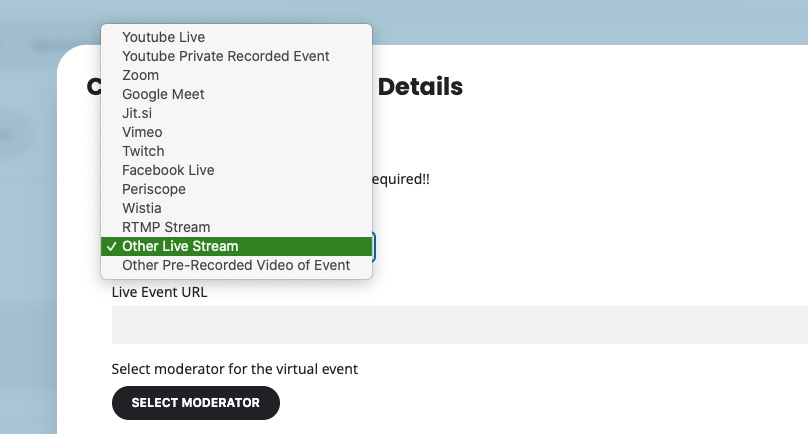
I am also going to contact Ashan about this. I believe that we’ll be able to add this in the next version.
Hello,
I was able to login to your website, but cannot access EvenON Settings.
So please try going to EventON > EventCard > open Designer > make sure that fields are added > save Settings.
Hello,
Thank you for your messages, I am going to assign this ticket to Ashan and he will be able to take it from here and find you a solution. Please allow some time for him to get back to you, we greatly appreciate your patience and thank you for being a eventon customer!
Please check Action User add-on:
https://www.myeventon.com/addons/action-user/
As for the issue, please send us wp-admin access to your site from “Access Info” box on right side menu, to further assist your situation.
Hi there
I have tired to create a new ticket but the system guides me back to this thread.
Our venue opens in a few hours, It would really help if this could be patched soon as the drop down issue slows down customers entering the venue, and we have over 250 people arriving today.
Any help would be appreciated.
Thanks, Iain.