The page https://watson.events/schedule-book/ has been hidden now as the EventOn plugin shortcode does not show the events at all now.
The hosting company have said they are not restricting anything on their side.
Thanks
Replies for tickets on suppota
The page https://watson.events/schedule-book/ has been hidden now as the EventOn plugin shortcode does not show the events at all now.
The hosting company have said they are not restricting anything on their side.
Thanks
hi
In addition to my previous message, we want the photo to appear on the left side of the event.
If I render this, I have the photo on the left:
Shortcode used: [add_eventon show_et_ft_img=’yes’]
So I added show_et_ft_img=’yes’ to your code, and I get this:
[add_eventon_el number_of_months=”12″ event_count_list=”yes” event_count=”4″ tuiles=”yes” show_et_ft_img=”yes”]
Except with this code, the image appears in the background instead of appearing as a thumbnail on the left. How do I do this, please?
regards
We are glad your issue is resolved, if you have any further questions or concerns please create a new ticket.
If you have a moment, we would greatly appreciate if you could kindly leave us a review at EventON WordPress Page OR Codecanyon. Your review helps us a lot in continuing EventON improvements!
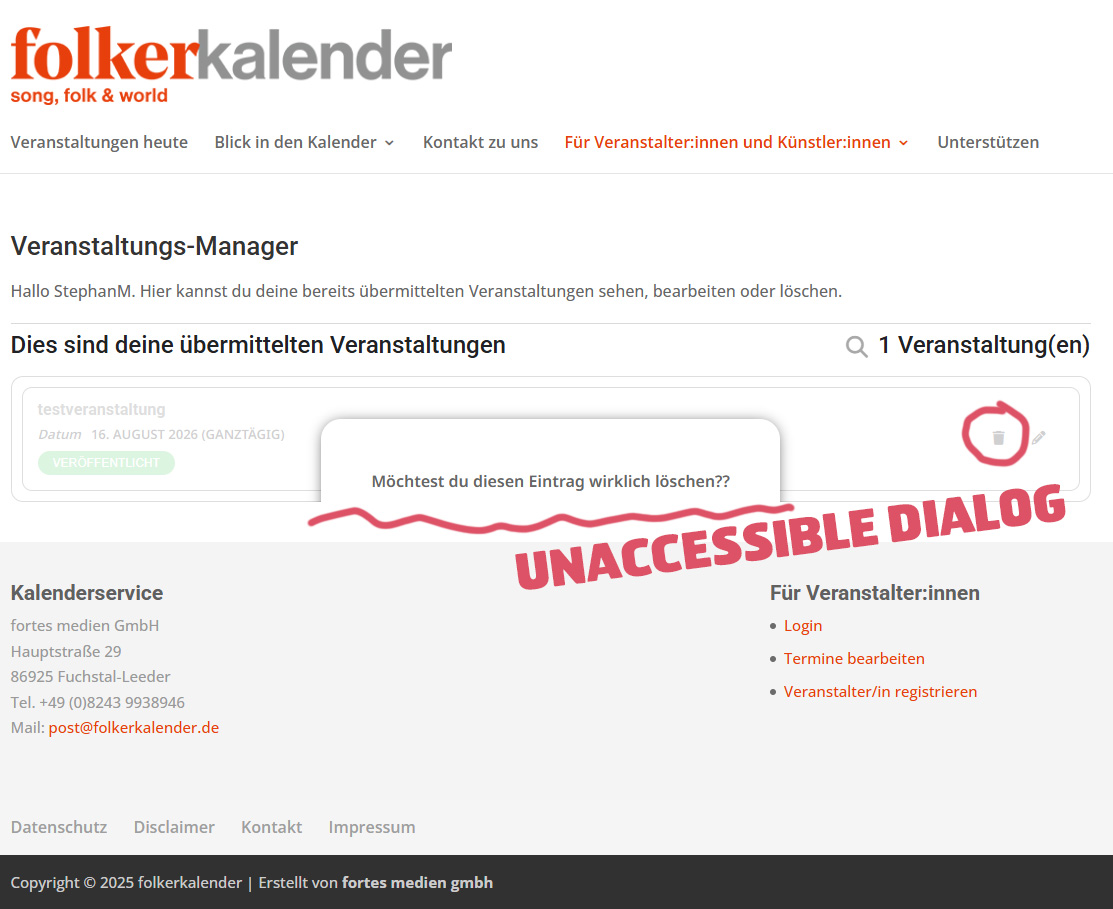
The problem was a change in the URL and it not beeing up to date in the API settings. Found it when trubleshooting the Javascript. Thank you 🙂
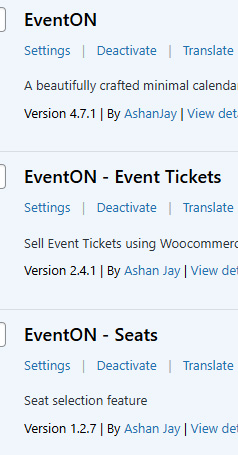
Urgent Help Needed! Please install these versions back to the live site. My client has been unable to add or change events for 3 days. We can work on getting the latest versions to function on the clone site after the live site is functioning again. If you send me these version I can replace them. Please respond..
Hello,
beim letzten Versuch konnte ich die E-Mailadresse eingeben, aber es passiert nichts .
Perfect! Do you need our help with anything else or can I close the ticket?
Hello,
Please add this CSS code to EventON > Styles (If you don’t see any change, EventON > Scripts & Styling > turn off Write dynamic styles to header > save settings > turn on Write dynamic styles to header). You can also add this code to wp-admin > Appearance > Customize > Additional CSS.
.evo_lightboxes .eventon_list_event .evo_metarow_locImg { display: none !important; }
1. I added the patch. Please check now and let me know.