You are very much welcome. If you have any other questions, please feel free to create a new ticket.
Archives: Replies
Replies for tickets on suppota
Reply to: tickets(267361)
SEE VIDEO BELOW
so my tests work- the license has been activated so at one point it was working
This issue happens alot when you update and the solution is to clear the browser (not wordpress) cache
also don’t use Internet explorer or microsoft edge
Reply to: tickets(267654)
We understand the issue This issue is on the cart page which is handled by woocommerce- not eventon
Could you please try the instructions mentioned in this documentation to make sure your issue is indeed coming from eventon.
because this issue happens on other websites not running eventon:
https://wordpress.org/support/topic/cart-randomly-shows-incorrect-price-for-variation-products/
and we have not seen the issue on other sites running eventon
we are not going to go line by line through code to see if there is an issue with every plugin thats running
however the documention above will lessen that needle in a haystack so we can pin point whats causing the issue and if it is eventon then we can figure out the fix. we can do it for you- but its a live site we don’t know when your site has downtime
you have a bunch of woocommerce plugins running which are not all created by woocommerce, theres many potential for the conflict
it may very well be eventon causing the issue- but as we have not seen it before with eventon. We thank you for spending money with us- but we need you to work through the documentation (which is essentially turning off all plugins and turning them on one by one testing the page)
Thats the only real way to see if there is a conflict and as we could do it- BUT we would probably do it at a time when your core customers are online
Reply to: tickets(266236)
I have booking add on already. But it doesn’t seem to work with the Seat Selection add on.
Or Im missing anything, can you guide me on how to do it?
Basically my event has a seat selection, and the event has multiple date and time, I want visitors to be able to select date and time on the event page and the seat selection will automatically change to the date and time specified.
Reply to: tickets(267169)
Sure thing Christian please use coupon code EVO20T at the check out 🙂
Reply to: tickets(263124)
Ok I made changes in your website code. Shoud do the trick 🙂
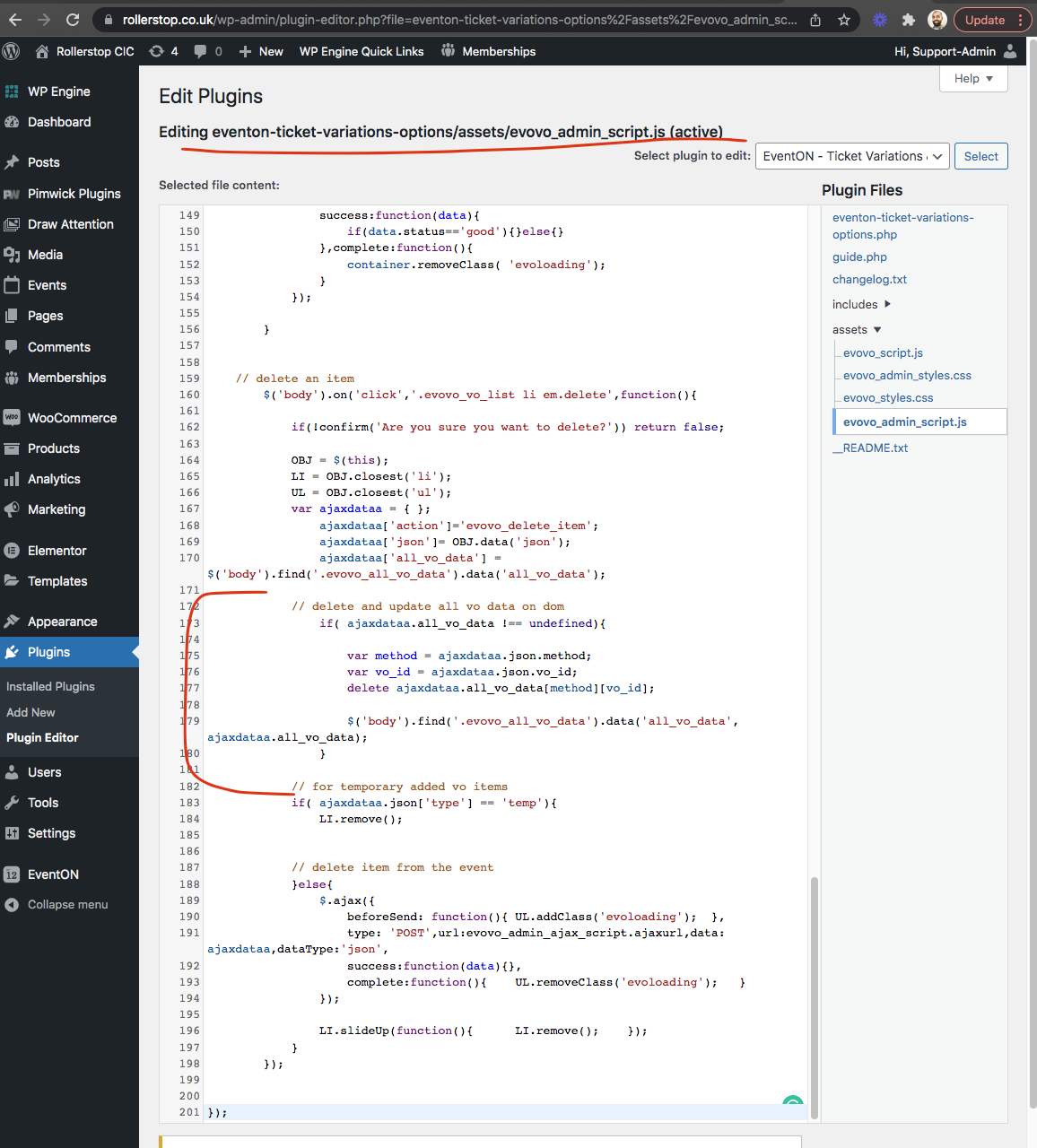
Reply to: tickets(266449)
Hi there marco. I am going to release version 1.012 shortly that will address the background not saving issue.
So the “sell variations as separate ticket” is not FULLY tested for seats. It will work without seats.
As for the moment, variations works as “addition” to the base ticket. Sell variations separate is a new feature we added for the base ticket with variations. But we will work on fully incorporating that into seats and booking in the coming months 🙂
If you have more questions, kindly send us a new ticket and we would be more than happy to help you resolve your issues!
Reply to: tickets(265004)
I am sorry jack we are not able to replicate this issue. WOuld you be able to send us screenshots of whats happening also please update the slider to version 2.0.5
Reply to: tickets(267361)
I have tried this again and instead of turning off the plugins one by one, I turned them all off and the EventOn settings worked fine, so its not a Theme issue. I turned the plugins back on one by one until the settings panel disappeared. So I have identified a plugin which seems to be causing the issue. I’ll try speaking with the plugin dev to see what they can do. Thanks for now.
Reply to: tickets(267369)
Leah kindly update to the latest version 2.0.3 https://docs.myeventon.com/documentations/changelog-fullcal/ should resolve this issue.