Hey, I found the issue, had to use the wordpress editor “classic” and not themify text box. Now its shown! Thanks.
Replies for tickets on suppota
Hey, I found the issue, had to use the wordpress editor “classic” and not themify text box. Now its shown! Thanks.
Wow, impressive customer service! I don’t expect much for 25 dollars and got even less than that. A plugin that doesnt work isnt worth a penny let alone$25. I would be ten times that for something that worked and where the developers stood by their product and genuinely tried to help – you are just wasting my time and i am done with this garbage.
Hi Michael,
You can set the details to display on the Event top by going to Eventon > Settings > EventTop
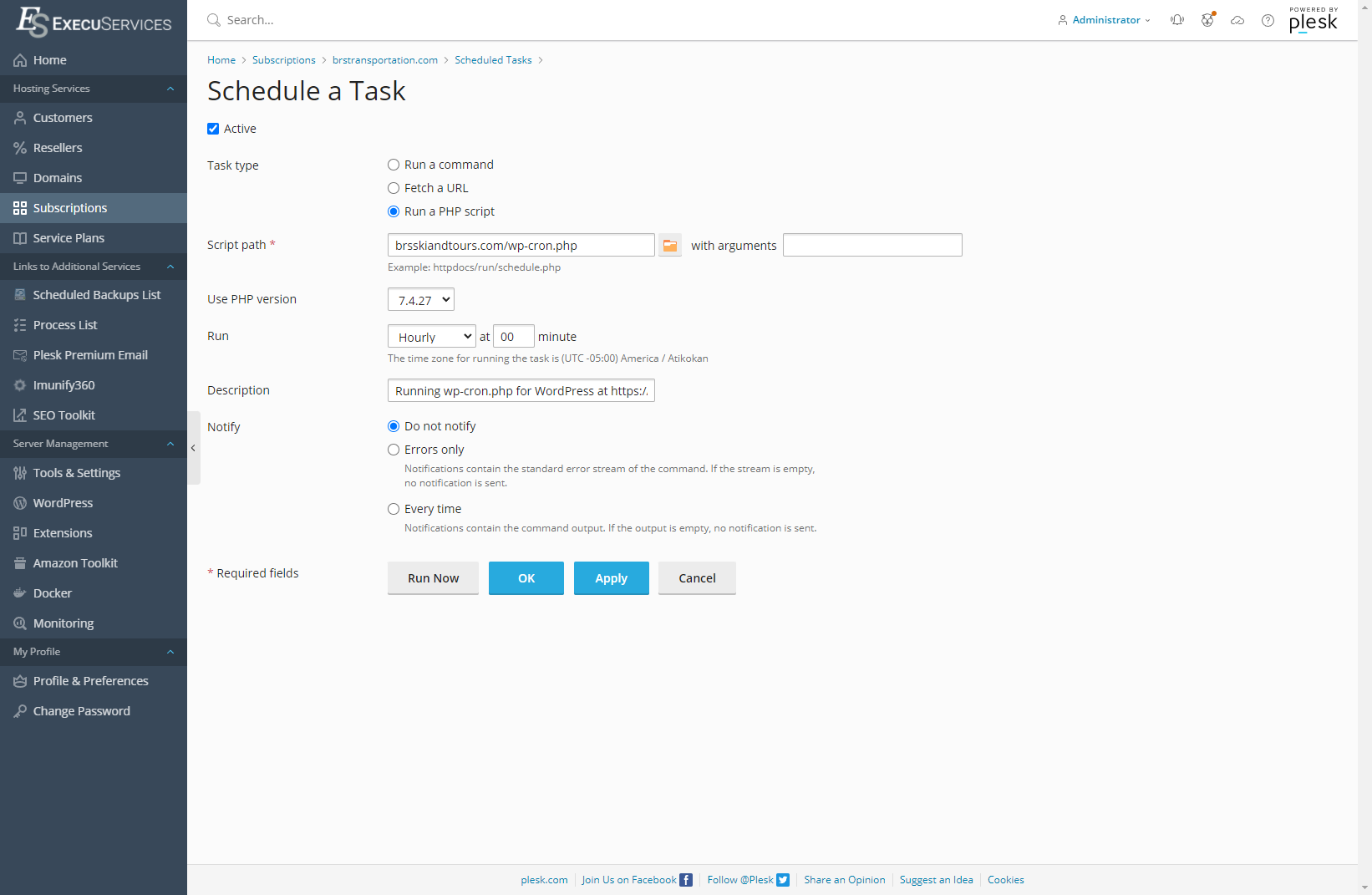
This has been happening since I set this up, not everyone complains so thought it was a one-off, but I also manually took over cron as well. And still the issue persists.
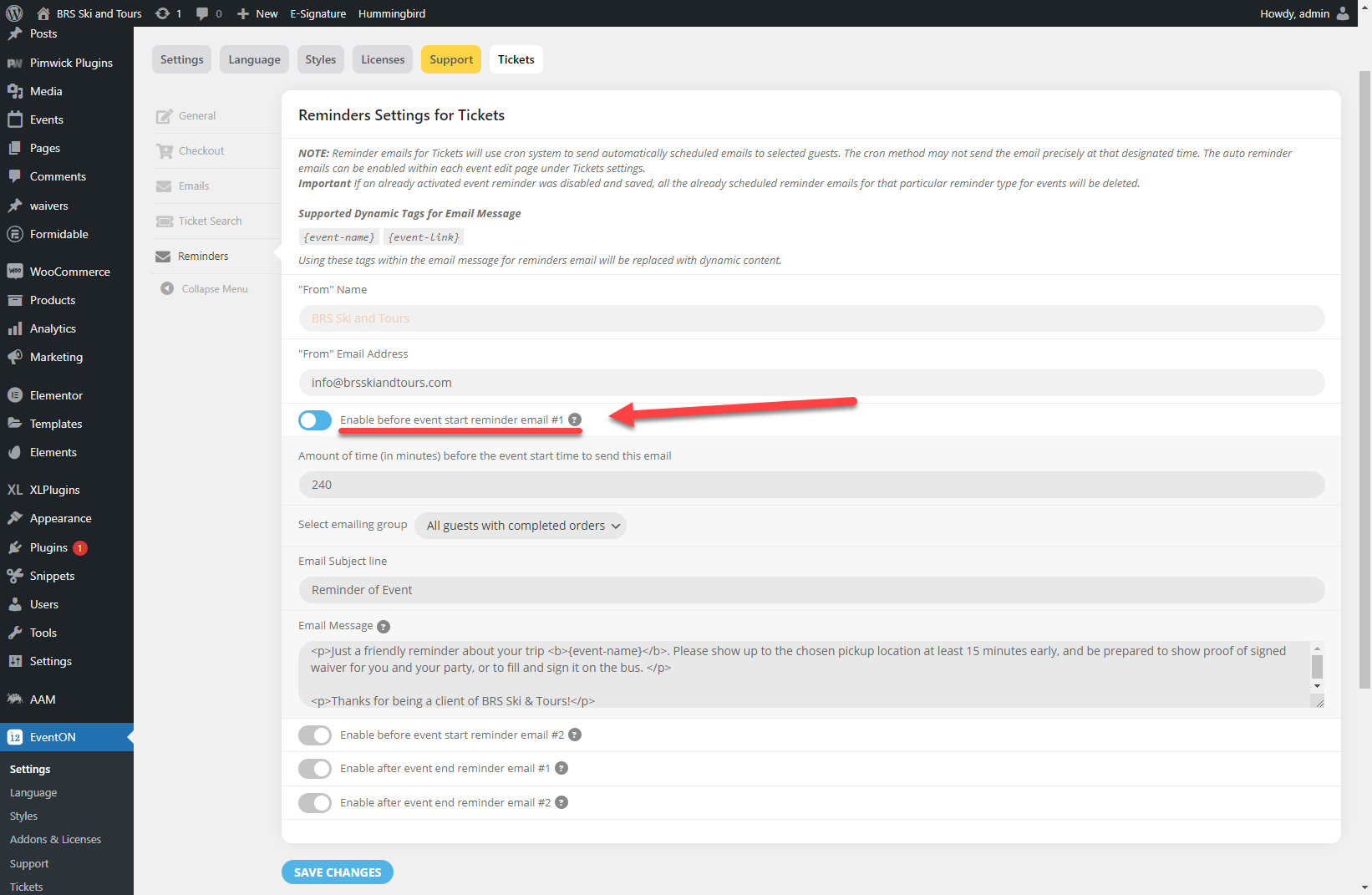
Here are the settings (I already updated it to NOT have the dynamic tag in the Subject).
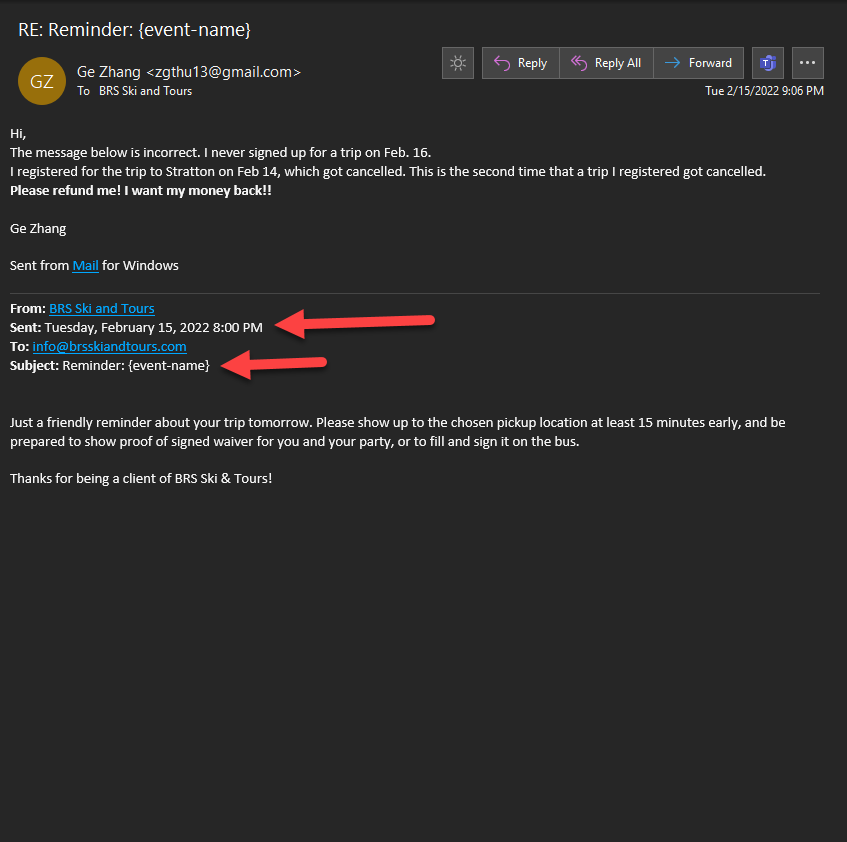
The email below shows that the email was sent on Feb 15, when the event that this person signed up for was on Feb 14. Time is right, day is 2 days late.
Hi – I have gone to the link that you kindly made to show me that all was working ( https://www.armitt.com/609640-2/ ) – but, there are no Event Details, Location, or Time showing.
On the events page in the menu the same problem occurs, this page is a simple page with a WordPress text block and your code [add_eventon] entered ( https://www.armitt.com/event-directory/ )
shouldn’t need code to fix it- but we can’t diagnose from the outside we would need wp-admin access
It didn’t fix the problem, but i fixed it with code 🙂
Thank’s a lot! That did the job!