Hello,
Have you managed to fix the issue?
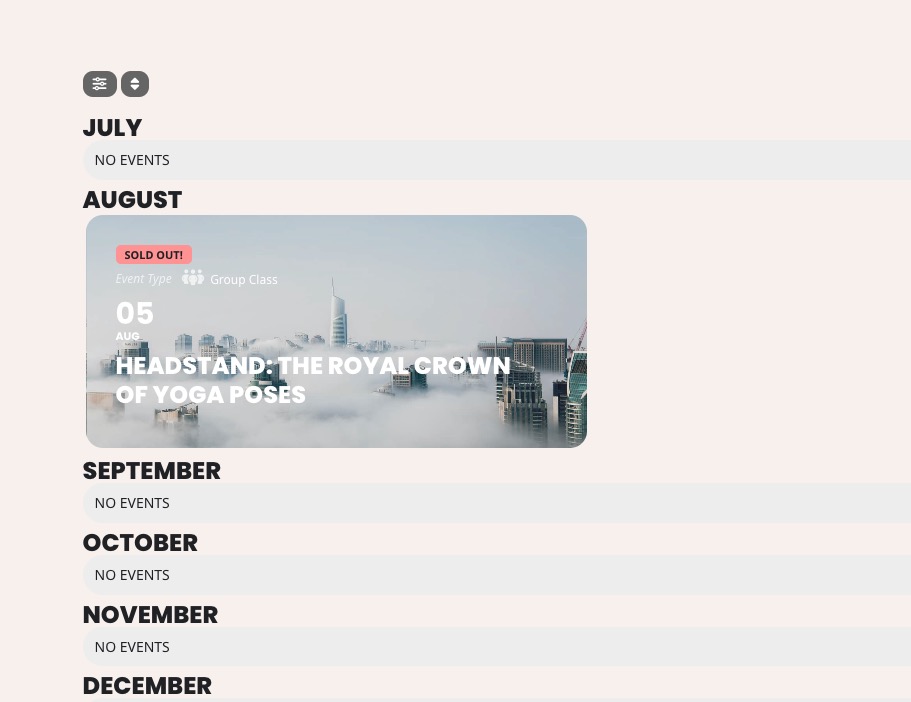
In order to show tags on EventTop, you need to make sure that Tags is added to EventON > EventTop.
Replies for tickets on suppota
Hello,
Have you managed to fix the issue?
In order to show tags on EventTop, you need to make sure that Tags is added to EventON > EventTop.
And after updating the Ticket Plugin the name your price input field keeps empty on load. See: https://www.kulturkombinatelmshorn.de/veranstaltungen/ticketing-test-termin/
Hi,
The main issue has been resolved: the arrows no longer overlap with the filters on the mobile view — thank you!
However, with this update we’ve noticed that the navigation arrows don’t appear right next to the month name, as they do on the desktop version. Since they’re positioned further away, it may be less intuitive for users who aren’t familiar with the site, as it’s not immediately clear that they’re used to switch months.
Would it be possible to adjust their position so they appear next to the month name on mobile devices as well?
Thanks again for your help.
Thanks a lot. Why can’t I see, if there is an update available for your plugins?
Hey,
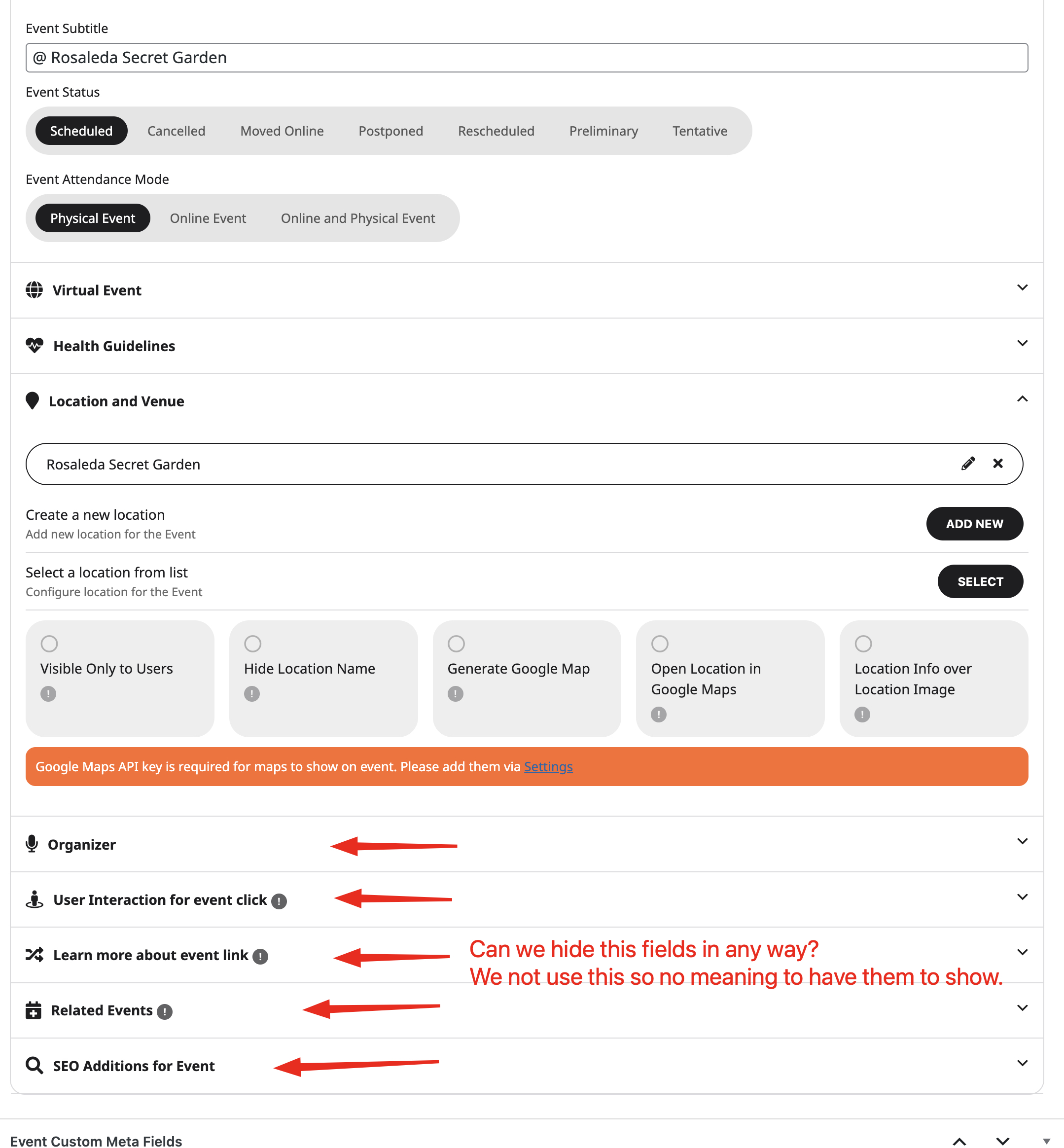
Thanks for the reply, it helps a bit. When i add the CSS Code i do select the whole event, but i just want to adress the names of the types as shown in the screenshot.
Note: I only marked some, i do want to do it for all.
Thanks!

Screenshot 1
Screenshot 2

Screenshot 3
Thank you for letting us know. We figured out the issue. It will be fixed with the new version of eventON 4.9.12 which we are hoping to get out later this week., Much appreciate your understanding. You can stay up to date on our releases real-time via x.com/myeventon
With event lists ext. addon you can use this shortcode and that will show correct date range. Notice shortcode parameter values. If you used shortcode generator it would set these correctly.
[add_eventon_el ux_val=”4″ hide_empty_months=”yes” el_type=”dr” start_range=”2025/08/01″ end_range=”2025/08/31″]
Kindly update to the latest version of variations and options addon 1.1.14 — should resolve this issue.
https://docs.myeventon.com/documentations/changelog-variations-options/