Thank you for your messages, I am going to assign this ticket to Ashan and he will be able to take it from here and find you a solution. Please allow some time for him to get back to you, we greatly appreciate your patience and thank you for being a eventon customer! Also please disable any IP blocking on your site if there are any.
Archives: Replies
Replies for tickets on suppota
Reply to: tickets(393236)
I also just noticed that you use Avada with Fusion Builder, so please go to EventON > Diagnose > enable Disable saving all Fusion/Avada related data into events.
Reply to: tickets(393236)
Please try 1024M and let us know.
Reply to: tickets(393264)
Hello,
It seems to be working in Troubleshooting Mode:
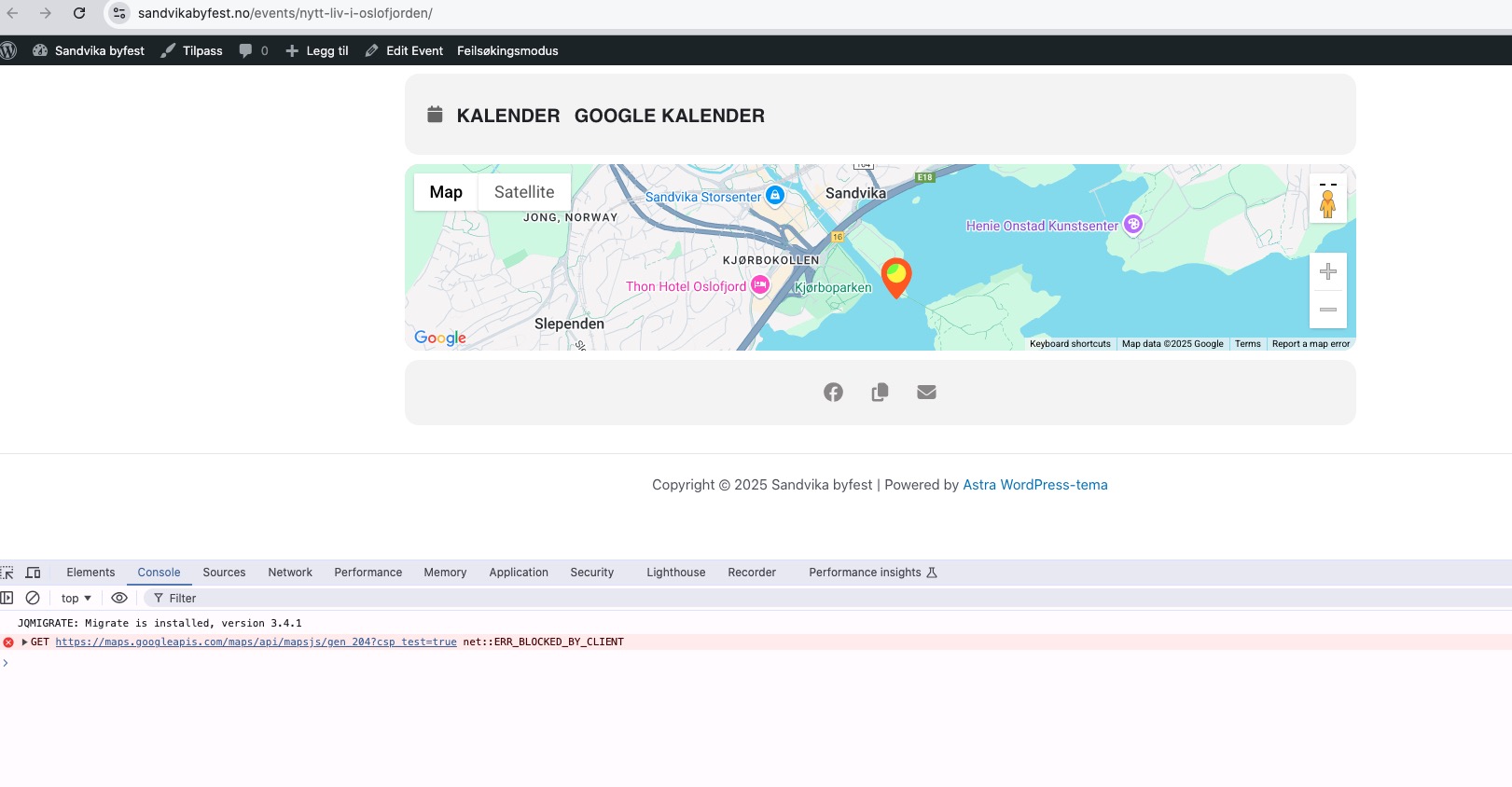
Could you please try the instructions mentioned in this documentation to make sure your issue is indeed coming from eventon.
Reply to: tickets(393236)
php memory is already 512M
Reply to: tickets(392742)
Test mode is enabled fully, i really don’t now how to help you with that.
PAYMEENT and PAYOUT are meant for live and they cannot be enabled on test mode.
Reply to: tickets(393228)
Hello,
1. We are aware of the issue and are going to fix it ASAP.
2. Please apply the patch from Ashan in this ticket
https://helpdesk.ashanjay.com/ticket/open-in-single-event-page-in-new-window/
3. Please go to Edit Event > Learn More > “Open in new tab“:
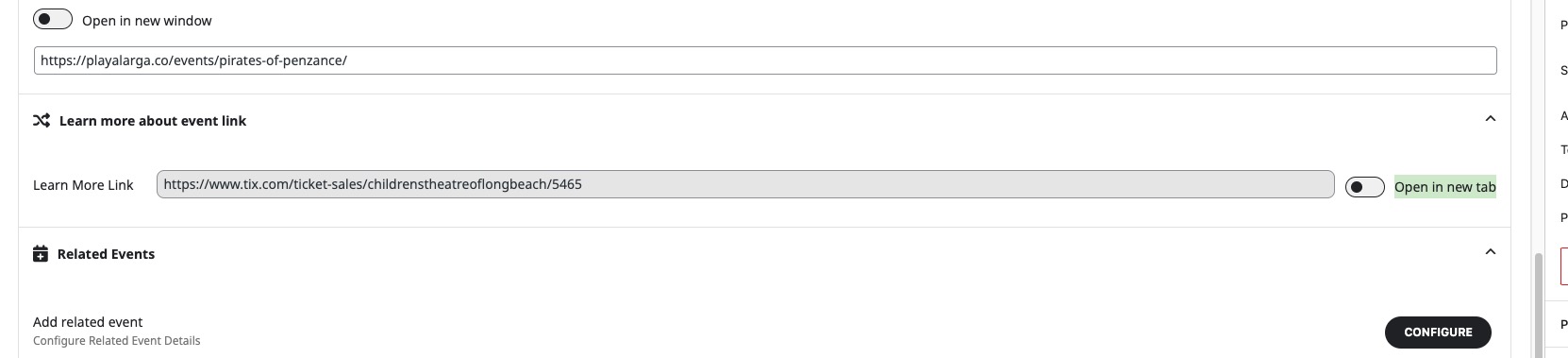
4. Could you elaborate more? JS issues or PHP?
Reply to: tickets(392742)
I don’t have an iPhone to test the payment, because it asks me for one:
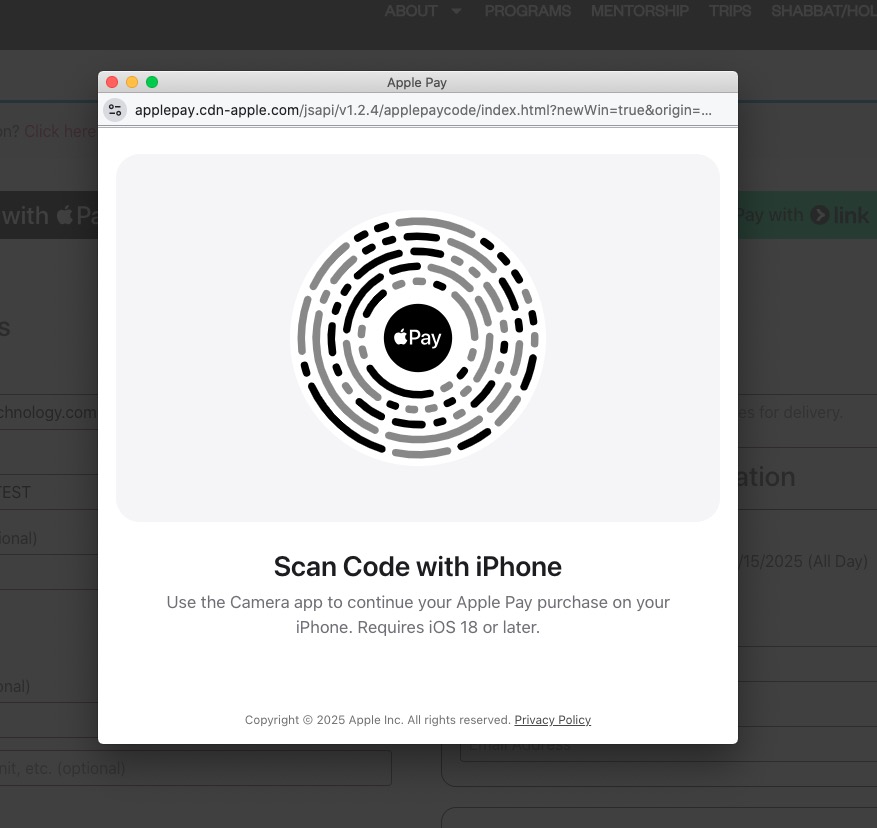
I don’t think that the test mod has been enabled fully.
Could you try enabling these two as well:
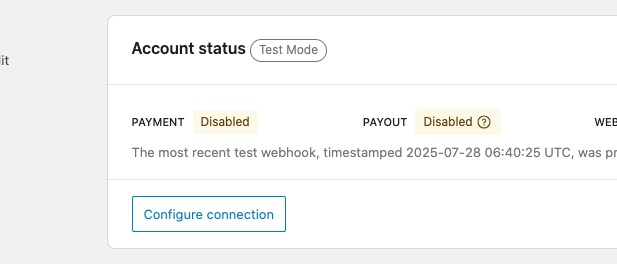
Reply to: tickets(391276)
Hi,
Today I can leave the website updated so you can check it. Yesterday it wasn’t possible because it was the day we send out information to our WhatsApp lists, and it’s the day we receive the most visits of the week.
I’m going to update the EventON plugin now, and I kindly ask you to let me know as soon as possible if the issue with the arrows in the calendar view on smartphones is resolved. If not, I would also appreciate it if you could tell me quickly so I can perform a downgrade.
Thank you very much for your help.
Reply to: tickets(393196)
Schedule View with set August 2025
[add_eventon_sv fixed_month=”08″ fixed_year=”2025″]
seems to be working:
https://dev2.myeventon.com/test-1048/
Please check and let me know.