I can confirm that the latest version available on Code Canyon is v4.9.12 as well.
Archives: Replies
Replies for tickets on suppota
Reply to: tickets(397172)
They do, but the locations are usually already mentioned either in the event flyer or event details.
Reply to: tickets(396099)
that worked, thanks! With the release of version 5, is there a shortcode that i should enter on the template for a single event pages? Thanks
Reply to: tickets(397163)
That is correct my friends. We will update in codecanyon shortly.
Reply to: tickets(396099)
Please try this patch fix. remove the comma at the end.
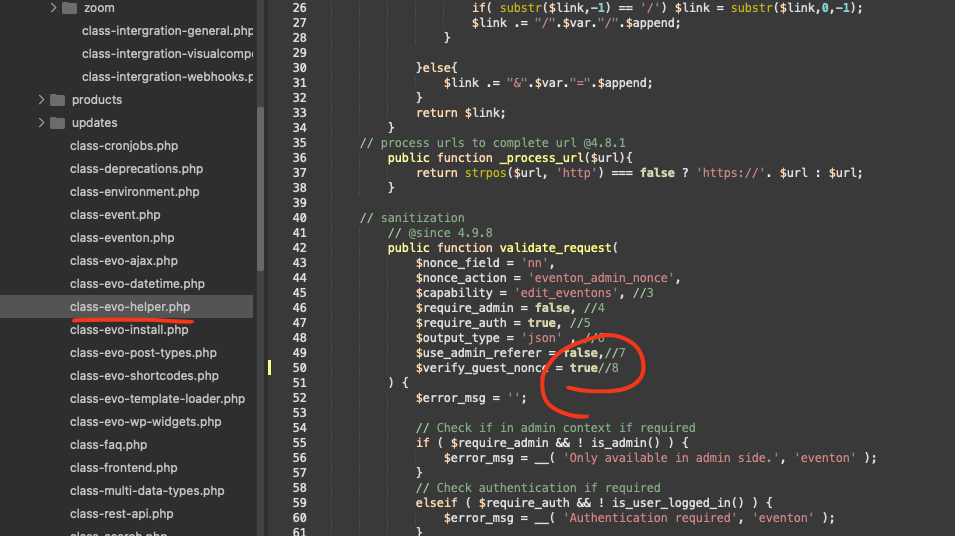
5.0 will start working this way.
Reply to: tickets(397165)
Could you check add_single_eventon again but with 5.0 update installed? Also try manually clearing your browser cache.
As for the second shortcode, I can open events as Slide Down:
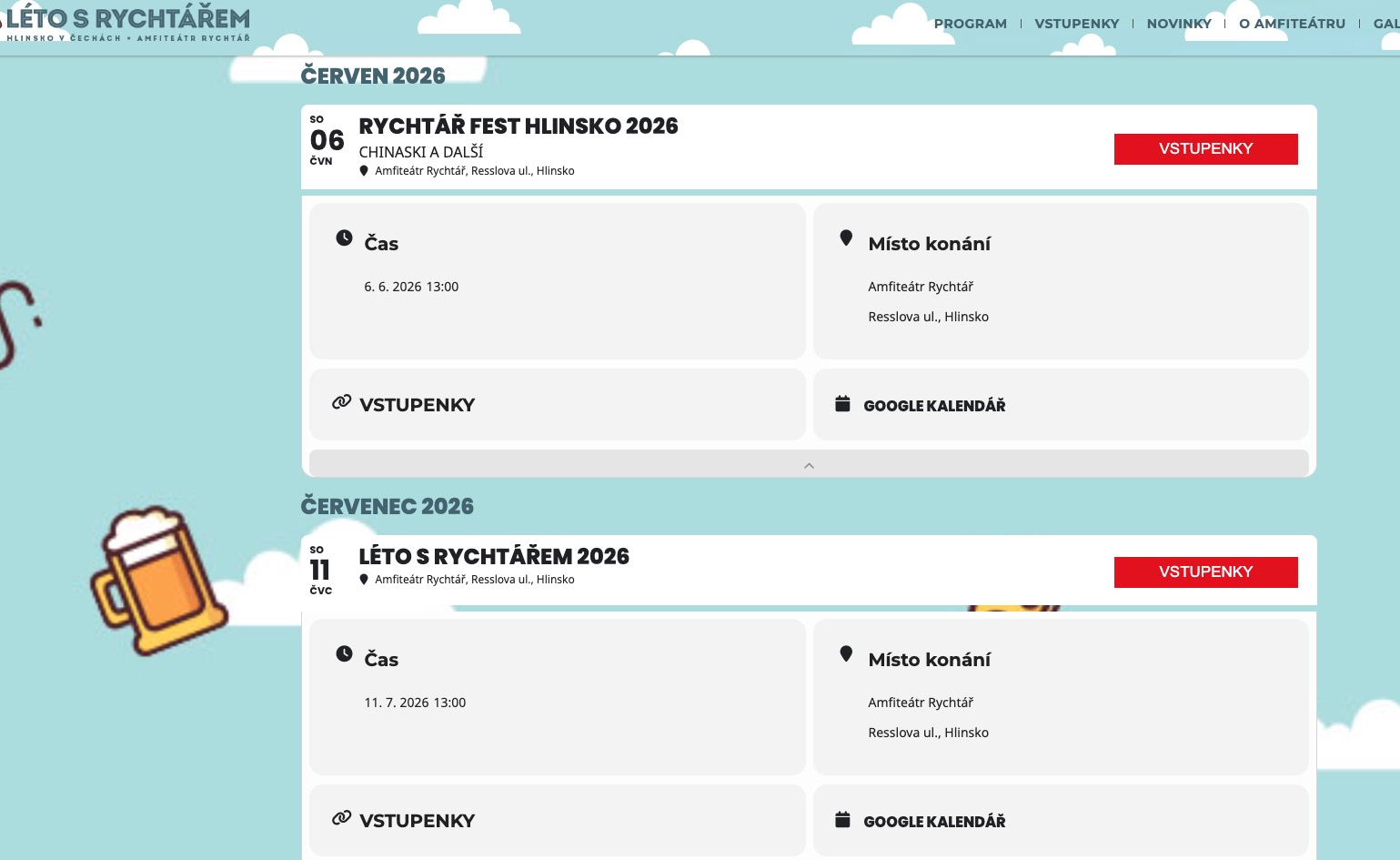
What’s happening when you click on an event? It redirects you to a page?
Reply to: tickets(397172)
Usually events have locations that’s why it’s required by Google to assign them.
Your events don’t have locations?
Reply to: tickets(397159)
Ashan,
The same on dev2:
https://dev2.myeventon.com/test-57/
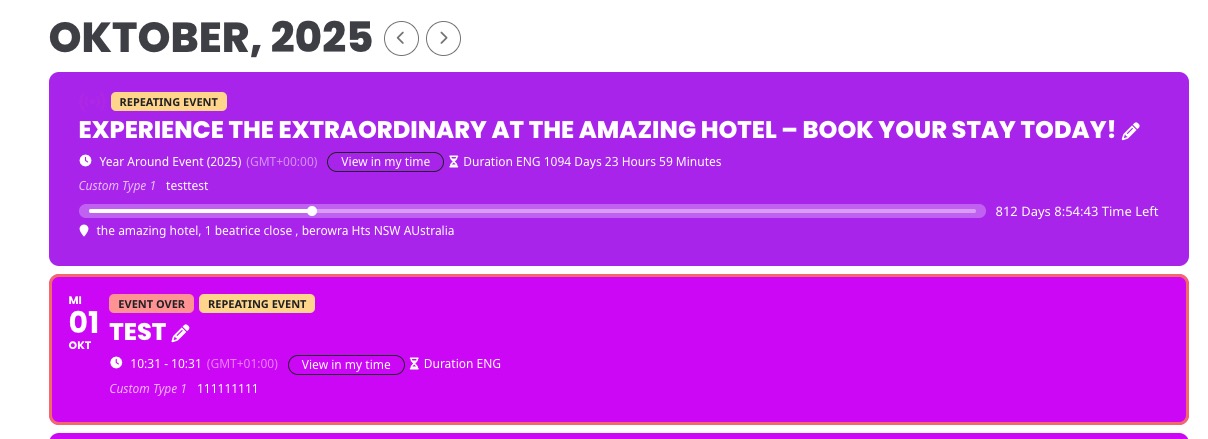
Check “Test” event on Oct 1:
https://dev2.myeventon.com/wp-admin/post.php?post=73617&action=edit
I assigned this Event Type, but it doesn’t change event’s color:
https://dev2.myeventon.com/wp-admin/term.php?taxonomy=event_type&tag_ID=1128&post_type=ajde_events&wp_http_referer=%2Fwp-admin%2Fedit-tags.php%3Ftaxonomy%3Devent_type%26post_type%3Dajde_events
However, if I re-save Event Type, the color will be applied.
Reply to: tickets(397159)
Thank you for your messages, I am going to assign this ticket to Ashan and he will be able to take it from here and find you a solution. Please allow some time for him to get back to you, we greatly appreciate your patience and thank you for being a eventon customer! Also please disable any IP blocking on your site if there are any.
Reply to: tickets(397252)
Could you also update Tickets add-on?
To update eventon addons: You can download latest eventon addons from myeventon > my account. Then you can go to your website, deactivate old addon and install new one and activate then delete the old addon. This link will further explain the process. Also you can follow us on twitter to get real-time announcements on updates!